Esuper

ESuper v1.5.2 MOD APK (Pro Unlocked)

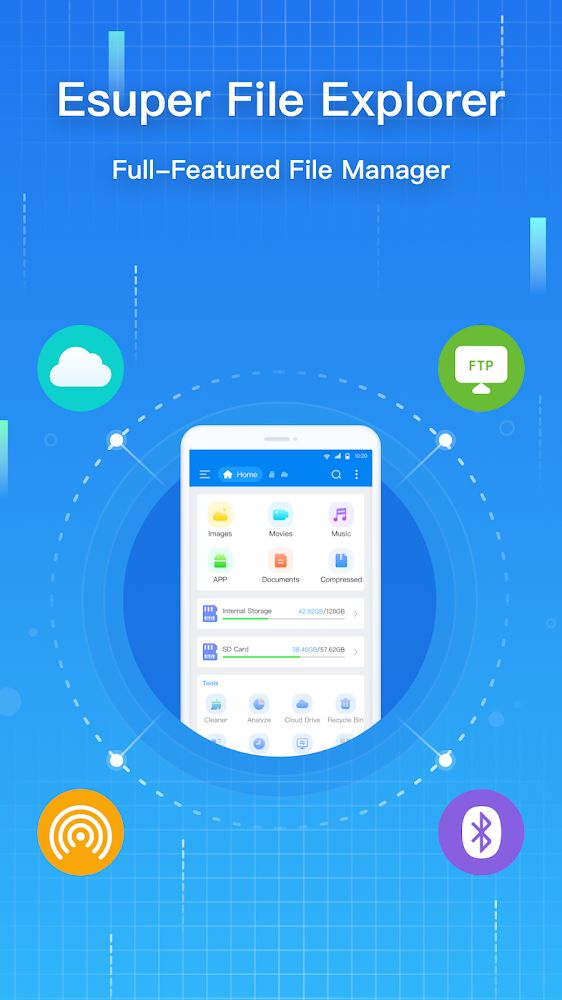
Esuper is an excellent file explorer with outstanding features and functions to provide exceptional users interactions when organizing their files and other contents with haste and smoothness.


App Name Esuper
Publisher
Genre
Size 35M
Latest Version 1.5.2
MOD Info Pro Unlocked
Get it On Google Play
Download (35M)
  • Pro / Paid features unlocked;
  • Disabled / Removed unwanted Permissions + Receivers + Providers + Services;
  • Optimized and zipaligned graphics and cleaned resources for fast load;
  • Ads Permissions / Services / Providers removed from Android.manifest;
  • Ads links removed and invokes methods nullified;
  • Ads layouts visibility disabled;
  • Google Play Store install package check disabled;
  • Debug code removed;
  • Remove default .source tags name of the corresponding java files;
  • Analytics / Crashlytics / Firebase disabled;
  • Facebook ads bundled SDK removed completely;
  • No active trackers or advertisements;
  • Languages: Full Multi Languages;

The Esuper MOD APK provides an unlocked Pro experience by removing all advertising and tracking components from the original application. This version is optimized for performance through the removal of debug code and the optimization of graphical resources to ensure faster load times and a cleaner interface.

What’s Modified in Esuper

  • Pro and paid features are fully unlocked for use within the application.
  • Unwanted permissions, receivers, providers, and services have been disabled or removed to minimize background activity.
  • Graphics have been optimized and zipaligned to facilitate faster loading and better resource management.
  • Advertising permissions, services, and providers are removed from the Android manifest file to prevent ad initialization.
  • Links to advertisement servers are removed and their calling methods are nullified to stop network requests.
  • The visibility of advertising layouts is disabled throughout the user interface to ensure a clean display.
  • Debugging code has been stripped from the application to reduce file size and improve overall performance.
  • Default .source tags have been removed from the associated Java files within the build.
  • Analytics, Crashlytics, and Firebase tracking services are disabled to prevent data reporting and background telemetry.
  • The Facebook ads bundled SDK is completely removed from the application package.
  • All active trackers and advertisements have been eliminated for a streamlined user experience.
  • Full multi-language support is included, providing all available language options for a global audience.

Esuper

This build is version 1.5.2 with a file size of 35M and package name com.es.file.explorer.manager; it has been re-signed and cannot be installed over an existing version from the official store.

About Esuper

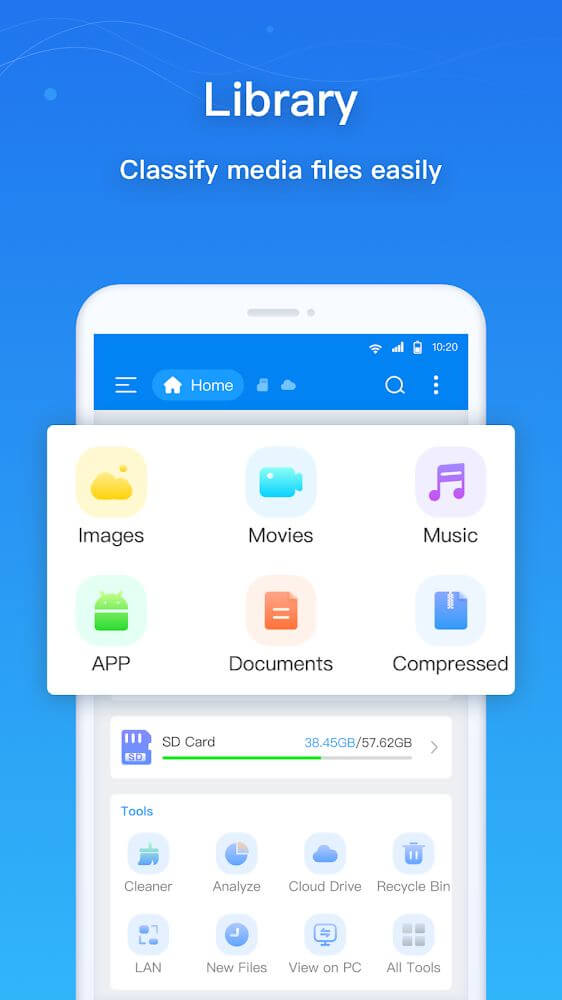
ESuper streamlines content and media collocation for mobile platforms. The app aims to increase user interface and application performance through the implementation of high throughput data access as well as optimizing the performance of interactions between an application’s internal data stores and external storage. For users with voluminous data, a unified system of data organization is vital for maintaining an indexed and orderly digital workspace. ESuper aims to enhance the discoverability and personalization of file management systems through intuitive user interfaces that serve everything from single files to complex libraries of media. The app aims to optimize the standard file management process with respect to performance and user-centered design. This helps users manage files stored on local drives and access files located on external media with equal performance.

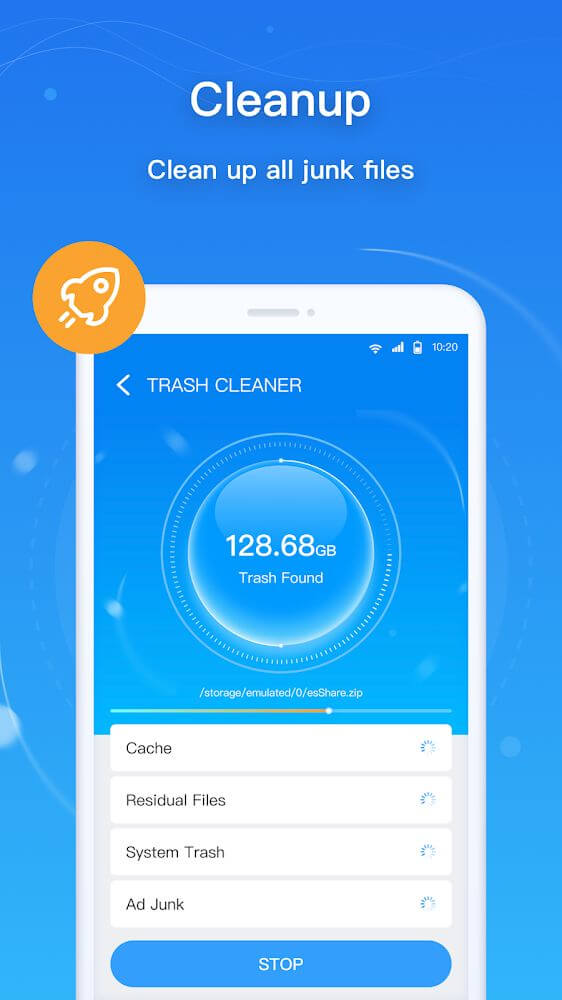
The application places great importance on efficient memory management. Mobile devices retain information in the form of redundant files that, while taking up space, don’t offer any real utility. Examples of such files include, but are not limited to, unneeded or outdated app data and unneeded file copies. The cleaning tool takes care of such redundant files and lightens the device in the process. The tool automates the process of clearing space occupied by useless files to provide increased productivity to users. After the application’s tool has cleaned out unnecessary files, users then have the ability to download additional files to their devices or simply use their devices without having to clear similarly sized files first. The application’s tool automates removal of redundant files that clog the system, speeding up the system and improving the device’s overall health. Because the goal is to remove unused files to improve the device’s overall health, the tool prioritizes outdated, unused files rather than active files to retain the system’s functionality.

Esuper Esuper

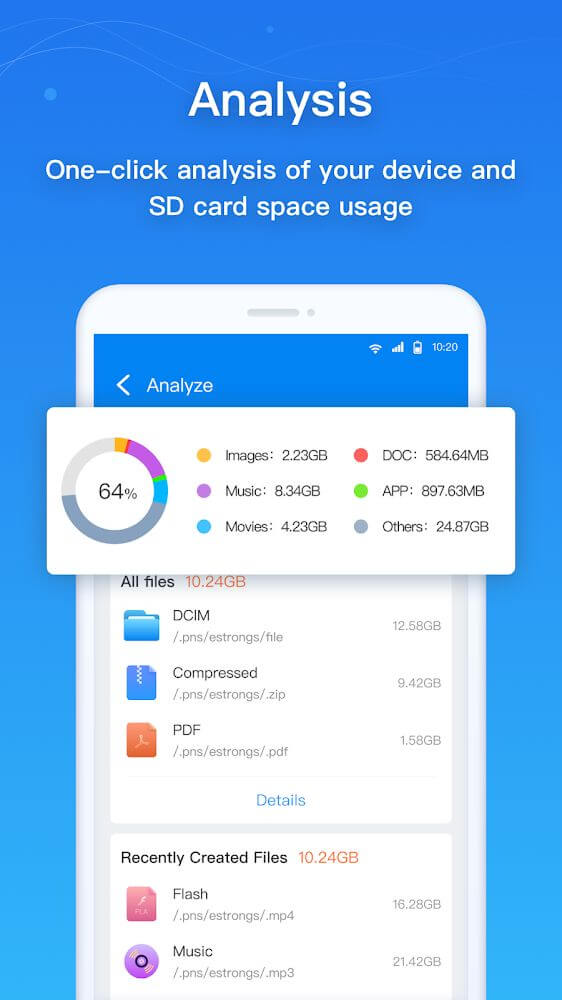
A Memory analysis system complements cleaning tools. With this system, users can analyze exactly which items use the most memory, take up unneeded space, and consume valuable memory. Analyzing this will give users a current status report on the storage they have available. The application uses an advanced user interface to help users understand the report. The interface uses a system of colors to represent memory usage and data type. This allows users to dynamically understand where memory intensive items are and where they need to act on to free memory. Whether the goal is to free memory from large video files, oversize downloads, or large item caches, the memory analysis system aids the user to accomplish this. The application aims to help its users analyze and manage their data in a way where they can be more exact, with a higher degree of control and granularity, as opposed to how other file managers let users manage and analyze data and memory.

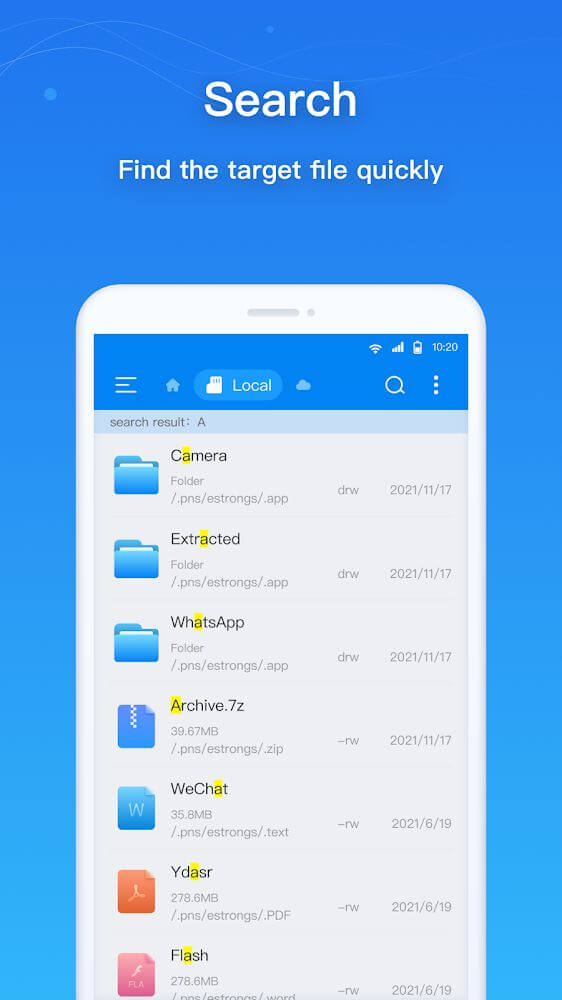
Users find the search engine useful when they have to find something quickly because search results are quick and very detailed. While the search engine is capable of searching through media files, it also has filters that help the user to find results in a more prioritized order. Usually searching through folder after folder is a long and tedious process that sometimes feels pointless. With every result, the location of the file is noted, making it easy to find the file. Media files are especially messy and it is easy to lose them, so the search engine helps with that. The search engine helps to organize the files. Multiple folders can be added to help organize photographs and videos. The application also works to keep users safe by being proactive with a scanner. It helps detect risks and removal of untrusted files. It keeps the file environment secure and helps ensure the safety and effectiveness of the device and its applications.

Key features

  • Automated cleaning tool for removing redundant files and system trash.
  • Memory analysis system with a colorful interface for identifying large files.
  • High-speed search engine with media-specific filters and directory displays.
  • Media management tools for creating folders and organizing photo libraries.
  • Automated scanner for detecting malicious files and suspicious content.
  • Optimized file explorer interface for navigating internal and external storage.
  • Real-time storage distribution display to assist in freeing up device capacity.
Esuper Esuper

Related MOD APKs

FAQ

Is Premium unlocked in Esuper MOD APK?

This Esuper 1.5.2 build features Pro Unlocked. It behaves like the ESTRONGS LIMITED original, with the modifications active right after you install.

What is the latest version of Esuper MOD APK?

Version 1.5.2 is the current release from ESTRONGS LIMITED, updated February 6, 2026. We don’t keep older versions here. Install this file over your current app to update; if a signature error occurs, uninstall the previous version first.

Is Esuper MOD APK safe to download?

This Esuper 1.5.2 file is the ESTRONGS LIMITED app with Pro Unlocked enabled. 12 users gave it a 4.1 rating. It does not require root. Ignore Play Protect warnings during setup, but always download from this page.

Can I use Esuper MOD APK on PC or iPhone?

As an Android file, this won’t work on iPhone or iPad. To use the 35M APK on Windows or macOS, install an emulator like BlueStacks or LDPlayer and drag the file into the program.

ESuper v1.5.2 MOD APK (Pro Unlocked) Download

Download (35M)

You are now ready to download Esuper for free. Here are some notes:

  • Please read our MOD Info and installation instructions carefully for the game & app to work properly
  • Downloading via 3rd party software like IDM, ADM (Direct link) is currently blocked for abuse reasons.
4.1/5 (12 votes)


More from Developer

Recommended for You

Leave a Comment