

This Video Downloader MOD APK provides immediate access to the premium features of the application by unlocking the Pro version. This build allows users to utilize the complete set of advanced downloading tools and management options without the restrictions present in the basic version.
What’s Modified in Video Downloader
- The Pro version is fully unlocked, enabling all premium features and tools within the application interface.
 |
 |
Video Downloader version 2.6.7 has a file size of 11M and uses the package name video.downloader.videodownloader; please note this file is re-signed and cannot be installed over an existing copy from the official store.
About Video Downloader
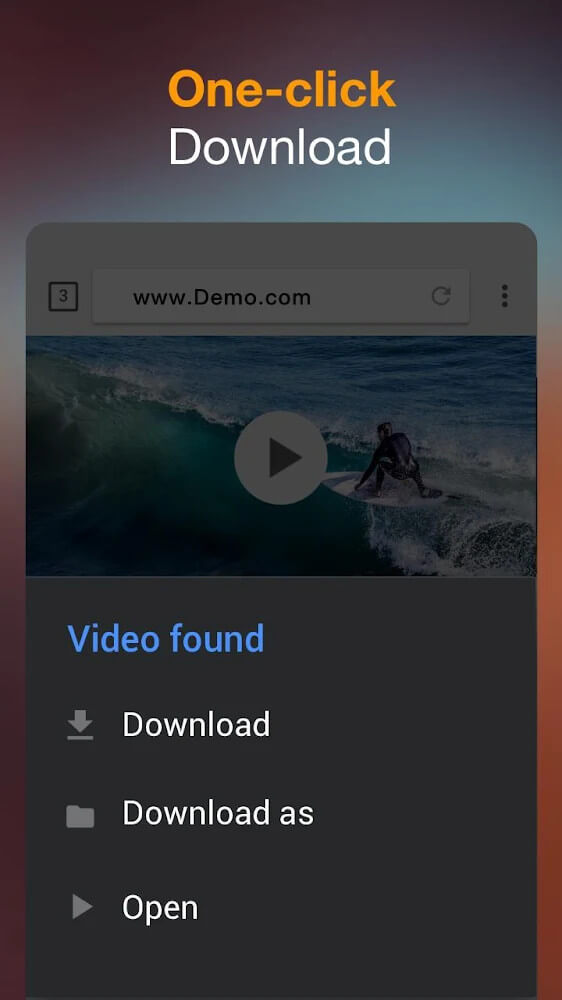
Video Downloader is designed to help its users obtain videos and music by quickly and easily downloading files from various media hosting sites. With Video Downloader, users can download files with just one click, as opposed to wasting time navigating and using complicated, traditional download methods. With traditional downloads, sometimes users need to download a portion of a video several times to get the whole video. Video Downloader’s main goal is to help users quickly and easily download the files they want, and to do so efficiently. The developers of Video Downloader provide the program for free in an effort to provide users with quality media. They work hard to keep the program up to date with fun elements, and consistent with a polished look, and design.
The application takes pride in maintaining the integrity of uploaded media. The developers understand that, once a user initiates a download, it becomes the responsibility of the system to ensure the video quality remains uncompromised. Their goal is to provide the best viewing experience once the video is saved locally. The application aims to introduce a positive impression to the end user by managing the risks in the software development lifecycle that may affect the final output. The application retains the same quality as the original stream, thus addressing the concerns of file compression and data loss that occur during the transfer of High-Definition (HD) content. Reliability is the hallmark of the application in managing the transition from streaming to downloading of media.
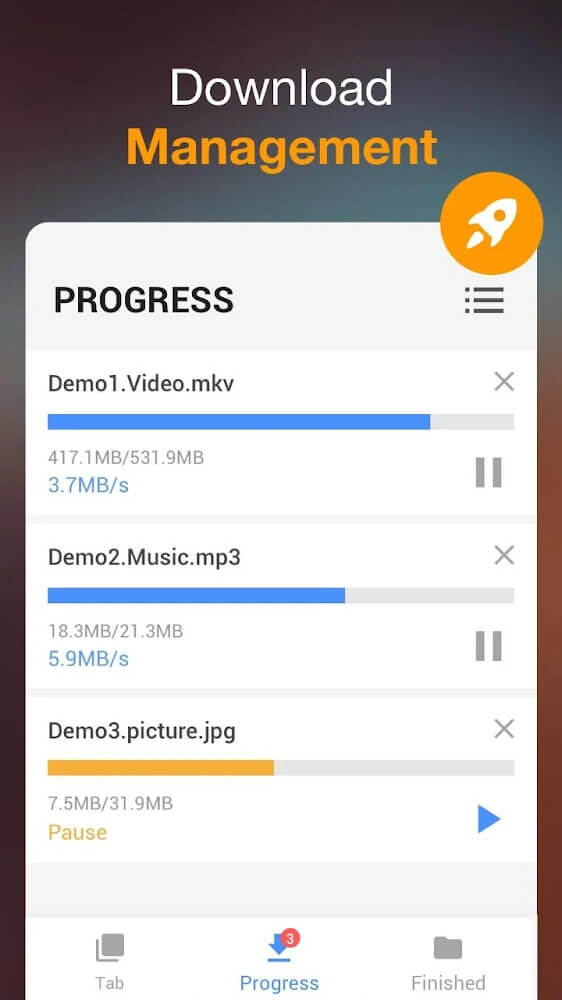
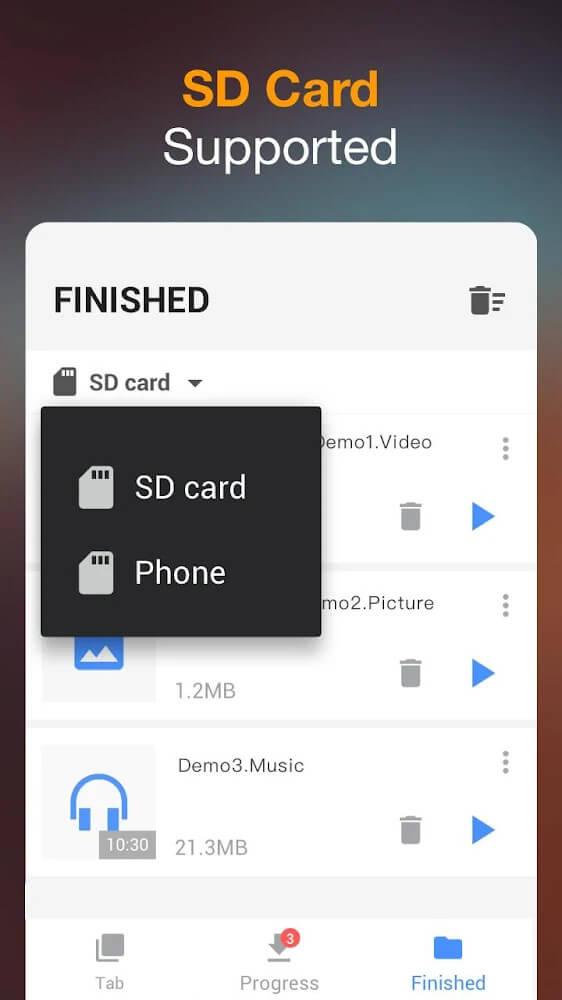
To enhance the user experience, the developers integrated a download manager to help users handle their large collection of media. The download manager is a centralized repository for all media acquired via the application. The download manager is further divided into different sections to simplify the process of locating files. Each file is numbered upon download, and users select and identify files based on their number. The automatic numbering of files allows users to locate media files quickly. This numbering is a welcome development for users that handle large media files and want a structured and organized environment for their media files.
The application facilitates the rapid construction of a media library by allowing multiple videos to be downloaded simultaneously. The application maintains balance during the download process to ensure there is no loss of synchronization. This balance is of utmost importance to the integrity of each individual file being downloaded. The application also integrates an online play feature. This allows users to stream contents within the application, and provide an alternative to download if the internet connection is poor. The online player is of great quality, and allows the user to adjust the playback speed to best suit them. Also integrated is an online playlist which allows users to manage their streaming content.
 |
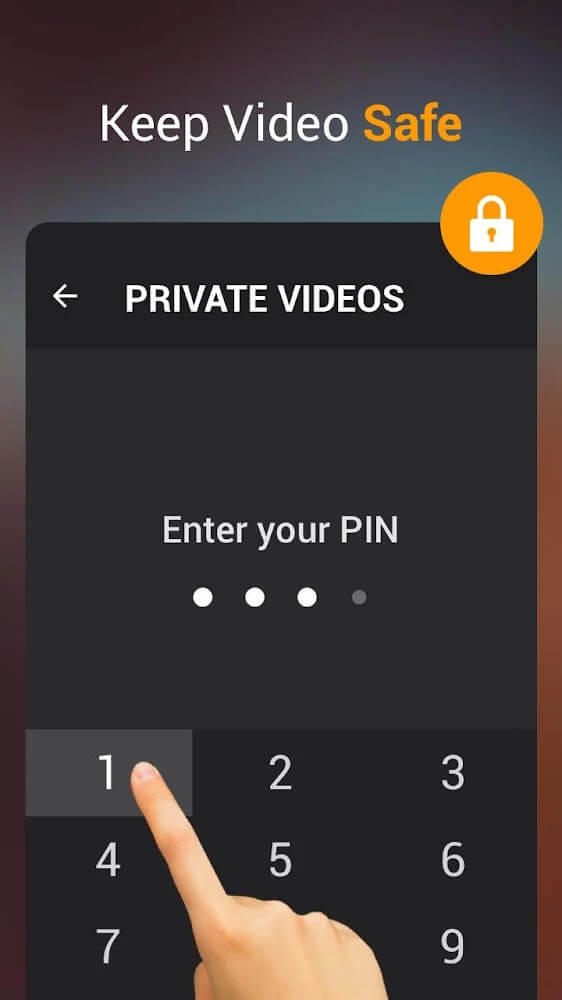 |
The workflow integrates security and error management. Automated error detection within the application identifies and eliminates video errors that can cause interruption during download and affect the quality of the downloaded file. The application immediate removal of such errors ensures that the user does not end up with incomplete or corrupt files. In addition, the application offers a security feature for its internal browser. It is recommended to enable this feature to provide a safe and comfortable environment and to have better quality videos. The browser allows you to access and navigate international websites, and therefore allows you to have and download content from all of the major international websites.
The above components enable the media acquisition tool to have an edge over other tools. The focus on removing download process interruptions and improving download speed provides a better opportunity for media content acquisition. A combined use of an internal browser and a security layer for the content ensures the process of finding the content is just as efficient as saving it. It acts as an interface between the web and the user’s device and provides the necessary tools to manage, play, and organize media without depending on a continuous internet connection. This is made possible by a system that supports and efficiently balances numerous activities and maintains file synchronization.
Key features
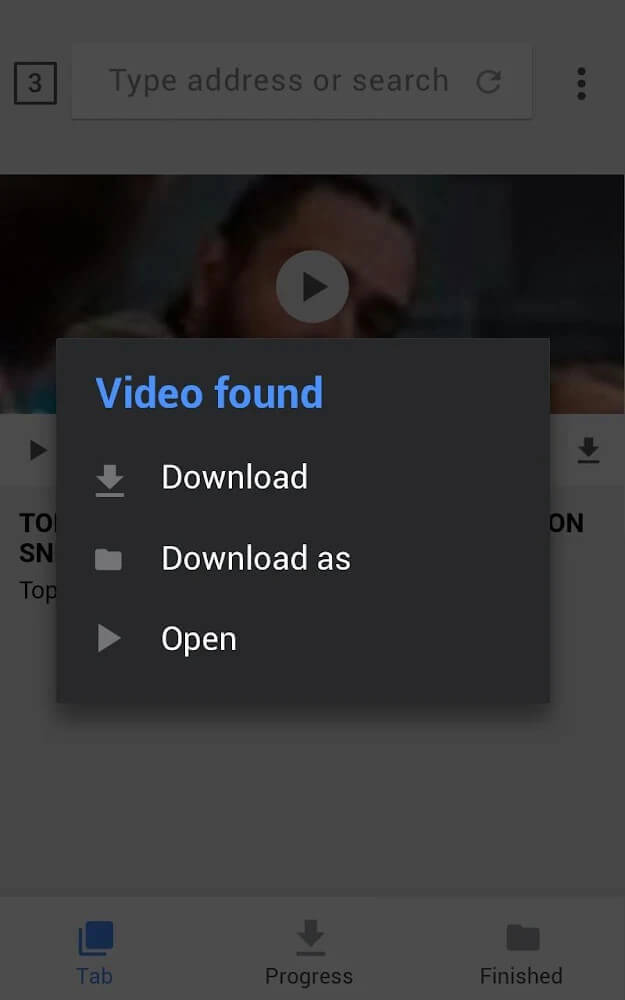
- One-click fast downloading for videos and music
- High-efficiency loading with no process interruptions
- Original video quality preservation
- Modern download manager with separate sections for easy search
- Automatic file numbering for organization
- Simultaneous multi-video downloading capability
- File synchronization during batch processing
- Integrated online player with adjustable playback speed
- Online playlist management system
- Automatic video error detection and removal
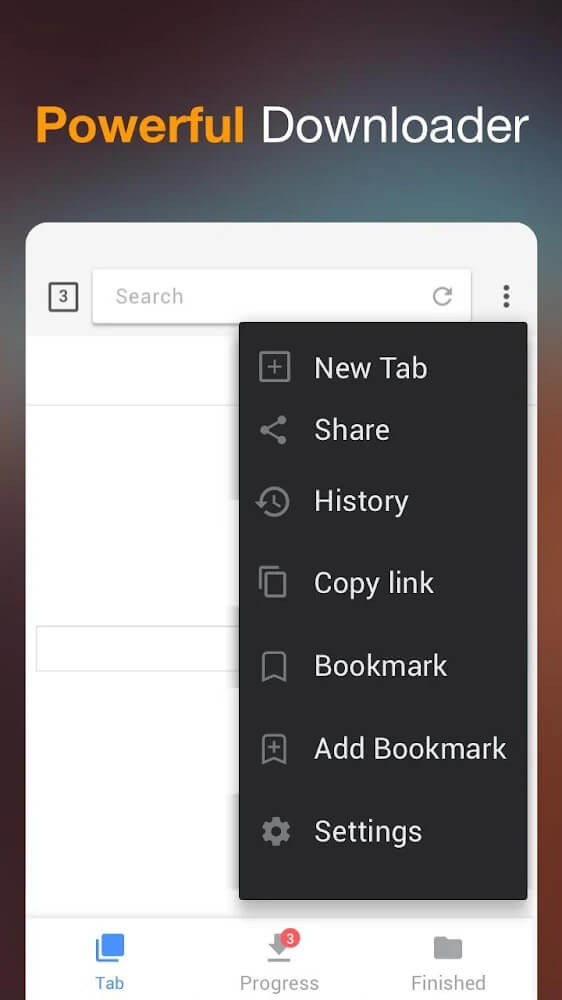
- Secure internal browser for international websites
- Security system to limit bad information and improve quality
 |
 |
Related MOD APKs
FAQ
Is Premium unlocked in Video Downloader MOD APK?
This version of Video Downloader (2.6.7) features Pro Unlocked. It operates like the InShot Inc. release, and all modifications are active once you install the app.
What is the latest version of Video Downloader MOD APK?
Version 2.6.7 matches the InShot Inc. release from February 24, 2025. We don’t keep older versions here. Install this file over your current app to update; if you see a signature conflict, uninstall the previous version before trying again.
Is Video Downloader MOD APK safe to download?
This Video Downloader 2.6.7 build on MODYOLO is the InShot Inc. app with Pro Unlocked features. 179 users gave it 3.4/5. It does not require root. Expect a Play Protect alert during installation, so always download from this page.
Does Video Downloader MOD APK remove the watermark?
This build includes Pro Unlocked. Since watermark removal is a premium feature in Video Downloader, you should check the export screen after you install the app to verify.