

This WeNote MOD APK provides a streamlined version of the popular productivity tool with all premium and paid features fully unlocked. It removes various background services, advertisements, and tracking components to create a more efficient and focused note-taking environment.
What’s Modified in WeNote
- Premium and paid features are fully unlocked for all users.
- Unwanted permissions, receivers, providers, and services have been disabled or removed from the system.
- Graphics have been optimized and zipaligned for improved performance and faster loading.
- Internal resources have been cleaned to reduce the overall footprint of the application.
- All advertisement-related permissions, services, and providers are removed from the Android manifest.
- Advertisement links are stripped from the code and their invocation methods are nullified.
- Visibility for all advertisement layouts is permanently disabled.
- Debug code has been removed to ensure a cleaner build.
- Default .source tags are removed from the corresponding Java files.
- Analytics, Crashlytics, and Firebase tracking and reporting are completely disabled.
- Google Drive integration is broken and non-functional in this modified version.
- Promotional applications have been removed from the internal menu.
- The build includes full multi-language support for a global user base.
- The application is compiled for universal CPU architectures.
- Screen DPI support is provided for 120dpi, 160dpi, 240dpi, 320dpi, 480dpi, and 640dpi resolutions.
- The original package signature has been changed.
 |
 |
This build is version 6.77 with a file size of 17M and package name com.yocto.wenote; because the original package signature is changed, this WeNote MOD APK cannot be installed over an existing copy from the official store.
About WeNote
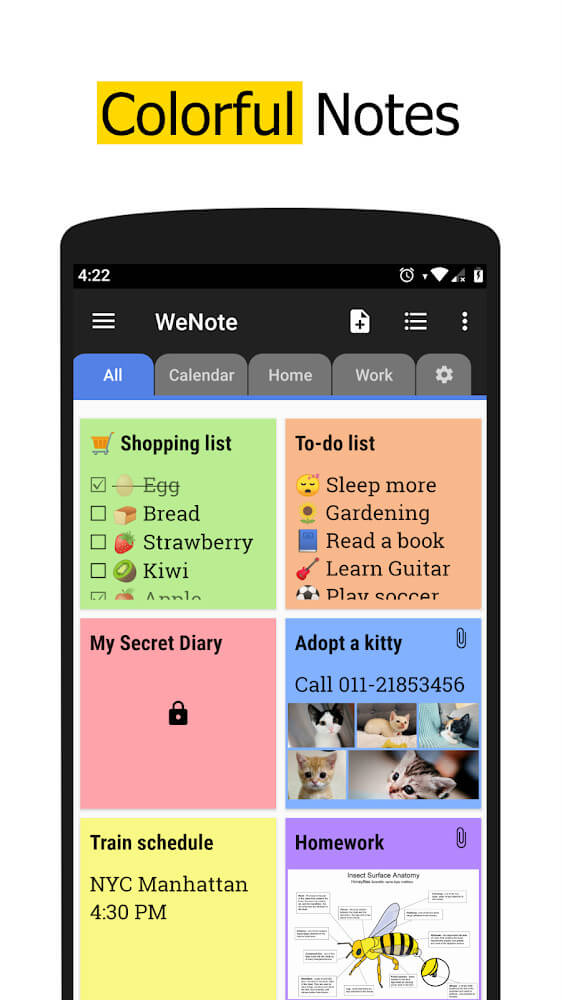
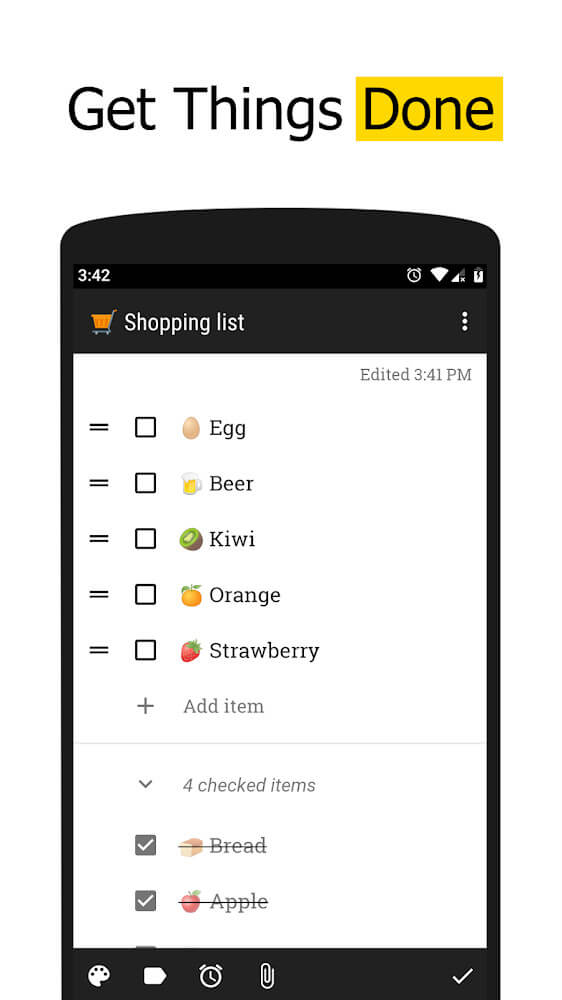
WeNote is a convenient digital solution for users to capture every detail of their daily, academic, and work tasks and activities. The design includes an area for structured but flexible content capture, where users can keep track of important details in a convenient manner. A large part of WeNote functionality allows for the construction of elaborate task and time-based to-do lists. Unlike other to-do lists, tasks in a WeNote to-do list can be associated with time and priority to help users remember what tasks need to be done and how to prioritize in order to reach their end goal. WeNote is ideal for tasks with a time-sensitive completion such as scheduling your grocery run; however, it is also ideal for capturing important details in business meetings when you need to take quick notes. The goal is to build a highly focused and productive task capturing tool to ensure users never forget an important date, task, or event.
The app allows you to draw and write your notes by offering tools to support handwritten and drawn notes. This feature helps you to be more creative and personal with your notes. You can create pictures, graphs, or anything as supplementary information to your notes. This app also gives you the ability to include stickers and pictures in all your notes to enhance the notes even more. Notes with information represented in various ways (drawn, stickers, pictures) help you memorize and guide you through the notes quicker and easier. You can move and edit anything you add to the notes including the visuals, which come in a bunch of different colors to choose from. This helps each user make a personal system that allows for the most priority work to be easily recognized. This system is designed to assist the user to do notes the way the user think and process information.
 |
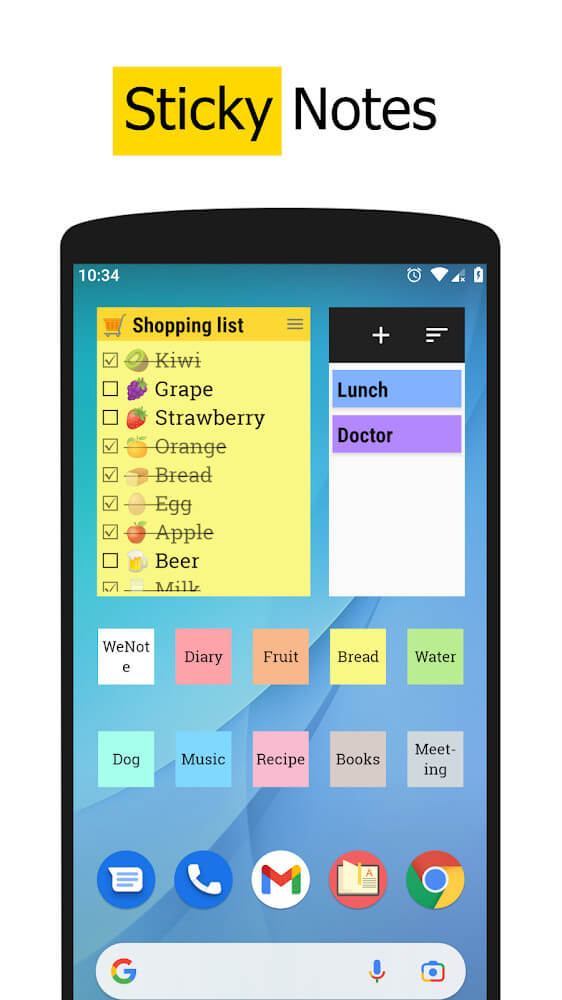 |
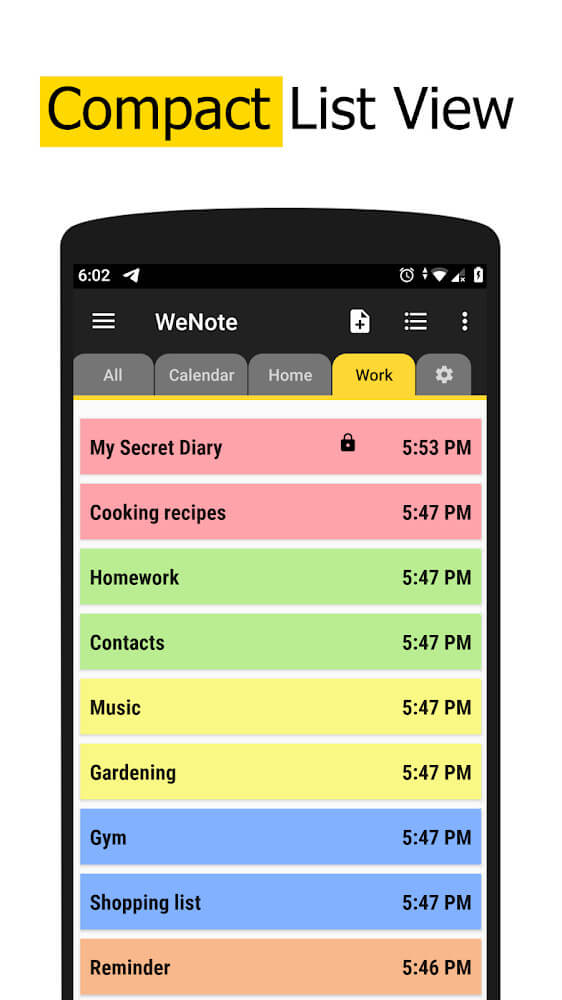
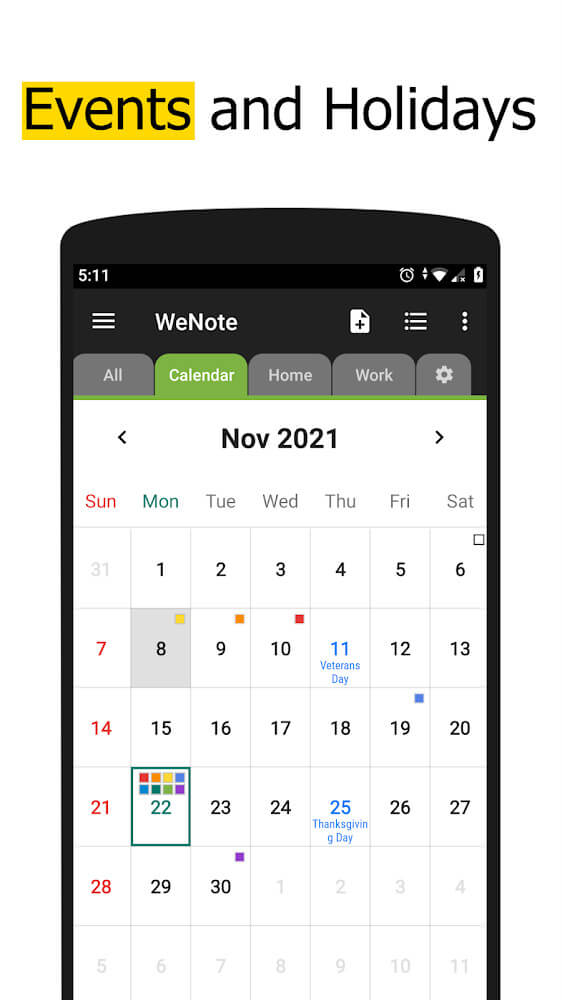
The application introduces a unique system of reminders and notifications to assist users in staying on top of their schedule. Users will receive reminders when they have something important to do or when they have an appointment. By doing so, the application lessens the chance of important events being ignored. The application contains a modern and aesthetically pleasing interface which applies multiple colors to help with eye strain. The application breaks the strain of a busy schedule into manageable tasks by allowing the user to divide notes and tasks into several separate pages. Users have many options to personalize the application to their liking, including using 11 different colors to change the theme. The application supports various types of fonts from which the user can select to enhance the look, and thus the readability, of their notes. Emphasis on beauty and reminders helps to improve the overall experience of reminding yourself to organize your life by increasing satisfaction.
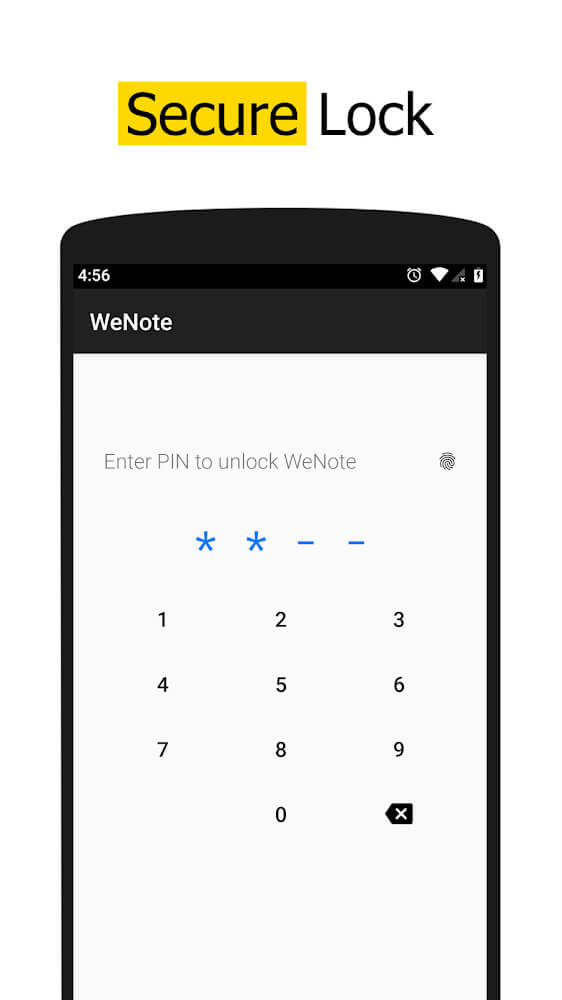
Private data and protection are at the heart of application design and offer users several locking modes to safeguard their data. Users have the option to lock individual entries by employing a variety of techniques such as a simple PIN code, a complex unlocking pattern, fingerprint recognition, or by even using a secure and efficient hardware monitoring application. The measures are intended to keep all sensitive information private from all users other than the authorized user. The developer has indicated that the application maintains a safe environment for all stored user files and assures users that they can store their data with the assurance that it will not be lost. The combination of security, easy to use organization, and the ability to boost users’ daily productivity is what makes this application a must have. The goal has always been to gain so many users that they are encouraged to tell their friends and families about the application to enjoy the safe and user friendly application notes.
Key features
- To-do list creation for weekly and daily task management.
- Handwriting and free-hand drawing tools for creative notes.
- Sticker and image insertion to enhance visual note-taking.
- Daily reminder system for appointments and significant events.
- Over 11 different color themes for interface customization.
- Separate pages for organizing tasks into different categories.
- Search functionality for locating specific notes and fonts.
- Adjustable font styles to increase readability and excitement.
- Multiple security modes including PIN, pattern, and fingerprint locking.
 |
 |
Related MOD APKs
FAQ
Is Premium unlocked in WeNote MOD APK?
This WeNote 6.77 build includes Premium and Paid Features Unlocked. It works like the Yocto Enterprise release, and the changes are active once you install.
What is the latest version of WeNote MOD APK?
The 6.77 build matches the Yocto Enterprise update from August 16, 2026. We don’t keep older versions here. To update, install this over your current app; if a signature conflict occurs, uninstall the old one first.
Is WeNote MOD APK safe to download?
This WeNote 6.77 build is the Yocto Enterprise app with Premium and Paid Features Unlocked. 19 users gave it a 4 rating. It does not require root. Play Protect might warn you, but always download from this page.
Can I use WeNote MOD APK on PC or iPhone?
This Android package will not work on iPhone or iPad. To use the 17M APK on a computer, run an emulator like BlueStacks or LDPlayer, then drag the file into it.