

The ClevNote MOD APK provides an optimized experience by unlocking all premium and paid features while stripping away unnecessary background processes. This modified build focuses on performance by removing advertisements and tracking services that are present in the standard version.
What’s Modified in ClevNote
- Premium and paid features are fully unlocked for all users.
- Unwanted permissions, receivers, providers, and services have been disabled or removed to reduce system overhead.
- Internal graphics have been optimized and zipaligned with cleaned resources to facilitate faster application loading.
- All advertisement-related permissions, services, and providers are removed from the Android manifest file.
- Links to advertisements are removed and their associated methods are nullified within the code.
- The visibility of advertisement layouts is disabled to ensure a clean interface without empty placeholders.
- Google Drive Cloud functionality remains fully operational for data synchronization.
- Debug code and default source tags from Java files are removed to streamline the package.
- Background tracking and reporting tools including Analytics, Crashlytics, and Firebase are disabled.
- The user consent form and its associated assets folder are completely removed from the build.
- The Facebook ads SDK bundle is entirely removed to prevent external data calls.
- All active trackers and advertisements are eliminated for a cleaner user experience.
- The build supports full multi-languages and is compatible with universal CPU architectures.
- Screen DPI support is included for 120dpi, 160dpi, 240dpi, 320dpi, 480dpi, and 640dpi.
- The original package signature has been changed to accommodate the modifications.
 |
 |
This ClevNote MOD APK is version 2.24.17 with a file size of 10M under the package name com.dencreak.esmemo; because the original package signature is changed, it cannot be installed as an update over a version from the official store.
About ClevNote
Capturing daily discoveries and memo management systems are the core functions of ClevNote. Daily notes are structured quickly and easily thanks to a user-friendly design. Content organization is achievable by all users, regardless of age. ClevNote provides a wide range of formats to choose from to memorize notes because they understand the complexity various users add to organization and task-mixing. From rushing deadlines to personal To-do notes, ClevNote aims to meet every professional and personal memo-creation demand. This focus on various formats empowers users with the ability to access and amend their notes from anywhere. ClevNote aims to be the go-to app for organization and task-mixing by providing a quick and easy layer of interaction in the notification bar. This design keeps users’ important data easily accessible as the focus of the user’s mobile interaction. ClevNote achieves this design without creating unnecessary barriers to access user data.
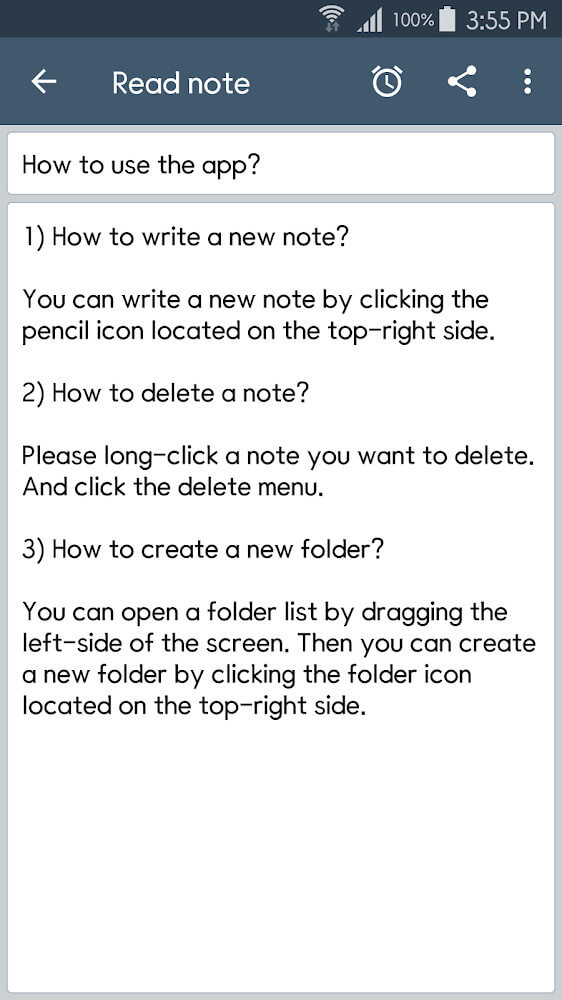
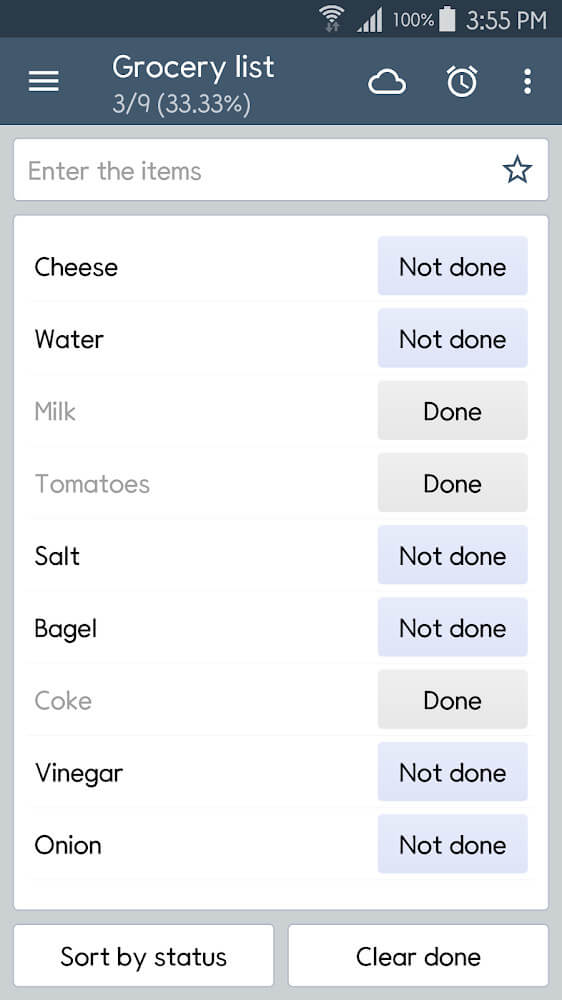
Each note type has its own input style. Users can choose from multiple lists, or even unformatted notes. The note input style can also be customized through quick input of drawings that can serve as simple visual captures and reminders. Complex data input can be done through a voiceover input or a photo input that can be used to capture notes that are simply not capture-able with text. The input opportunities are designed to be fun and flexible to allow users to capture their data the way they like. The app is useful for capturing a simple grocery list or something more involved like a long list of project notes.
 |
 |
Application users that manage big projects like having a system that lets them create additional structure beyond an arbitrary set of folders. For instance, the user can organize note types by project and define note content consistency by picking a type. Once defined, consistency becomes easier to keep when editing, typing, or looking up information later. The application developers understood the importance of seamless folder interactions and ensured that each new user entry is tracked easily. Folsom’s application promotes productivity and independence for individuals as well as collaboration for project activities that require group input. The application is suitable for teamwork activities because individual notebooks/projects can be shared with colleagues. Each participant can be given note viewing permissions on an individual basis so that team members are clear on the tasks that they are expected to do within the context of the bigger team project. Any folder can be made accessible to all group participants to improve the interaction and ensure that everyone possesses current information.
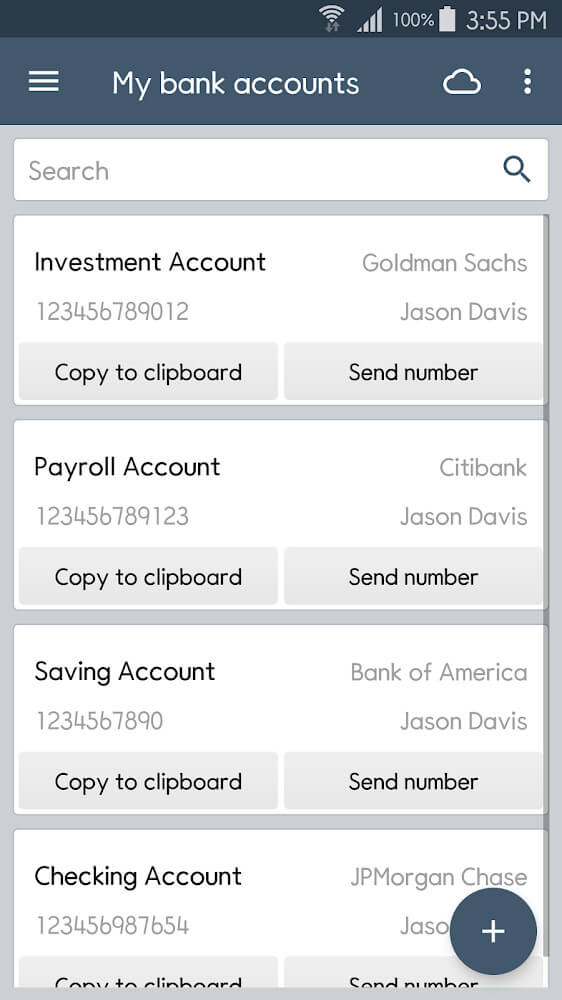
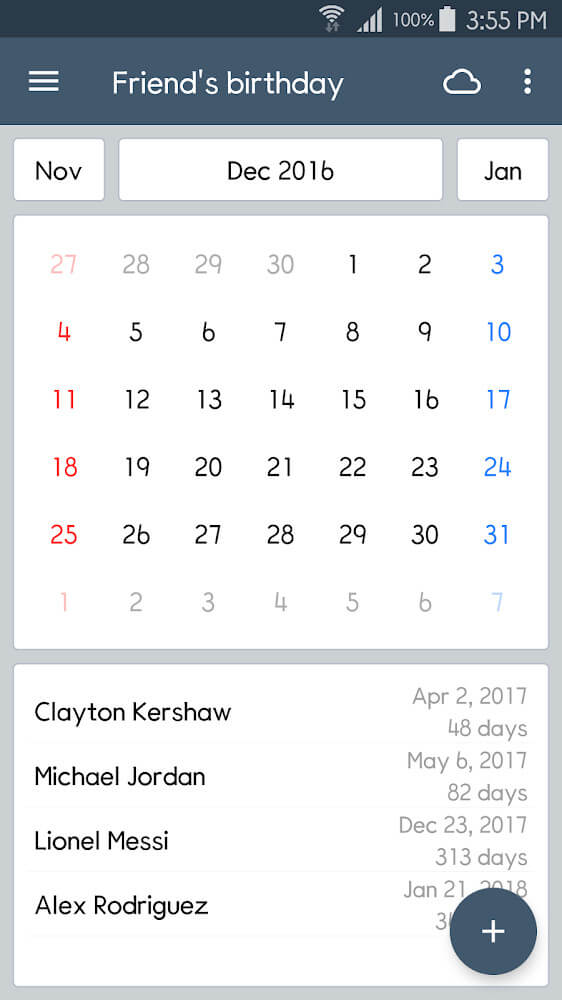
The application provides several customizable formats for those with varying data requirements, including formats for storing IDs for different websites or formats for to-do lists that include template-formatted reports. In addition, the application provides several graphics to help users filter and sort through hundreds of names and other relevant data. In addition, users can mark notes so they appear first and become even more noticeable after a user first opens the application. In addition, the app can be integrated with the calendar to set reminders and to link related data to a given date. The notification system is flexible and offers users several opportunities to set reminders that appear in the notification bar or using other efficient methods. Overall, the application strives to meet users’ needs by offering flexible note management and friendly notification systems.
Key features
- Account name list format
- To-do lists with detailed reports
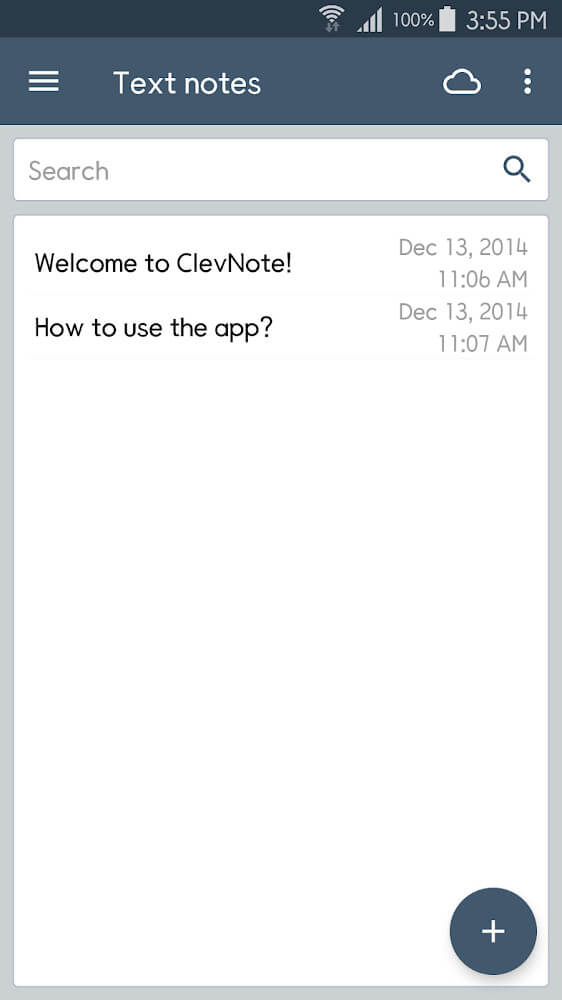
- Simple text notes
- Hand-drawn pictures for notes
- Voiceover insertion
- Photograph attachments
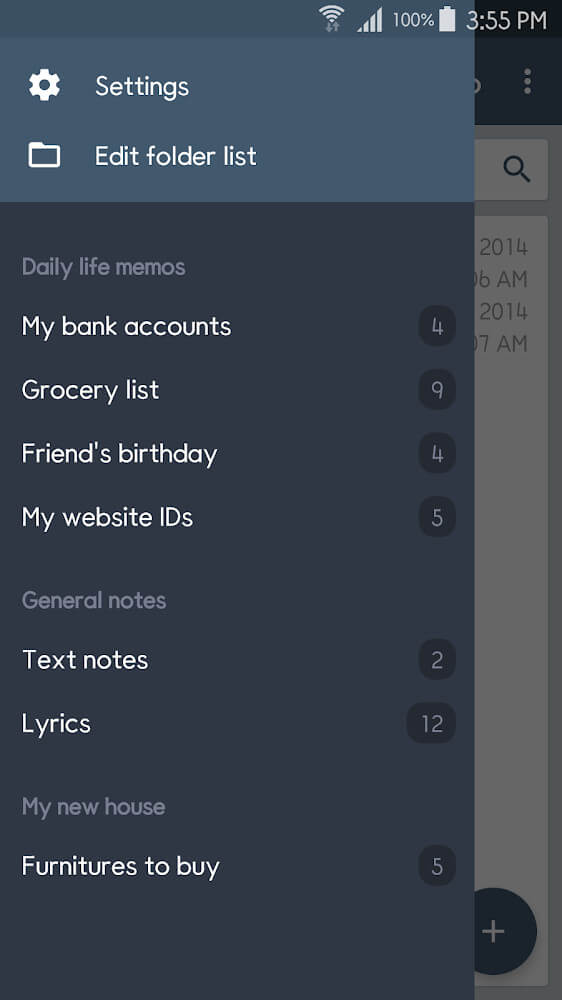
- Folder-based organization system
- Shared notes and projects for group work
- Specific access settings for shared content
- Website ID storage format
- Integrated graphics for information filtering
- Note highlighting for important tasks
- Device calendar integration
- Customizable reminders and notifications
- Notification bar quick interaction
 |
 |
Related MOD APKs
FAQ
Is Premium unlocked in ClevNote MOD APK?
This ClevNote 2.24.17 build features Premium Unlocked. It functions like the Cleveni Inc. release, and changes are active as soon as you install.
What is the latest version of ClevNote MOD APK?
Version 2.24.17 matches the Cleveni Inc. release dated April 20, 2026. We don’t keep older versions here. To update, install this file over your current app. If you see a signature conflict, uninstall the old build first.
Is ClevNote MOD APK safe to download?
ClevNote 2.24.17 is the Cleveni Inc. app with Premium Unlocked. 6 users rated it 3/5 here. It does not require root. Play Protect warnings are expected, so always download from this page.
Can I use ClevNote MOD APK on PC or iPhone?
This Android package won’t install on iPhone or iPad. To use the 10M APK on Windows or macOS, install an emulator like BlueStacks or LDPlayer, then drag the file into it.