Create stunning AI-generated images instantly! Turn text prompts into art, wallpapers, and unique designs with ImageGuru – your AI creativity companion.
ImageGuru – AI Image Prompt MOD APK V3.0.1 (Coin, No Ads + Unlimited)
| App Name | ImageGuru – AI Image Prompt |
|---|---|
| Publisher | kih |
| Genre | Productivity |
| Size | 23 MB |
| Latest Version | 3.0.1 |
| MOD Info | Coin, No Ads + Unlimited |
| Get it On |

|
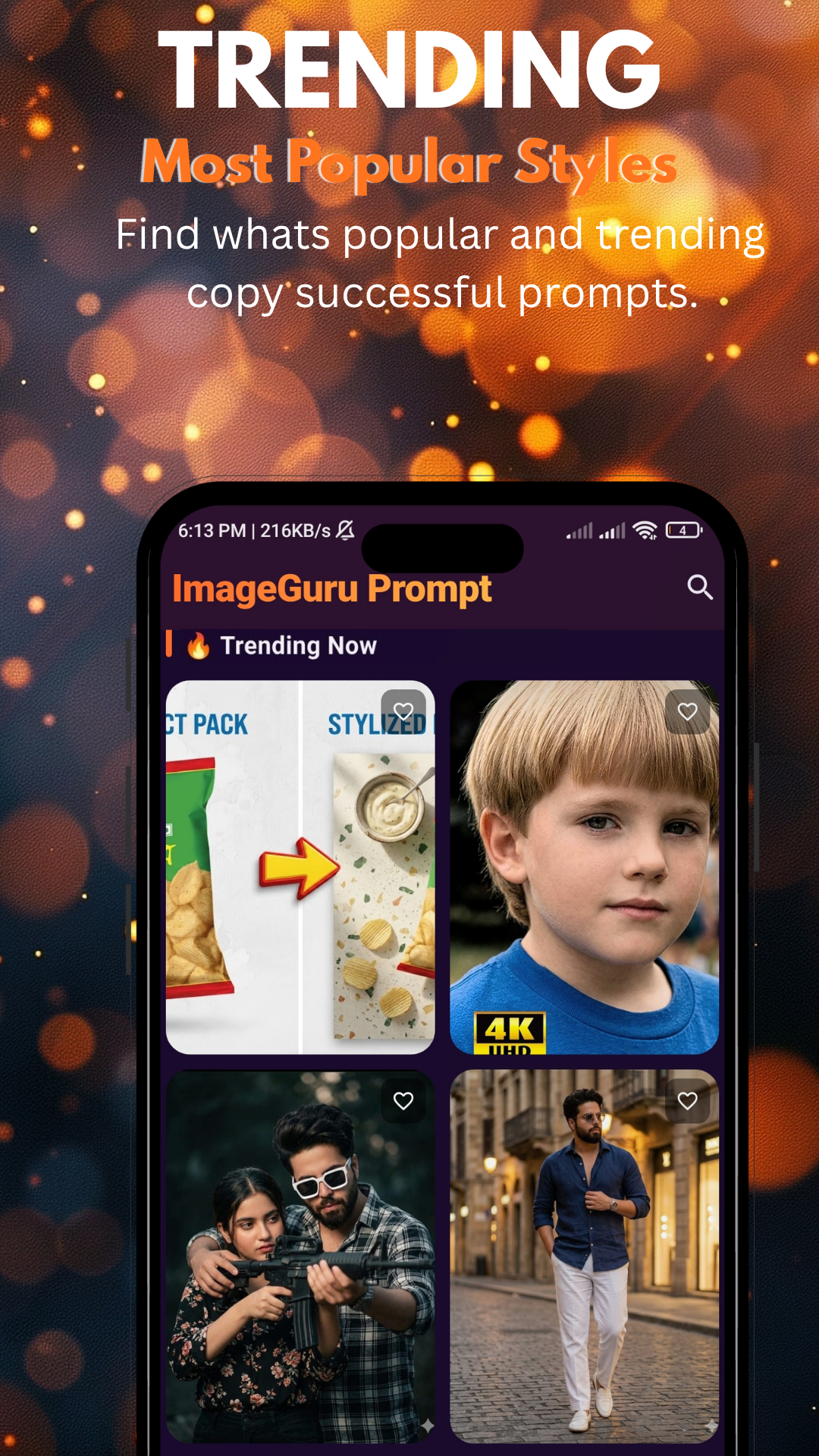
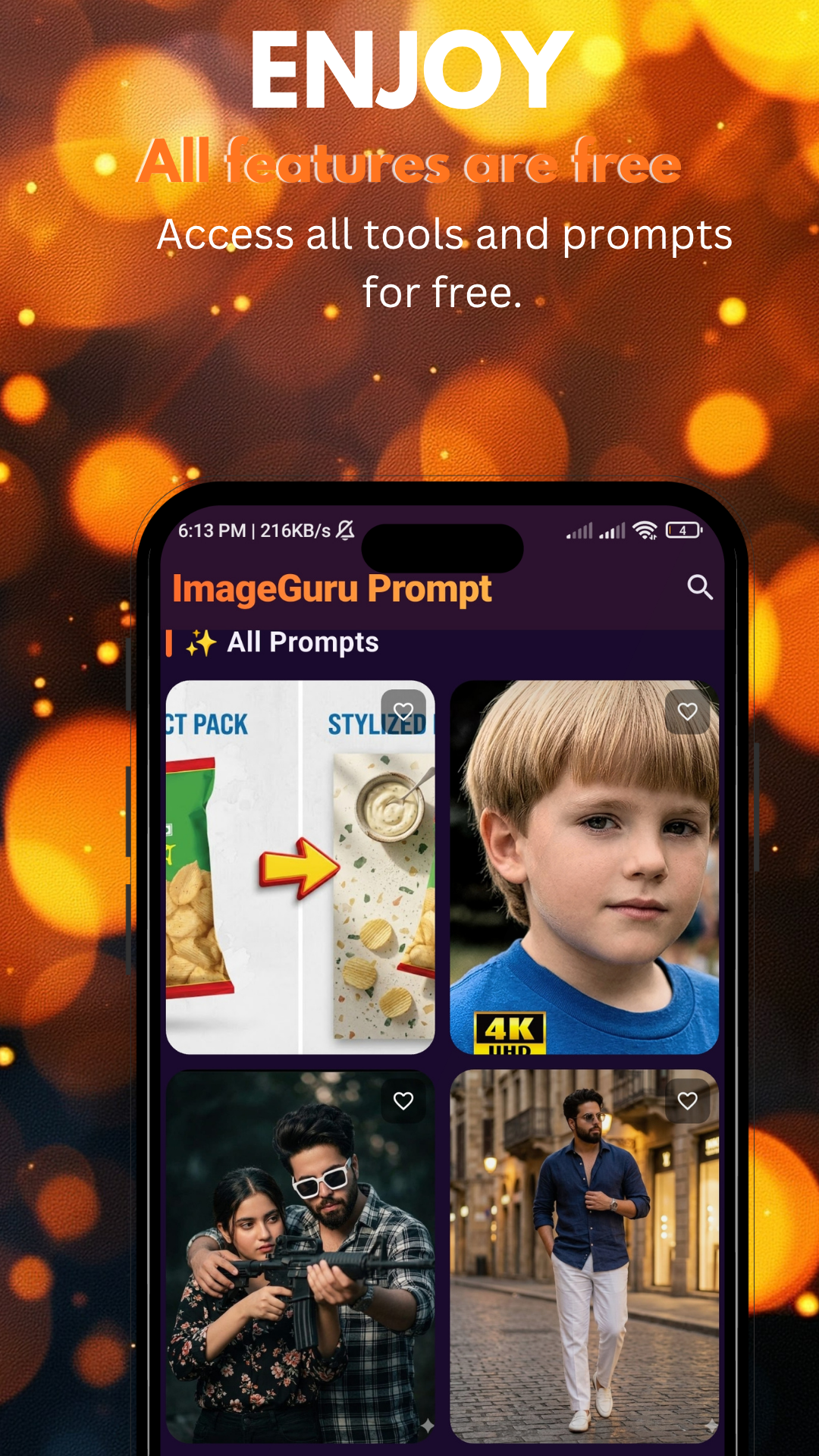
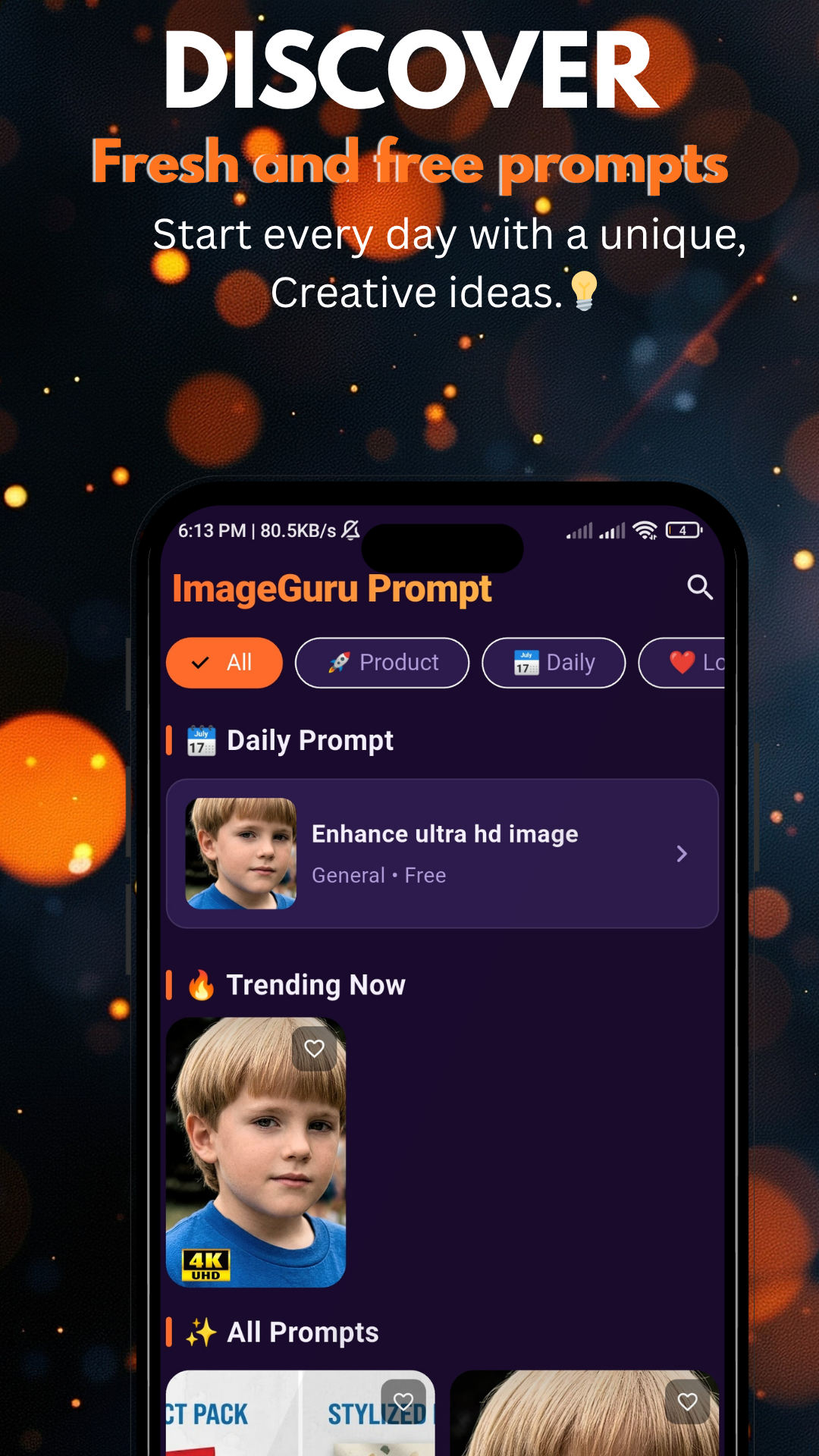
The ImageGuru MOD APK modifies the internal economy and advertising structure to provide a more streamlined user experience. This build focuses on providing coins and removing interruptions during the AI image generation process.
What’s Modified in ImageGuru
- A coin system is implemented to provide the resources required for image generation.
- All advertisements are removed from the application interface to prevent interruptions.
- Unlimited generation capabilities are enabled to allow for continuous creative output.
This build is version 3.0.1 with a file size of 23 MB and uses the package name com.imageguru.prompt; because it is a re-signed file, it cannot be installed as an update over an existing version from the store.
About ImageGuru
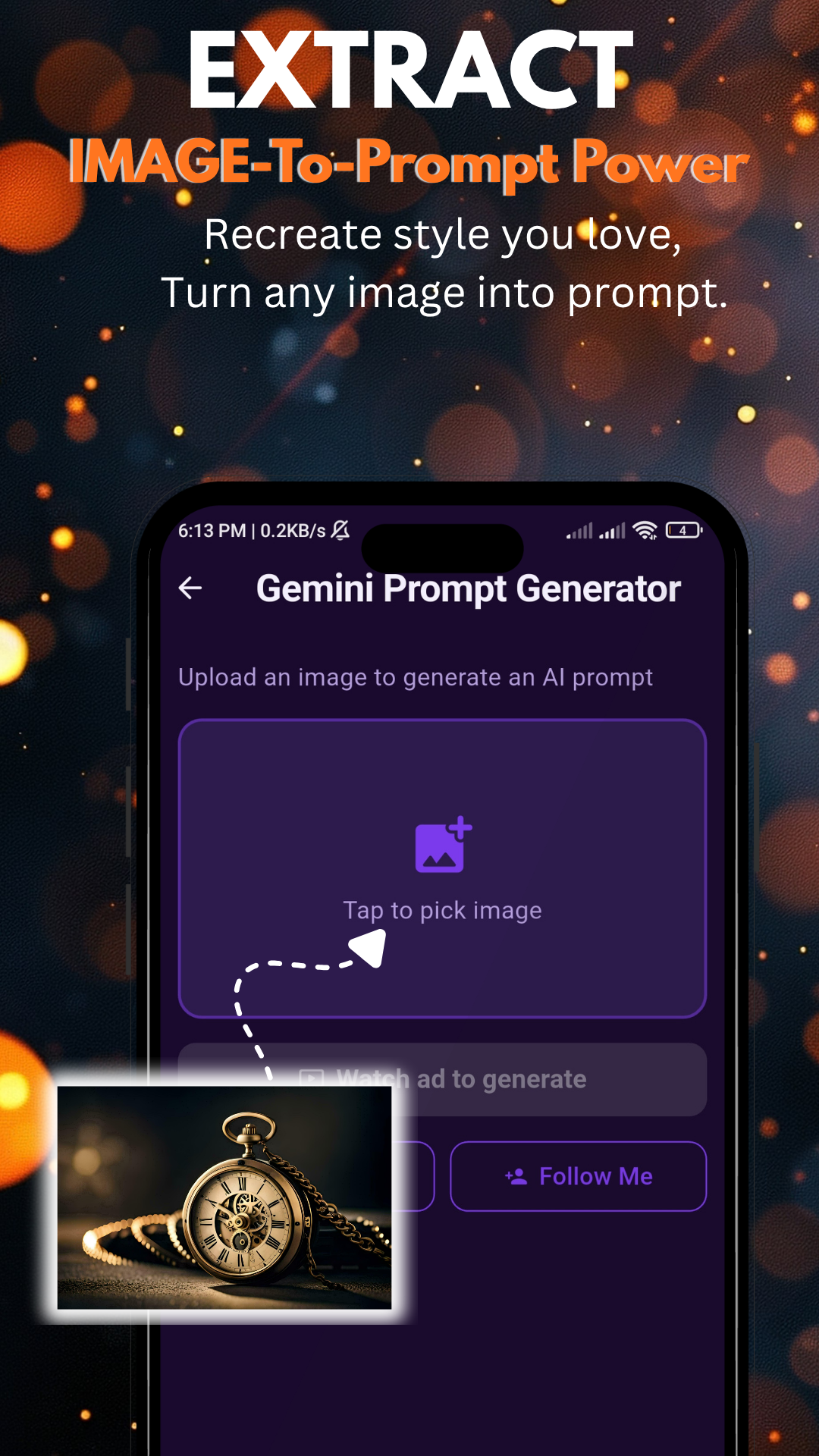
ImageGuru is an artificial intelligence based productivity software to effortlessly create visual content. This software interprets text prompts and generates high quality digital artwork. This can be beneficial to artists and designers to quickly generate imagery to visualize their concepts and ideas. The AI engine of the application has been exposed to millions of styles and techniques, therefore providing a detailed and stylistically varied result. Users can simply describe a scene, object or idea, and the system can instantly generate a visual representation. The goal of this method of art creation is to eliminate the fear of the blank canvas and provide the means to effortlessly translate thoughts and ideas into arts.
The application includes a variety of styles and themes. This allows users to tailor output to specific needs. Some styles included in the application are realistic portraits, fantasy landscapes, abstract art, and cartoon designs. Users interested in specific aesthetic styles can find this application useful with its inclusion of illustrative styles such as anime. The variety in this application makes it useful in several projects. This includes projects such as creating environmental artwork for a presentation, game or story, or designing characters for a story. The application allows users to select a style prior to generation. This is useful for the AI to refine the rendering process to include only the visual cues for the particular style. For example, the AI can render fantasy art focusing on the lighting for the style. This application allows users to be creative and involves little to no boredom.
Customization is crucial to any user experience and this application offers ample opportunity for customization. Users can alter the final image by adjusting color, saturation, or even the placement of objects and the overall tone of an image. These options are particularly useful for professional designers who may be creating a series of images and need to maintain uniformity, or for amateur designers who want to explore different moods and atmospheres. For instance, with the lighting feature, users can turn a scene from a bright daylit environment to a dark, brooding and even cinematic image. Composition defines how objects are placed in the frame and in relation to each other. By making changes to composition, a user can help guide how objects and subject matter are arranged within a frame to accomplish a desired visual balance that is suitable for the overall layout of the image. Users are more empowered and active in the design process and can use their creativity more as a guide to achieve a desired outcome rather than accept the first result the AI generates.
The output from the application is high-resolution and ready for a wide variety of uses, personal or professional. The images can serve as wallpaper for devices, or be shared on social media in an improved quality. Because of the resolution, users can print the artwork for various uses (i.e. stickers, posters, art prints, etc.) The AI engine provides clarity and detail so that the textures and patterns that give the artwork its character are preserved. With ImageGuru MOD APK, content creators and marketers can instantly create professional-quality visuals for ads and social media posts. The quickly shareable or savable nature of creations allows for easier and faster publishing of content.
The application offers an inspiration library and a collection of ready-made prompts and templates. The ready-made prompts and templates can help users decide how to phrase their descriptions and showcase some of the latest trending design prompts. Browsing the inspiration library can help users gain a deeper understanding of how to better interact with the AI and image prompts. The library offers several art templates with varying styles, themes, filters and prompts. The library is constantly updated with the newest trends and designs to help provide the user with different choices and a new way of thinking. Using these design templates can serve as an education tool for using the AI.
ImageGuru is a versatile tool that can be used by artists and designers at every stage of their career, including students and hobbyists. For professionals, ImageGuru is a quick and easy way to generate preliminary designs, and as such serves as a design tool prototype. Marketers, for example, can use the tool to create visuals for promotional materials. Students and hobbyists can use ImageGuru to experiment and create digital illustrations (e.g. fanart, memes, etc.) without a deep knowledge of art and design software and tools. The rapid rendering times allow users to iterate quickly, and thus create multiple different versions of a design or concept quickly. Overall, ImageGuru is an easy to use AI art tool that provides a wide range of possible uses, whether it be for work, education, entertainment, and more.
Key features
- AI-generated images from text prompts
- Artistic styles including realism, anime, abstract, fantasy, and cartoons
- Adjustable settings for lighting, color, and composition
- High-resolution outputs suitable for printing and wallpapers
- Inspiration prompt library and template collection
- Instant sharing tools for social media platforms
Related MOD APKs
FAQ
Does ImageGuru – AI Image Prompt MOD APK give unlimited resources?
This 3.0.1 version of ImageGuru – AI Image Prompt modifies Coin and No Ads + Unlimited. It functions like the kih original once installed, with all changes active immediately.
What is the latest version of ImageGuru – AI Image Prompt MOD APK?
Version 3.0.1 matches the kih release from May 14, 2026. We don’t keep older versions here. Update by installing this file over your current app; if you see a signature conflict, uninstall the previous version before trying again.
Is ImageGuru – AI Image Prompt MOD APK safe to download?
This 3.0.1 build of ImageGuru – AI Image Prompt is kih’s app with Coin and No Ads + Unlimited added. 10 people gave it a 5/5 rating. It does not require root. Ignore Play Protect warnings, but always download from this page.
Can I use ImageGuru – AI Image Prompt MOD APK on PC or iPhone?
Because this is an Android file, it will not work on iPhone. To use the 23 MB file on a computer, install BlueStacks or LDPlayer and drag the package into the emulator.
ImageGuru – AI Image Prompt MOD APK V3.0.1 (Coin, No Ads + Unlimited)
Download (23 MB )You are now ready to download ImageGuru – AI Image Prompt for free. Here are some notes:
- Please read our MOD Info and installation instructions carefully for the game & app to work properly
- Downloading via 3rd party software like IDM, ADM (Direct link) is currently blocked for abuse reasons.
5/5 (10 votes)