Improve and revamp your Android TV with AT4K Launcher MOD APK. You can now enjoy faster, smoother, and an ad free experience. What are you waiting for, upgrade your TV today!
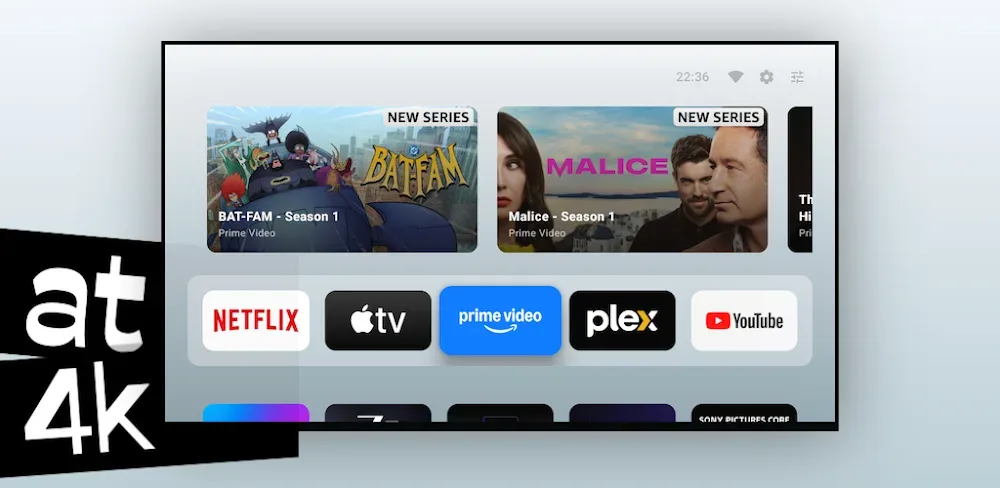
Improve and revamp your Android TV with AT4K Launcher MOD APK. You can now enjoy faster, smoother, and an ad free experience. What are you waiting for, upgrade your TV today!
| App Name | AT4K Launcher |
|---|---|
| Publisher | Cute Little Apps |
| Genre | Personalization |
| Size | 7.4M |
| Latest Version | 2.3 |
| MOD Info | Premium Unlocked |
| Get it On |

|
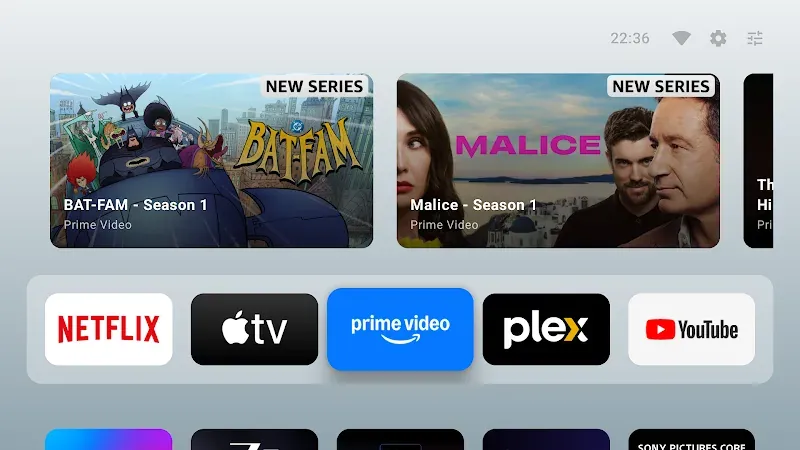
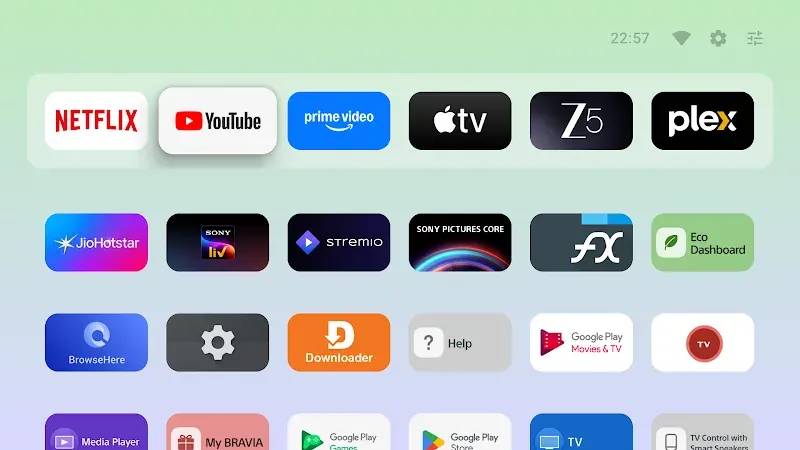
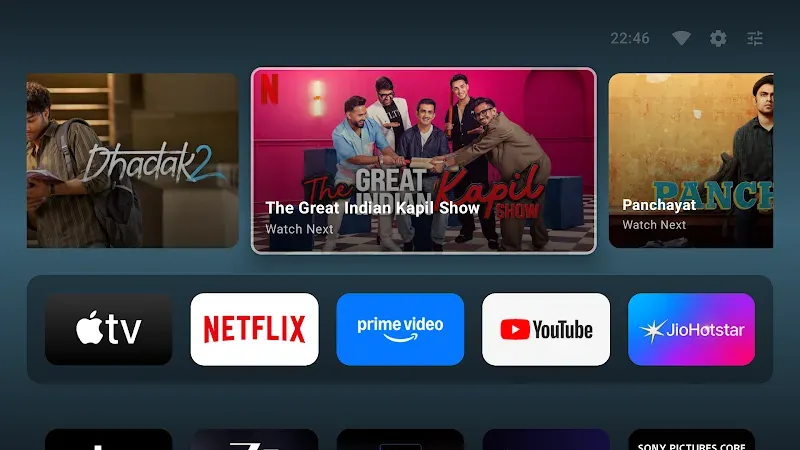
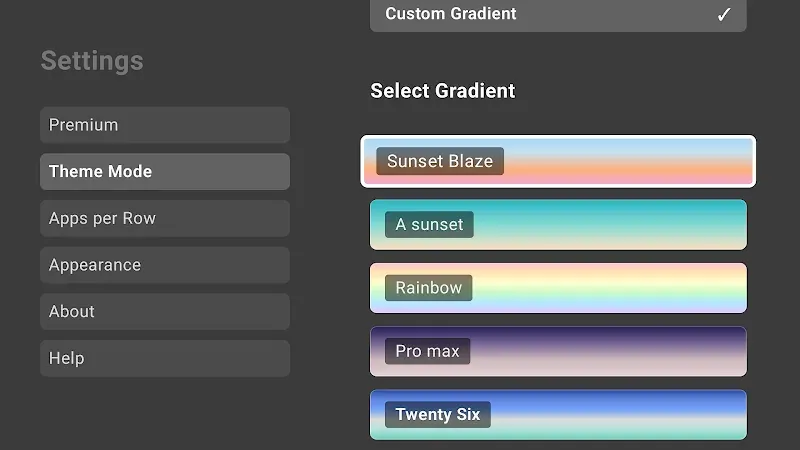
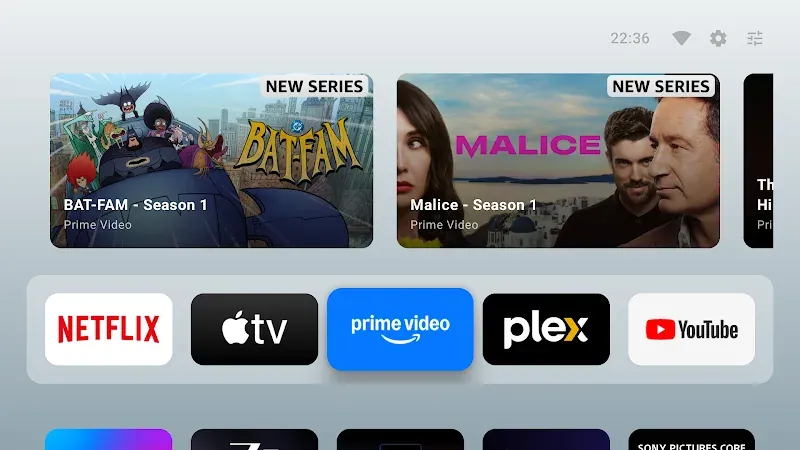
This build provides full access to the premium features of the interface without requiring an additional purchase. The AT4K Launcher MOD APK replaces the standard, restricted version of the application with one that has all premium-tier customization and performance tools unlocked.
Version 0.99 is a 5M file under the package name com.overdevs.at4k; this build is re-signed and cannot be installed over an existing copy from the official store.
Many versions of stock Android TV include promotions and advertisements that negatively affect performance. These include background suggestions, sponsored and featured content, and intrusive ads. Default interfaces, in general, always seem to put promotional content in front of the user’s media library. As a result, these versions of stock Android consume valuable system resources and storage space. Over time, even high-end hardware feels unresponsive. The application aims to replace the stock environment and bring back the speed and fluid nature of the device. The application works with a variety of hardware and provides a focused and efficient user experience.
The interface aims for a zero-bloat performance model and actively removes background trackers and clears junk components. With these processes removed, the system is designed to utilize its resources for the user’s main tasks and not for promoting and advertising third party services. Unlike the default interfaces provided by television manufacturers, the application aims for a clean, simple and contemporary design. This design philosophy focuses more on the content and less on ads and promotions. The user experience is more refined.
Usability and interaction are primarily optimized for D-Pads. A short press of the select button opens a given application. A longer press opens organizational menus, providing a hands-free means to manage the system. Using a Smart Watch Next, in conjunction with the shell, users can view their media in a row that preserves their media consumption history across several applications. Users can interact with the system using a variety of input methods, ranging from mouse and keyboard to D-Pads and buttons.
The shell integrates several personalization mechanics, enabling users to adjust the system to their preference, and tailor the entertainment workflow. For example, during the initial setup, the shell scans the system’s applications and populate a priority row. Using a mechanic similar to the ones used to interact with the shell, users can tweak applications to either the forefront or background of the interface, or even hide applications. A user can engage in substantial visual customization and can tailor several aspects of the interface to their liking, including wallpapers and system lighting and colors. To further ease use during the night, a user can engage dark or light modes, depending on their preference.
The application uses advanced caching systems to provide the fastest and most responsive user experience possible when navigating through huge media libraries. This is really noticeable when someone has huge 4K content collections and high resolution metadata and thumbnails are causing your standard launcher to lag and stutter. The application uses high performance caching mechanisms to help the device smoothly scroll through different applications and contents. The application provides a powerful and yet optimized way to allow the device to perform at it’s full potential and optimum frame rate by reducing stutter and frame rate fluctuations during graphical user interface transitions.
The intention was to improve on the stock home screen to gain a dedicated media center and offer control over clutter. The launcher provides the tools to allow complete customization of your large screen experience. The objective is to provide a truly user focused experience, giving the user complete control of their media and applications. The hardware can be very robust and even the slightest improvements to UI response time can impact the overall experience of the device. The home screen, apps, and media are organized in a user focused and friendly way to showcase the media and applications and give a new experience like using the device for the first time.
Related MOD APKs
Is Premium unlocked in AT4K Launcher MOD APK?
This AT4K Launcher (0.99) build includes Premium Unlocked. It works like the Cute Little Apps version, with all modifications active as soon as you install the app.
What is the latest version of AT4K Launcher MOD APK?
Version 0.99 matches the Cute Little Apps release from May 28, 2026. We don’t keep older versions here. Update by installing this file over your current app; if you see a signature error, delete the old version first.
Is AT4K Launcher MOD APK safe to download?
This AT4K Launcher 0.99 build from Cute Little Apps only adds Premium Unlocked. 2 users gave it a 4 rating. It does not require root. Ignore any Play Protect warnings during installation, but always download from this page.
Can I use AT4K Launcher MOD APK on PC or iPhone?
This Android file won’t work on iPhone. To use the 5M APK on a computer, install an emulator like BlueStacks or LDPlayer, then drag the file into the emulator window to start.
You are now ready to download AT4K Launcher for free. Here are some notes: