Want to know how to increase productivity and efficiency? Use ChatOn MOD APK! ChatOn can summarize PDFs, accepts voice commands, and even provides you with instant responses!
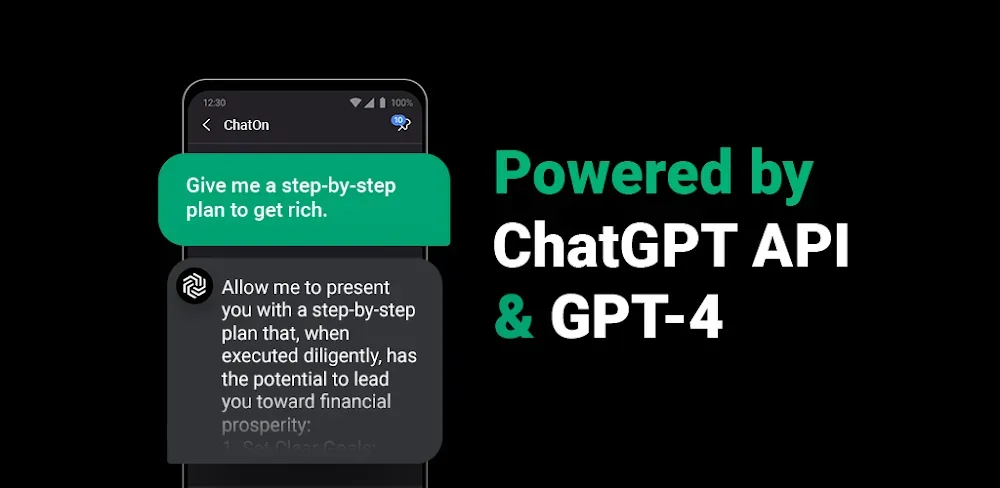

Want to know how to increase productivity and efficiency? Use ChatOn MOD APK! ChatOn can summarize PDFs, accepts voice commands, and even provides you with instant responses!
| App Name | ChatOn |
|---|---|
| Publisher | AIBY Inc. |
| Genre | Productivity |
| Size | 66M |
| Latest Version | 1.99.7-860 |
| MOD Info | Premium Unlocked |
| Get it On |

|
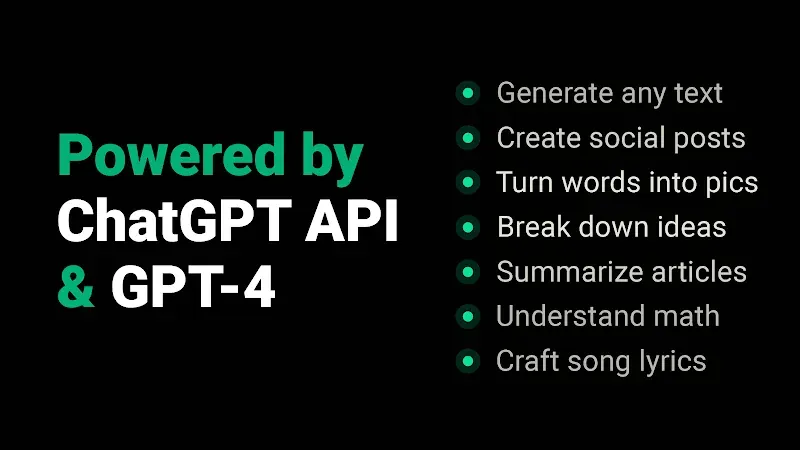
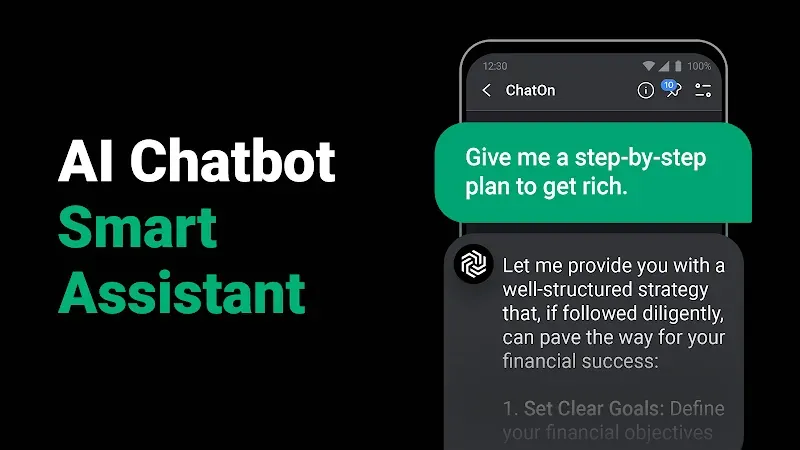
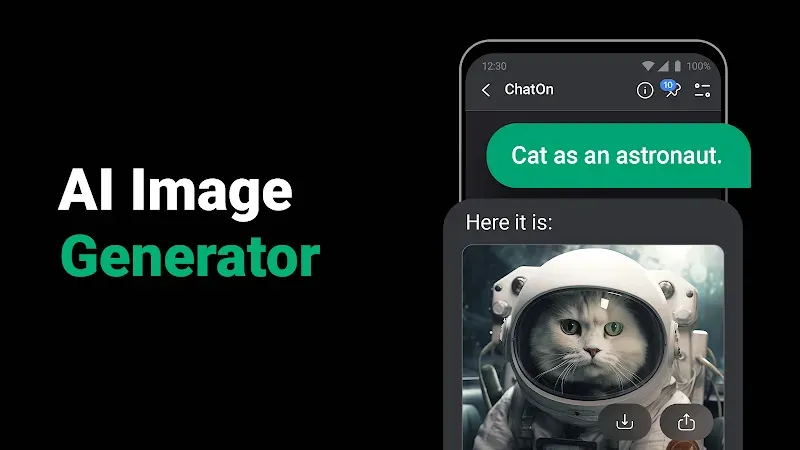
This build provides access to features usually restricted to paid tiers. By using ChatOn MOD APK, you can utilize the full suite of AI productivity tools without encountering typical subscription barriers or locked functions.
Version 1.99.7-860 has a file size of 66M with the package name ai.chat.gpt.bot, and because this file is re-signed, it cannot be installed as an update over an existing version from the official store.
ChatOn is a productivity application that uses language models to create a messaging platform using a familiar chat interface. The AI is interacted with using text commands or by the user dragging files (e.g. videos, text documents) into the interface. Similar to how a basic messaging app works, ChatOn is designed to process the command inputs and provide human-like responses considering context. This application goes beyond a basic messaging app and enables the user to interact with the AI to provide insights and observations on the content of the media (e.g. a video or text document). The interaction model is designed to maintain a free flowing conversation between the user and the assistant. Unlike a basic text-query system, the application can be used to interact with diverse types of media to facilitate the user in performing professional and academic activities.
A core feature of the application is the PDF Master. This utility is optimized to process lengthy PDFs, something the underlying AI is not well suited to do. Users of the application can upload lengthy PDFs to the chat where the AI will generate a summary of the uploaded file. Users of the application can take a photo of a lengthy file or document and upload it to the chat. The AI will identify and summarize the main ideas presented in the document. Users of the application can request a summary of a document and provide specific feedback to help improve the AI’s ability to provide documentation that best meets the users needs. The feedback provided can be as specific as “summary is too short” or “cover too much of the secondary ideas” or “too vague.” The feedback system is designed to be as flexible as possible to help focus the AI to cover the main ideas of the document and to fit the needs of the users project.
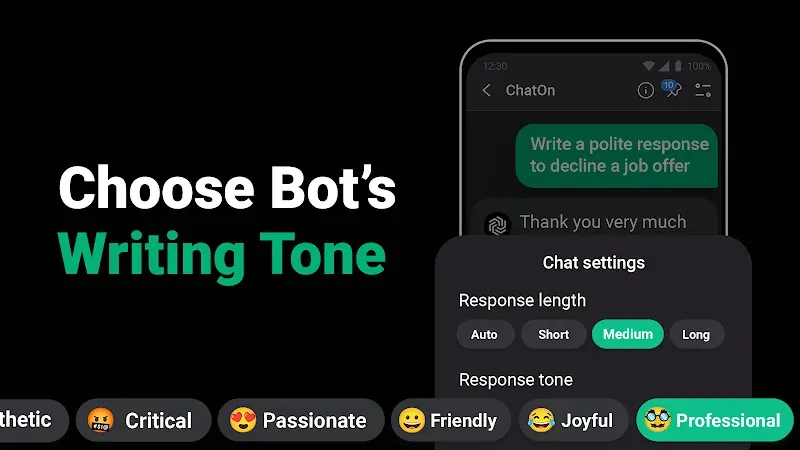
The application offers writing tools beyond the writing assistant. An example is the Email/Post Writer. This tool aids users that have issues with initiating a draft and the appropriate tone for work and/or social communication. For emails and posts, all the AI needs is a couple sentences and/or a general prompt to create a complete first draft. With the Tailor Made feature, the user has control over the length and/or style of the text. For example, the user can have the AI respond in a more formal tone for a business email, or a more casual tone for a social post. With the writing prompt feature, users can improve the quality of their work-related writing such as a persuasive business proposal or social media post.
Another aspect of the software is allowing users to interact via voice. This means users can operate the software hands-free while on the go. Users can verbally input instructions or questions to the AI to be answered. This feature allows users to manage their to-do lists while doing other things like household chores. The AI can also be used for writing tasks. The AI can transcribe spoken word to either text or other types of structured data. The transcription can then be saved for later use. This aspect is presented as a way to increase productivity in instances where the user cannot type on a device due to constraints of the environment. The AI works as a voice-activated assistant that allows users to set reminders or capture ideas through dictation. This means the assistant can be used while a user is away from their desk or is otherwise unproductive.
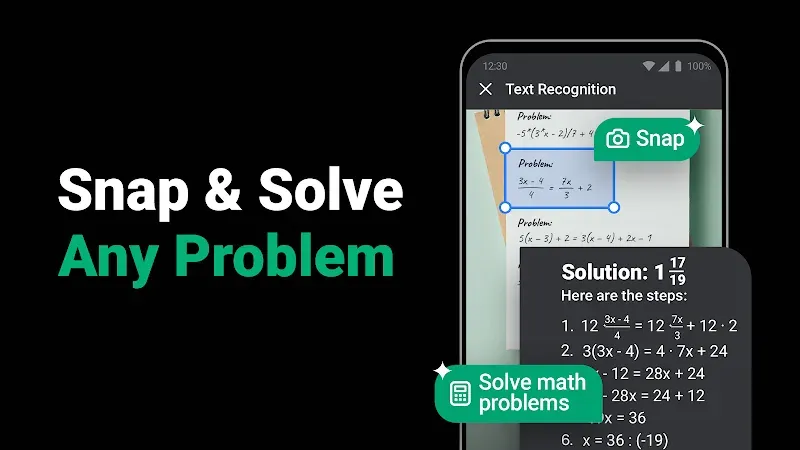
Using the Picture to Notepad feature, users can digitize physically or statically stored information using OCR. Users can take a photo of a physical note, share a screenshot, or use an image that contains text, and the AI will transcribe it to editable digital text. The Knowledge Finder is an information retrieval tool that helps users find and learn about a multitude of topics such as history, science, computer programming, and other similar topics. The AI gives exhaustive answers to user queries, thereby offering explanations and facts in various topics, thus serving as a all-in-one information and tech-explanation bank. With this combination, doing research, or digitizing handwritten information, is much easier as it offers a way to bring info stored in different formats and sources in a single workflow, be it, breaking down complicated topics in science, or digging into information on a topic to use in a report.
ChatOn MOD APK prides itself on utilizing feedback to enhance output. Users are permitted to provide follow-up commands to enhance outputs in terms of formality, length, and structure. This is very useful for iteratively defining what the user wants in an output. Because, in many cases, the first output may not be adequate for addressing user needs. The application is robust enough to handle difficult and advanced tasks such as helping users code or create professional documents. It achieves this by leveraging the context of the user and adapting to it. This is a combination of various AI tools, ranging from video interpretation to writing assistance. The ultimate goal of this application is to provide the end-user with a comprehensive AI assistant which helps them with their daily productivity tasks. This includes managing their business goals, and providing help with routine and mundane tasks. The application goes a step further to help the user with frequent distractions, and brings integrated communication, task management, writing assistance, and time management.
Related MOD APKs
Is Premium unlocked in ChatOn MOD APK?
This ChatOn (1.99.7-860) build includes Premium Unlocked. It functions like the AIBY Inc. version, with mod features active immediately after you finish the installation.
What is the latest version of ChatOn MOD APK?
Version 1.99.7-860 matches the AIBY Inc. build from June 3, 2026. We don’t keep older versions here. Update by installing this file over your current app. If you see a signature error, delete the old version before reinstalling.
Is ChatOn MOD APK safe to download?
This ChatOn 1.99.7-860 build from AIBY Inc. features Premium Unlocked. 584 users gave it a 3.8 rating. It does not require root. Ignore any Play Protect warnings during setup, but always download from this page.
Can I use ChatOn MOD APK on PC or iPhone?
This Android file cannot run on iPhone or iPad. To use the 66M file on a computer, install an emulator like BlueStacks or LDPlayer, then drag the APK into the software to start.
You are now ready to download ChatOn for free. Here are some notes: