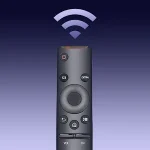
Control any TV from your phone! Experience the ultimate Universal TV Remote for Smart & IR TVs. Voice search, screen mirroring, & easy setup. Download now!
Universal TV Remote Control v3.8.0 MOD APK (Premium Unlocked)
| App Name | Universal TV Remote Control |
|---|---|
| Publisher | CodeMatics Media Solutions |
| Genre | House & Home |
| Size | 10.3M |
| Latest Version | 3.8.0 |
| MOD Info | Premium Unlocked |
| Get it On |

|
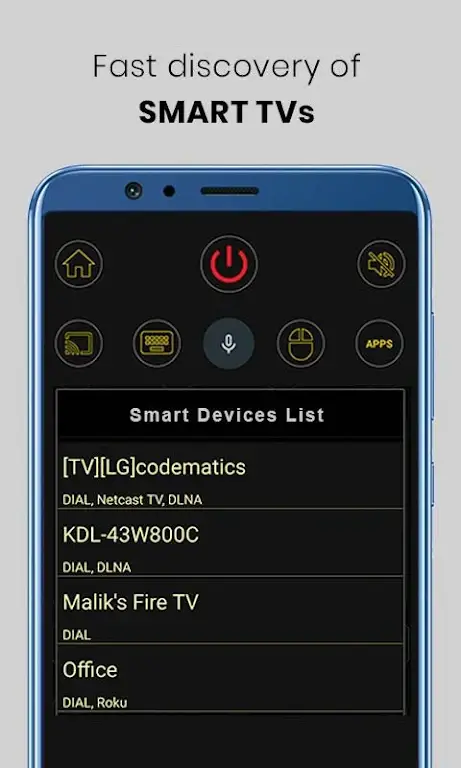
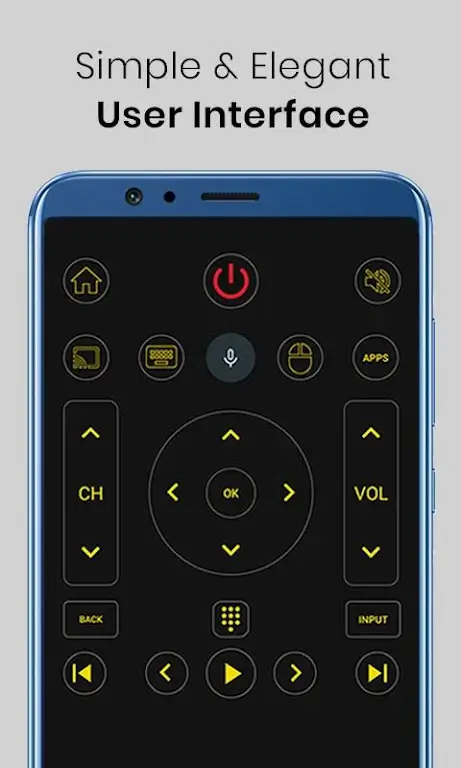
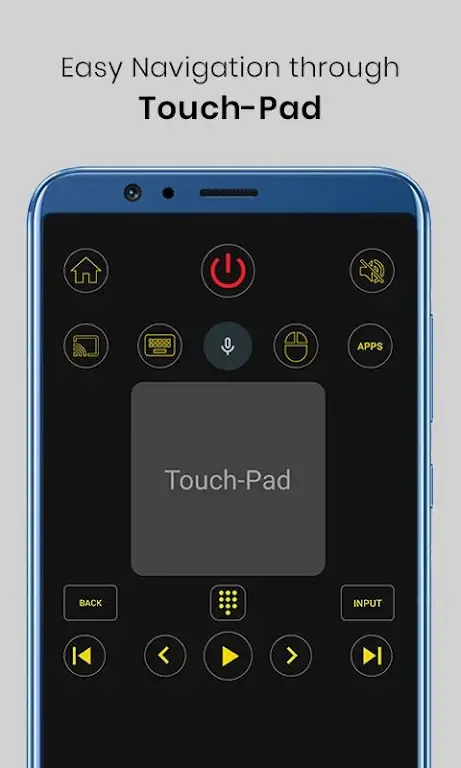
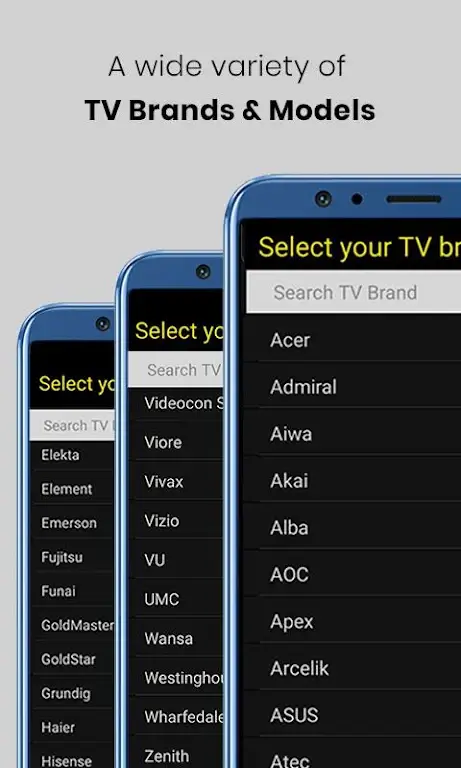
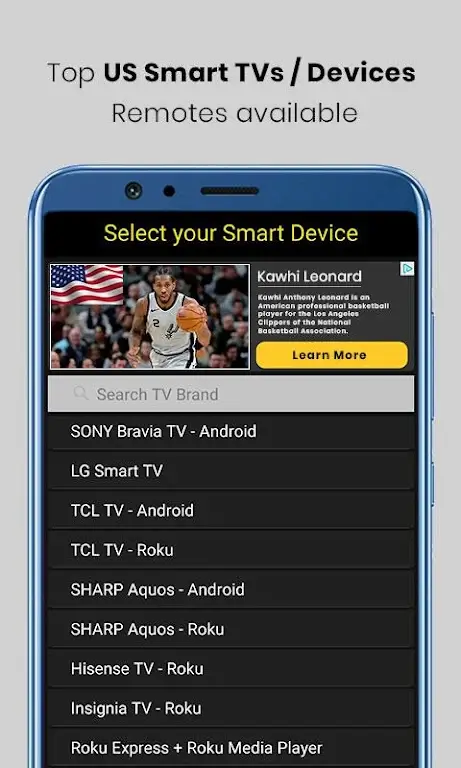
This Universal TV Remote Control MOD APK provides a premium unlocked experience, granting full access to the application’s suite of television management tools. By removing standard limitations, the build allows for unrestricted use of advanced navigation and media sharing features.
What’s Modified in Universal TV Remote Control
- The premium features of the application are unlocked, allowing for complete access to all advanced remote functions and media casting capabilities without the restrictions found in the standard version.
This build is version 3.3.1 with a file size of 12M and the package name codematics.universal.tv.remote.control; please note that as a re-signed file, it cannot be installed as an update over an existing version from the official store.
About Universal TV Remote Control
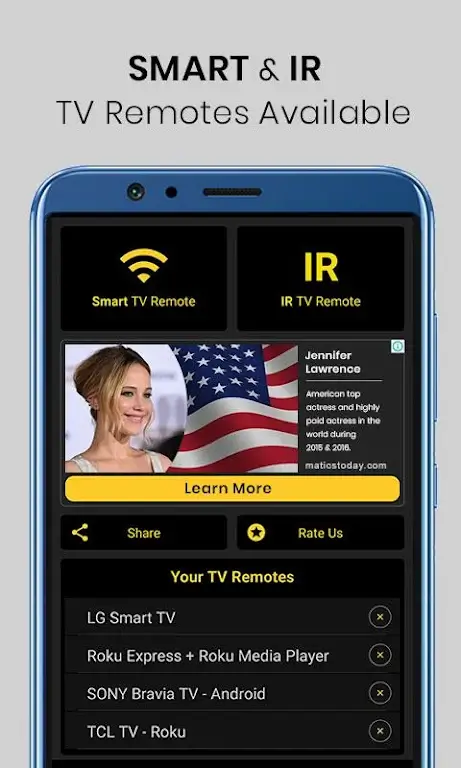
Universal TV Remote Control MOD APK offers a unique solution for controlling your home entertainment system through software rather than hardware. In this version, clutter from multiple remotes to control various home entertainment systems is eliminated. With a unified software solution on your smartphone, you can control all of the home entertainment systems in your home. The application supports the control of both newer Smart TVs, as well as traditional TVs using older technology.
With the software centered on the device that users carry on their person at all times, the complexity of managing television systems in various environments is greatly reduced. For a more simplistic, but effective solution for losing or misplacing TV remotes, this application is worth a try.
A distinctive feature of this software is universal compatibility with virtually all manufacturers. The developers build in support for the largest global manufacturers, e.g. Samsung, LG, Sony, Roku, Vizio and Hisense, just to name a few. The flexibility and breadth of this compatibility is made possible by the use of what is referred to as ‘dual-mode’ technology. This technology provides the app the ability to switch between different forms of inter-process communication (IPC) based upon the type of hardware it is communicating with. For Smart TVs produced in the recent years, the app uses Wi-Fi to communicate and exchange data with the TV. For TVs produced prior to the advent of Smart TVs, the app uses an IR blaster that is incorporated in many mobile devices. As a result, the app is able to serve its purpose as a universal remote control for home entertainment systems made prior to the advent of Smart Home technology.
We designed our app to be easy to set up, especially if you are using a device that is connected to Wi-Fi. To connect to your Smart TV, you simply need to make sure your phone and your TV are on the same Wi-Fi network. Once the connection is made, you will have access to our complete set of controls to power on/off your TV, adjust volume and change channels. Our app can act as your personal assistant and simplify how you interact with streaming content.
The application is designed to be the ultimate remote. Traditional remotes use physical buttons to control a TV. These buttons can be quite frustrating to use when trying to scroll through long streaming menus to find your content. Our app uses a touchpad to eliminate the need for annoying physical buttons. Our touchpad offers a fluid and responsive interface. We also included a feature that lets the user type using their phone’s keyboard. Traditionally, to type on a Smart TV, you have to use an on-screen keyboard and alphabet grid which can be very frustrating, especially if you want to quickly search for something to watch. Our feature lets you search and input data using your phone, the same way you would when you send a text message.
This app improves voice search technology so that users can search for their favorite movies, actors, and TV shows by speaking into their smartphones. Searching for content this way eliminates the need to scroll through long list to find what you’re looking for. The voice search technology is very helpful when trying to navigate through a tons of content. This technology helps manage all of the user’s media in one convenient location.
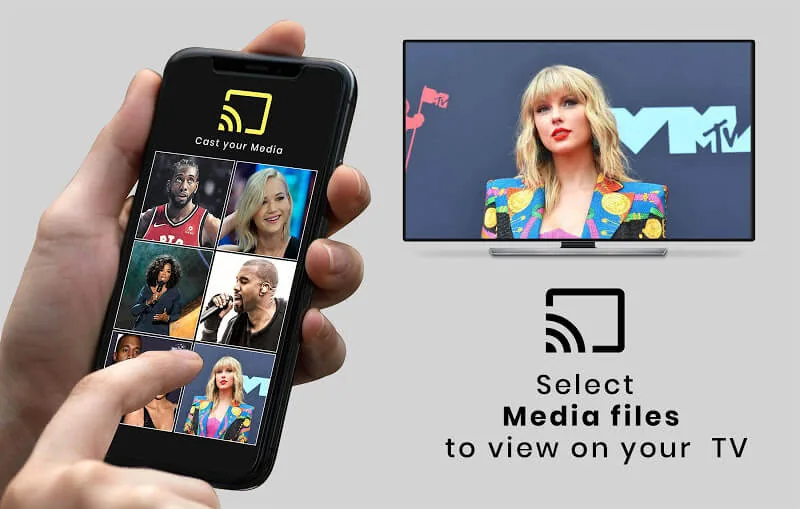
In addition to basic control, Universal TV Remote Control MOD APK offers users the opportunity to share their personal digital media through their smart TVs using their phone’s HD display. The app’s smart casting technology even lets users stream their media directly to their home theater system. This technology turns your smart TV into a media hub. Users can now enjoy their personal digital media on a large screen and improve the overall audio/visual quality of their content.
Key features
- Universal Compatibility with Samsung, LG, Sony, Roku, Vizio, and Hisense
- Dual-Mode Technology for IR Blaster and Wi-Fi connectivity
- Advanced Voice Search for movies, actors, and shows
- High-Definition Screen Mirroring for 4K videos and photos
- Smart Casting for local music and video libraries
- Intuitive Keyboard Input for rapid text entry
- Customized Touchpad for menu and app navigation
- Standard Power, Volume, and Channel controls
- Direct integration with Netflix and YouTube
Related MOD APKs
FAQ
Is Premium unlocked in Universal TV Remote Control MOD APK?
This 3.3.1 build of Universal TV Remote Control features Premium Unlocked. It functions like the original CodeMatics Media Solutions version, with all modifications active immediately after installation.
What is the latest version of Universal TV Remote Control MOD APK?
Version 3.3.1 matches the CodeMatics Media Solutions release from June 9, 2026. We don’t keep older versions here. Update by installing this file over the old one; if you see a signature error, delete the previous app first.
Is Universal TV Remote Control MOD APK safe to download?
14 users rated this 3.3.1 version of Universal TV Remote Control a 3.1 here. It is the CodeMatics Media Solutions app with Premium Unlocked. It does not require root. Disregard Play Protect warnings; always download from this page.
Can I use Universal TV Remote Control MOD APK on PC or iPhone?
As an Android file, it won’t work on iPhone. To use the 12M APK on a computer, install an emulator like BlueStacks or LDPlayer, then drag and drop the file into the program.
Universal TV Remote Control v3.8.0 MOD APK (Premium Unlocked)
Download (10.3M)You are now ready to download Universal TV Remote Control for free. Here are some notes:
- Please read our MOD Info and installation instructions carefully for the game & app to work properly
- Downloading via 3rd party software like IDM, ADM (Direct link) is currently blocked for abuse reasons.
3.1/5 (14 votes)