Streamline your workflow with Office App! It is possible to create, edit, and convert Word, Excel, and PDF files from any location. Experience the ultimate mobile office suite designed to enhance your productivity.
Streamline your workflow with Office App! It is possible to create, edit, and convert Word, Excel, and PDF files from any location. Experience the ultimate mobile office suite designed to enhance your productivity.
| App Name | Office App (Word Office) |
|---|---|
| Publisher | Begamob Global |
| Genre | Productivity |
| Size | 87 MB |
| Latest Version | 311200 |
| MOD Info | Premium Unlocked |
| Get it On |

|
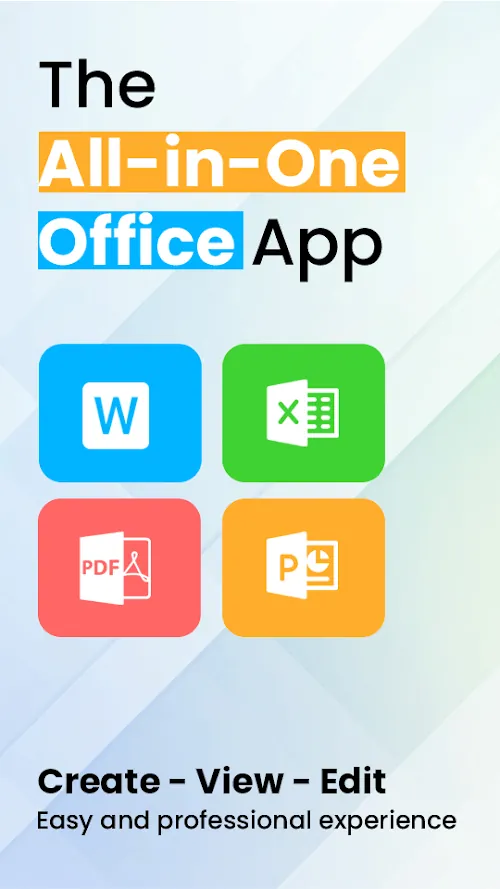
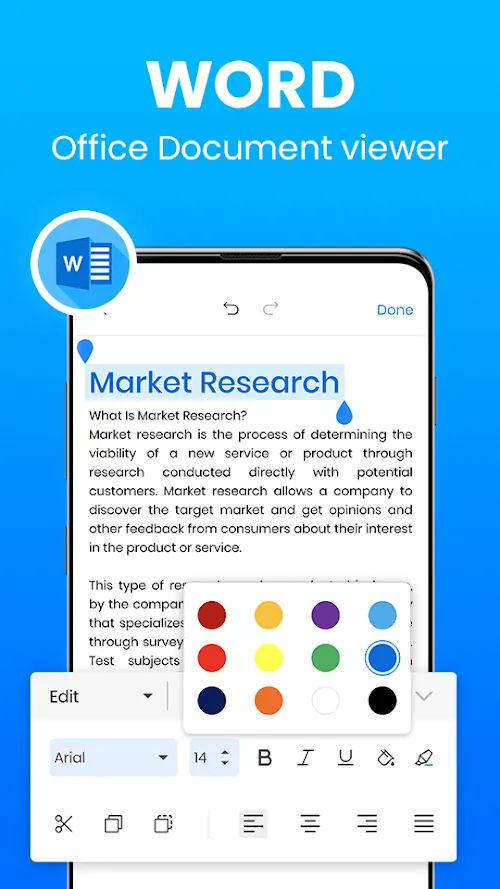
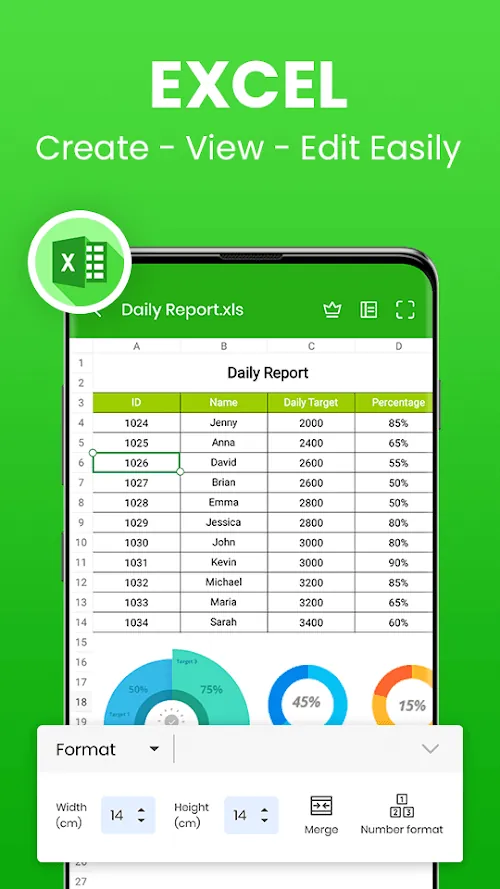
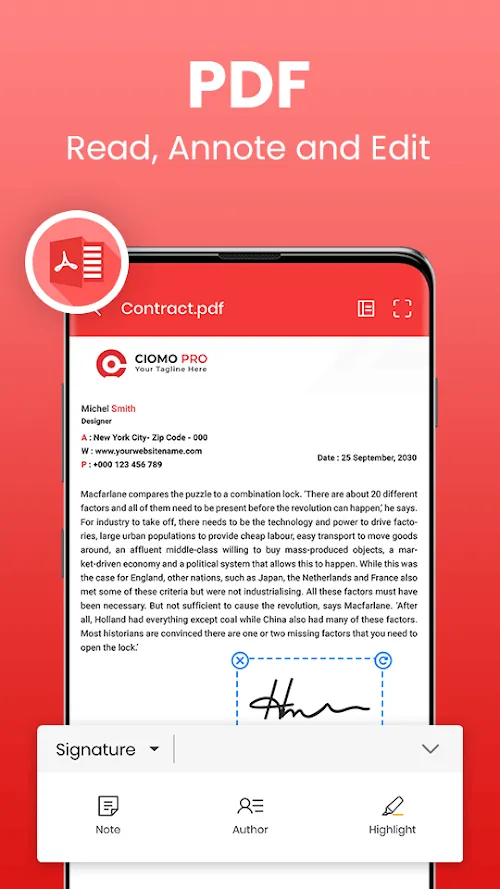
Bring your productivity to the next level with Office App (Word Office) MOD APK. This app has tools to improve your workflow and help you study. In the world we live in today, carrying a full office suite in your pocket is essential more than it is a luxury. You might be a student working on a thesis or a professional trying to manage a complicated budget. You might even be a designer working on a presentation. Office App offers the tools you need to work whenever and wherever you need.
The Only Workspace You Will Need
Office App (Word Office) MOD APK combines the tools you need to work the way you want. It has the three things you need the most: word processing, slides, and spreadsheets. It unifies these three things so you don’t ever have to switch between different apps.
Some Amazing Features
Complete Editing for Your Documents: With Office App, you can create and edit Docx files in the way you want. You can create notes or reports with a formating feature that gives you multiple ways to edit your text.
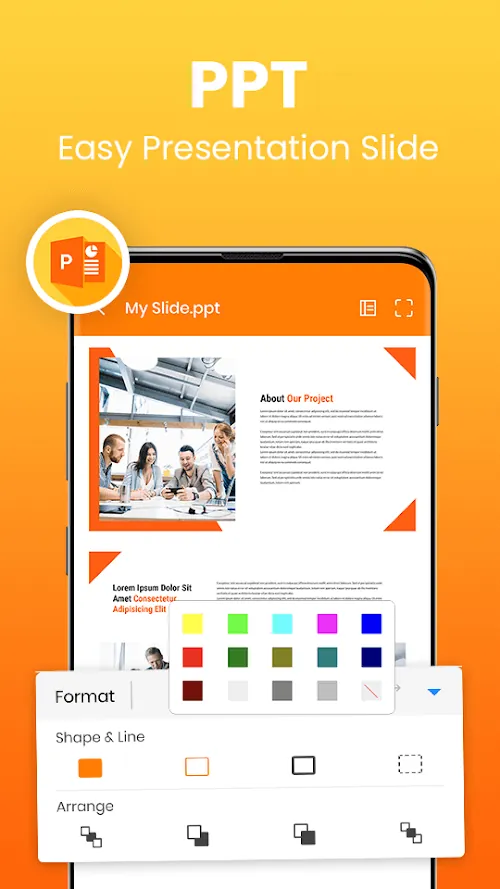
Smart Slides: You can create slides on your phone to make stunning presentations that get your ideas across in a clear and effective way.
Smart Spreadsheets: You can manage a spreadsheet and perform a number of different actions to help you organize and visualize your work.
The Best PDF Tools: You can convert your files into a PDF in a matter of seconds. You can even create an electronic signature and a watermark to secure your PDF.
Intelligent OCR: With our advanced AI, all you have to do is use the camera to upload the desired images to our application, and we will extract the text for you to edit, all completed in the application!
Smart File Management: Achieve the maximum level of organization in your digital life courtesy of a technology-based, scientific data-sorting method for effortless file locating!
Functionality of the Application and Workflow
Office App (Word Office) MOD APK is an application built on the foundation of trust, and for good reason. We have developed the most powerful Offline Editor on the market to date. We know that the internet can be unreliable, and that’s why you have the ability to draft your document and save it, all offline. Perfect for those on the go, or for your average traveler!
We have made this application as easy to use as possible on your Android, even for the more complex tasks of editing many different documents. With our integration of Gmail, we have made sharing a piece of cake. You can even convert all your documents to PDF so they can be formatted the exact way you want them to be, on all different platforms. Whether you have a late-night study session, or an office emergency, our application has your back, and is built for stability.
Conclusion
Never settle when it comes to productivity, especially when you are on the go. Office App (Word Office) MOD APK combines the incredible functionality of a mobile application and the productivity of a desktop application, and will change the way you work forever, for the better! We provide the user with an amazing application that includes everything you need to work, and is built on an incredible PDF security and OCR technology. We know that combining this with our word processor, data analysis, and presentation tools will give you the best the market has to offer! Enjoy the Office App (Word Office) MOD APK to supercharge your mobile productivity!
You are now ready to download Office App (Word Office) for free. Here are some notes: