Transform your volume panel to stunning styles of iOS & MIUI and customize colors, shapes and position for a personalized Android UI!

Transform your volume panel to stunning styles of iOS & MIUI and customize colors, shapes and position for a personalized Android UI!
| App Name | Volume Styles |
|---|---|
| Publisher | Tom Bayley |
| Genre | Personalization |
| Size | 6MB |
| Latest Version | 5.2.1 |
| MOD Info | Premium Unlocked |
| Get it On |

|
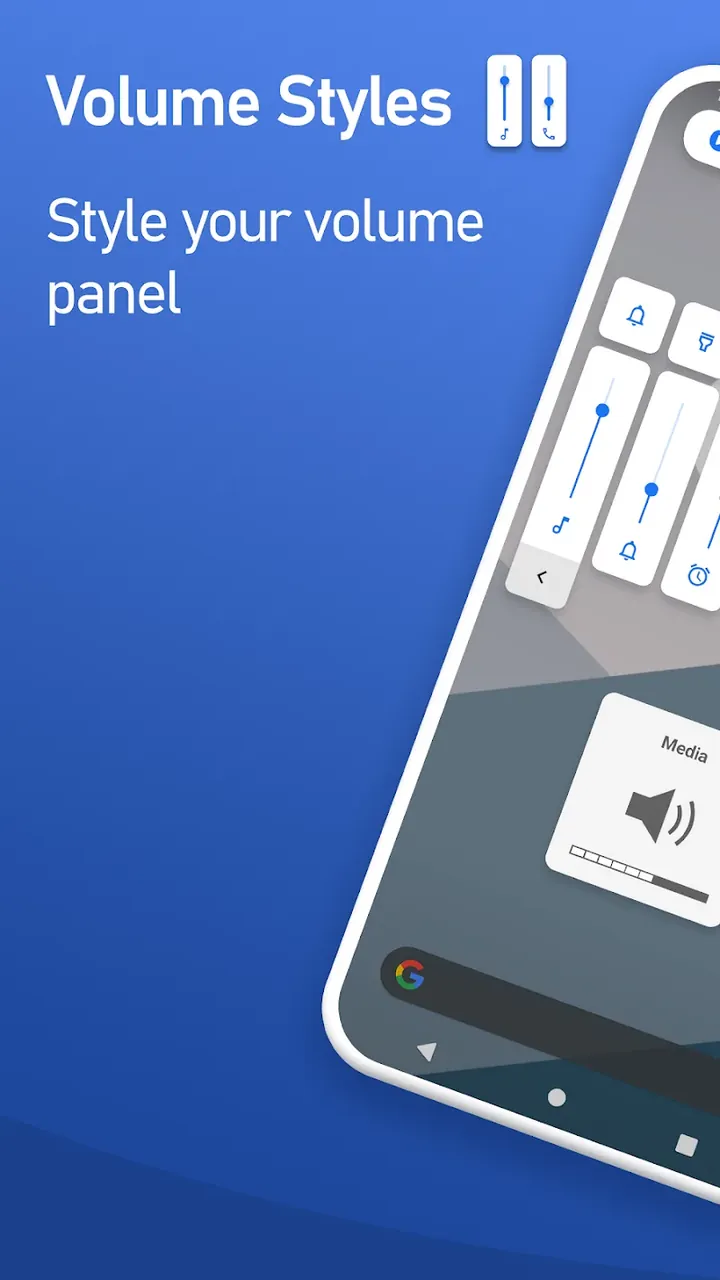
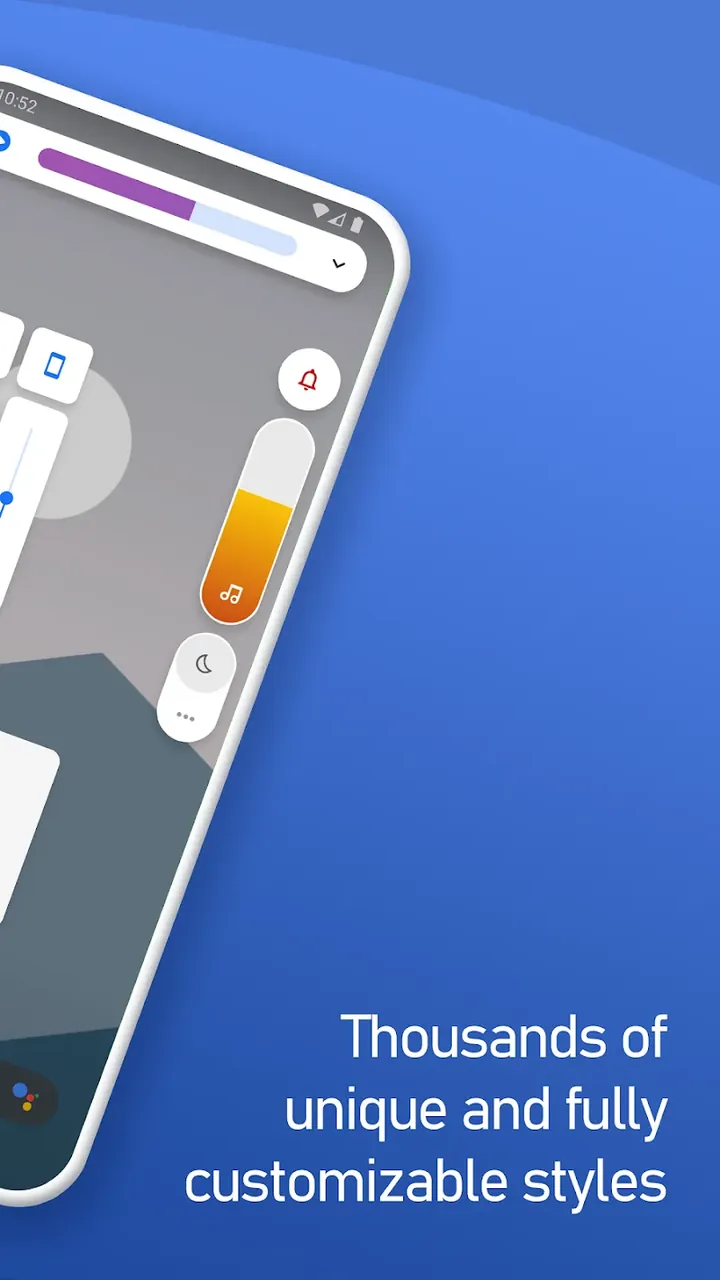
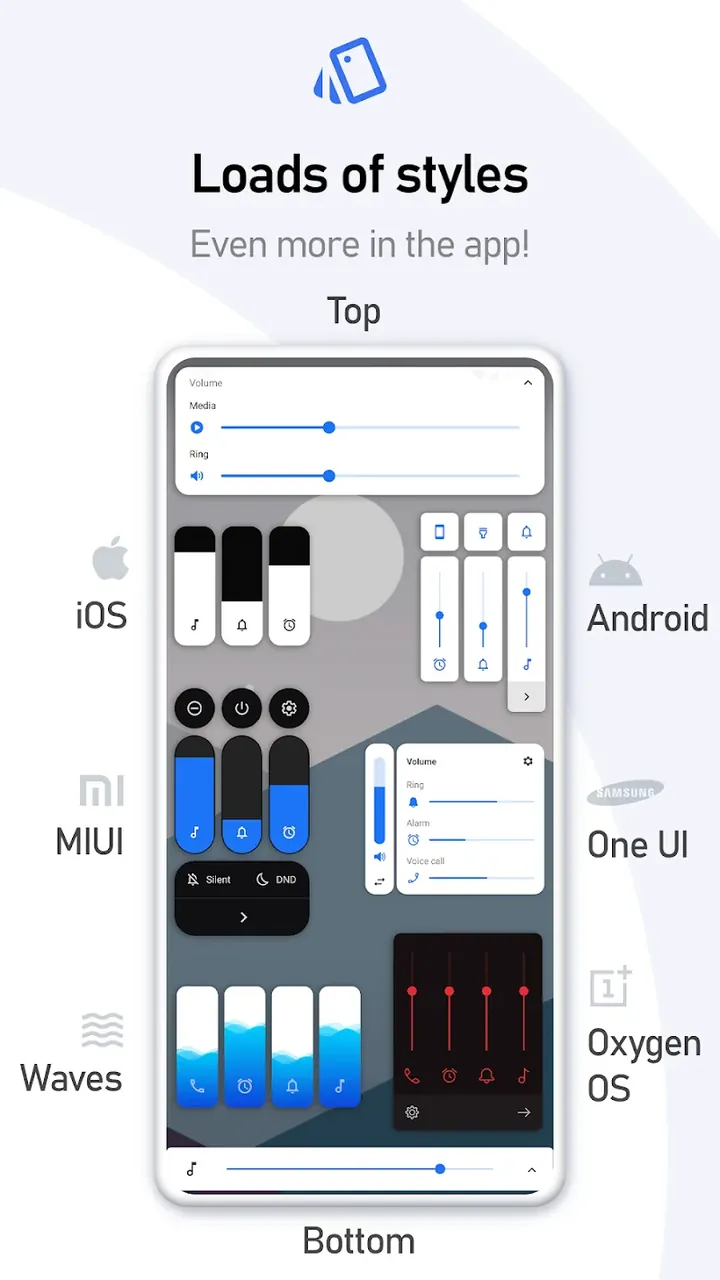
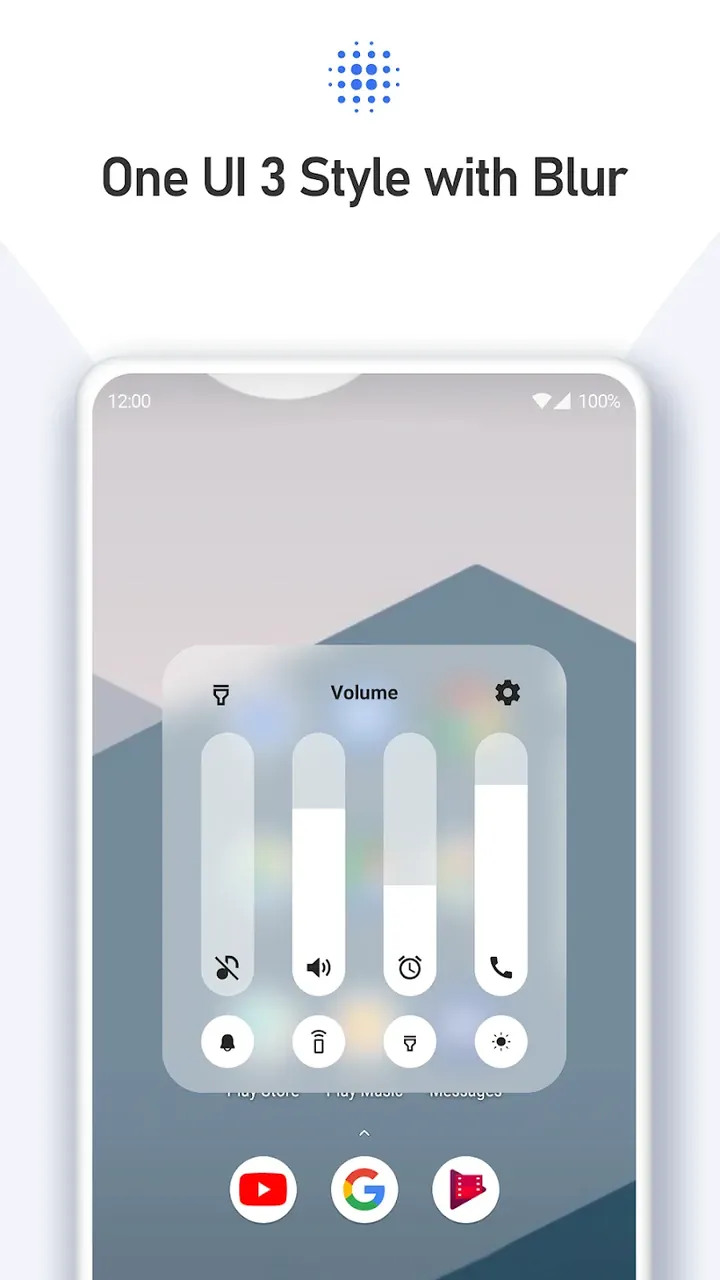
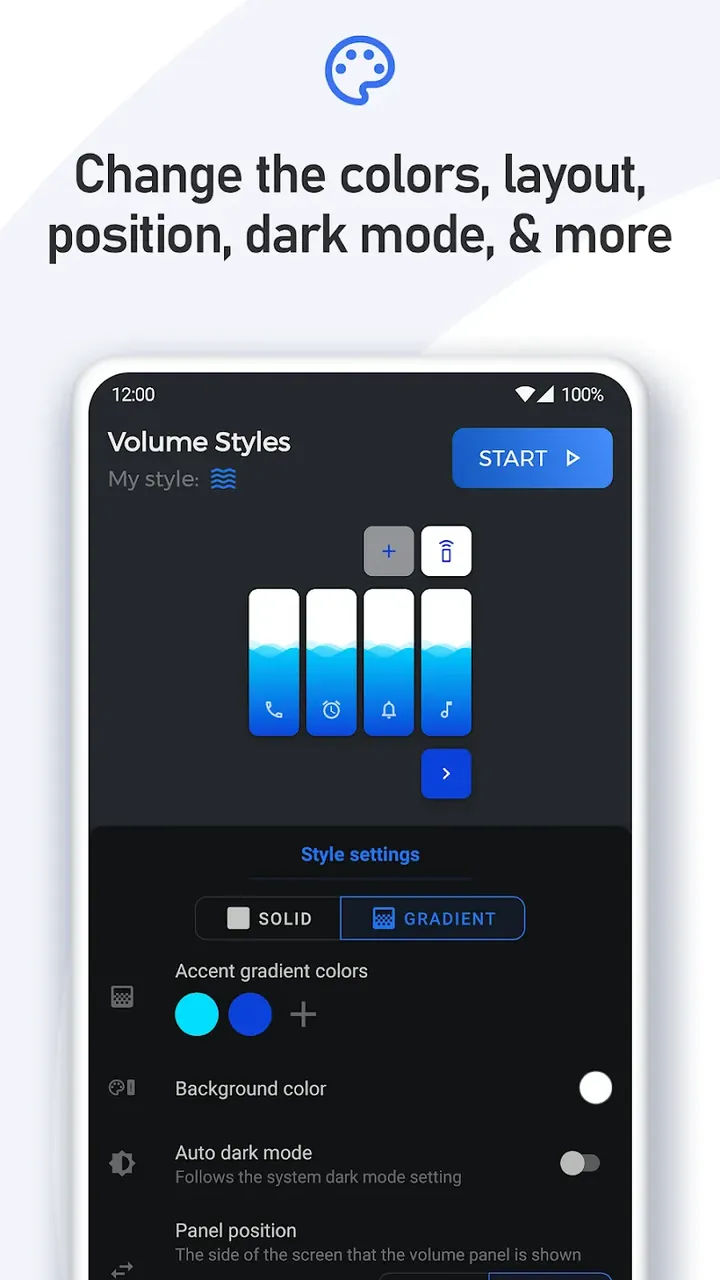
This Volume Styles MOD APK provides the premium unlocked version of the personalization tool, allowing access to all premium styles and advanced configuration options. It enables users to modify their device interface without the limitations found in the standard version of the software.
This build is version 5.2.1, has a file size of 6MB, and uses the package name com.tombayley.volumepanel; as it is a re-signed file, it cannot be installed as an update over the original store version.
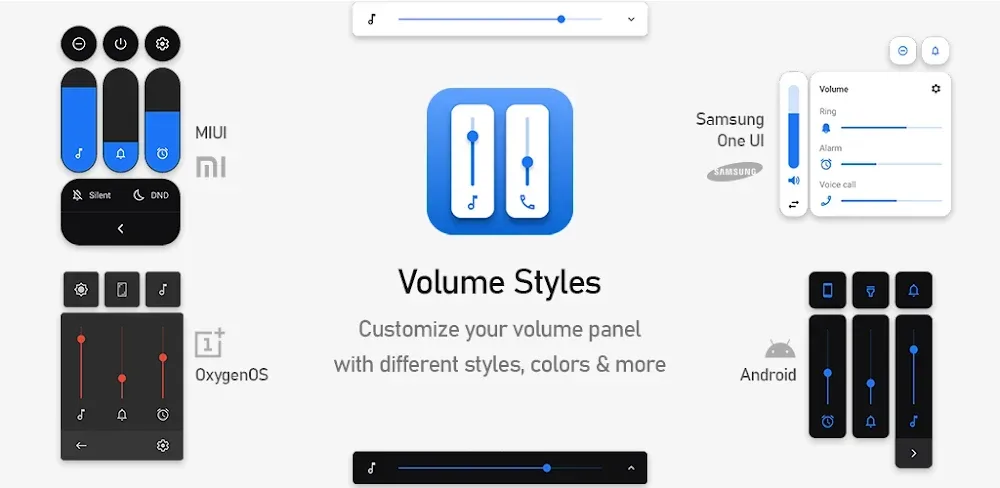
Style is important to some users when it comes to the appearance of the volume control panel on their device. Volume Styles fills that void for users on the Android platform. It allows for dynamic and customizable replacements for the boring and often stagnant volume control panels that come with Android devices. The app allows for alternative styles that give the volume control panels a refreshed look. In addition to the various styles that are reminiscent of different UI kits, Volume Styles also has styles that replicate the look of some of the most popular mobile OSes. These include iOS and several of Samsung’s mobile UIs (One UI and some of their older mobile UIs). Additionally, it can add styles that replicate UIs of other mobile device manufacturers (Xiaomi and Mi). Ultimately, this app is excellent for people that like hardware from a given manufacturer but want software from another (or a given UI from another manufacturer). It improves the look and feel of the volume controls and allows users to have full control over how the volume controls interact and integrate with the main user interface of the device.
This app isn’t just another simple skin. It provides extensive changes to virtually all elements of the interface. The volume control element, for example, can be easily resized to fit virtually any space on the screen. Likewise, it can be positioned virtually anywhere on the screen. More advanced options let users set the curvature of elements to create softer edges. It even has an RGB color picker to help users set the color of interface elements to match other parts of the theme, like wallpaper or system icons. The options are extensive and let users implement virtually any design element they may want.
Control over multiple audio streams is vital to the app, and the designers have provided this control by reducing the app’s reliance on universal sliders. Multiple sliders have been provided for Volumes of Media, Alarms, Notifications, Ringtone, and In-Call. Users can control their alarm volume without changing the volume of other sounds. The app provides a feature of Smart Dark Mode. Similar to other Dark Modes, this mode also allows the user to set the theme of the app automatically as per the system theme, and if system theme is set to automatic, this mode can also detect the light conditions and set the theme of the app. Thus, the mode can set the theme of the app as per the user’s wish in all conditions. The mode can set the volume panel of the app as per the theme of the app, and this mode provides a better volume control of the device.
The Style Creator is one of the main functions that distinguishes this app from the competition. It allows users to construct their own interfaces as opposed to being restricted to various presets. The creator gives users the ability to use and combine various elements such as interface layouts, various icon sets, and special effects like transparency and gradients. With all of these features, users can design panels and interfaces that are unique and not available on any OS or App. One of the main appeals of the app is the ability to share a design (style) with other users and also gain access to other users’ designs. This results in a large database of various designs and styles. Because the volume panel is also used to control other functions like screen rotation and brightness, the volume panel becomes a control center of sorts, and, therefore, a lot more useful.
The software uses minimal system resources and is designed to run in the background to intercept volume button presses. It is designed to reduce battery drain and to take up as little storage space as possible. With a software size of 6 MB, it is designed for mobile devices with limited storage space. The software is designed to work with other customization applications. It is designed to allow users to change the settings to determine how long the customizable interface is displayed. The software is designed to allow users to manage the volume interface and to provide a customizable overlay. The software is designed to provide a seamless transition between the volume controls and the customizable overlay.
The app provides a variety of audio profiles giving users the ability to tweak nearly every part of the device’s sound. It has controls for system sound, Bluetooth sound, and call sound, for example. As such, users need not search for system settings to change sound profiles. The app provides one unified control for sound management. Most users can learn how to use the app to customize sound management in just a few minutes. This shows that the app does not require a user to have any special skills or knowledge in sound management to change sound profiles. The app includes various visual effects when sound management options are changed, showing that the developers of the app value the user experience. The app lets users change sound management profiles to suit their preferences. It also allows users to define a default profile to use when the app is first loaded. Users can also personalize management profiles to use for calls and Bluetooth. Also, users can change the sound management profile for alerts. All these features help users manage sound on their devices as they wish.
Related MOD APKs
Is Premium unlocked in Volume Styles MOD APK?
In this build of Volume Styles (5.2.1), the following is modified: Premium Unlocked. Everything else works like the official Tom Bayley release, and the changes are live as soon as you install.
What is the latest version of Volume Styles MOD APK?
The current build is v5.2.1, matching Tom Bayley’s release, last updated on August 26, 2026. We don’t keep older versions here. To update, install the new build from this page over the existing one; if Android reports a signature conflict, uninstall the old build first.
Is Volume Styles MOD APK safe to download?
Volume Styles MOD APK v5.2.1 on MODYOLO is Tom Bayley’s original app with only Premium Unlocked modified. 19 users have rated it 3.6/5 here. It does not require root. A Play Protect warning during install is expected, so always download from this page.
Can I use Volume Styles MOD APK on PC or iPhone?
This is an Android package, so it won’t install on iPhone or iPad. On Windows or macOS you can run the 6MB APK in an Android emulator such as BlueStacks or LDPlayer—install the emulator, then drag the file in.
You are now ready to download Volume Styles for free. Here are some notes: