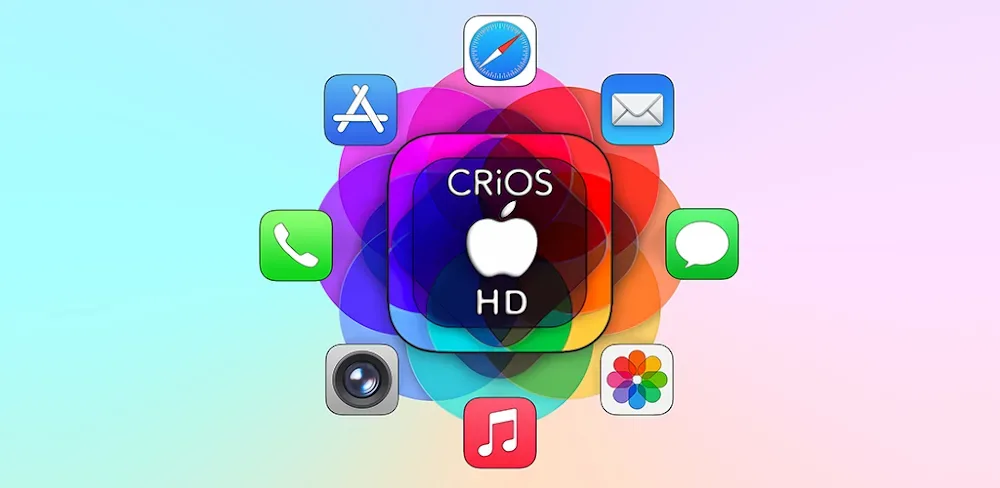
Transform your Android with the stunning CRiOS HD Icon Pack! Get 4700+ premium iOS-style icons, 2K wallpapers, and triple-rendered HD graphics today.
CRiOS HD - Icon Pack v5.9 APK (Full Version)
| App Name | CRiOS HD - Icon Pack |
|---|---|
| Publisher | Cris87 |
| Genre | Personalization |
| Size | 110M |
| Latest Version | 5.9 |
| MOD Info | Full Version |
| Get it On |

|
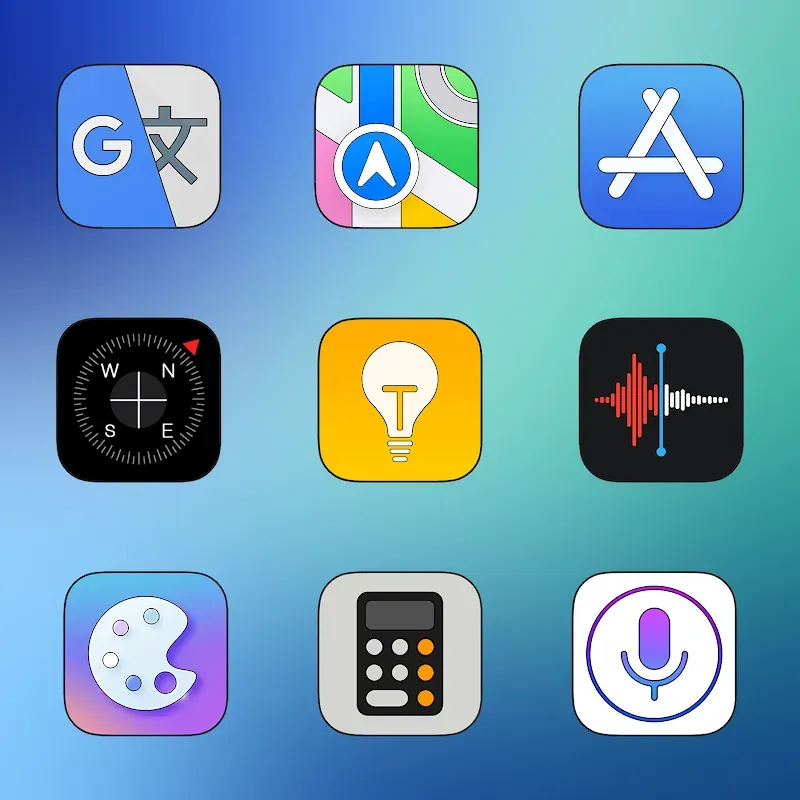
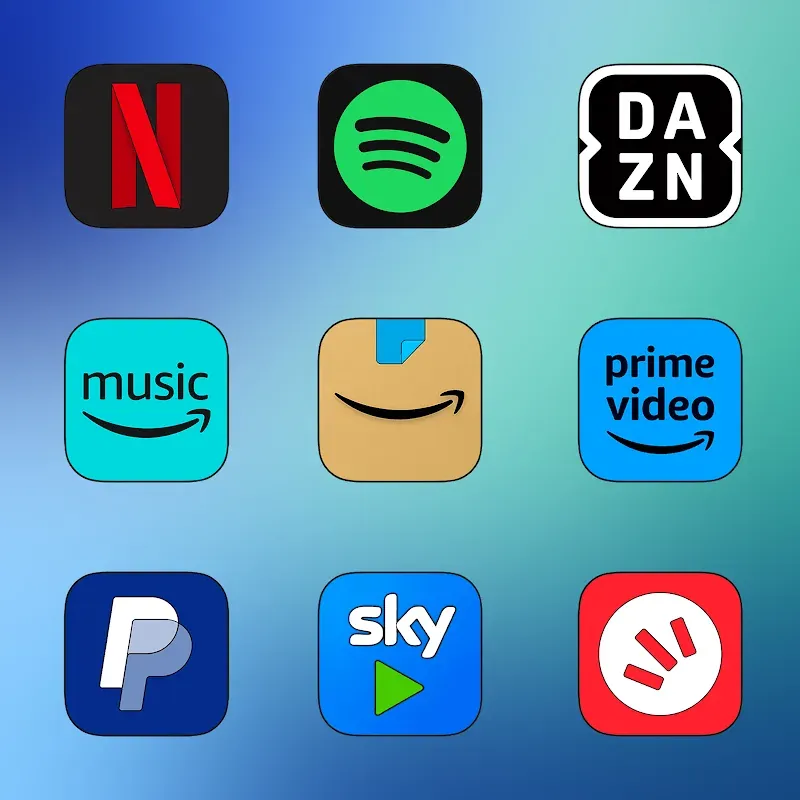
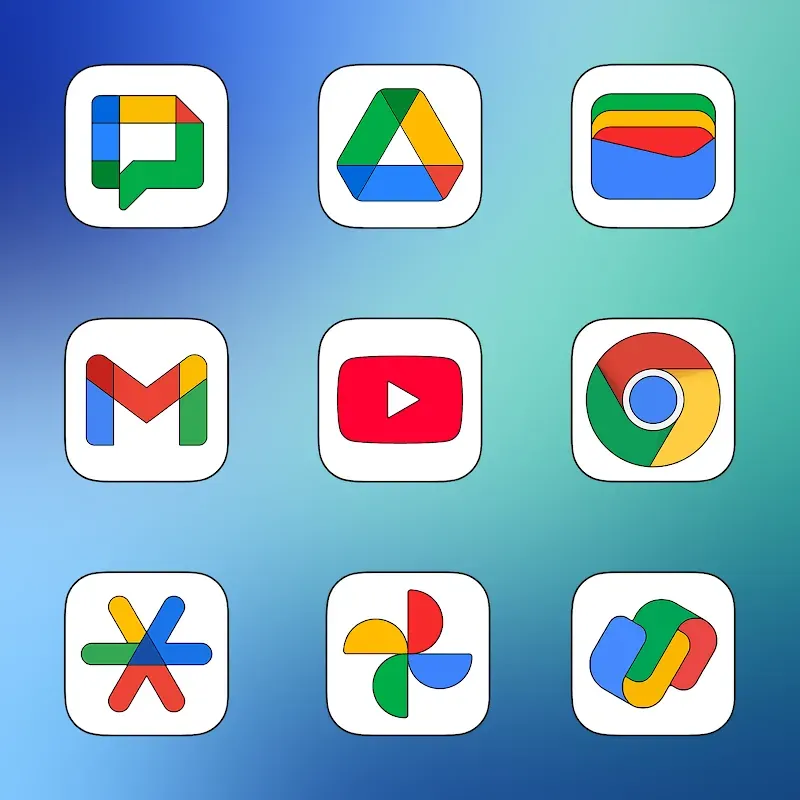
Elevate your mobile experience with the ultimate aesthetic upgrade! CRiOS HD – Icon Pack is the premier personalization tool designed for users who crave the sophisticated, sleek, and minimalist design language of the modern iOS ecosystem. If you are looking to bridge the gap between Android’s versatility and Apple’s iconic visual style, this high-definition icon pack is your perfect solution.
Key Features
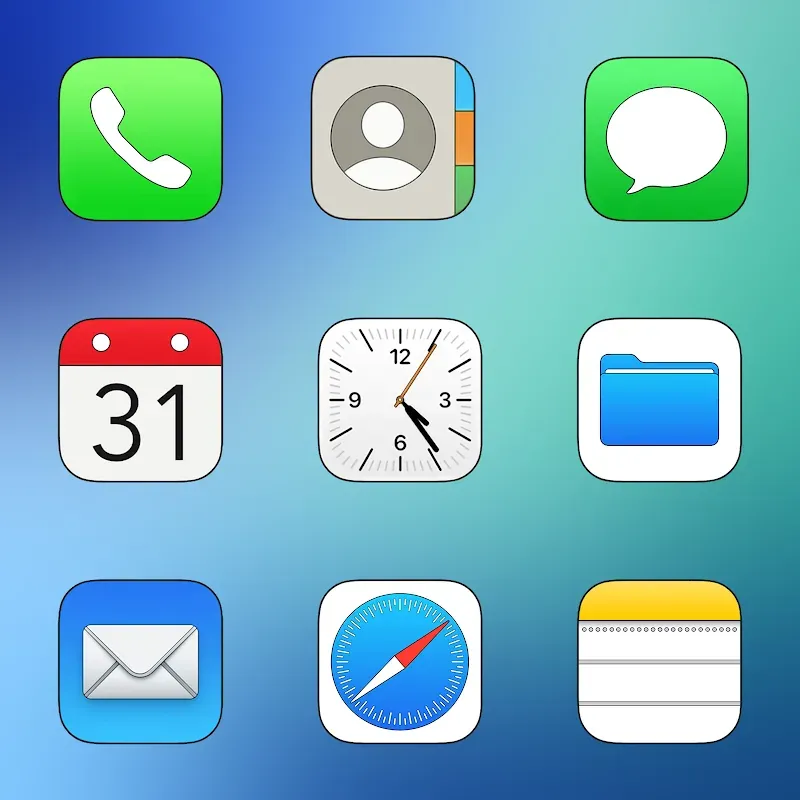
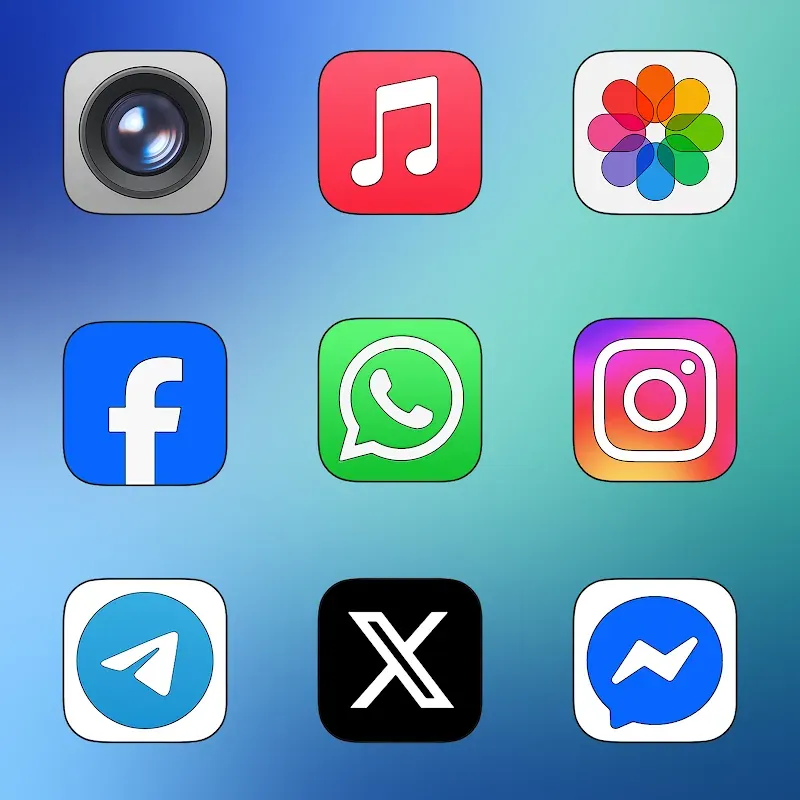
- Extensive Icon Library: Gain access to a massive collection of over 4,760 meticulously designed icon templates. Every icon is crafted to mirror the stereotypical iOS aesthetic while maintaining unique flair.
- 2K SuperHD+ Resolution: Quality is our priority. Every asset is exported in 2K resolution, ensuring your home screen looks crisp, vibrant, and professional on any display size, from compact phones to large tablets.
- Triple Rendering Technology: Unlike standard icon packs, CRiOS HD utilizes a unique triple rendering process. This ensures that every (360×360) pixel ratio icon has extreme depth, color accuracy, and sharpness.
- Premium Wallpaper Collection: To ensure a unified look, the app includes over 110 exclusive HD wallpapers. These 2K backgrounds are designed to complement the icons perfectly, offering a cohesive iOS-themed interface.
- Dynamic Calendar Support: Keep your workspace functional and stylish. The pack supports dynamic calendars that change according to the date, blending seamlessly into your customized layout.
- Custom Request System: Missing an icon for a niche app? Use the built-in interface redesign request tool to ask for new icons to be added in future updates.
Customization Mechanics
Using CRiOS HD – Icon Pack is an intuitive and seamless process designed for both beginners and power users. To begin your transformation, simply ensure you have a compatible third-party launcher installed (such as Nova Launcher, Apex Launcher, or Action Launcher).
Once installed, you can navigate through the user-friendly dashboard to apply the icon pack globally with a single click. For more granular control, the app allows you to manually select icons for specific apps, ensuring your folders and dock look exactly how you want them. The triple rendering engine works behind the scenes to optimize the graphics for your specific screen resolution, ensuring that the 360×360 pixel assets never look stretched or blurry.
Furthermore, the wallpaper section allows you to preview how the iOS-themed backgrounds interact with your new icons before applying them. You can toggle between different layouts and animation templates to find the perfect balance of style and functionality. The app is optimized for low battery consumption, ensuring that your high-resolution theme doesn’t compromise your device’s performance.
Conclusion
Why settle for a standard interface when you can have a premium, high-definition look that rivals the most expensive devices on the market? CRiOS HD – Icon Pack is more than just a set of images; it is a complete overhaul for your digital life. By combining meticulous iOS-inspired design with professional-grade graphics processing, we provide an unparalleled personalization experience. Join thousands of satisfied users and give your Android device the luxurious makeover it deserves. Download CRiOS HD – Icon Pack today and experience the gold standard of mobile icons!
CRiOS HD - Icon Pack v5.9 APK (Full Version)
Download (110M)You are now ready to download CRiOS HD - Icon Pack for free. Here are some notes:
- Please read our MOD Info and installation instructions carefully for the game & app to work properly
- Downloading via 3rd party software like IDM, ADM (Direct link) is currently blocked for abuse reasons.
4/5 (3 votes)