K2er – Gamepad Keyboard Mapper lets you customize controls, map gamepad buttons, and enjoy smoother gaming with flexible key mapping and advanced settings.
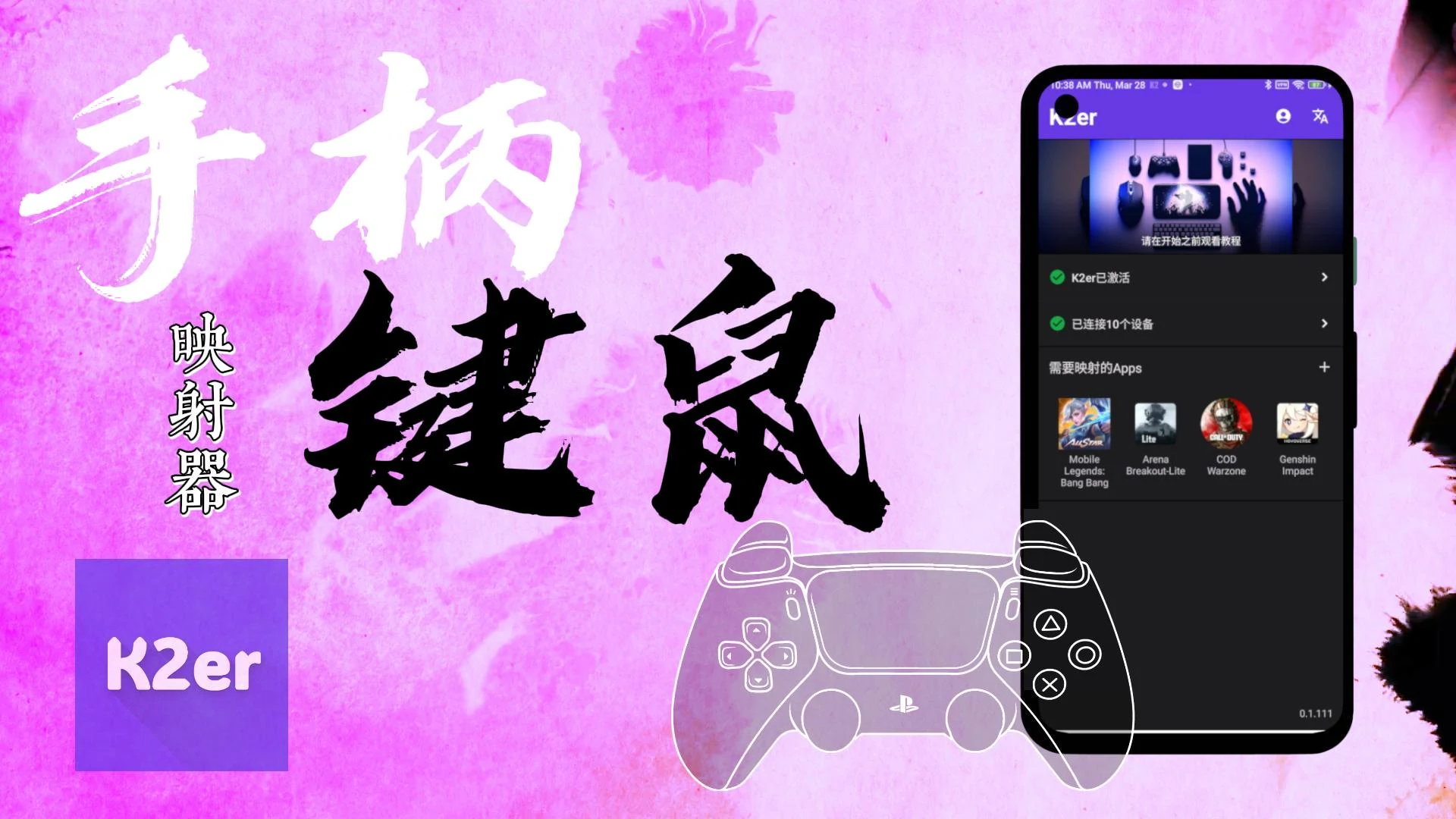

K2er - Gamepad Keyboard Mapper MOD APK V0.3.880 (Premium Unlocked)
| App Name | K2er - Gamepad Keyboard Mapper |
|---|---|
| Publisher | K2er Studio |
| Genre | Tools |
| Size | 49 MB |
| Latest Version | 0.3.880 |
| MOD Info | Premium Unlocked |
| Get it On |

|
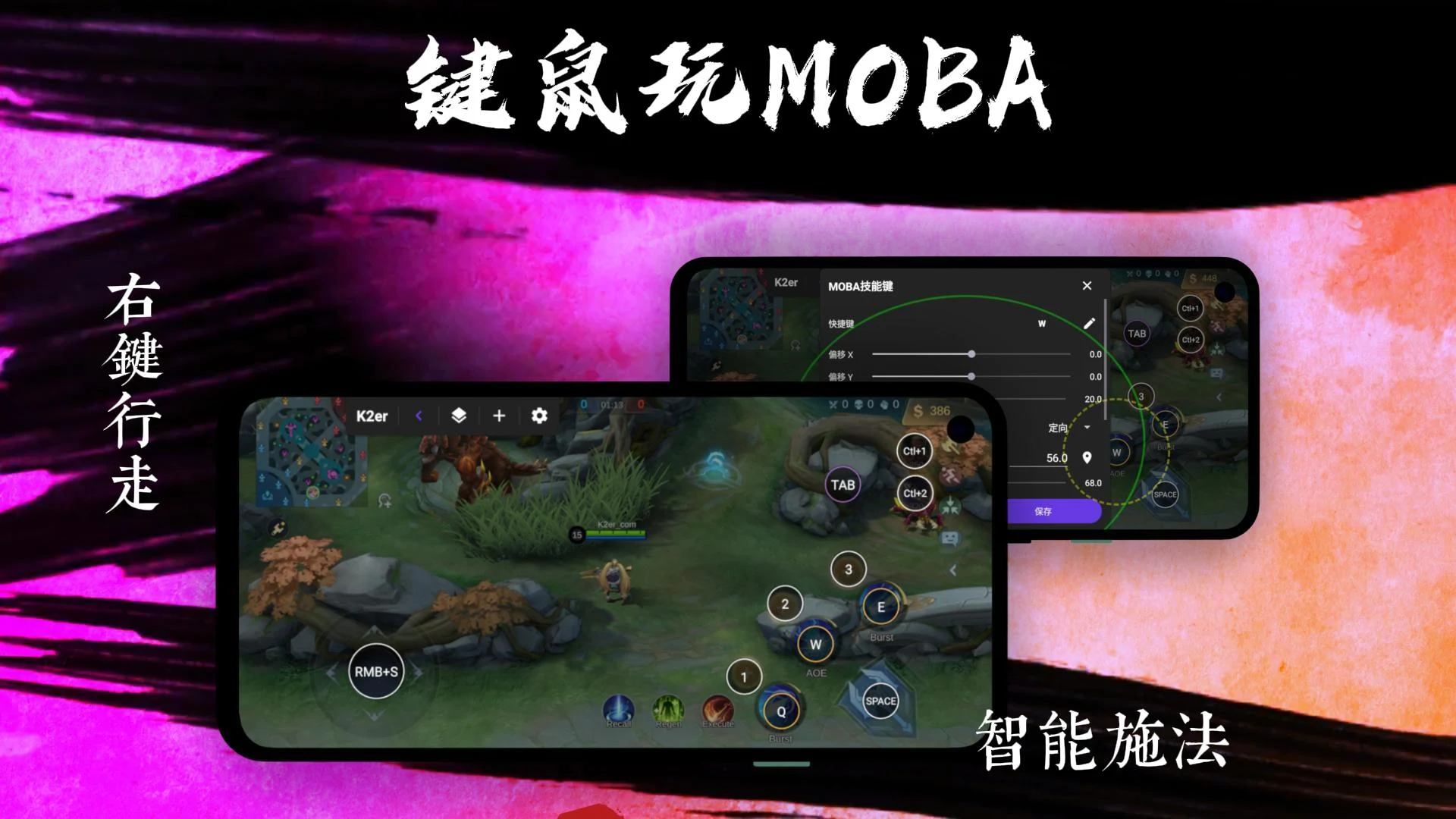
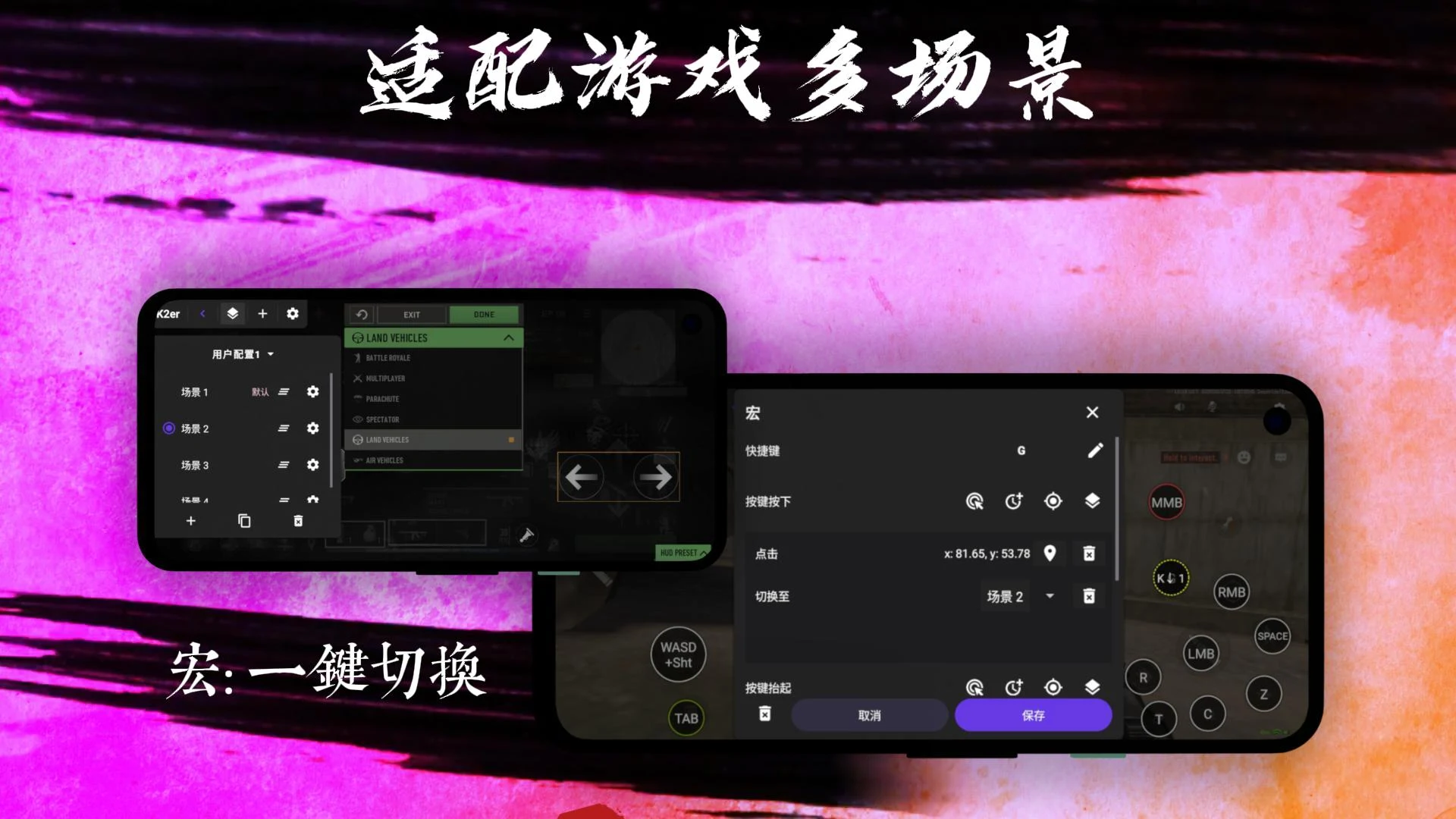
This release of the K2er MOD APK provides full access to the application’s premium features, removing the limitations found in the standard version. It allows for unrestricted use of the advanced mapping tools and profile management systems necessary for creating a fully customized gaming environment.
What’s Modified in K2er
- Unlocks all premium features of the application, allowing full access to advanced mapping and profile management tools.
Version 0.3.880 has a file size of 49 MB with the package name com.k2tap.master, and because it is re-signed, it cannot be installed over an existing version from the official store.
About K2er
K2er – Gamepad Keyboard Mapper is a utility that alters input method for mobile gaming. It enables users to rely on physical inputs, e.g. gamepads, keyboards, mice, etc. rather than touch inputs. There are several mobile games that require users to interact with virtual buttons and joysticks which, in turn, results in obstruction of screen space. Some games may require advanced control inputs. Additionally, users may prefer to interact with mobile games in the same way they play with PC and/or console games. The K2er Gamepad Keyboard Mapper allows users to simulate touch inputs with physical input devices. The application is very helpful for mobile gaming, especially for users that prefer to play action-oriented games. The K2er Modified APK removes restrictions and, thus, allows users to fully customize the application.
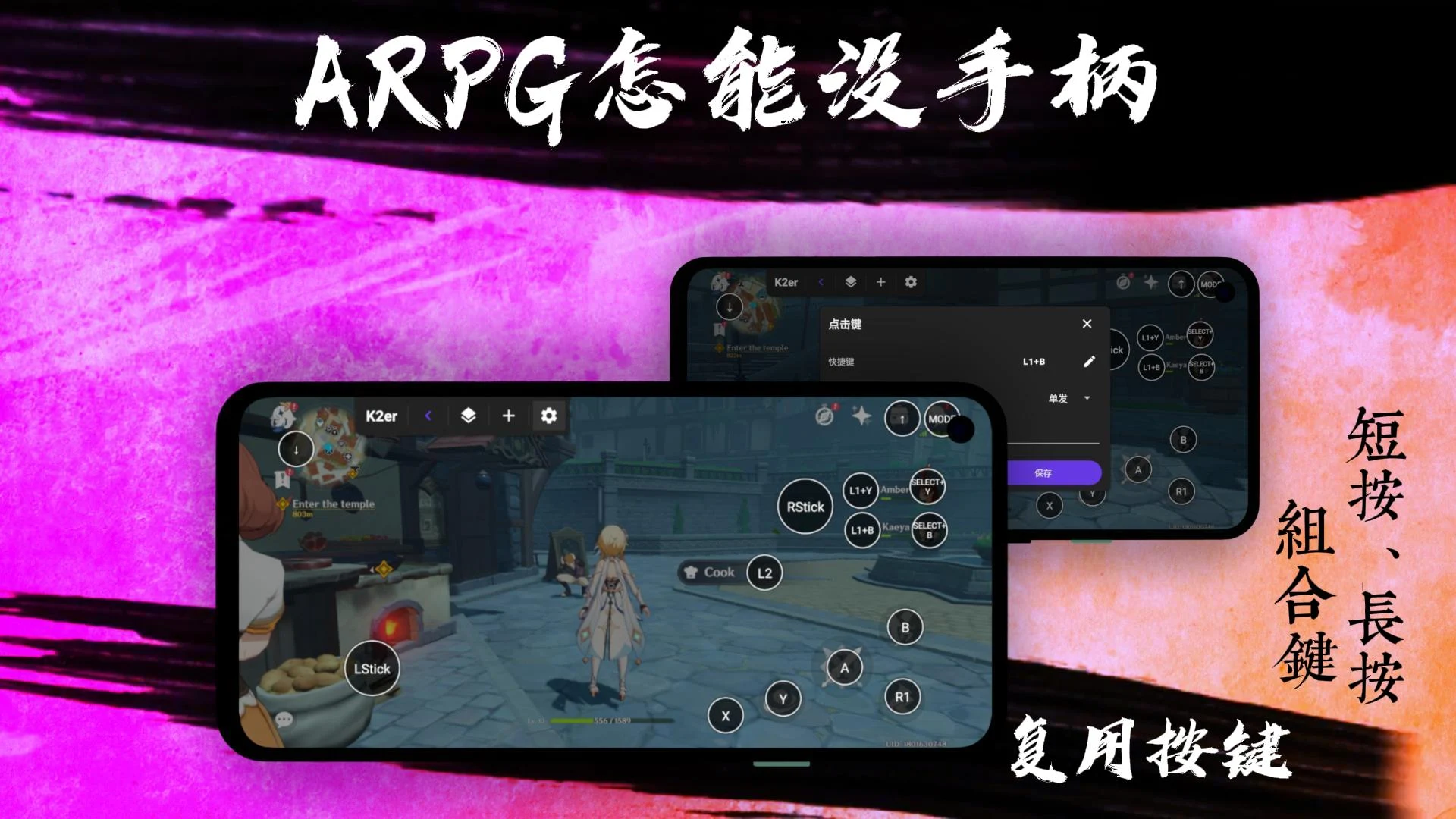
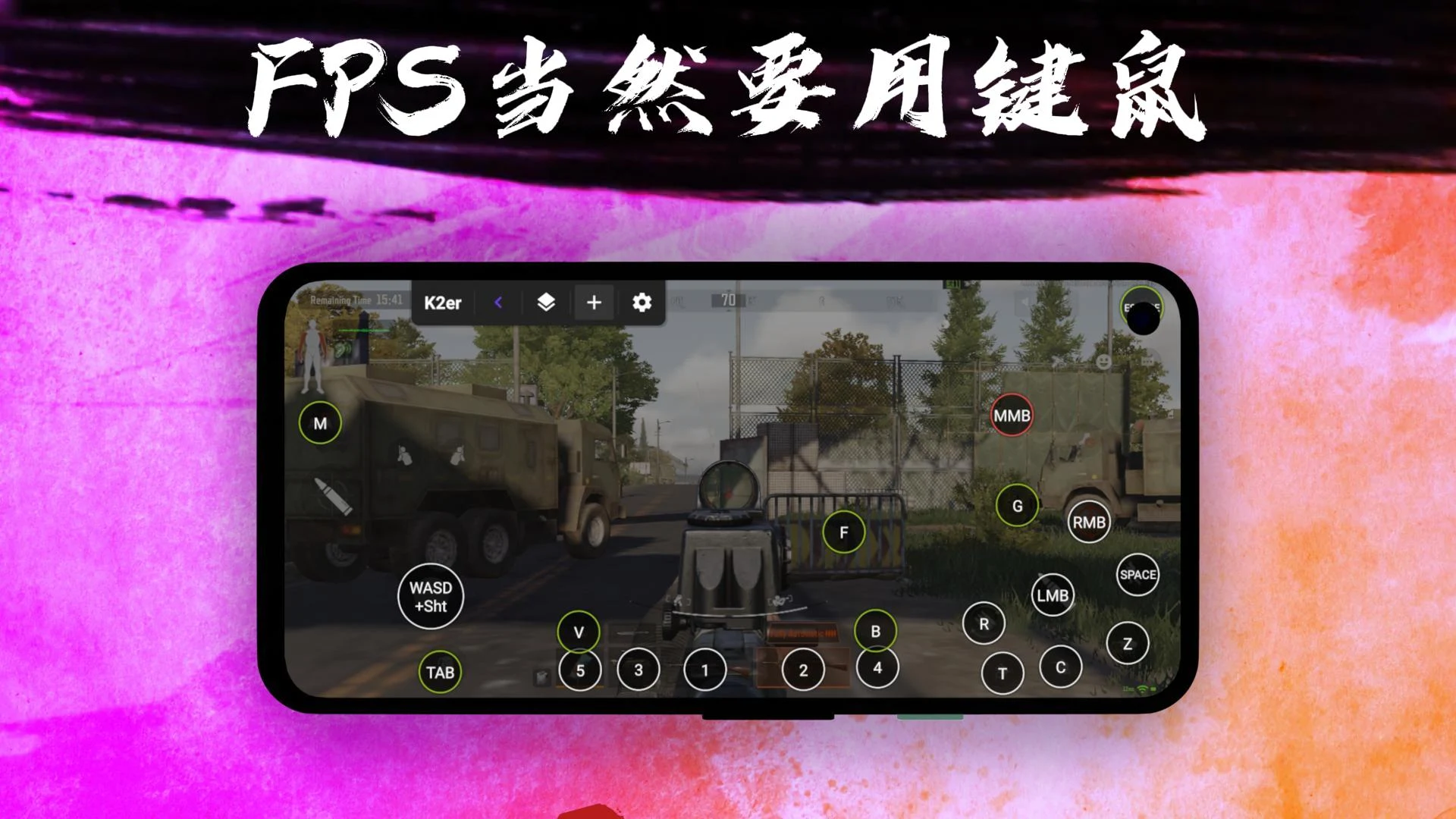
Detailed control customization is one of the main selling points of the application. It allows users to interact with their controllers at a level that was not previously possible. Users can define which button is associated with which command by simply placing the command on the desired location on the screen and pressing the corresponding button on their controller. As a result, users can play games the way they want to play, including mapping jump commands in a platformer or commands to switch weapons in shooters. The application provides support for gamepads as well as controllers with keyboards, making it very versatile. The application provides control customization for players’ convenience, especially when players have to interact with long and complicated menus in games.
With the varying philosophies of control found in different genres of games, it can be a hassle to find the control scheme that feels the most comfortable for a given game. That is why it is essential for a user to be able to create different control profiles to reflect different genres. Easy Profile Management allows users to quickly and efficiently create and organize control profiles. Once a control profile has been created, all the configuration has to be done only once. By using Easy Profile Management, users can forget about having to configure control schemes for each game they play. This system alleviates the hassle of having to configure control schemes for multiple games. With Easy Profile Management, users no longer have to manually configure control schemes for each individual game.
Competitive players can take advantage of Precision Gaming and Flexible Input Customization. These features offer control over various inputs, including dead zones and analog stick behaviour. Analog sticks, in particular, can significantly impact gameplay, and making adjustments to their behaviour can improve game response and movement accuracy. This feature is especially useful when dealing with mobile gaming and its reliance on on-screen controls. The sensitivity of mobile game controls is often set too low, and precision tools allow players to increase sensitivity to a level that better suits their real-life movements. Flexible Input Customization allows players to tailor input commands to their preferences and simplify controls to a system that is comfortable for them. These features improve the ergonomics of gaming and lessen the risks of Repetitive Strain Injury (RSI) by allowing players to reposition and utilize connected hardware in various ways.
To put it bluntly, applications have a framework, and that framework can either be simple or complex. This application utilizes a simple framework. This allows for easier and quicker implementation of the designed features. Connection and configuration of supported input devices is one of the key features of this application. For the user to be able to achieve this, the application utilizes the framework to detect input devices and provides on-screen layouts to facilitate configuration. This application is focused on fulfilling the needs and desires of gamers. It provides a platform for the user to comfortably and conveniently enjoy their favorite games, and at the same time give advanced users the ability to define and configure controls as they wish. The application sets out to achieve all of this without unnecessary clutter and additional menus that don’t add value to the service it provides. By providing this service, gamers are provided an opportunity to enjoy games in a more immersive and comfortable manner.
Key features
- Gamepad Button Mapping
- Keyboard Control Mapping
- Custom Control Profiles
- Precision Gaming Setup
- Flexible Input Customization
- Simple and User-Friendly Interface
- Easy Profile Management
Related MOD APKs
- MovieBox ID: Watch Movies, TV Series, K-Dramas & Anime for Free
- KWGT Kustom Widget Pro
- SnapTube
- Terabox
FAQ
Is Premium unlocked in K2er – Gamepad Keyboard Mapper MOD APK?
This K2er – Gamepad Keyboard Mapper version (0.3.880) includes Premium Unlocked. It functions like the original K2er Studio app, with all features active immediately after you finish installing the file.
What is the latest version of K2er – Gamepad Keyboard Mapper MOD APK?
Version 0.3.880 matches the K2er Studio update from August 26, 2026. We don’t keep older versions here. To update, install this file over your current app. If you see a signature error, you must uninstall the existing version before trying again.
Is K2er – Gamepad Keyboard Mapper MOD APK safe to download?
This K2er – Gamepad Keyboard Mapper 0.3.880 build is the K2er Studio app with Premium Unlocked. 72 people gave it a 3.8 rating. It does not require root. You may see a Play Protect alert, so always download from this page.
Can I use K2er – Gamepad Keyboard Mapper MOD APK on PC or iPhone?
As an Android file, this won’t work on iPhone. To use the 49 MB package on a computer, install an emulator like BlueStacks or LDPlayer, then drag the APK into that software to run it.
K2er - Gamepad Keyboard Mapper MOD APK V0.3.880 (Premium Unlocked)
Download (49 MB )You are now ready to download K2er - Gamepad Keyboard Mapper for free. Here are some notes:
- Please read our MOD Info and installation instructions carefully for the game & app to work properly
- Downloading via 3rd party software like IDM, ADM (Direct link) is currently blocked for abuse reasons.
3.8/5 (78 votes)