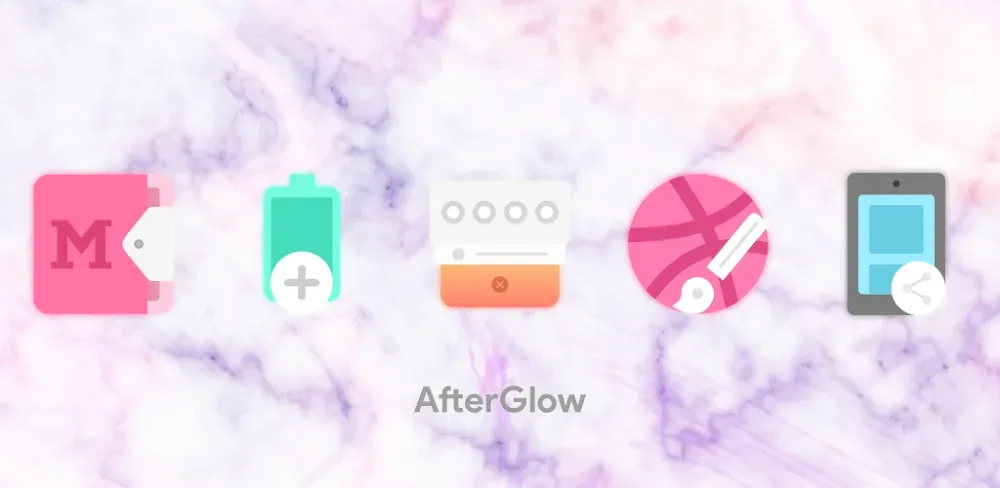
Elevate your home screen look with over 3,000 custom pastel-themed icons on Afterglow Icons Pro MOD APK. Make your background pop with beautiful glow effects and sharp vector icons for every app.

Afterglow Icons Pro v9.9.9.97 APK (Full Version)
| App Name | Afterglow Icons Pro |
|---|---|
| Publisher | Stark Designs |
| Genre | Personalization |
| Size | 60M |
| Latest Version | 9.9.9.97 |
| MOD Info | Full Version |
| Get it On |

|

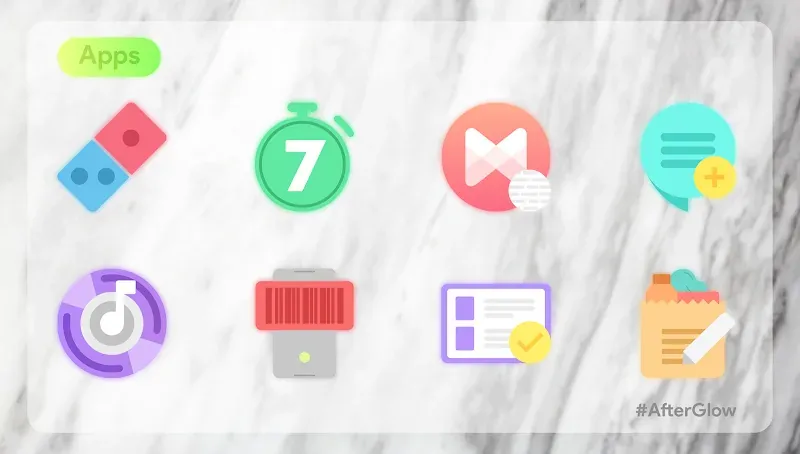
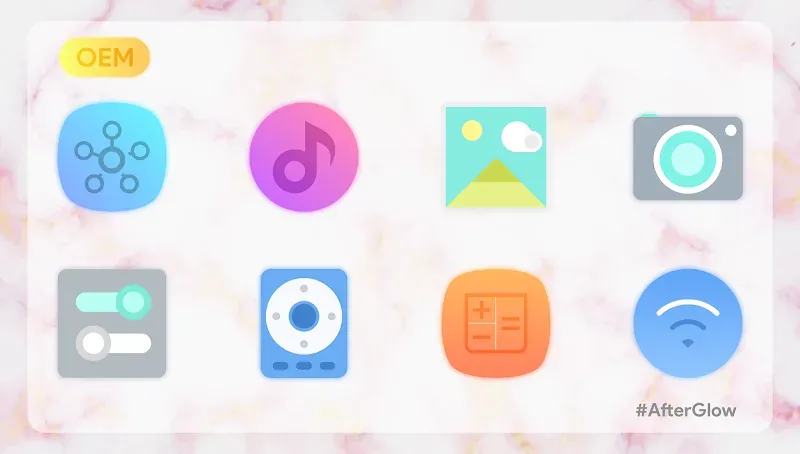
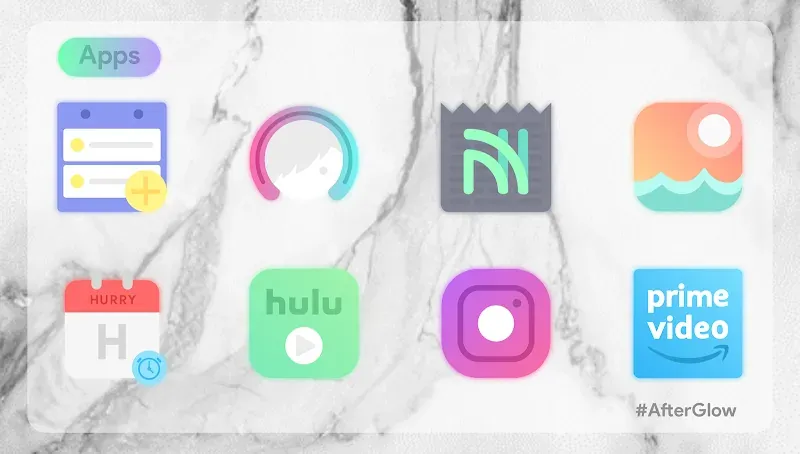

Transform your workspace with Afterglow Icons Pro. Afterglow Icons Pro caters to the age when your phone is your personality and can be used as a form of self-expression. Afterglow Icons Pro stretches across minimal aesthetics to pastel color schemes and effects to give your device a breath of fresh air with an overhaul of new visuals.
With over 3,000 icons designed with a keen perspective on the importance of visualization, styling and consistency, none of your icons will be pixelated as each icon is rendered as a vector. Afterglow is one the most versatile packs because of the precision used to ensure the icons suit both the light and dark mode themes of the device. The glow and gradient effects are minimal as Afterglow focuses on detail thereby ensuring that each of the apps is uniquely represented.
Key Features of Afterglow Icons Pro MOD APK
With over 3,000 Handcrafted Icons, Afterglow Icons ensures that each of your apps is designed with the utmost professionalism and styling that is unmatched.
Vibrant Pastel & Glow Aesthetic. Afterglow Icons Pro stretches aesthetics to gradients and glow effects that are soft to pop your screen against wallpapers.
High-Definition Vector Graphics: With a design size of 192×192 pixels, our icons use vector technology and are capable of scaling while preserving quality no matter the resolution of your screen.
Weekly Content Updates: The library continues to grow and update. Pro users are members of our community who receive priority and have new icons added every week, fulfilling community requests.
Premium Blueprint Dashboard: Designed by Jahir Fiquitiva, this Dashboard design allows you to search for icons and apply them to your launcher with ease and in record time!
Extensive Launcher Compatibility: From Nova to Action to Evie to Lawnchair, OnePlus and Smart launcher, Afterglow Icon Packs have an integration for virtually every launcher on the Android platform.
Customization Mechanics & User Experience
With an impressive collection of customization options, Afterglow Icons Pro MOD APK created a brilliantly seamless user experience and interface. The Blueprint Dashboard design created by Jahir Fiquitiva sets this app apart by simplifying your customization of Android. From this central command center, you can see the ‘Applied Icons’ and know the percentage of your drawer that has been customized.
Need an icon? Use the ‘Icon Request’ feature. Pro users can send request and our design team has their request in the priority list for the next weekly design update. The app also has dozens of folder icons and designs for popular apps that let you customize your interface. Create everything from a minimalist look to a bright glowing neon interface.
Conclusion
For those that care about aesthetics, Afterglow Icons Pro MOD APK is more than just an app. The creators have clearly put thought and care in designing their product. Utilizing soft color theory and modern glowing effects, Afterglow allows users to take a step outside the box. Afterglow gives you the ability to showcase your device and is perfect for people that have a profound passion for themes as well as people that are more casual and just want to enjoy a modern device. Afterglow Icons Pro MOD APK is the best choice to make your Android device fun again!
Afterglow Icons Pro v9.9.9.97 APK (Full Version)
Download (60M)You are now ready to download Afterglow Icons Pro for free. Here are some notes:
- Please read our MOD Info and installation instructions carefully for the game & app to work properly
- Downloading via 3rd party software like IDM, ADM (Direct link) is currently blocked for abuse reasons.
5/5 (3 votes)