Edit screenshots instantly with powerful markup tools. Add text, arrows, blur, crop, shapes, highlights, and share polished images in seconds.

Screenshot Editor - Markup MOD APK V11.0.7 (Premium Unlocked)
| App Name | Screenshot Editor - Markup |
|---|---|
| Publisher | Adrian Kajda |
| Genre | Tools |
| Size | 11 MB |
| Latest Version | 11.0.7 |
| MOD Info | Premium Unlocked |
| Get it On |

|
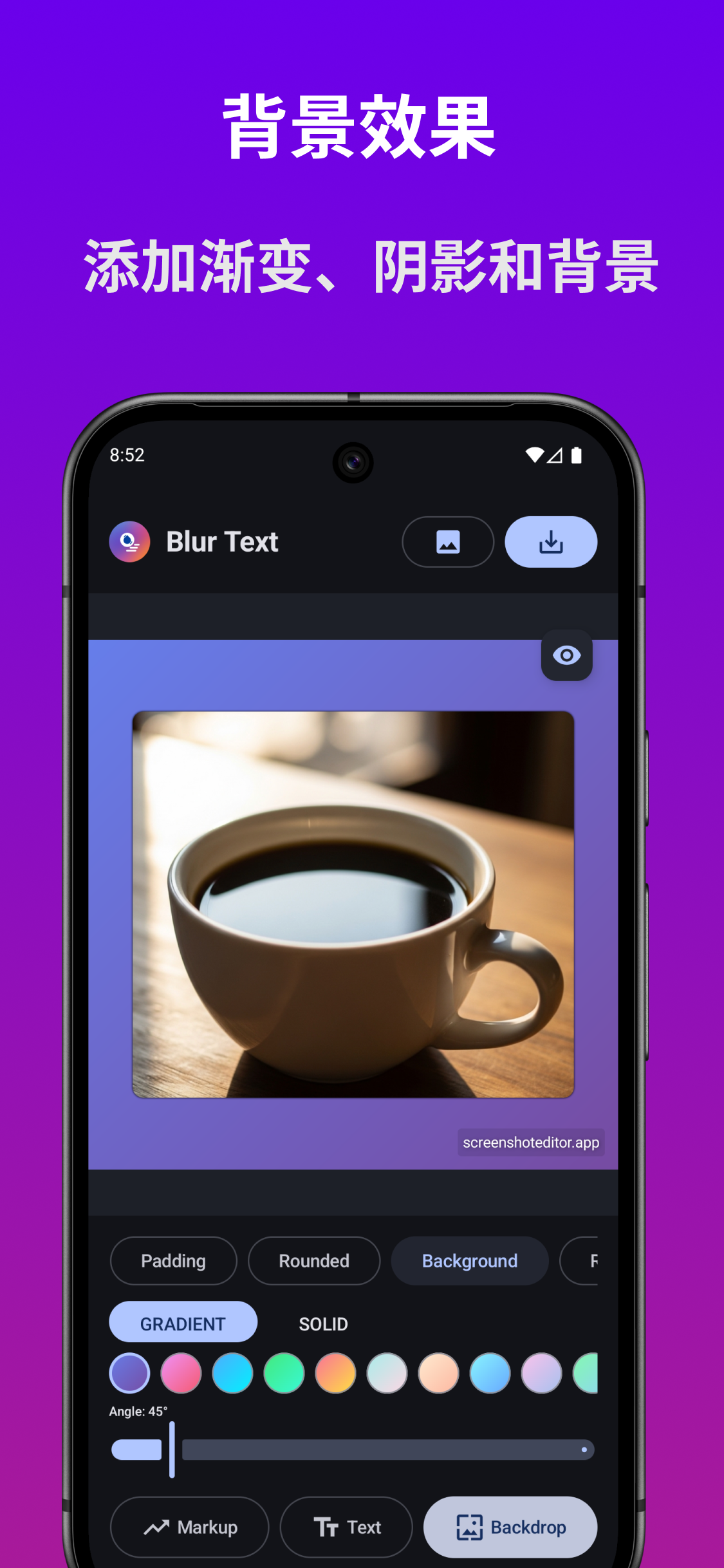
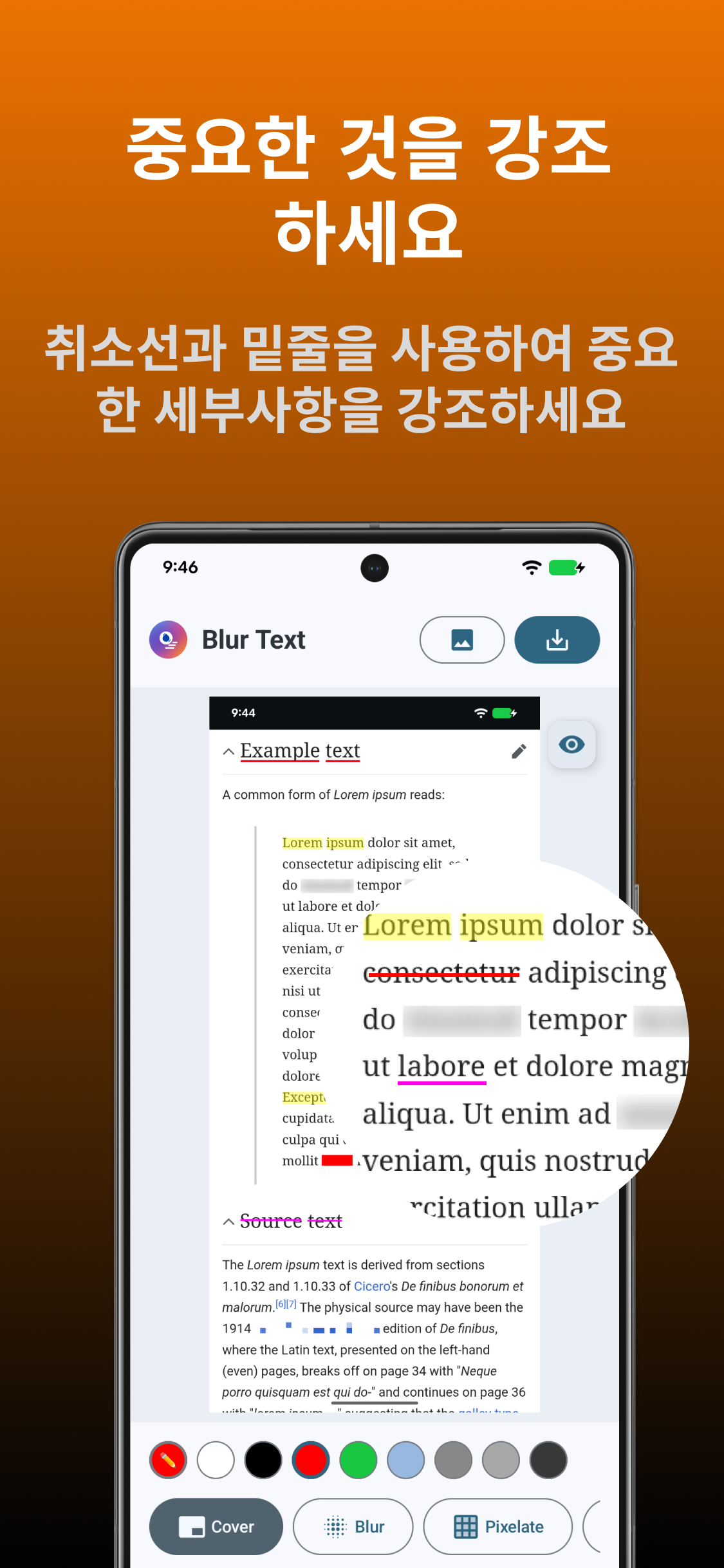
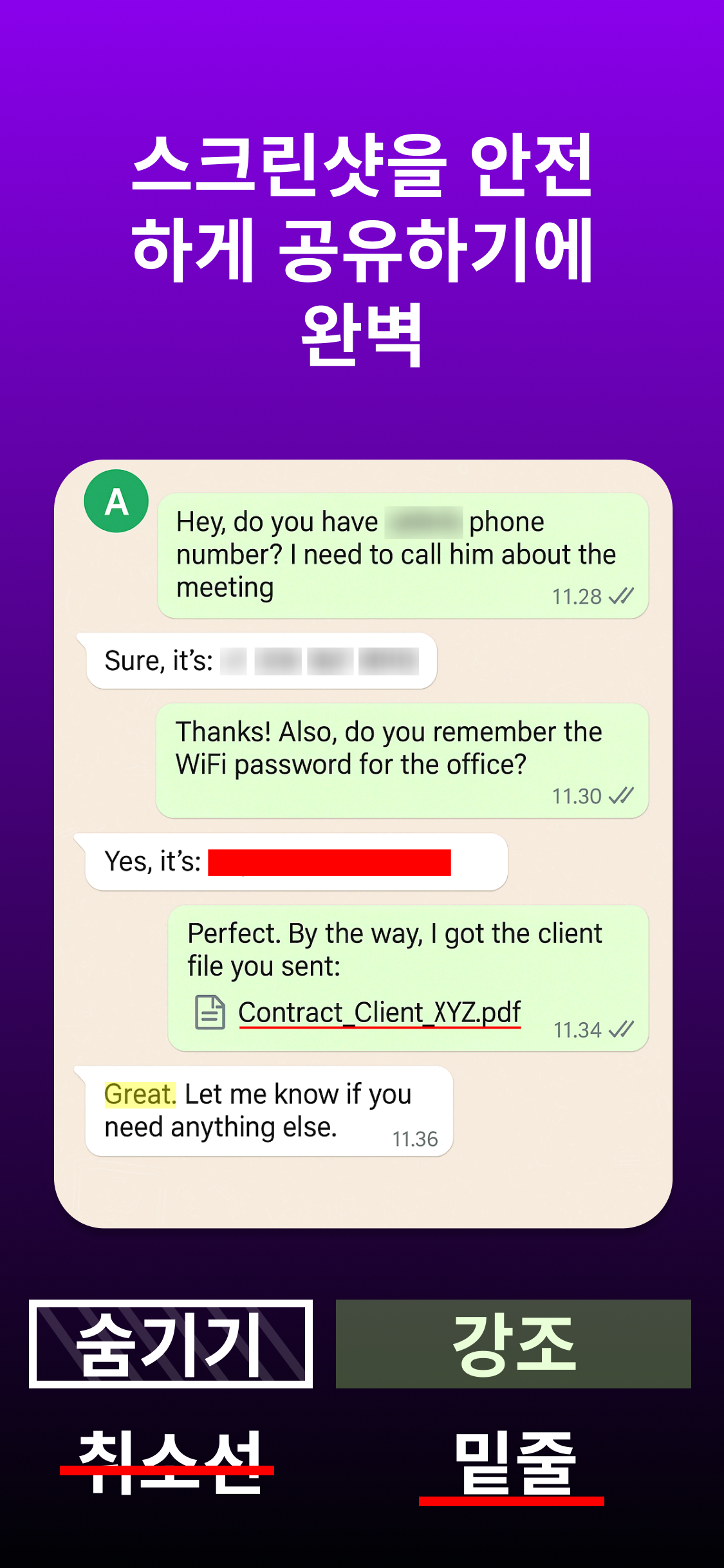
Turn ordinary screenshots into clear, professional, and eye-catching images with Screenshot Editor – Markup MOD APK. Whether you’re creating tutorials, highlighting important details, protecting sensitive information, or sharing feedback, this powerful editing tool gives you everything you need in one simple and intuitive interface.
Perfect for students, professionals, developers, designers, content creators, customer support teams, and everyday users, Screenshot Editor – Markup helps you communicate visually with precision. Annotate screenshots, blur confidential information, add arrows and shapes, write notes, crop unwanted areas, and create polished images ready to share on social media, messaging apps, email, or work platforms.
Designed for speed and ease of use, the app lets you edit images within seconds without complicated menus or unnecessary tools. Whether you’re explaining a bug, creating a guide, saving important information, or making engaging content, Screenshot Editor – Markup streamlines your workflow.
Powerful Editing Tools
Enhance every screenshot with a complete collection of professional markup features:
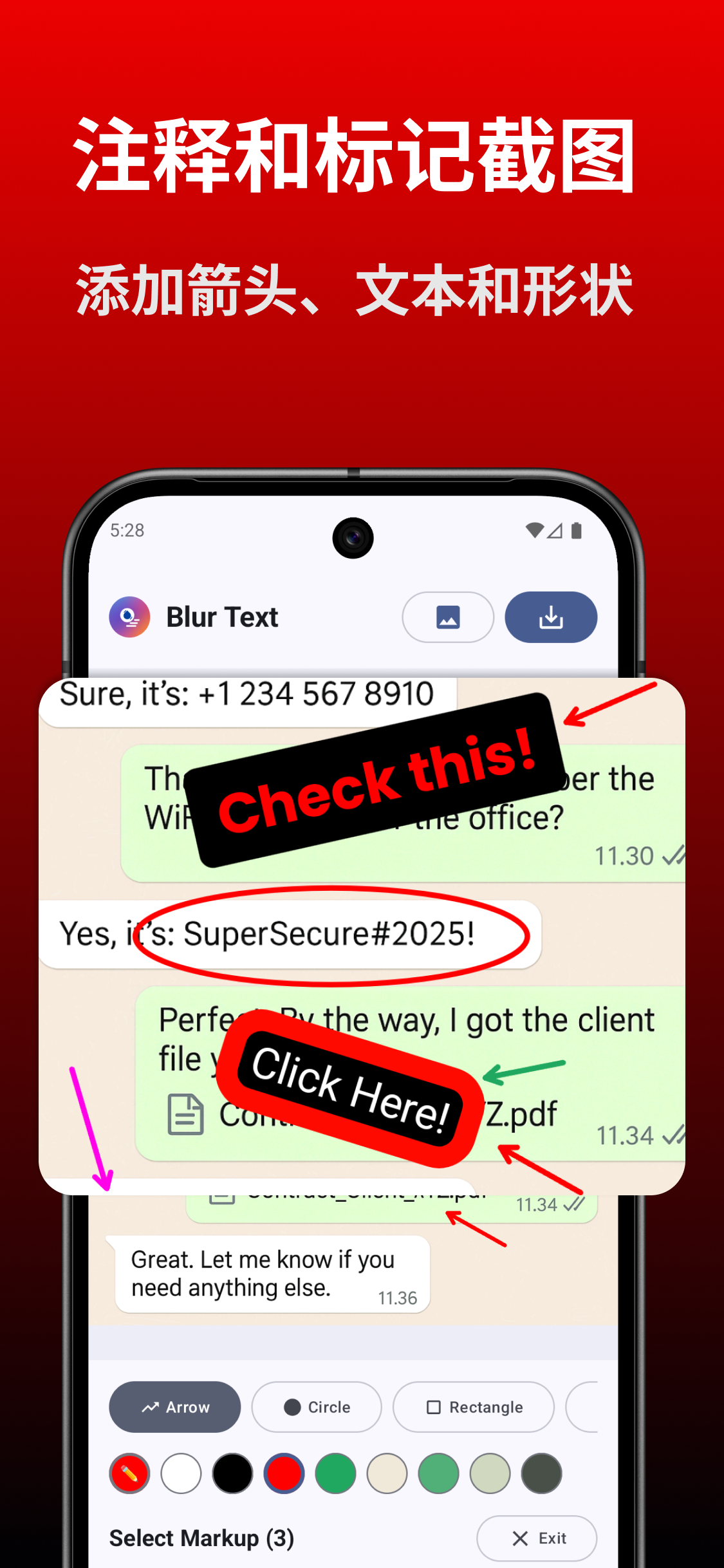
• Add text with customizable fonts, colors, and sizes.
• Draw freehand using smooth brush tools.
• Highlight important content with markers.
• Insert arrows to point out key details.
• Add rectangles, circles, lines, and other shapes.
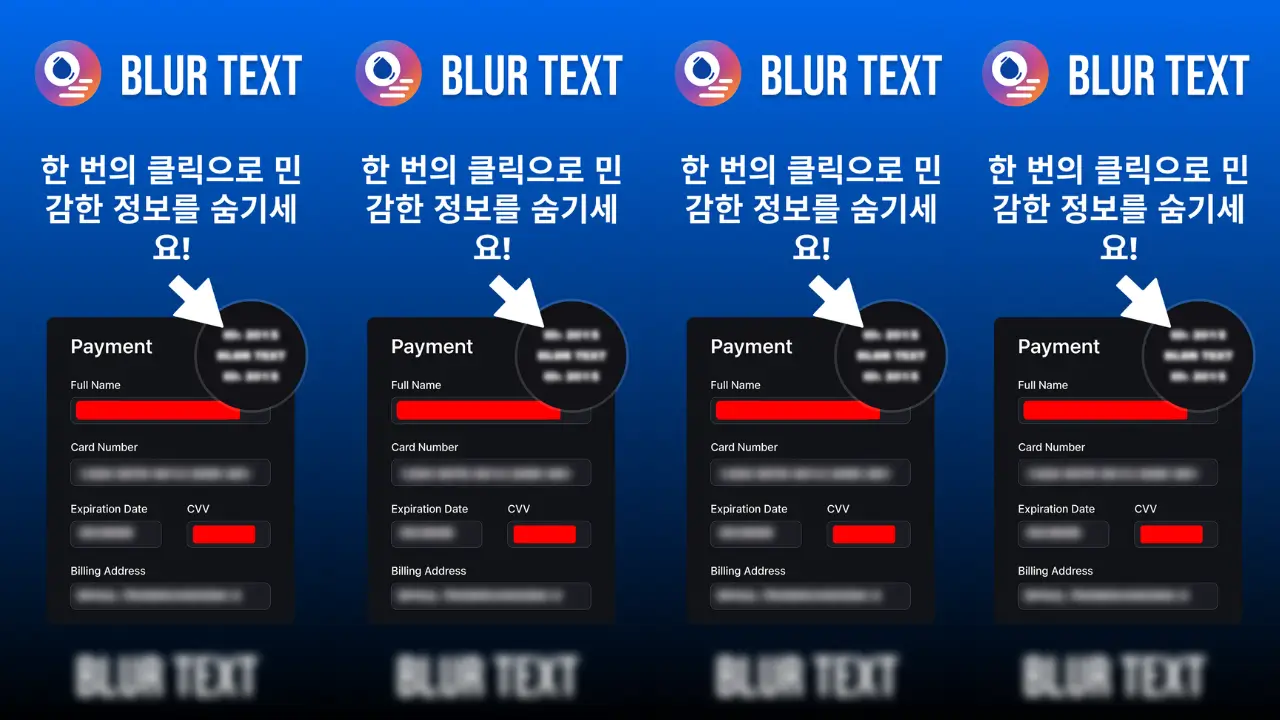
• Blur or pixelate private information.
• Crop and rotate screenshots with precision.
• Undo and redo edits instantly.
• Zoom for accurate editing.
• Save images in high quality.
• Share directly to your favorite apps.
Perfect For
• Creating step-by-step tutorials
• Reporting software bugs
• Annotating documents
• Marking up photos
• Educational presentations
• Business communication
• Customer support responses
• Design reviews
• Technical documentation
• Social media content creation
• Work collaboration
• Personal note-taking
Fast, Clean & Easy
Screenshot Editor – Markup is built with a clean interface that makes editing simple for everyone. Whether you’re a beginner or an experienced professional, you’ll find the tools exactly where you need them. No steep learning curve—just fast and efficient screenshot editing.
Edit one image or multiple screenshots in succession without slowing down your productivity. Enjoy responsive controls, high-resolution exports, and reliable performance across a wide range of devices.
Why Choose Screenshot Editor – Markup MOD APK?
Instead of switching between multiple editing apps, Screenshot Editor – Markup combines essential annotation and editing tools into one lightweight solution. Save time while producing professional-quality screenshots that clearly communicate your message.
From classroom assignments and office presentations to gaming guides and technical support, Screenshot Editor – Markup MOD APK s the perfect companion for anyone who works with screenshots every day.
Screenshot Editor - Markup MOD APK V11.0.7 (Premium Unlocked)
Download (11 MB )You are now ready to download Screenshot Editor - Markup for free. Here are some notes:
- Please read our MOD Info and installation instructions carefully for the game & app to work properly
- Downloading via 3rd party software like IDM, ADM (Direct link) is currently blocked for abuse reasons.
3.9/5 (14 votes)