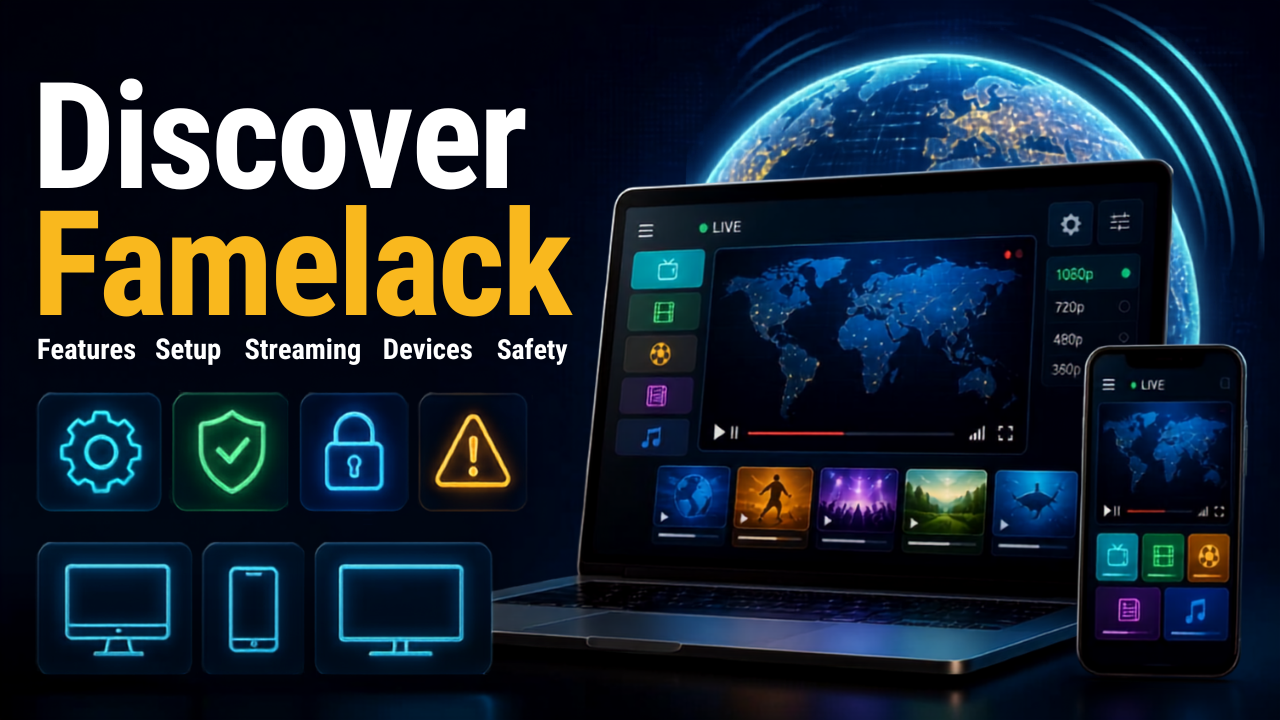
Discover Famelack, a guide to its features, website setup, streaming options, device compatibility, and safety tips about this streaming live TV channels site.

Famelack TV (Free to stream LIVE TV channels worldwide)
| App Name | Famelack TV |
|---|---|
| Publisher | Famelack TV |
| Genre | Entertainment |
| MOD Info | - Free to stream LIVE TV channels worldwide |
| Get it On |

|
Researching how to find online television broadcasts can be cumbersome because you have to visit so many sites to find different broadcasts. Famelack is a site that sys people are using to browse television broadcasts. If you are visiting this site for the first time, this will explain what this site is about and how the streaming works.
This guide will cover what the Famelack website is about and what some new users should know before streaming.
Why People Search for Famelack
What makes Famelack unique is that it consolidates online television broadcasts. Rather than having to look for broadcasts one at a time, users can look through broadcasts this site has consolidated.
This type of site can be a good choice for users who enjoy having variety with their television sources, or for folks who have ended their cable or satellite service. Since the service is online, users can stream on several different devices.
The selection on the site is not entirely consistent. Broadcasts can be changed, added, or removed due to the availability of their respective sources.
Inside the Famelack TV Experience
Famelack TV uniquely collects and makes available broadcasting feeds. This makes Famelack TV unlike standard subscription TV. Instead of hosting broadcasting feeds on its own servers, Famelack TV directs users to broadcasting feeds that are available on the web.
Users are presented with a variety of broadcasting feeds that are broken into categories and/or channels. After selecting a broadcasting feed, users will be directed to a streaming page where the broadcasting feed can be viewed.
As broadcasting feeds come and go, a user’s first visit to the platform may be different from a user’s second visit. Because of these temporary broadcasting feeds, there’s no guarantee users will find the same broadcasting feeds on different visits.
A Beginner’s Route through the Website
The Famelack TV website is straightforward to use, even for first-time users. To access the broadcast, a first-time user has to go to the website, select a broadcast from the TV page, and then click “watch now.” Browser playback means users do not need to mess around with a traditional TV configuration.
In the rare case a broadcast does not play, it does not mean the device has an issue. It is possible the original broadcasting feed is down, restricted, or having some other issue. The easiest way to troubleshoot is to locate a different broadcasting feed on the site and see if it plays.
Devices, Browsers, and Connection Tips
Because Famelack is web-based, having stable internet is important for a good experience.
A recent version of a popular web browser helps with most compatibility issues. Users also need to have a stable internet connection, especially for extended video streaming.
If video playback keeps buffering, visiting other sites helps determine if the issue is with the internet connection. Video buffer issues also tend to resolve after closing other bandwidth-intensive applications and restarting the browser.
Mobile users should be aware that the streaming website controls and interface can be different from regular desktop versions.
Understanding What ‘Free’ Streaming Means
People think they can find online television services when they want to avoid subscription expenses. Visitors should understand that just because a stream can be found on a website does not mean it will always be unlimited, available for free, and available in other countries.
Many broadcasts can be individually licensed and can have betting restrictions. Availability can also be impacted if the original broadcaster changes its streaming service.
Therefore, users should know the laws in their country and only access broadcasts authorized in their country.
Safety Checks Before Using Famelack
The same safety practices that are recommended to people using new websites for the first time should be recommended to Famelack users. Unexpected requests for personal data, permission requests, and downloads of untrusted programs should be avoided.
A streaming website should never ask for a random download to be installed to view content. It is prudent to check downloads to ensure they are trusted before opening them.
It is worth noting the domain as well. Sometimes similarly named sites show up in the search results, and not all of the results are connected to the service the visitor is looking for.
What New Users Should Remember
The best way to think of Famelack is as a place to peruse streams of television rather than a complete cable replacement – which it is not. A browser-based approach to finding streams does make it easier to find online broadcasts; however, it is important to note that availability and other factors may impact the experience.
When visiting, new users should make sure they are visiting the correct Famelack website and be cautious of downloads. Your stream has no rights and may be illegal.
With all that in mind, new users will know how to navigate Famelack TV as well as how to address some of the most common problems with streaming.
5/5 (21 votes)