Explore Warung Life Simulator MOD information, shop management, village stories and gameplay tips. Learn about downloads, upgrades, stock planning, and updates.

Explore Warung Life Simulator MOD information, shop management, village stories and gameplay tips. Learn about downloads, upgrades, stock planning, and updates.
| App Name | Warung Life Simulator |
|---|---|
| Publisher | Warung Life Simulator |
| Genre | Simulation |
| Size | 250MB |
| Latest Version | 1.2 |
| MOD Info | Unlimited Money |
| Get it On |

|
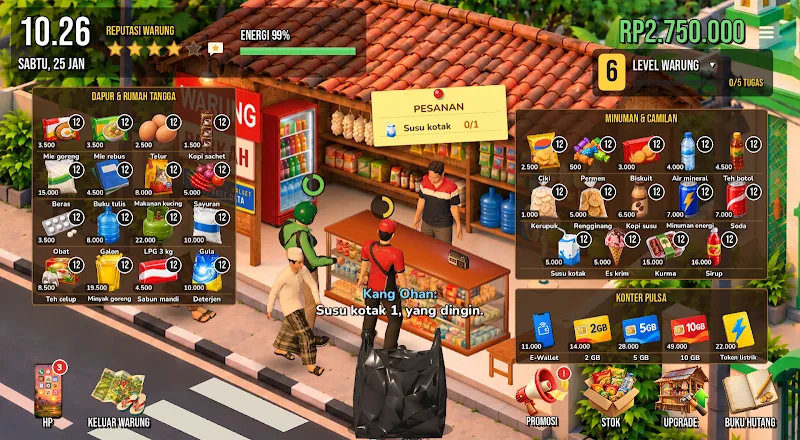
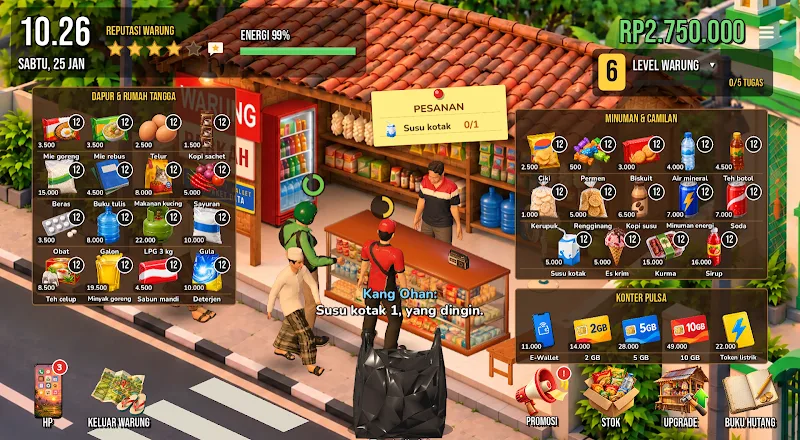
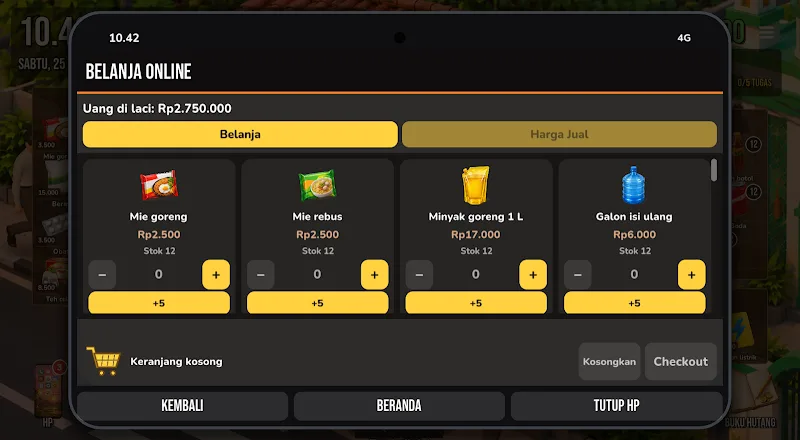
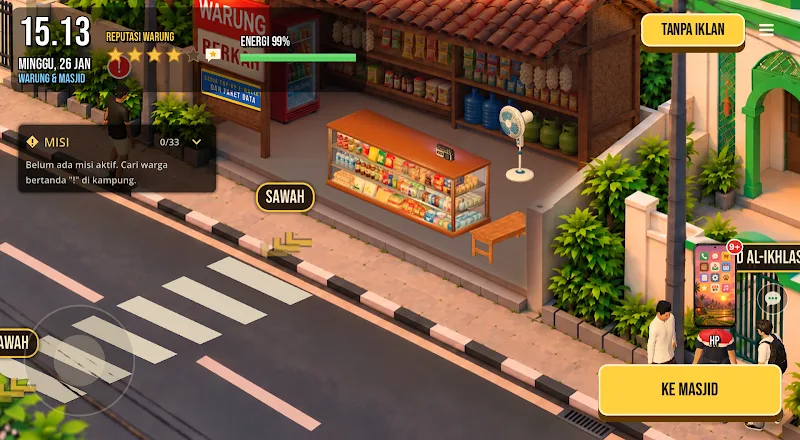
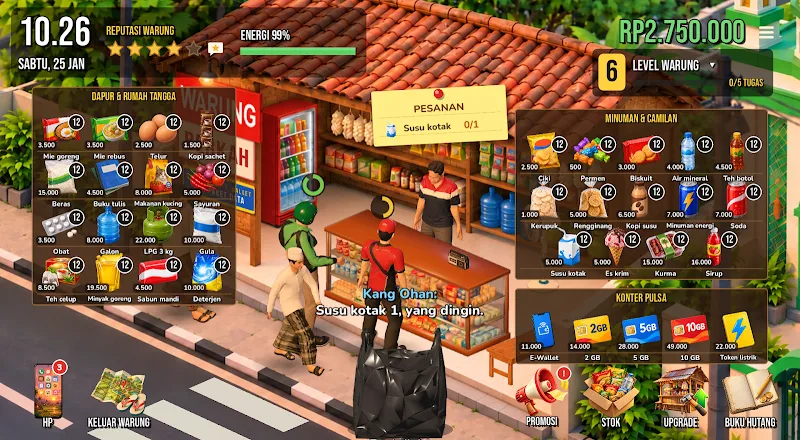
Step behind the counter and discover how much goes into running a neighbourhood shop. Warung Life Simulator combines customer service, purchasing decisions and village life with a family story that gives your progress a purpose.
For players exploring Warung Life Simulator MOD, this homepage brings together the game’s central features, practical starting tips and download information. Learn what happens during a working day, decide how to approach expansion, and get to know the people beyond your storefront.
Developed by NeoPaw Studio, Warung Life Simulator takes place in Cianjur. You play as Pak Misran, whose shop supports his ambition to pay for his son Agus’s college education. Business progress and family responsibilities develop alongside one another.
That premise gives players a reason to think beyond the next sale. As you work through the game, approach each business decision with two questions in mind. What does the shop need today, and what will help it support the next stage of the journey?
The shop-management loop involves ordering supplies through an in-game phone, receiving deliveries and preparing purchases for customers. Prices and stock levels are part of your responsibilities.
Begin by learning where products sit and how orders are assembled. Watch which items customers request during your first sessions. Keeping your attention on those patterns gives you a useful starting point for deciding what to reorder and how much cash to retain.
Packing orders is a hands-on part of the game. Take a moment to understand the controls, then practise handling a complete transaction from the first request to the final payment.
Aim for a consistent sequence of actions. Read the order, identify the products and complete the purchase before turning your attention elsewhere. Familiarity with that routine makes the counter easier to manage as you become more comfortable with the game.
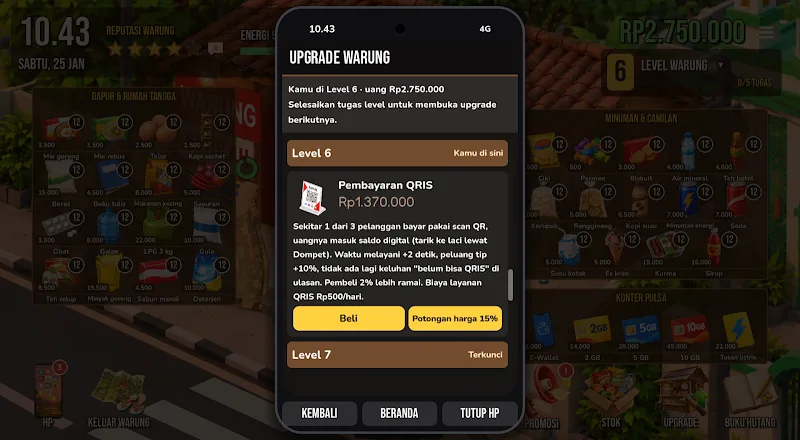
Progression includes shop levels, additional merchandise and equipment such as display cases, fans and QRIS payments. The changing shop provides a visible record of your development.
Choose your next improvement around a clear objective. You might want to organise your trading day, broaden the products you sell or work towards a particular task. Making one deliberate change at a time helps you understand how it fits into your wider plan.
The setting extends to local landmarks, residents and side activities. The developer’s App Store description includes fishing, gathering fruit and taking on extra work around the village.
Use a trip outside the shop to focus on a specific activity. Visit someone connected to your current objective or spend time learning a route. Returning to familiar locations can help you build a clearer picture of how the village fits together.
Agus’s education forms part of the main narrative, while residents bring their own stories into the experience. Progression also introduces further people, products and events.
Give conversations your attention when you encounter them. Keep a brief note of a character’s request and your next intended action. That small habit makes it easier to return after a break and remember what you were working towards.
A successful start begins with understanding the ordinary tasks. Spend your opening sessions learning the order of operations and becoming familiar with the interface. Explore the information available on the in-game phone and connect each tool with the task it helps you complete.
Set yourself one manageable goal for each play session. You could concentrate on serving orders, completing a particular objective or learning how purchasing affects your cash balance. A focused goal gives you something useful to review before you stop playing.
When you finish, take a moment to note your next priority. Record the item you intend to buy, the resident you plan to visit or the task you want to continue. On your next visit, you can begin with a clear direction.
Treat your available money as a resource with several jobs to do. Think about replenishing products, meeting current commitments and saving for improvements. Before a large purchase, look at what you will need for the next trading period.
Avoid choosing an upgrade solely because it is the next visible option. Read its description and connect it to the way you want to develop the shop. A clear reason for spending makes progress easier to evaluate.
Compare your results over several sessions. One busy stretch can feel impressive, but a consistent routine provides a better basis for your next decision. Keep your plans simple enough to follow while you learn.
The version 1.2 release notes describe a reward calendar, the one-minute Adu Laris selling challenge and Kode Warung backup functionality. They also mention automatic saving during gameplay.
Use release notes as a guide to what you want to try next. Pick one addition, find its instructions and learn how it fits into your routine. Exploring changes individually gives you time to understand them before moving on.
Keep a record of the version you are playing when discussing a feature with other players. It gives your questions and observations helpful context.
When reviewing a download page, keep the version number, release date, platform and stated features together. Read the installation instructions before starting, and match the package details with the device you intend to use. Save that information alongside your download so you can identify the release later.
For the developer’s edition, the game has listings on Google Play for Android and the App Store for iPhone and iPad. Google also provides a PC listing through Google Play Games.
To prepare for installation, follow this sequence.
Before your first longer session, adjust the device’s volume and choose a comfortable place to play. Give yourself enough time to read the opening instructions and try the basic interactions at your own pace.
It is a shop-management simulation with village exploration and a family storyline. Your activities combine running the business with following objectives and meeting local characters.
Start with the counter, purchasing process and information shown on the in-game phone. Practise the basic trading routine before planning a larger expansion.
The developer describes village exploration, character interactions and activities such as fishing and side jobs. These provide other ways to spend time within the setting.
Modyolo maintains a website linking to its game listing and contact information.
You are now ready to download Warung Life Simulator for free. Here are some notes: