

The ADV Screen Recorder MOD APK provides a premium unlocked experience by granting access to the full suite of internal features without the standard restrictions found in the basic version. This modification focuses on ensuring all advanced recording tools and customization options are available to the user immediately upon installation.
What’s Modified in ADV Screen Recorder
- Premium Unlocked: All paid features and advanced settings are fully accessible in this build.
 |
 |
This build is version 4.20.11 with a file size of 8M and package name com.blogspot.byterevapps.lollipopscreenrecorder, which has been re-signed and therefore cannot be installed over a copy from the store.
About ADV Screen Recorder
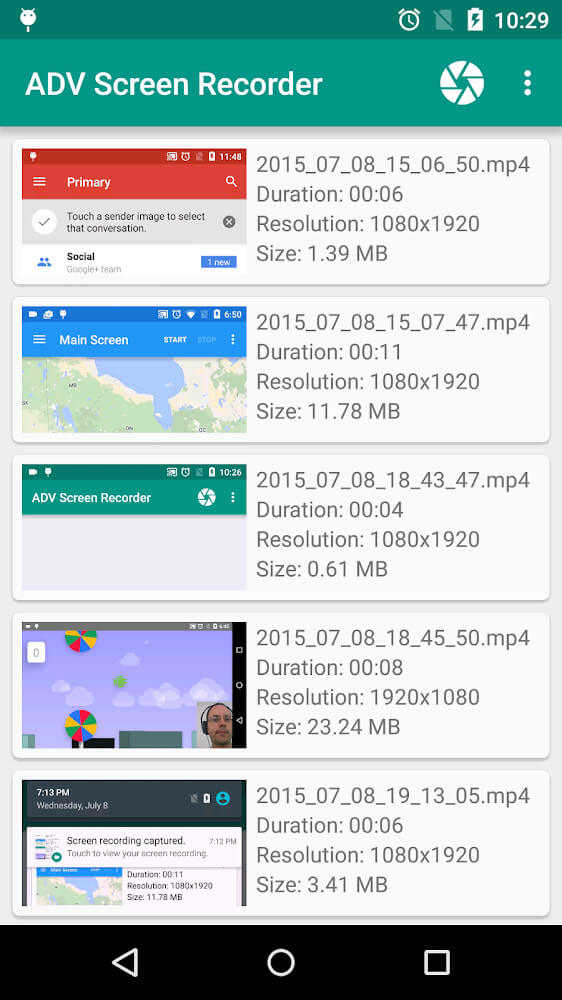
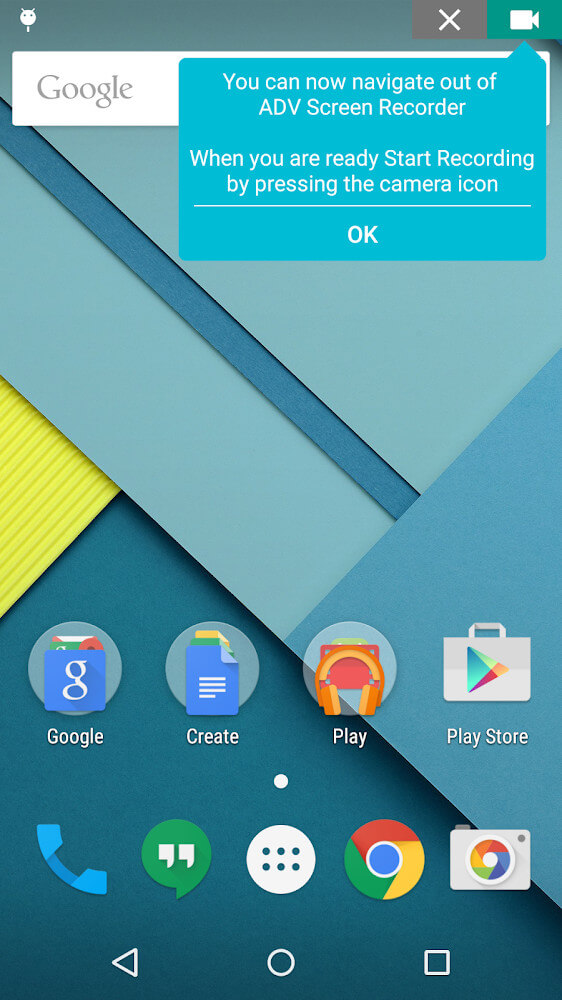
ByteRev’s ADV Screen Recorder helps users capture their Android screen. The developers designed the application to give users a more customizable experience than traditional screen recording applications. Unlike other recording applications that give users a simple start and stop interface, this application allows users to control several aspects of their recording experience. Users can even control the length of their recording. This gives users control to generate more customized content and less system-generated process content. The application allows users to adjust recording sizes and recording colors. The application even supports the integration of already captured video files, giving users the ability to composite content and build more sophisticated presentations.
The software supports two operating modes: Default and Advanced. Default mode facilitates a quick capture with minimal setup. Advanced mode provides access to more control over the capture process and differentiates the software from its competitors. For example, in this mode, users can record tutorials and walkthroughs that require breaks in between to switch and/or organize screens to be presented and then record them. Likewise, users have access to control the angles captured during the process and edit the captured file to be aligned to user’s preferences. The two modes essentially facilitate capture for less demanding uses and more professional uses respectively.
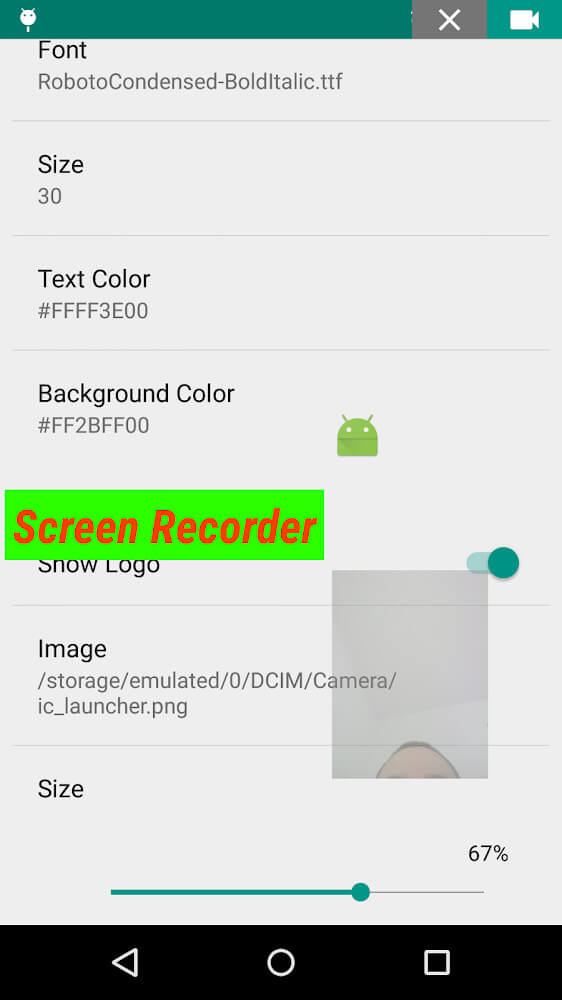
One highlight of this tool is you can interact with the device screen while recording. Users can add text and banners while recording. You can even use both cameras while recording. The front camera can be used to overlay your face on top of the screen recording. This can be very useful for streaming or displaying your face while explaining what you are doing on your device.
The app allows you to adjust video tempo between fast and slow. This can be done while the recording is in progress. This can be useful if you need to minimize the length of your video or enhance certain actions with your audience. You can alter the recording speed to do so. You can even adjust the color of your recording to produce more unique and appealing content. All of these factors when combined can help you accomplish processes more quickly and efficiently and help you fabricate unique and appealing video content.
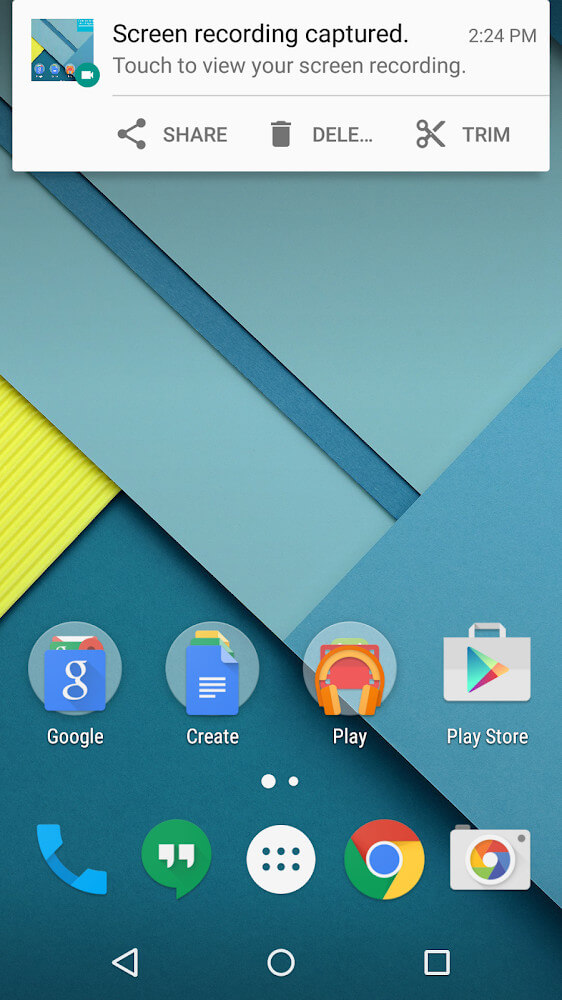
ByteRev has also implemented technical safeguards and quality control into the application. The most significant addition is the ability to recover recently deleted videos, providing a safety net for users who may have deleted a video before they were able to back it up or export it. The application also allows users to preview the entire product that they have recorded. During the preview, users are able to identify any mistakes or missing portions and correct them. The entire editing and review system is designed to be integrated, reduce the amount of time a user has to spend re-recording, and increase the overall level of satisfaction with the application.
The application is designed for the Android operating system and is geared towards meeting the more stringent requirements of mobile screen capture. The goal of the application is to bring together in one single location, many benefits for the user. This includes such things as support for dual cameras and flexible banner placement. The application strives to be a flexible, creative space where users can record videos in various styles and combine various settings based on their preferences. The application is designed to allow users to capture video in a quality beyond the typical, “one-button” capture. The application provides real-time drawing tools and advanced recovery tools to provide users with the best tools to capture quality mobile video.
Key features
- Default and Advanced recording modes
- Pause recording functionality
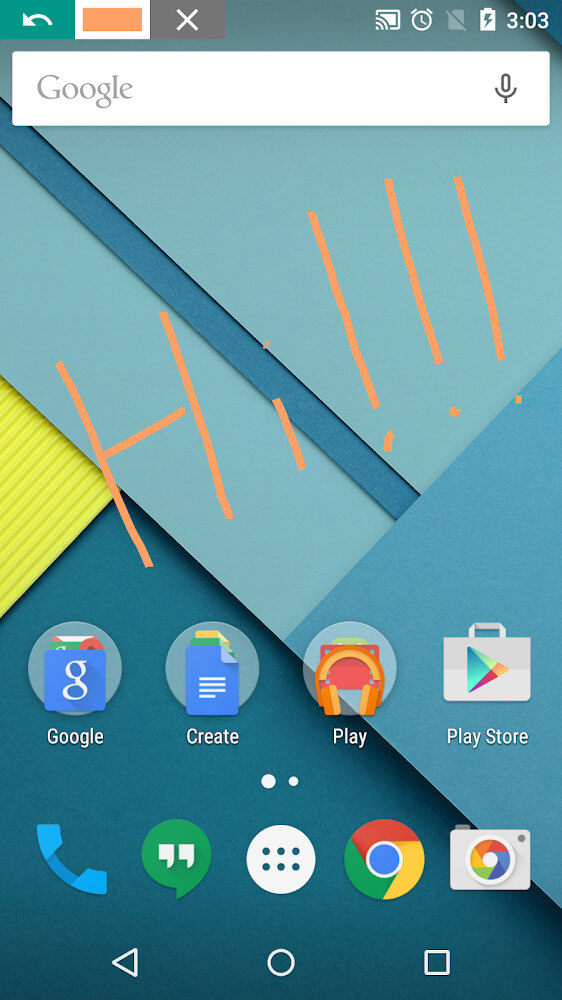
- On-screen drawing and annotation
- Text and banner overlays
- Front and rear camera support
- Fast and slow motion adjustment
- Deleted video recovery
- Pre-export video preview
- Customizable recording angles
 |
 |
 |
Related MOD APKs
- Fake GPS
- MovieBox ID: Watch Movies, TV Series, K-Dramas & Anime for Free
- KWGT Kustom Widget Pro
- SnapTube
FAQ
Is Premium unlocked in ADV Screen Recorder MOD APK?
This 4.20.11 version of ADV Screen Recorder features Premium Unlocked. It functions just like the ByteRev release, with all modifications active immediately after you finish the installation.
What is the latest version of ADV Screen Recorder MOD APK?
Version 4.20.11 is the latest ByteRev build, updated August 10, 2026. We don’t keep older versions here. Install this file over your current app to update; if a signature error appears, you must remove the previous version first.
Is ADV Screen Recorder MOD APK safe to download?
This 4.20.11 ADV Screen Recorder build on MODYOLO from ByteRev only modifies Premium Unlocked. 6 people gave it a 3.3 rating. It does not require root. Ignore Play Protect warnings, but always download from this page.
Can I use ADV Screen Recorder MOD APK on PC or iPhone?
Because this is for Android, you cannot use it on iPhone. To run this 8M file on a computer, use an emulator like BlueStacks or LDPlayer. Simply set up the software and drag the package into the window.