AI Photo Music Video Maker turns photos into stunning music videos with AI effects, templates, transitions & beats. Create and share in seconds.
AI Photo Music Video Maker MOD APK V1.0.3 (PREMIUM UNLOCKED)
| App Name | AI Photo Music Video Maker |
|---|---|
| Publisher | Fusion Flow Tech |
| Genre | Video Players & Editors |
| Size | 80 MB |
| Latest Version | 1.0.3 |
| MOD Info | PREMIUM UNLOCKED |
| Get it On |

|
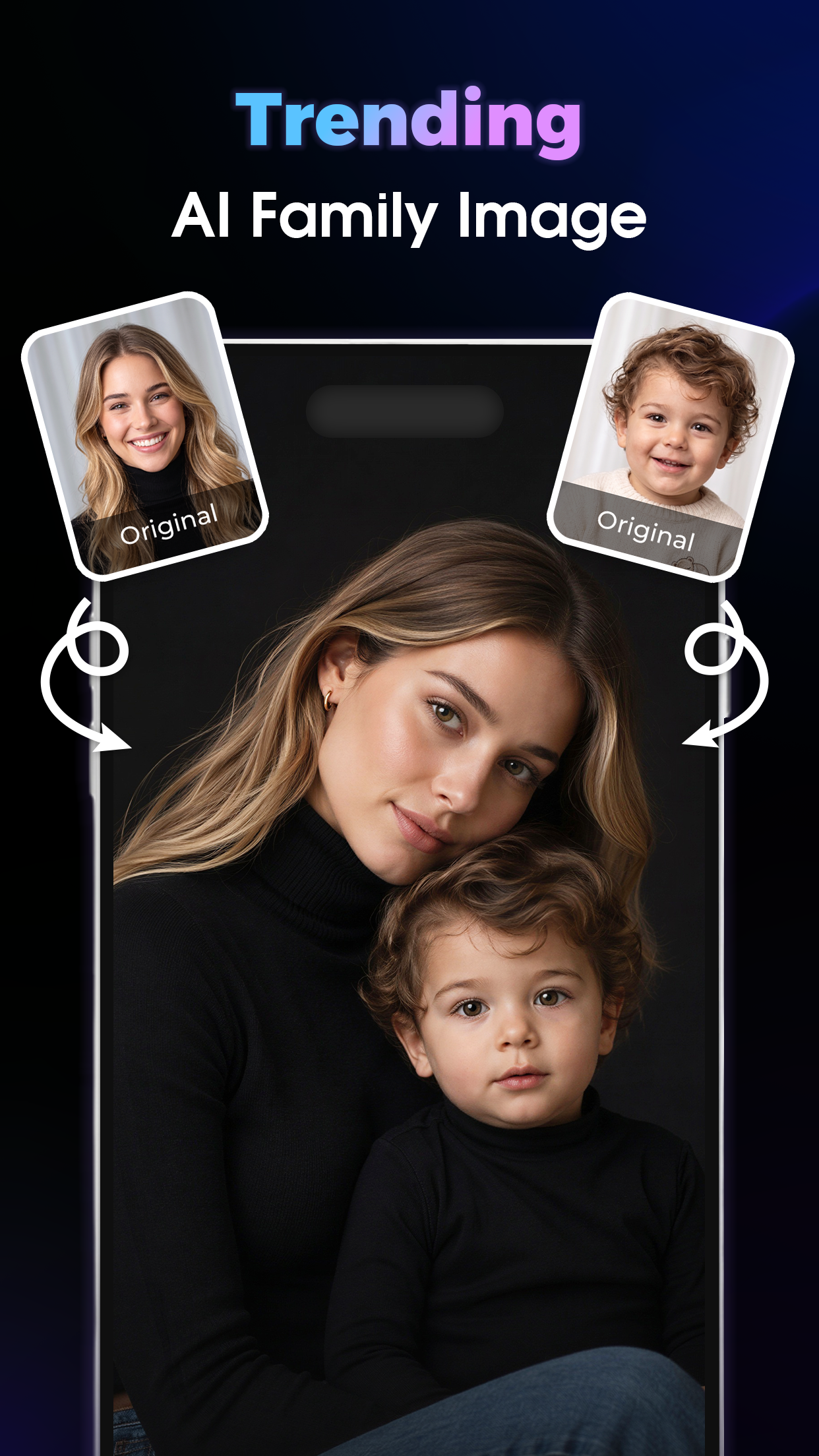
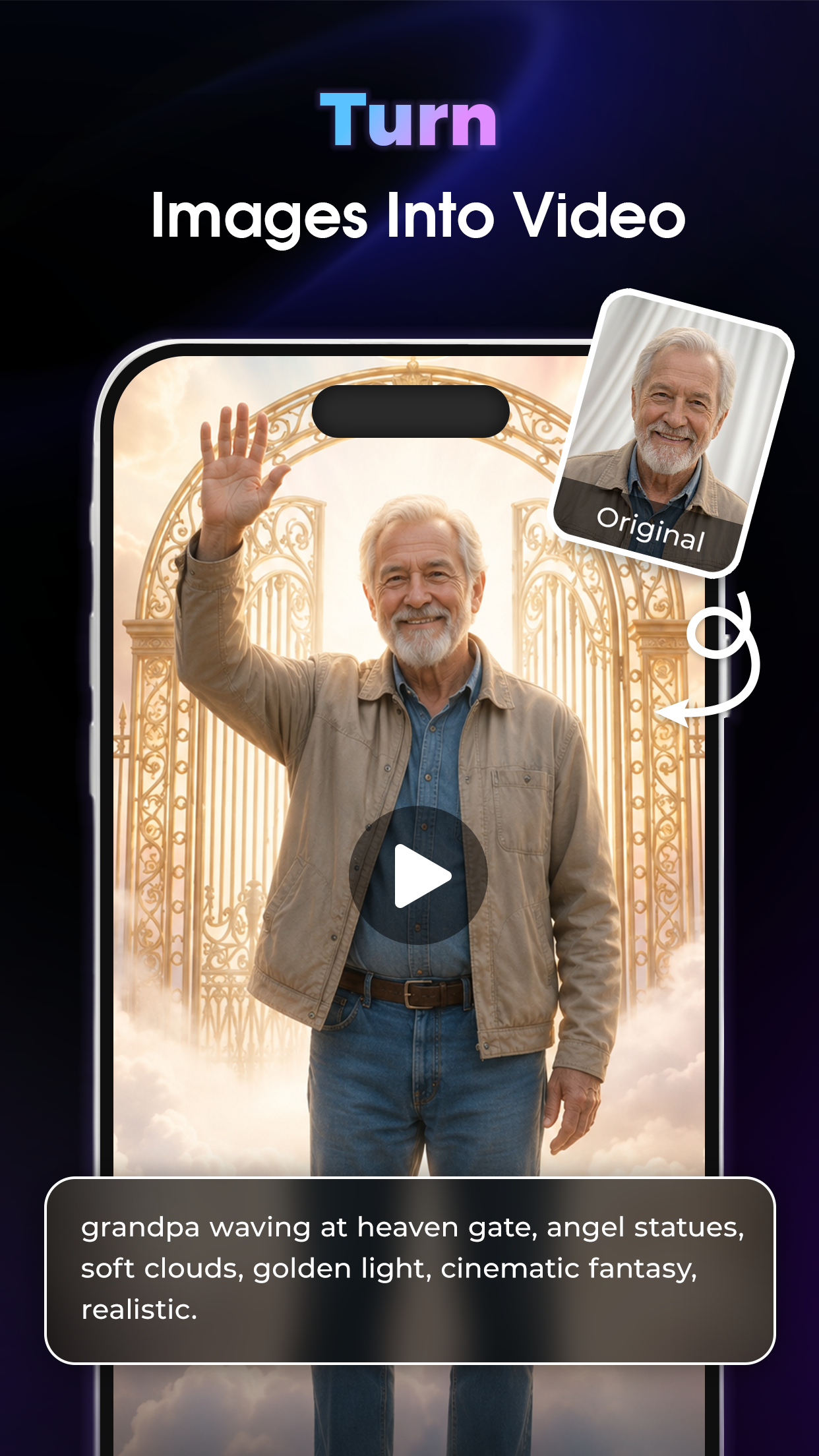
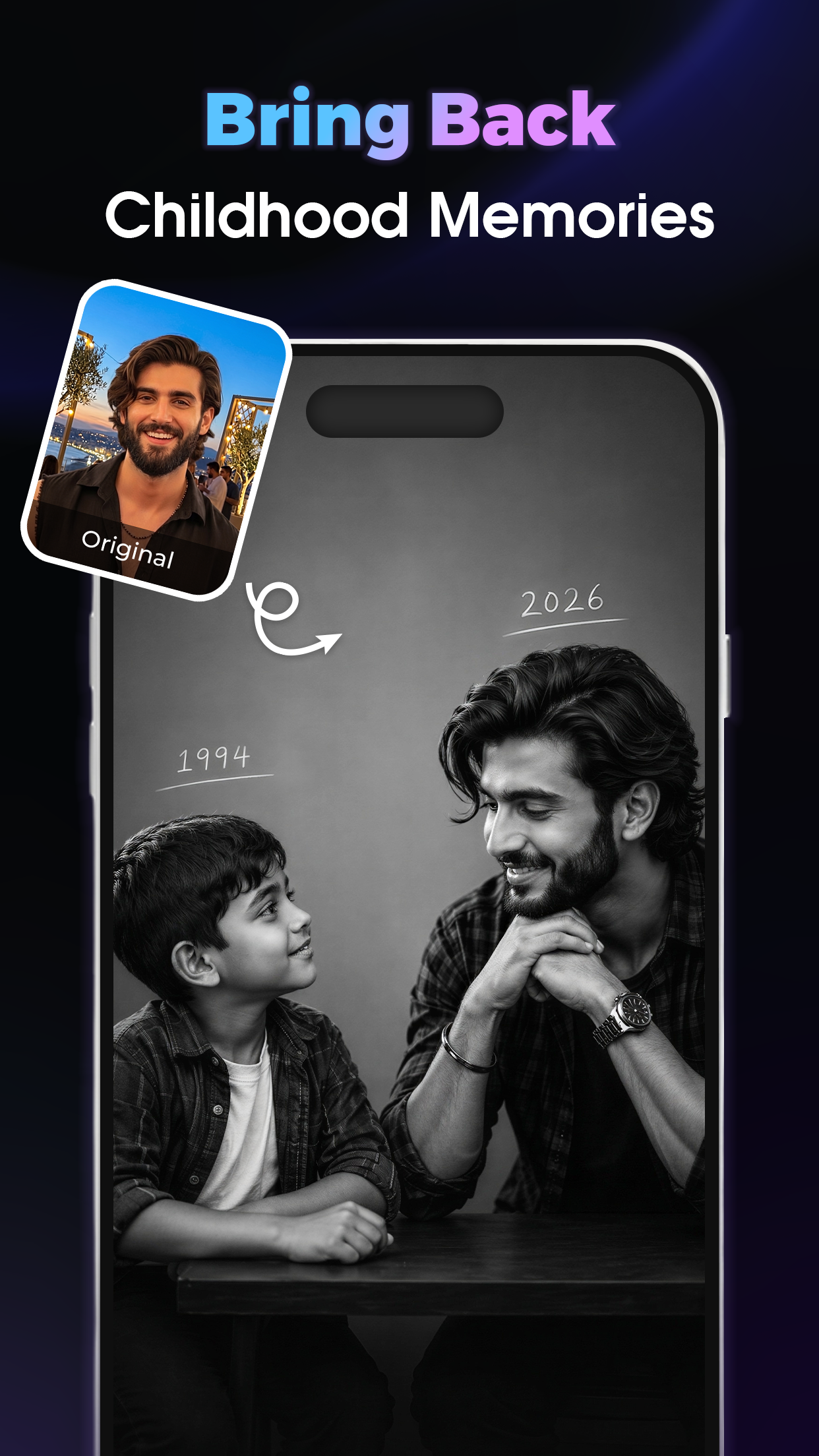
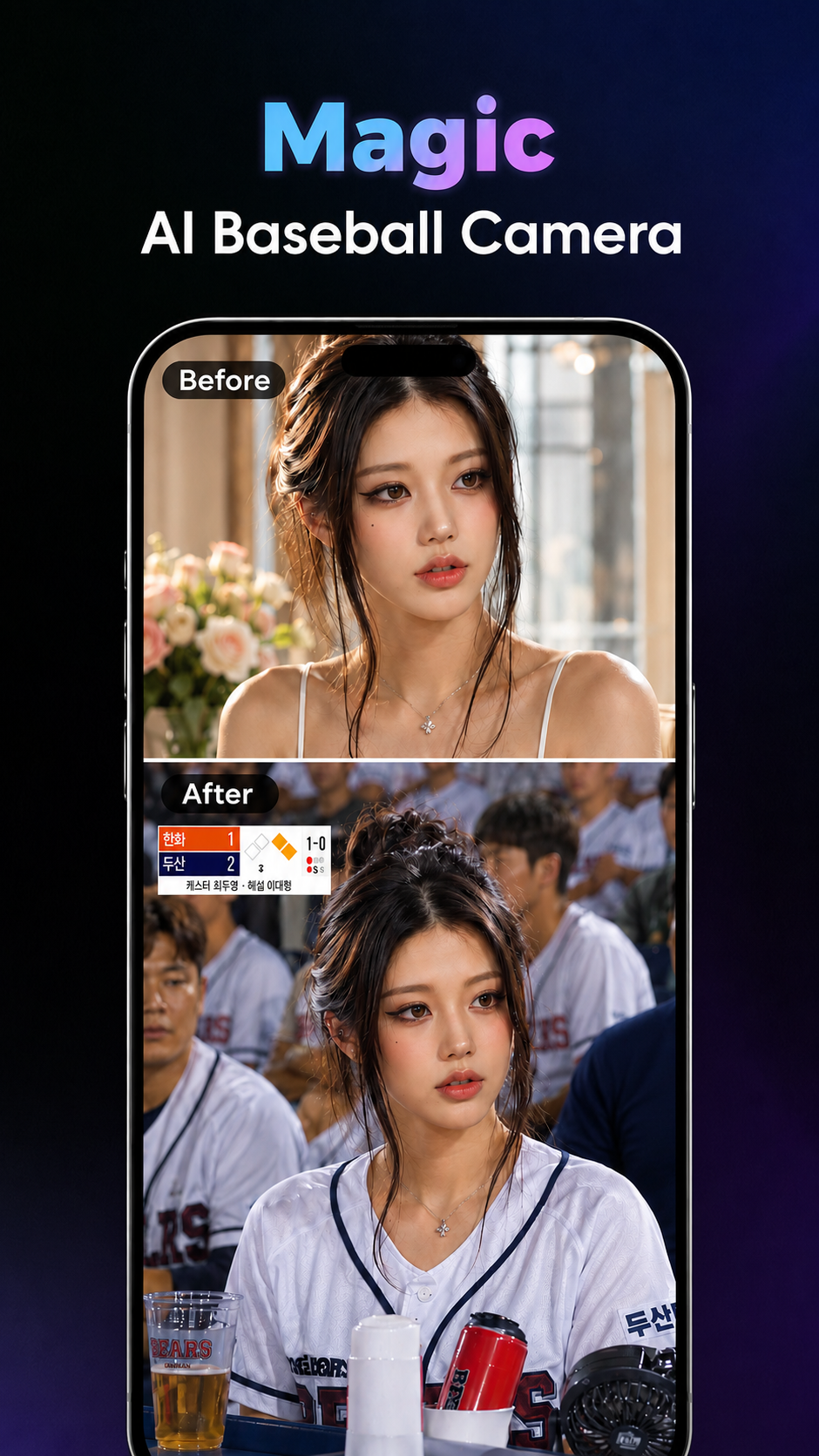
This version of the application provides a premium unlocked experience that grants immediate access to all paid features and assets. The AI Photo Music Video Maker MOD APK allows users to utilize the complete library of professional templates and high-resolution export options without needing a subscription.
What’s Modified in AI Photo Music Video Maker
- Premium unlocked status provides full access to all restricted templates, transitions, and effects usually reserved for paid users.
This build is version 1.0.3 with a file size of 80 MB and the package name com.ai.photo.music.video.generator; it is a re-signed file and cannot be installed over an existing version from the official store.
About AI Photo Music Video Maker
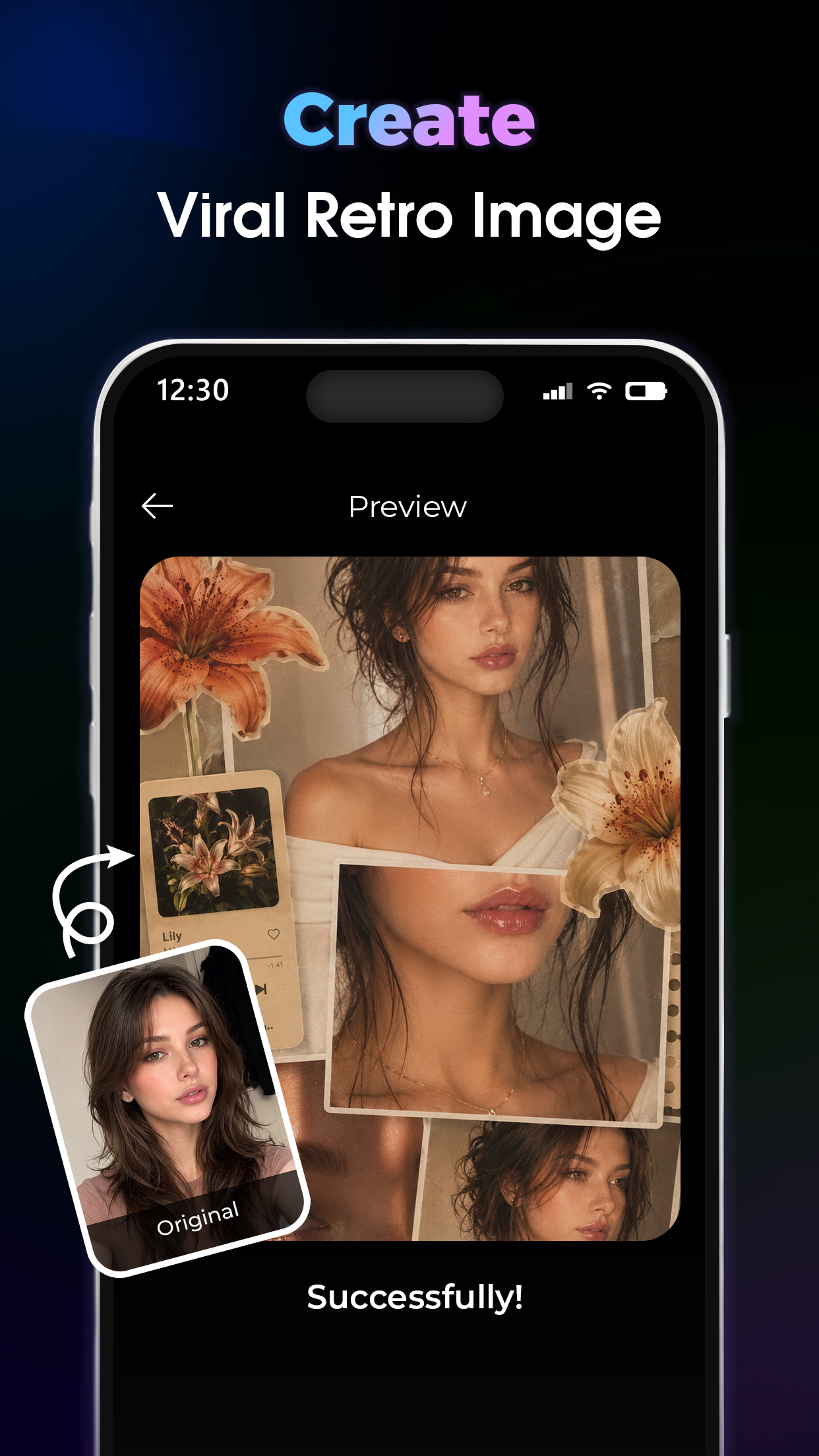
The key feature of the software automatically animates static images into video sequences using AI. An analysis of the photos provided by the user is first automated. Smart scene detection helps the system recognize what’s in the photos and helps it decide the right order of the clips. The software can understand the various elements present in the photos and provide auto transitions that support the story sequence. The goal is to provide a solution for the user to create professional quality videos easily. The AI technology focuses on eliminating the barriers for the creation of quality content.
With the Music Video Editor, users can create short videos set to music. The editor utilizes the BeatMarker™ technology to add transitions and visual effects in perfect sync with the music. This technology automatically detects the rhythm of the song and the beats to position effects to make cuts in the video at the right times. The effects can be applied to frames of photos or videos. The Music Video Editor comes with a library of hundreds of royalty-free songs. Users can also add music to the project from their device.
Beyond background music, the application can process other audio as well including speech. The software allows users to craft voice-over projects, and/or combine other sound effects to create an interactive and entertaining project. Beat-matching effects technology automatically detects the timing of the users cuts and effects to ensure the video and the audio remain in perfect sync.
The application offers a library of ready-to-use templates. These templates help create different types of content including social media reels and stories, travel memories, birthday wishes, and promos, to name a few. Each template comprises different animations and styles and is themed accordingly. For example, a travel template would include animations related to movement and geographic shifts. A rom-com slideshow, on the other hand, might include more graceful animations. All templates are customizable to a large degree, even if the base structure is predefined. This provides a lot of flexibility to the user and is the reason the output styles are quite diverse, even if the base tools remain the same.
Users can also edit the templates manually in case they want even more control over the final output. A timeline editor (that also includes a drag-and-drop feature) is provided. This editor also contains tools to adjust the sharpness, brightness, and contrast of photos to name a few. Also included are auto-cropping and auto-framing tools. This is useful when you want to crop a photo to a specific aspect ratio. There are different styles of text that can be overlapped over pictures to provide a caption or summary of what is being shown.
Editing styles are enhanced through AI-powered effects and cinematic filters. These filters can change the entire look of a video to give it a style similar to films. Motion effects can be added to static images to give the illusion of movement, depth and other artistic effects. The program includes thousands of transitions and animations that can be placed between video clips to maintain interest. Framing tools allow users to perfectly center logos and product images in videos. Voice integration allows users to modify the tone, pitch and speed of voices and change the gender. It also allows users to do sound design by layering multiple audio tracks.
The last step of the workflow is export. In this step, the software tweaks the final output to suit contemporary content viewing behavior. High definition and 4k exports are supported. This means the final output is viewable on different screens without losing video quality. The developer claims the software can do quick exports because of the rendering engine. The software can automatically generate the right video specs for TikTok, Instagram Reels, YouTube Shorts, and Facebook. The final output is optimized for quick uploads and posting. This is essential for content creators and influencers to quickly make professional looking contents without affecting the standard and post it online.
Key features
- AI auto video generation from photos
- Music beat synchronization
- Social media reels and stories templates
- Travel and celebration video templates
- Drag-and-drop timeline editor
- Image enhancement and color correction tools
- Auto cropping and framing
- Royalty-free music library
- HD and 4K resolution export
- Text overlays and captions
- Voice and audio integration
- Fast rendering engine
Related MOD APKs
- Nano AI – AI Art Generator
- Holix: AI Photo & Video Maker
- Animation Draw: Flip Maker
- CapCut – Video Editor
FAQ
Is Premium unlocked in AI Photo Music Video Maker MOD APK?
This AI Photo Music Video Maker 1.0.3 build features PREMIUM UNLOCKED. It otherwise works like the Fusion Flow Tech release, with changes active as soon as you install.
What is the latest version of AI Photo Music Video Maker MOD APK?
Version 1.0.3 matches the Fusion Flow Tech release from May 26, 2026. We don’t keep older versions here. To update, install this build from here over the existing app; if you see a signature conflict, uninstall the old build first.
Is AI Photo Music Video Maker MOD APK safe to download?
This AI Photo Music Video Maker 1.0.3 version from Fusion Flow Tech on this site has only PREMIUM UNLOCKED modified. 10 users gave it a 5 rating here. It does not require root. Play Protect warnings are expected, so always download from this page.
Does AI Photo Music Video Maker MOD APK remove the watermark?
This build features PREMIUM UNLOCKED. AI Photo Music Video Maker typically includes watermark removal in its paid tier; check the export screen after installing to confirm.
AI Photo Music Video Maker MOD APK V1.0.3 (PREMIUM UNLOCKED)
Download (80 MB )You are now ready to download AI Photo Music Video Maker for free. Here are some notes:
- Please read our MOD Info and installation instructions carefully for the game & app to work properly
- Downloading via 3rd party software like IDM, ADM (Direct link) is currently blocked for abuse reasons.
5/5 (10 votes)