Modernize your Android with Aline Green. 3,170+ minimalist linear icons, sharp HD wallpapers, and exclusive widgets for a clean, sophisticated home screen look.


Aline Green v2.0.6 APK (Full Version)
| App Name | Aline Green: linear icon pack |
|---|---|
| Publisher | One4Studio |
| Genre | Personalization |
| Size | 27 MB |
| Latest Version | 2.0.6 |
| MOD Info | Full Version |
| Get it On |

|

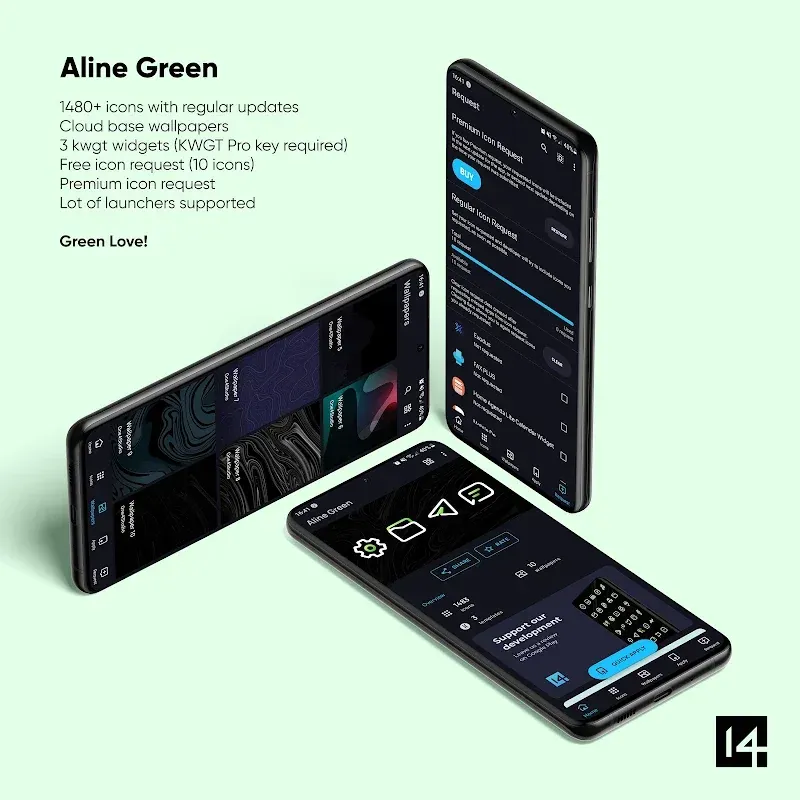
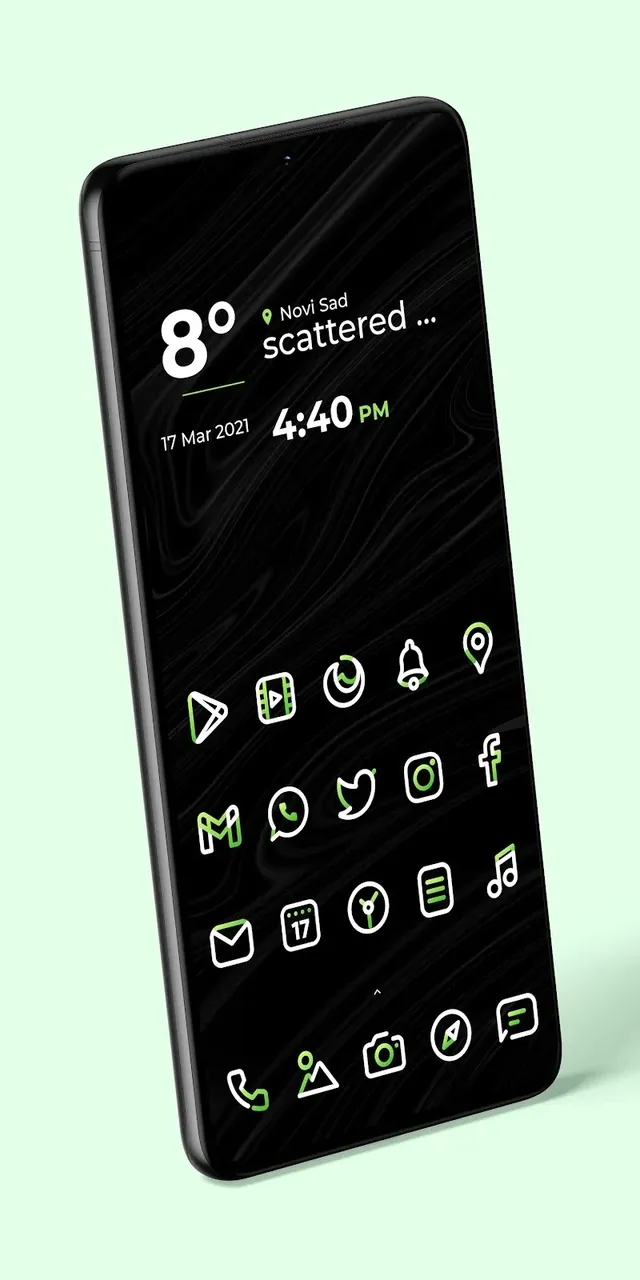
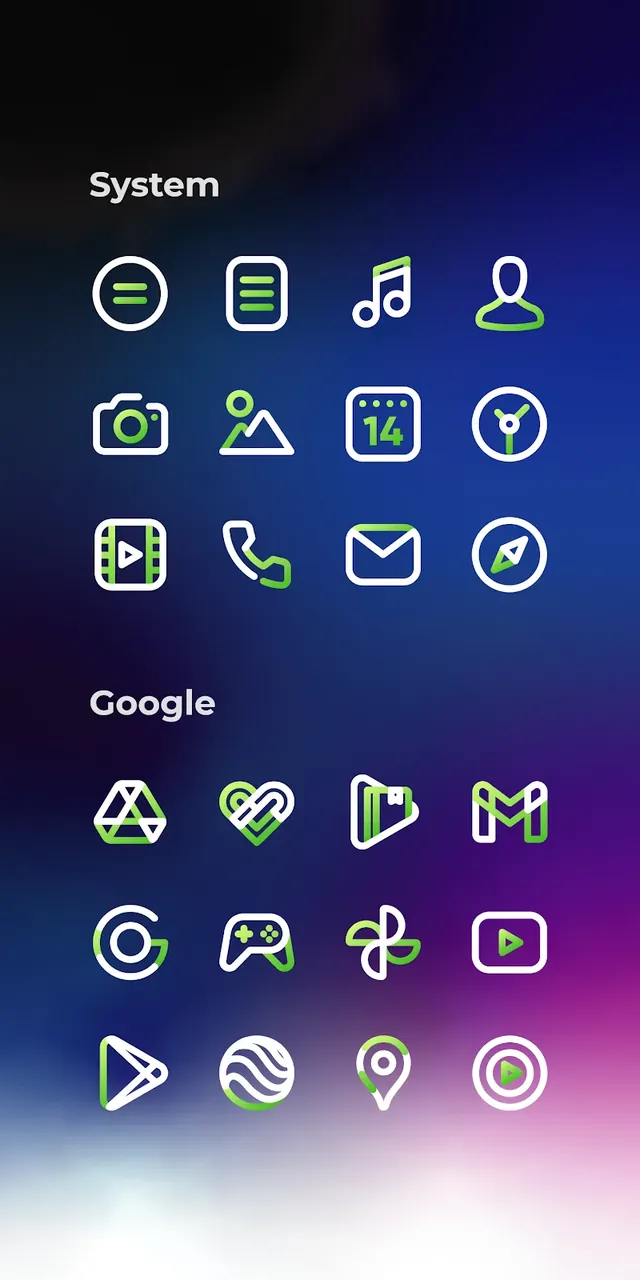
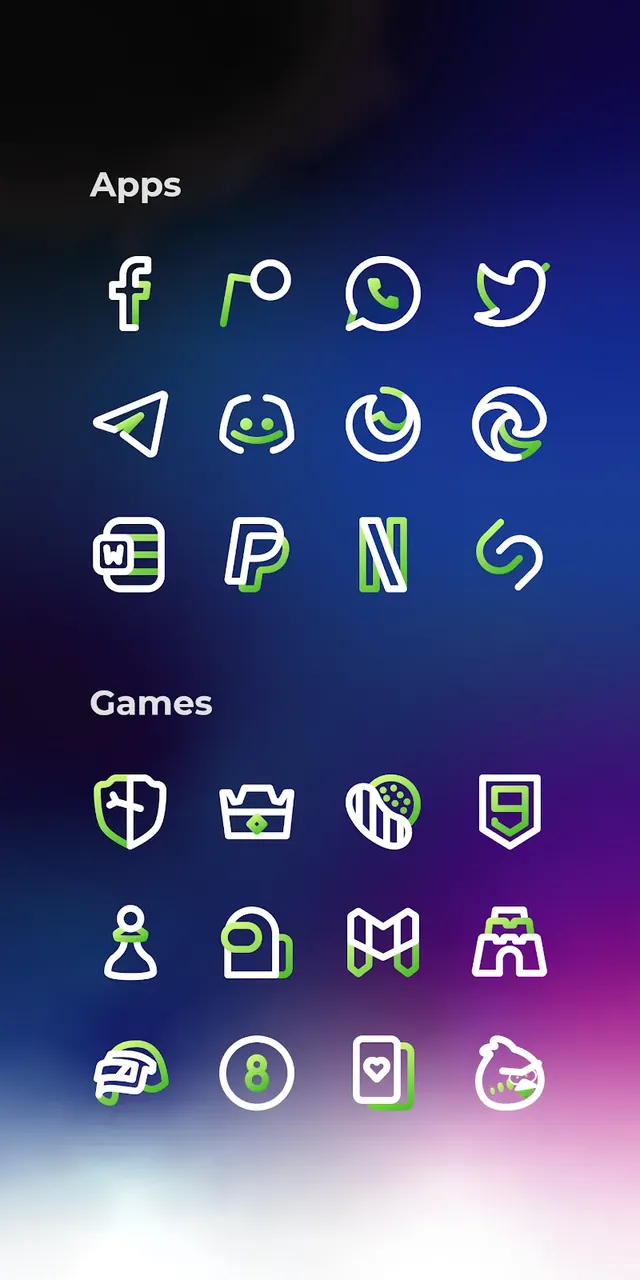
Elevate your mobile experience with Aline Green MOD APK: linear icon pack, the ultimate customization tool for Android enthusiasts who crave a clean, sophisticated, and modern aesthetic. Designed for those who appreciate the beauty of minimalism, Aline Green replaces cluttered, inconsistent icons with a cohesive set of linear designs, featuring strategically placed green accents that pop against any background. In an era of visual noise, this app brings a breath of fresh air to your device, making your application menu more organized and visually pleasing than ever before.
Key Features of Aline Green
- Massive Icon Library: Gain access to an expansive collection of over 3,173+ high-quality icons. Each icon is meticulously handcrafted to ensure a uniform, modern look for your entire app drawer.
- Full HD Precision: Every icon is designed in sharp Full HD quality, ensuring that your home screen looks crisp and professional on any resolution, from budget phones to flagship tablets.
- Curated Wallpaper Collection: Enjoy a selection of 20+ sharp, cloud-based wallpapers that have been specifically chosen to complement the linear green aesthetic perfectly.
- Exclusive Custom Widgets: Go beyond just icons with 5 unique widgets, including a control bar, battery level monitor, weather forecast, and elegant clocks that integrate seamlessly with your layout.
- Dynamic Calendar Support: Keep track of time with a calendar icon that updates daily to reflect the current date.
- Frequent Updates: Our design team is committed to longevity, providing regular updates to include new apps and requested icons from the community.
Application Mechanics & Compatibility
Aline Green is designed to be user-friendly and highly compatible. To unlock the full potential of your new theme, follow these simple steps:
1. Installation: Download the icon pack and ensure you have a compatible third-party launcher installed (such as Nova, Lawnchair, Smart, or Apex).
2. Apply Icons: Open the Aline Green dashboard, navigate to the ‘Apply’ tab, and select your preferred launcher to instantly transform your UI.
3. Customize Widgets: Long-press on your home screen to add our exclusive widgets, then customize their placement to match your workflow.
4. Icon Request Tool: If you find an app that isn’t themed yet, use our built-in request tool to notify our designers, ensuring your setup stays 100% consistent.
Conclusion
Aline Green is more than just a simple icon pack; it is a comprehensive UI overhaul for users who value order, style, and professional design. By reducing visual clutter and focusing on minimalist lines, it helps users focus more easily while providing a personalized touch to their mobile hardware. Whether you are a minimalist at heart or a power user looking for a fresh home screen setup, Aline Green provides the premium tools you need to make your phone truly stand out. Download Aline Green today and experience the future of Android customization!
Aline Green v2.0.6 APK (Full Version)
Download (27 MB)You are now ready to download Aline Green: linear icon pack for free. Here are some notes:
- Please read our MOD Info and installation instructions carefully for the game & app to work properly
- Downloading via 3rd party software like IDM, ADM (Direct link) is currently blocked for abuse reasons.
5/5 (1 vote)