Take control of your device! Manage autostart apps, boost performance, and optimize battery life with AutoStart App Manager MOD APK. Speed up your smartphone today!
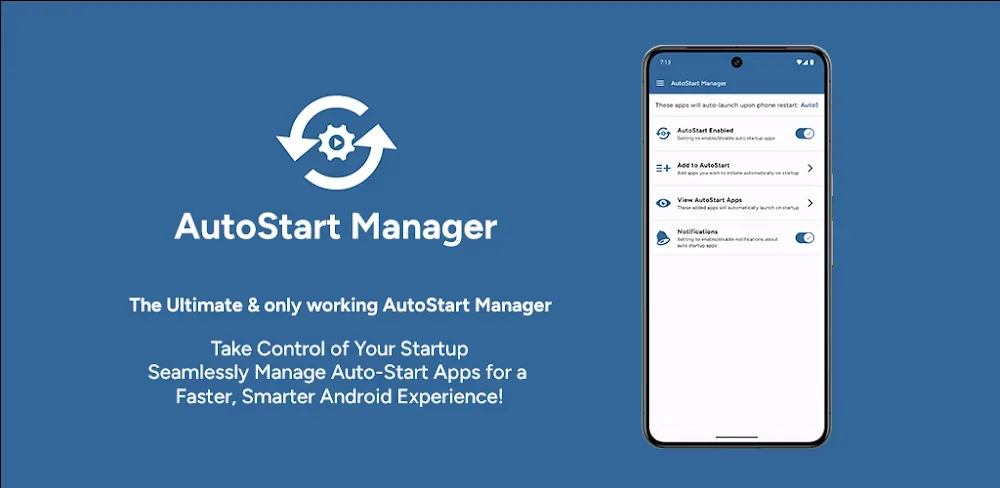

AutoStart App Manager v9.1.0 MOD APK (Premium Unlocked)
| App Name | AutoStart App Manager |
|---|---|
| Publisher | The Sugar Apps |
| Genre | Tools |
| Size | 11.7M |
| Latest Version | 9.1.0 |
| MOD Info | Premium Unlocked |
| Get it On |

|
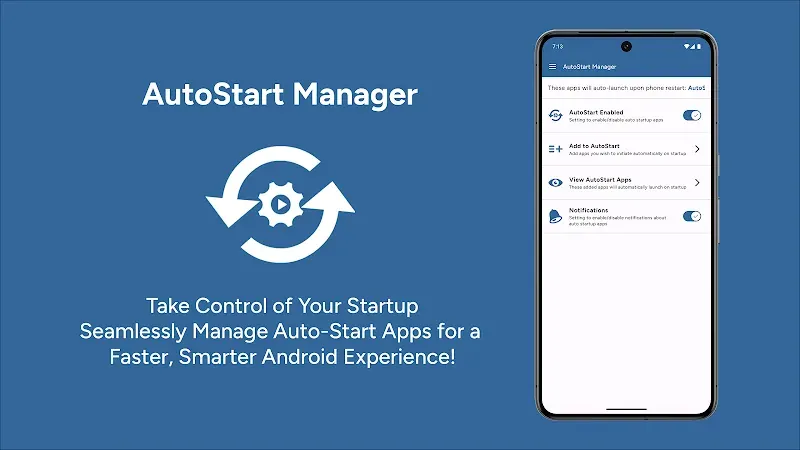
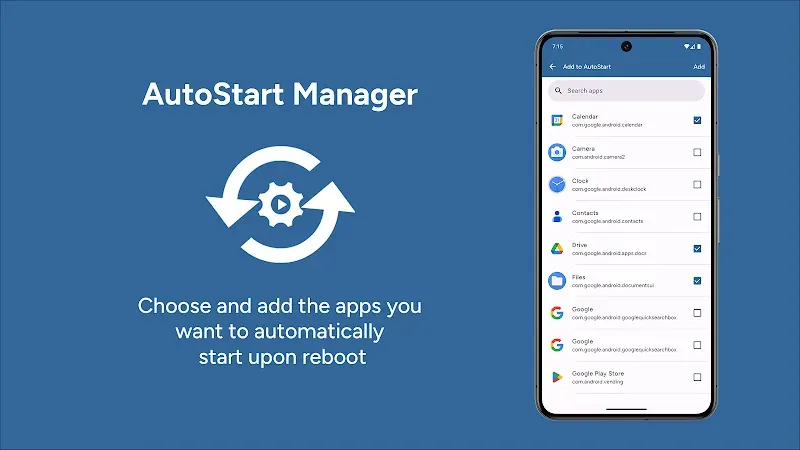
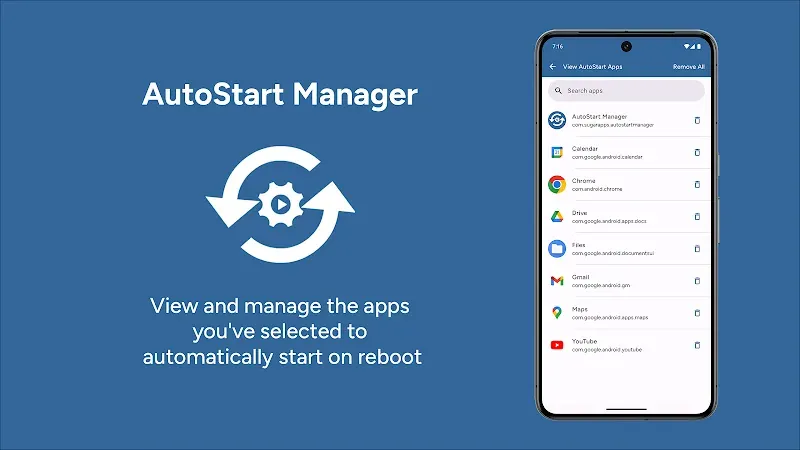
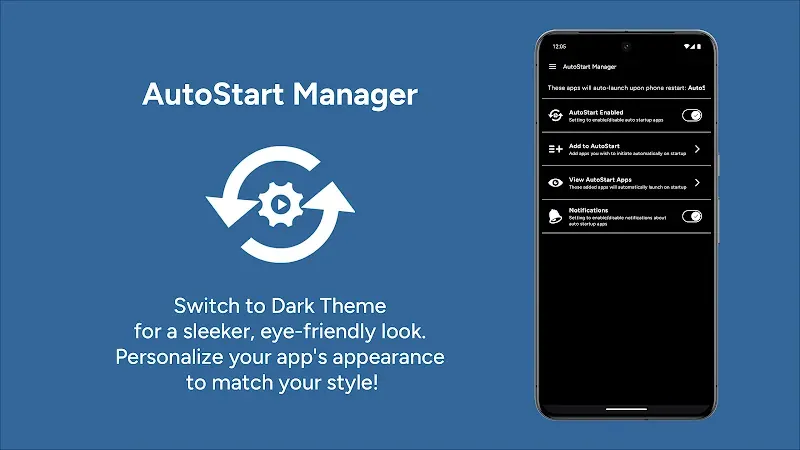
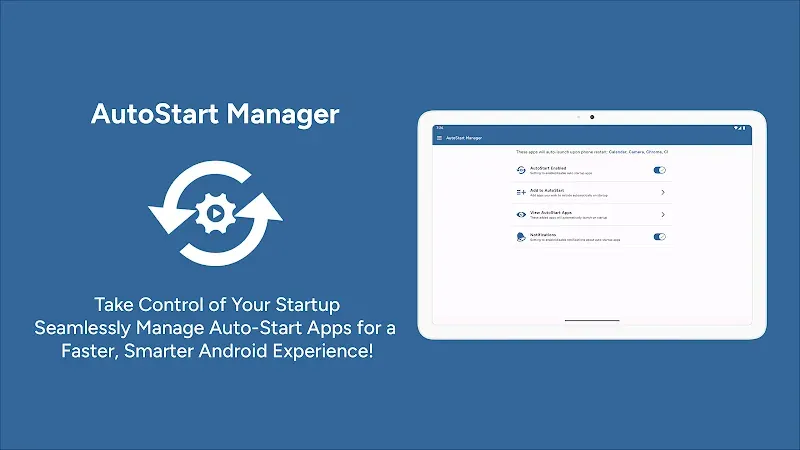
This release of the AutoStart App Manager MOD APK provides full access to the premium features of the utility, removing restrictions on advanced system management tools. Users can immediately utilize the professional-grade optimization functions to manage how software interacts with their hardware during the boot process.
What’s Modified in AutoStart App Manager
- The premium version is unlocked, providing full access to the professional suite of startup management and system optimization tools without requiring additional purchases.
This build is version 8.2.0, has a file size of 15M, uses the package name com.sugarapps.autostartmanager, and is re-signed, which prevents it from being installed as an update over a version from the official store.
About AutoStart App Manager
AutoStart App Manager solves the issues of mobile device performance and battery drain. The app’s strength is in its ability to find and manage applications that are set to launch at system boot. These applications can quietly consume system resources, resulting in an unresponsive and sluggish user interface. Managing startup items provides an efficient use of system resources and an improvement in system performance and responsiveness. This can also reduce the time required for system startup.
The application employs a safety measure where it groups applications into categories based on whether they are system applications or user installed applications. An example of system application grouping is the Chrome browsers. The application caters for a series of autostart groups, where users can set each autostart group based on the requirement and preference. When an autostart group is created, the application’s background service instructs the operating system to ignore autostart commands in the group. This has an added benefit of preserving system resources for the application the user is currently interacting with. Resource intensive applications can greatly benefit from this feature. Users can create an autostart group for a set of applications they wish to clear from the background and allow the operating system to ignore launch commands for those applications, thus freeing system resources for other applications the user is actively interacting with. Users can also create an autostart group and set it to launch at system start up.
In addition to basic startup management, this utility offers a Real-Time System Monitoring dashboard to give a quick health status of the device and show critical information such as storage and memory usage, and CPU status. With this real-time system monitoring, users can see the effect of their optimization choices immediately. For users who are in a hurry and need to improve their device state within seconds, the One-Tap Optimization tool can do the job instantly. This tool accomplishes the same task as the previous tool in freeing up valuable RAM and stopping unnecessary background processes and services. This is all done automatically without the user having to go through complicated settings and know the ins and outs of the Android OS.
The software provides a Comprehensive App Analysis tool to go beyond simple resource tracking. This feature shows consumers a detailed report of the apps on the device and what kind of permissions the apps have. With this information and tool, users can detect and see apps that use excessive power and data and uncover apps that function maliciously. This is complemented by the Deep Clean tool that removes unnecessary and unused cached files. These cached files are digital clutter and slow down the system. Once these files are removed, the apps can access the files stored on the device at a faster rate and improve the overall performance and responsiveness of the device. With all of these optimization features, the software makes a case that the devices and the ecosystem is in good health.
Battery management is another core feature of the app. The Extended Battery Longevity feature identifies which apps are draining the battery by running in the background. By managing which apps are running in the background, the app can provide significant improvements to battery life. This is extremely beneficial during extended use or travel. The interface is kept clean and professional. By using advanced scanning algorithms and offering an explanation for all processes, the app does an excellent job at providing a layer of transparency to the user. Ultimately, this provides the user with ultimate software control over the device. The real-time software control along with the deep cleaning and management of applications provides a powerful tool to assist with long term device optimization.
Key features
- Intelligent Startup Management
- Ultimate Performance Booster
- Extended Battery Longevity
- Real-Time System Monitoring
- One-Tap Optimization
- Comprehensive App Analysis
- User-Friendly Interface
- Deep Clean Mechanic
- System and User App Categorization
Related MOD APKs
- MovieBox ID: Watch Movies, TV Series, K-Dramas & Anime for Free
- KWGT Kustom Widget Pro
- SnapTube
- Terabox
FAQ
Is Premium unlocked in AutoStart App Manager MOD APK?
This 8.2.0 build of AutoStart App Manager includes Premium Unlocked. It functions like the version by The Sugar Apps, with all modifications active as soon as you install the app.
What is the latest version of AutoStart App Manager MOD APK?
The latest 8.2.0 version matches the release by The Sugar Apps from July 15, 2026. We don’t keep older versions here. Update by installing this file over your current app. If you encounter a signature conflict, uninstall the previous build first.
Is AutoStart App Manager MOD APK safe to download?
This AutoStart App Manager 8.2.0 file on MODYOLO is the app from The Sugar Apps with Premium Unlocked. 2 people gave it a 4.5 rating. It does not require root. Play Protect warnings are expected, so always download from this page.
Can I use AutoStart App Manager MOD APK on PC or iPhone?
This Android package won’t install on iPhone or iPad. On Windows or macOS, run the 15M APK in an emulator like BlueStacks or LDPlayer—install the software, then drag the file in.
AutoStart App Manager v9.1.0 MOD APK (Premium Unlocked) Download
Download (11.7M)You are now ready to download AutoStart App Manager for free. Here are some notes:
- Please read our MOD Info and installation instructions carefully for the game & app to work properly
- Downloading via 3rd party software like IDM, ADM (Direct link) is currently blocked for abuse reasons.
4.5/5 (2 votes)