Print anything, anywhere! Transform your Android device into a powerful wireless hub. Connect via Bluetooth or USB to print PDFs, images, and invoices easily.
Bluetooth Thermal Printer v6.4.8.31 MOD APK (Premium Unlocked)
| App Name | Bluetooth Thermal Printer |
|---|---|
| Publisher | Mate Technologies |
| Genre | Productivity |
| Size | 26M |
| Latest Version | 6.4.8.31 |
| MOD Info | Premium Unlocked |
| Get it On |

|
This Bluetooth Thermal Printer MOD APK provides access to premium features that are typically restricted in the standard version. By unlocking these capabilities, users can utilize the full suite of professional printing and document management tools without encountering paywalls.
What’s Modified in Bluetooth Thermal Printer
- The premium license is unlocked, providing full access to all professional features and advanced settings within the application.
This build is version 6.4.8.31 with a file size of 26M and package name mate.bluetoothprint; because it is re-signed, it cannot be installed as an update over an existing version from the official store.
About Bluetooth Thermal Printer
The Bluetooth Thermal Printer serves as a specialized utility for Android users who require direct communication with hardware printing devices. The primary function of the application is to establish a reliable connection between a mobile device and various thermal printers, removing the traditional requirement for desktop computers or the manual installation of specific drivers. This functionality is particularly relevant for individuals operating in environments where mobility is a priority, such as retail storefronts, logistics warehouses, or educational settings. By utilizing the built-in communication protocols of the Android operating system, the application creates a bridge that facilitates the transfer of data to printing hardware. This approach simplifies the document management process, allowing for the generation of physical copies of digital files without the constraints of wired connections or complex network configurations. The emphasis is on providing a professional experience that mirrors the capabilities of a full-scale workstation while remaining contained within a portable mobile interface.
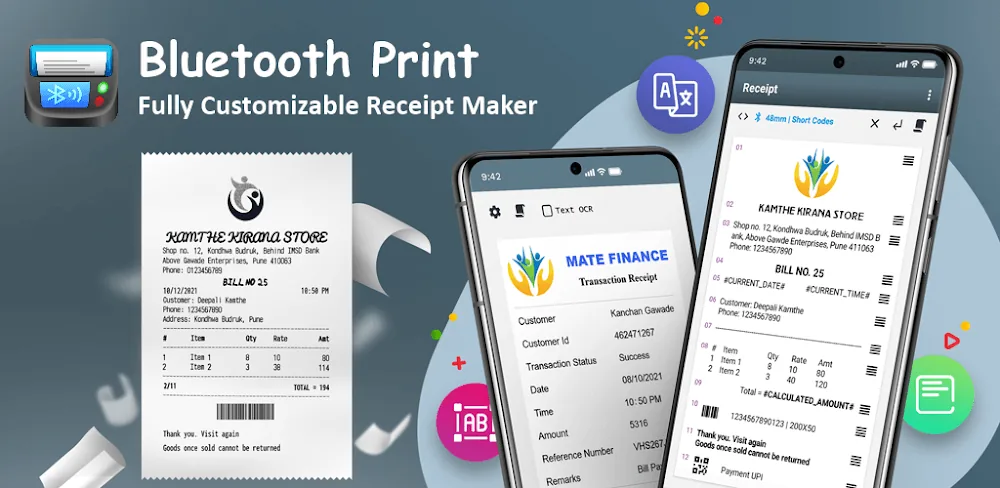
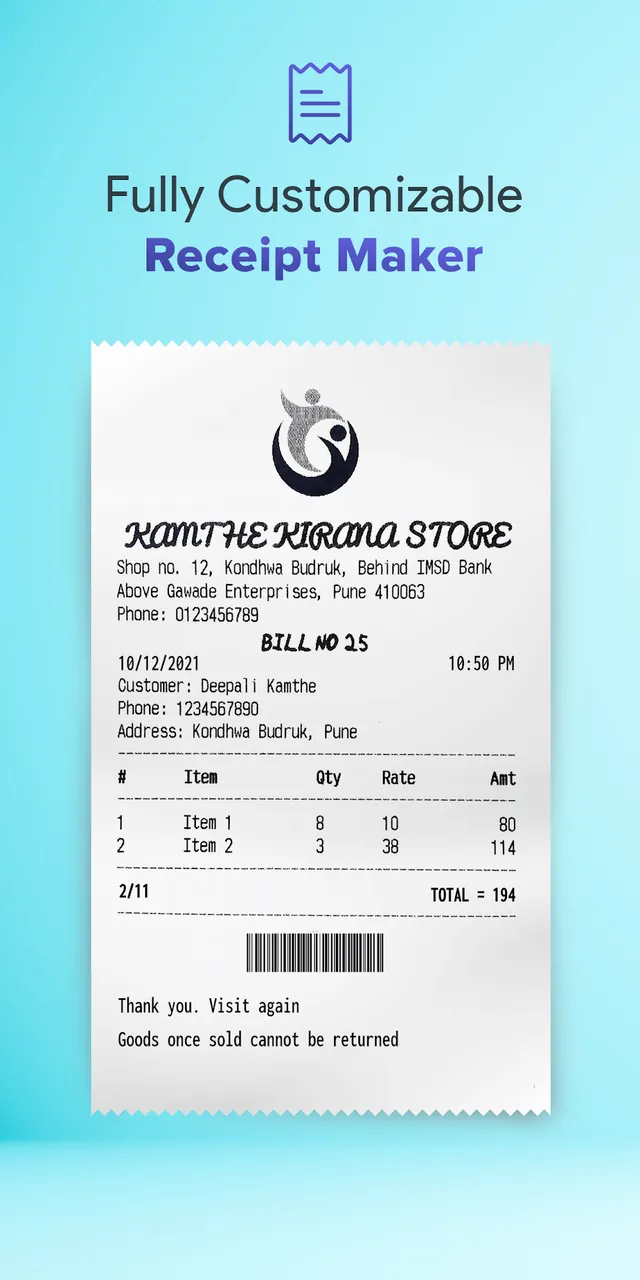
The application handles a wide range of file types, ensuring that users are not limited by the format of their source material. The Multi-Format Excellence feature allows for the high-quality output of standard document types like PDF, as well as image formats such as JPG and PNG. Beyond standard documents, the system is capable of processing complex data tables, which is often a requirement for technical reports or inventory logs. For business operations, the application is specifically optimized for professional receipt printing. This includes the creation and output of invoices, bills, and point-of-sale transactions. The ability to generate these documents on the go is a critical component for modern business strategies, enabling entrepreneurs to provide physical documentation to customers immediately upon the completion of a sale. The precision of the printing engine ensures that text remains legible and layout structures are preserved, which is essential for maintaining professional standards in business communications.
To further enhance the utility of the mobile printing process, the software includes an Integrated Document Scanner. This tool utilizes the device’s camera to capture physical documents and convert them into digital formats suitable for printing. The scanner is equipped with precision cropping tools and text enhancement features, which allow users to isolate specific sections of a document and improve the clarity of the captured image. This is complemented by Live Image Editing capabilities, where users can modify their documents directly within the application interface. Available edits include the addition of custom text overlays, adjustments to brightness levels to ensure readability, and manual cropping to fit specific paper sizes. These tools are designed to be used immediately before the print command is executed, providing a final layer of quality control that helps to minimize errors and reduce the consumption of thermal paper.
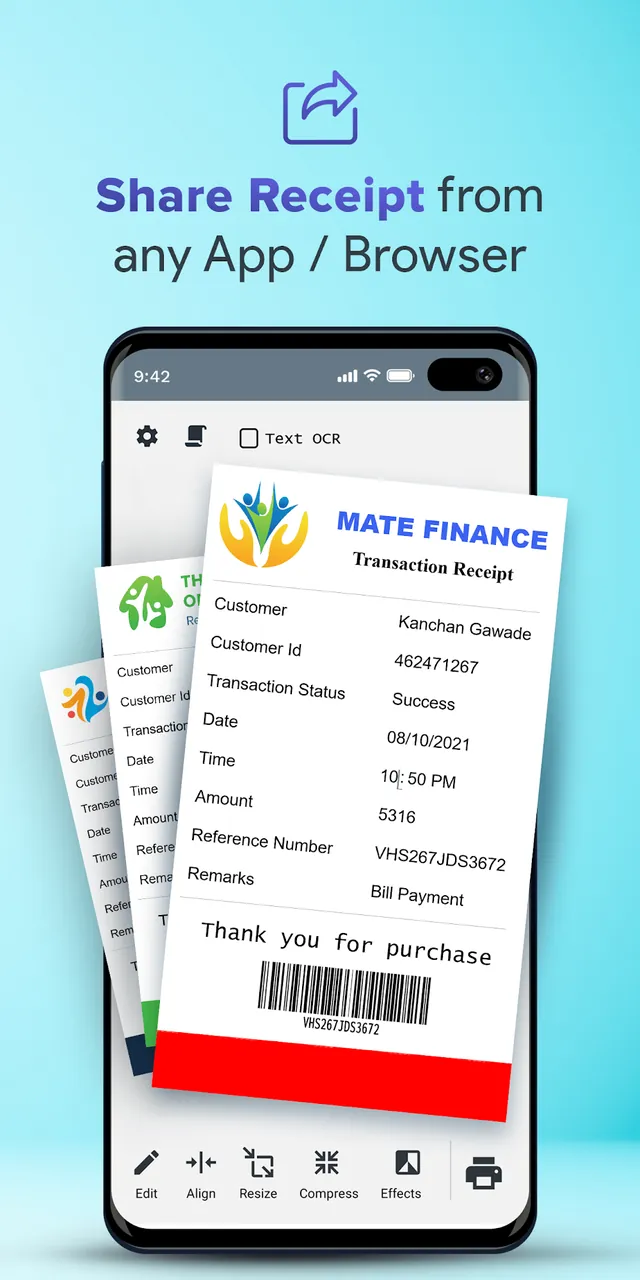
The operational workflow of the software is built on a structured system referred to as Select, Edit, and Execute. Upon opening the application, users interact with an organized dashboard that categorizes tasks based on their specific requirements. For users who need to produce documents quickly, the Quick Action feature streamlines the process for standard files. Conversely, the Advanced Mode provides deep customization options for more complex layouts. This includes Advanced Page Setup, where users can define paper dimensions, set page orientation, adjust margins, and specify print ranges. Such granular control is necessary for specialized tasks where standard settings may not be appropriate. Additionally, the application supports Instant Third-Party Sharing, allowing users to send files directly to the printer engine from other common applications like WhatsApp, Google Drive, or Gmail. This integration ensures that the printer remains a central part of the user’s broader digital ecosystem, facilitating the movement of information from cloud storage or communication platforms to physical paper.
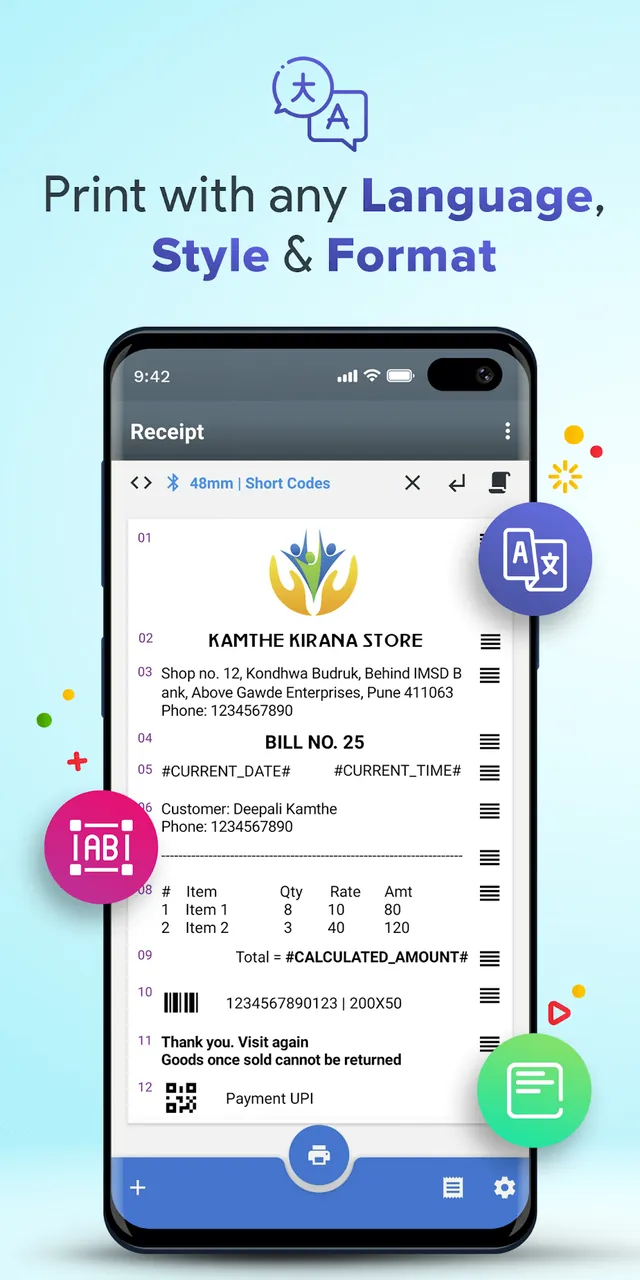
The backend mechanics of the application focus on precision data transmission. Once a connection is established between the smartphone and the printer via Bluetooth or USB, the software creates a virtual link that manages the flow of information. This link is capable of handling batch-selection, which allows users to choose multiple images or documents to be printed in a single sequence. This feature is particularly useful for high-volume tasks where individual document processing would be inefficient. To prevent the waste of resources, the application features a live preview engine. This tool provides a visual representation on the screen of exactly what will appear on the thermal paper. By reviewing the layout, alignment, and content in the preview stage, users can make necessary adjustments before committing to the print. This tactical approach to document management ensures that every print job is executed with accuracy, making the most of the high-speed wireless connectivity provided by the application.
The Universal Connectivity feature ensures that the application can link with any Bluetooth or USB-enabled thermal printer without the need for external drivers. This is achieved by the app acting as a high-speed bridge, creating a virtual link that handles data transmission with precision. Whether you are using a mobile smartphone or a tablet, the app acts as a portable command center. By bypassing the need for bulky computers, the software offers a streamlined professional experience. The application is more than just a utility; it is a document management strategy designed to handle the frustration of tangled cables and the complexities of modern business operations. It aims to transform how documents are handled, making mobile printing faster and smarter for thousands of users who have optimized their daily workflow with this portable printing solution.
Key features
- Universal Connectivity for Bluetooth and USB-enabled thermal printers
- Multi-Format support for PDF, JPG, PNG, and data tables
- Professional Receipt Printing for invoices and POS transactions
- Integrated Document Scanner with precision cropping and text enhancement
- Live Image Editing including custom text and brightness adjustments
- Advanced Page Setup for paper dimensions, margins, and orientation
- Instant Third-Party Sharing with WhatsApp, Google Drive, and Gmail
- Quick Action feature for immediate document output
- Live Preview engine to visualize prints before execution
- Batch-selection for printing multiple images in sequence
Related MOD APKs
FAQ
Is Premium unlocked in Bluetooth Thermal Printer MOD APK?
This 6.4.8.31 version of Bluetooth Thermal Printer includes Premium Unlocked features. It functions like the Mate Technologies release, with all modifications active immediately after you finish the installation.
What is the latest version of Bluetooth Thermal Printer MOD APK?
This 6.4.8.31 build matches the Mate Technologies release from June 12, 2026. We don’t keep older versions here. Install this file over your current app to update; if a signature error occurs, uninstall the previous version first.
Is Bluetooth Thermal Printer MOD APK safe to download?
This 6.4.8.31 Bluetooth Thermal Printer build from Mate Technologies provides Premium Unlocked access. 43 users gave it a 3.8 rating. It does not require root. You might see a Play Protect alert, so always download from this page.
Can I use Bluetooth Thermal Printer MOD APK on PC or iPhone?
As an Android file, this won’t work on iPhone. To use the 26M package on a computer, run an emulator like BlueStacks or LDPlayer, then open the file within that software.
Bluetooth Thermal Printer v6.4.8.31 MOD APK (Premium Unlocked)
Download (26M)You are now ready to download Bluetooth Thermal Printer for free. Here are some notes:
- Please read our MOD Info and installation instructions carefully for the game & app to work properly
- Downloading via 3rd party software like IDM, ADM (Direct link) is currently blocked for abuse reasons.
3.8/5 (44 votes)