When you use Button Master, you can boost your productivity. It has floating menus so you can customize them, gesture shortcuts, and assistive touch so you can navigate with ease.
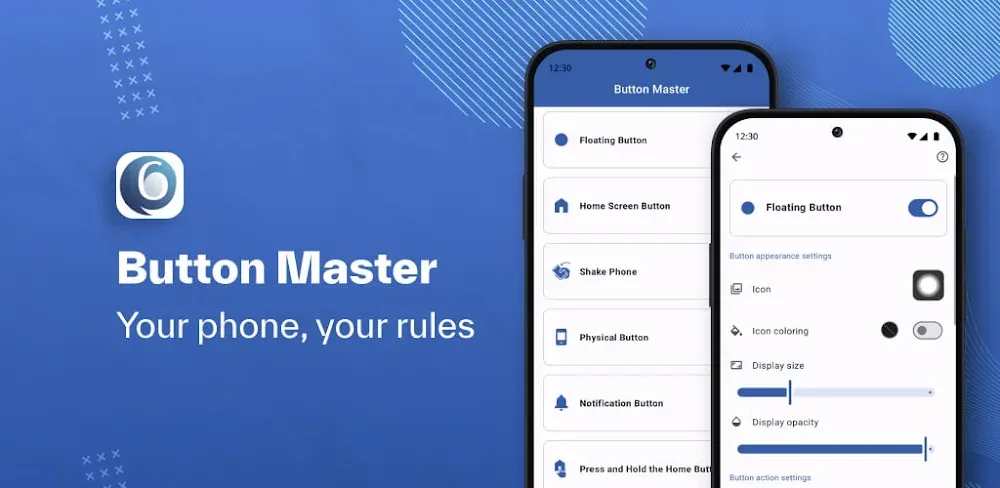

When you use Button Master, you can boost your productivity. It has floating menus so you can customize them, gesture shortcuts, and assistive touch so you can navigate with ease.
| App Name | Button Master: Assistive Touch |
|---|---|
| Publisher | MozStudio |
| Genre | Personalization |
| Size | 14.7M |
| Latest Version | 5.8 |
| MOD Info | Premium Unlocked |
| Get it On |

|
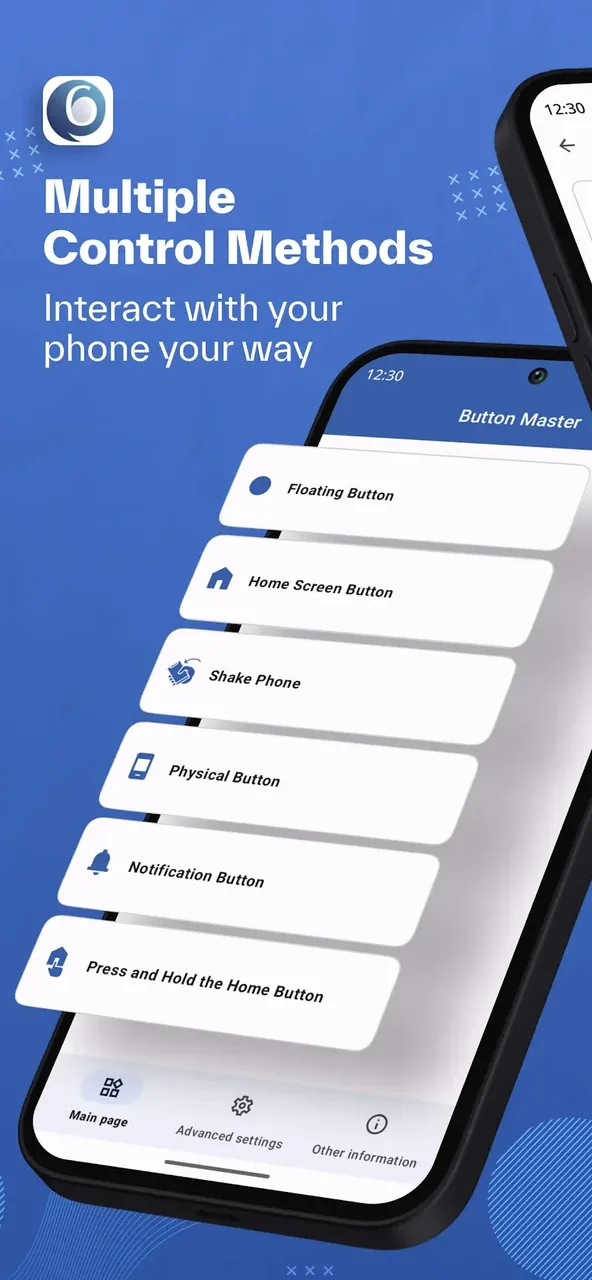
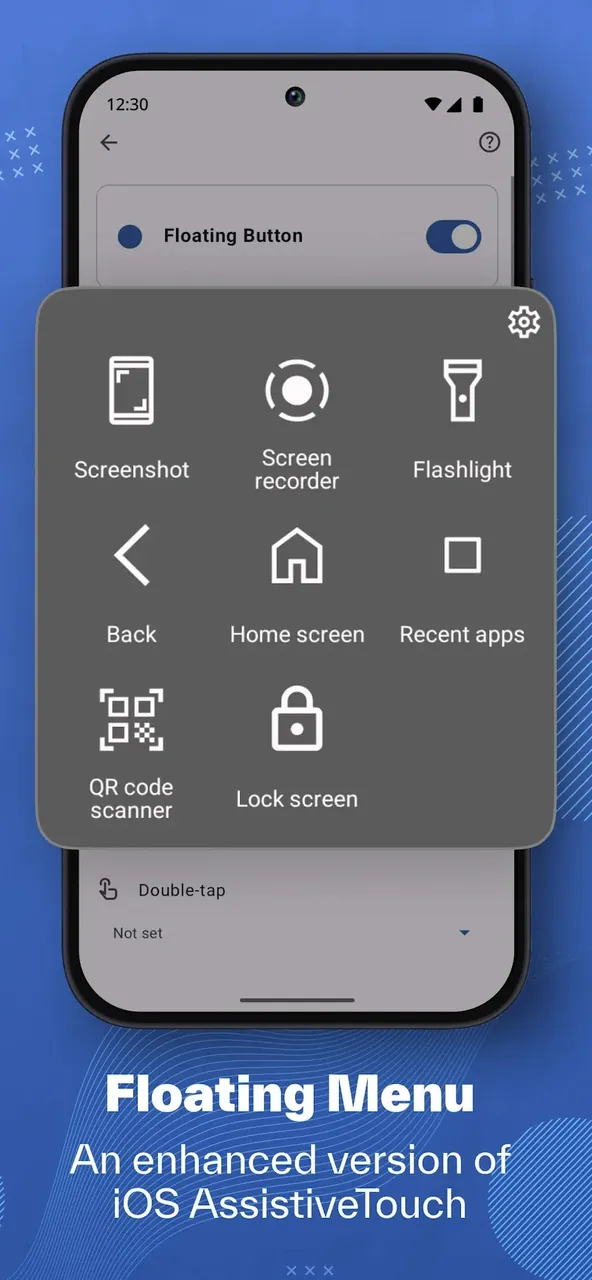
Button Master MOD APK: Assistive Touch brings innovation and customization into your hands in the simplest, most effective way. A beautiful floating menu gives access to anything and everything in the form of tools and settings. Button Master’s concept was inspired by premium Assistive Touch on iOS. It alters the way you interact with your Android on a deeper level. It can truly be an extension of your device.
Features
Imagine being able to have a version of iOS Assistive Touch in your hands on Android Assistive Touch. With this app, now you can. Have the accessibility of a quick-use hub to cover all functions that aid you the most.
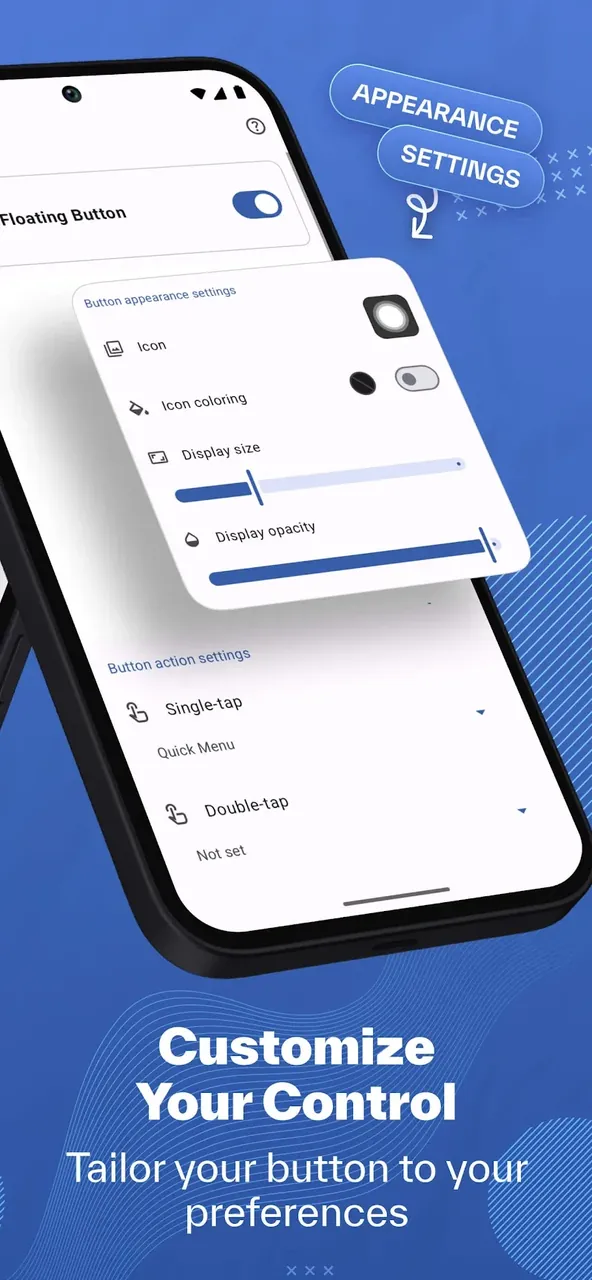
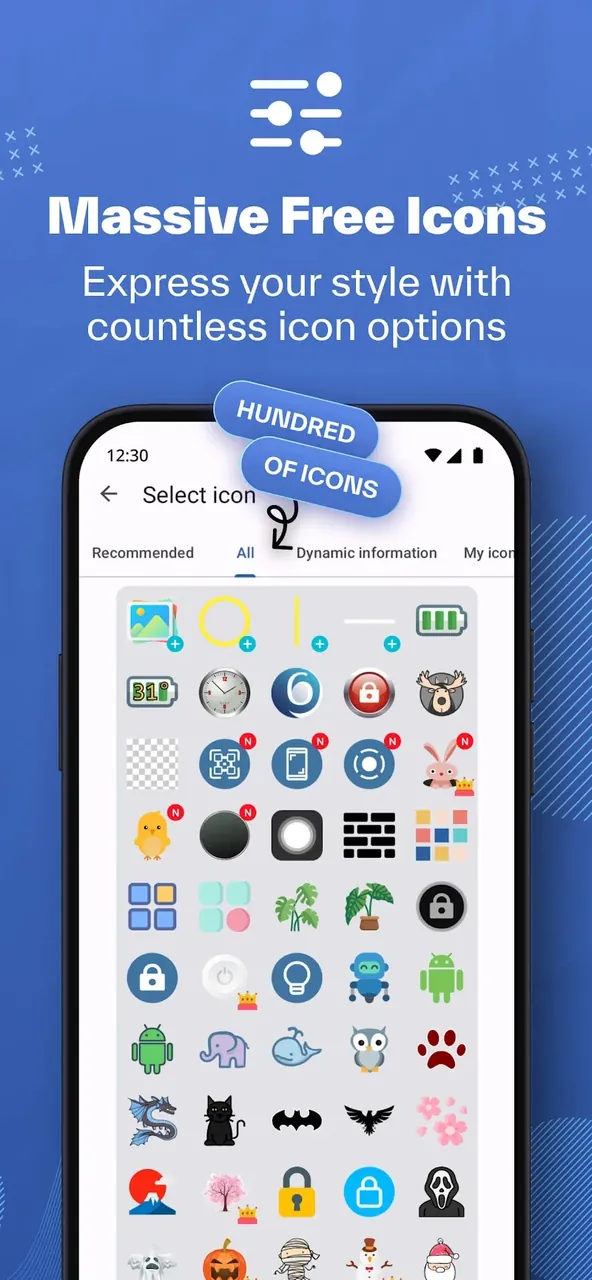
Manipulating the aesthetics of your floating button has never been easier. You have the ability to alter the transparency of the button, add or remove shadows, and choose from a ton of icon options. The options will allow you to tailor the button assist to your device.
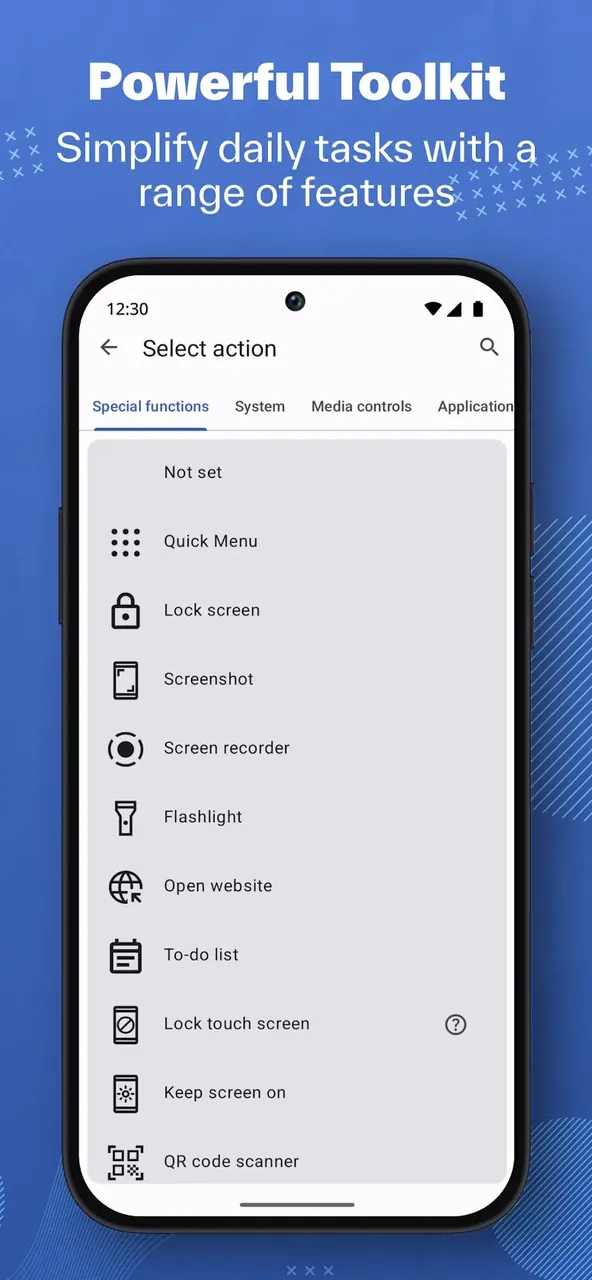
Physical buttons are obsolete with the option of remapping. You are able to control your volume, take screen shots, and lock your screen by only touching the floating button.
Having assistive touch changes the way you interact with your device. This app takes it to the next level by implementing cutting edge technology that allow all of your mobile activities to be simplified through the controls. Have the ability to remap your screen taps to be able to turn on and off your flashlight or recent apps.
Shortcut Methods
You can save tons of time at work by organizing system settings, app launches, and accessibility tools with shortcuts. Want to edit your Wi-Fi, Bluetooth, or screen rotation? You can do all of these things, with just a touch.
APPS CUSTOMIZATION
Assistive Touch through Button Master MOD APK gives you the opportunity to edit your shortcuts in a really interesting way. Once you activate the button, you’ll be prompted to drag and drop to organize your shortcuts. A shadow mapping engine makes the interface look premium and fits in well with the resolution of your screen. If you want to get really creative, you can make multiple shortcut profiles. One shortcut profile can be for gaming. This can include your screen recording shortcut along with your Do Not Disturb shortcut. Another can be for work and include your calendar and email shortcuts. Using shortcuts and custom gestures saves time compared to having to navigate multiple menus.
Conclusion
Button Master MOD APK: Assistive Touch is much more than a shortcut tool. It brings mobile accessibility and efficiency together. With modern UI design and gesture navigation, it helps users master devices like never before. Whether you want to protect your physical buttons, speed up navigation, or add personal customization to your Android UI, Button Master is matching companion. Try the Button Master MOD APK: Assistive Touch today and see the innovations in mobile interaction!
You are now ready to download Button Master: Assistive Touch for free. Here are some notes: