

This build provides the Pro Unlocked version of the app, granting full access to all premium extensions and advanced widget configurations. The Chronus Information Widgets MOD APK has been thoroughly cleaned to remove advertisements, tracking services, and unnecessary background permissions while maintaining core functionality like Google Drive synchronization.
What’s Modified in Chronus Information Widgets
- Pro and Paid features are fully unlocked for all widget types.
- Unwanted Permissions, Receivers, Providers, and Services have been disabled or removed to minimize background activity.
- Graphics have been optimized and zipaligned for faster loading and smoother performance.
- Resources have been cleaned to reduce the overall file size and improve execution speed.
- Ads-related Permissions, Services, and Providers were removed from the Android.manifest file.
- Advertisement links were removed and their calling methods nullified to prevent ad requests.
- Google Drive Cloud functionality remains fully operational for settings backup.
- All debug code has been stripped from the build for a cleaner installation.
- Default .source tags were removed from the corresponding java files.
- Analytics, Crashlytics, and Firebase tracking and reporting services have been disabled.
- Full Multi-Language support is included for global compatibility.
- The build uses a universal architecture compatible with various CPU types.
- Support for multiple screen densities is included, ranging from 120dpi to 640dpi.
- The original package signature was changed during the modification process.
 |
 |
This build is version 28.1 with a file size of 15M and uses the package name com.dvtonder.chronus; because the original package signature has been changed, it cannot be installed over an existing copy from the official store.
About Chronus Information Widgets
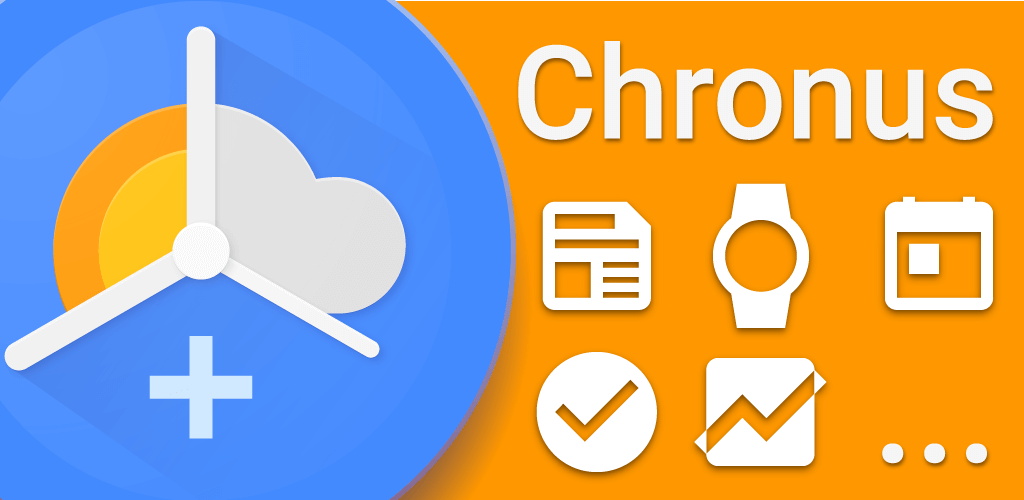
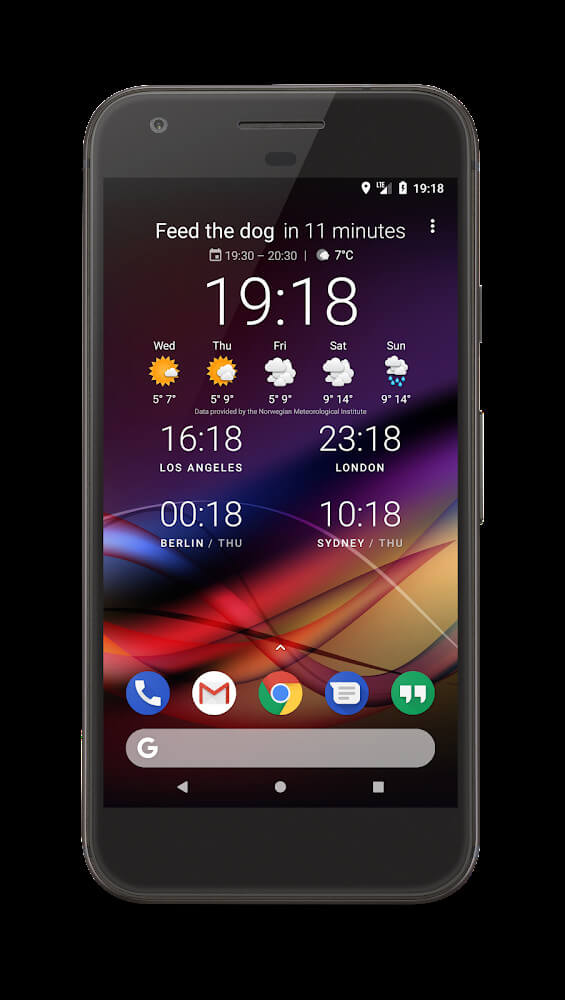
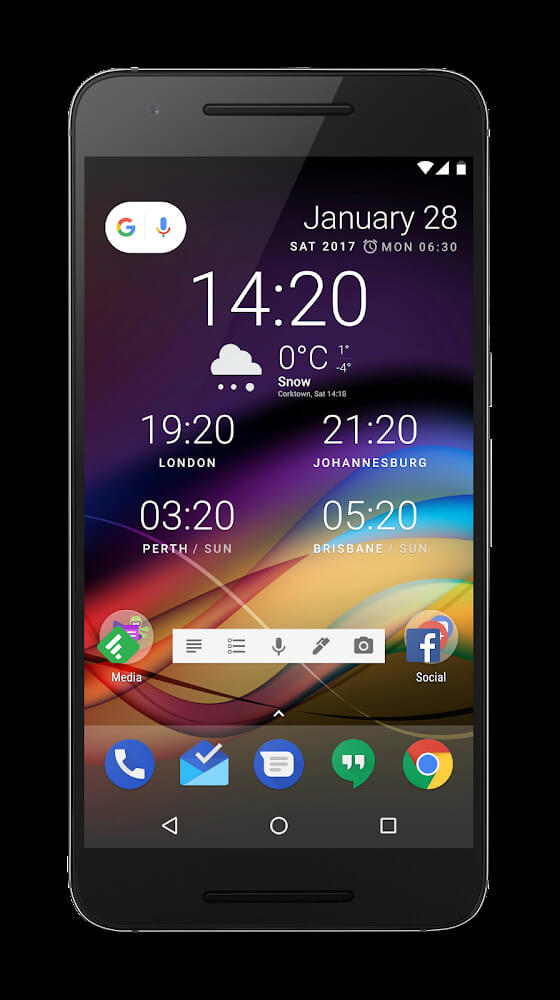
Chronus Information Widgets consolidates popular widgets to make it convenient for users to check the time, the weather, and the news in one app. It then presents that information in one unified interface. The application aims to fulfill the varied demand of users by providing quick access to needed information, eliminating the burden of having to open different applications. The application uses efficiency as a basis when designing the software. Chronus Information Widgets helps mobile systems use battery efficiently and reduce the utilization of cellular data. The information app is designed to summarize information in one place, ensuring quality information, user convenience, and minimal impact on application usage. It is a convenient application that helps users to maintain their systems while staying apprised on the most important information.
The developers cite the application’s flexible functions that allow users to work within their specific workflow as one of its major selling points. The Google Tasks integration is a good example. While some applications may have a cumbersome interface, this one is thoughtfully designed in a widget format and means you can easily manage your to-do lists. The application helps to color code tasks with a focus date to help with event and deadlines management. The colors and font to help the user focus. The developers even designed a widget backup utility which, while useful for all, is especially helpful to users that have really gone out of their way to configure individual widget needs. This is helpful for someone that has really configured widgets for a specific reason and needs to restore data quickly if needed to another device.
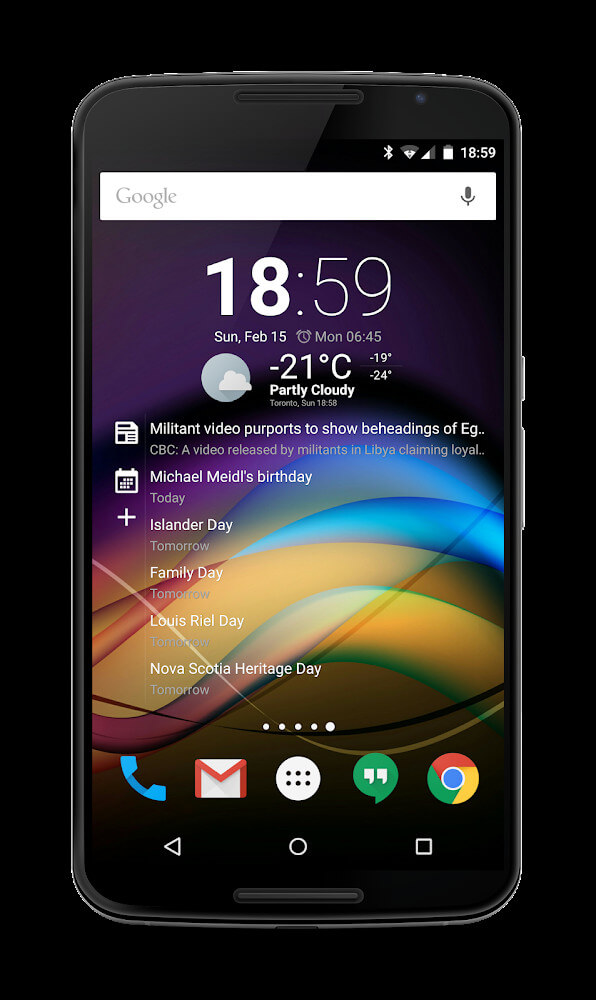
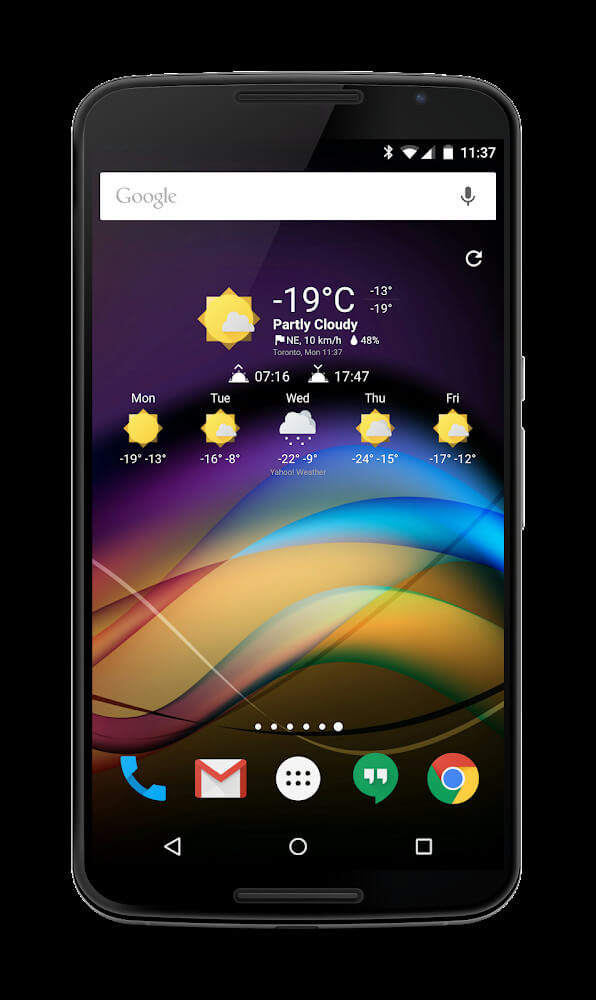
Integration of communication channels is another core aspect of the Chronus Information Widgets MOD APK. The application brings the capability to scale Gmail notifications to a great extent, thus expanding the information of the mail message that the user gets on their home screen. The updation is done continuously and the user is never unaware of any new mails. In addition, telephony services are integrated in which the widget can display the information of the missed calls along with the phone number of the caller which makes it easy for the user to decide if calling back is required.Information regarding text messages is available as well for a complete communication solution. For the environmental data, the app uses Yahoo! for advanced weather data tables. This weather info is updated every hour and gives highly accurate forecasts for the upcoming hours. The news feed portion of the app uses various sources for relevant articles to keep the user updated on the latest major news worldwide. This effectively eliminates the need for using a separate news app.
Customization options are a large aspect of a positive user experience and this app has cursor control, layout control, and color control for every widget in the app. Customizing widgets this way can help a user maximize the space on the home screen and clearly show information with widgets that they find most aesthetically pleasing. The placement of interface elements and the contrast of the background and foreground are large parts of an application’s design. Users are allowed to arrange the interface elements and are encouraged to do so in the most logical and space efficient way to help users understand how to find all of the information presented to them. Customization is even extended to the Daydream screen, where users are free to make their own styles and help protect the screen from boredom. If a user needs a watch that displays the time to an exact standard, this application can make a watch face that allows the user to do just that (in the Precise Time application). This application is also really simple with the hardware requirements being any Android screen with 5.0 or higher. The application is user friendly and encourages users to show the application to their friends and family.
Key features
- Google Tasks integration
- Yahoo! weather tables
- Gmail scaling and notifications
- Missed call and phone number display
- Integrated text messaging
- News feed from available sources
- Backup and restore utility settings
- Customizable colors, sizes, and layouts
- Daydream screen protection styles
- Full watch face functionality
 |
 |
Related MOD APKs
FAQ
Is Premium unlocked in Chronus Information Widgets MOD APK?
This 28.1 version of Chronus Information Widgets includes Pro Unlocked. It functions similarly to the DvTonder release, with all features active immediately after you complete the installation.
What is the latest version of Chronus Information Widgets MOD APK?
Version 28.1 aligns with the DvTonder release from July 21, 2026. We don’t keep older versions here. Update by installing this file over your current app. If you see a signature error, you must delete the previous version before reinstalling.
Is Chronus Information Widgets MOD APK safe to download?
This 28.1 Chronus Information Widgets build from DvTonder only adds Pro Unlocked. It has a 3.8 rating from 5 users. It does not require root. Ignore any Play Protect alerts during setup, but you should always download from this page.
Can I use Chronus Information Widgets MOD APK on PC or iPhone?
You cannot install this on an iPhone as it is for Android. To use the 15M file on a computer, run an emulator like BlueStacks or LDPlayer. Once the emulator is ready, simply drag the package into the window.