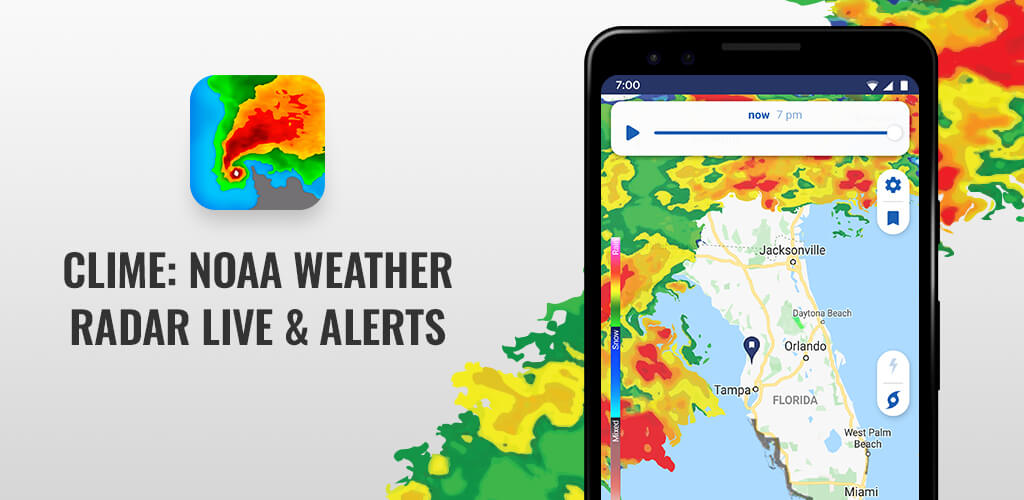


The Clime MOD APK provides access to the premium features of this weather radar application. By unlocking the subscription-based tools, this build allows users to utilize advanced forecasting and tracking capabilities without the standard restrictions.
What’s Modified in Clime
- Premium features are unlocked, enabling access to more specific and accurate weather forecasts.
- Advertisements are completely removed from the application interface for an uninterrupted user experience.
- The restriction on saved locations is removed, allowing for the storage of unlimited places of interest.
 |
 |
This Clime MOD APK is version 1.72.7, has a file size of 60M, and uses the package name com.apalon.weatherradar.free; because it is a re-signed build, it cannot be installed over a version downloaded from the official store.
About Clime
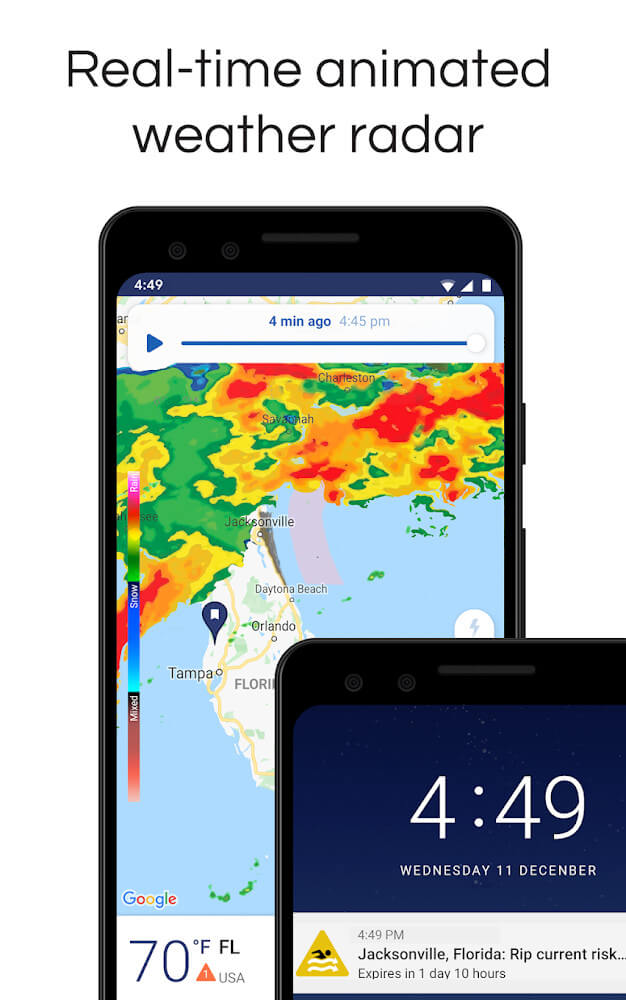
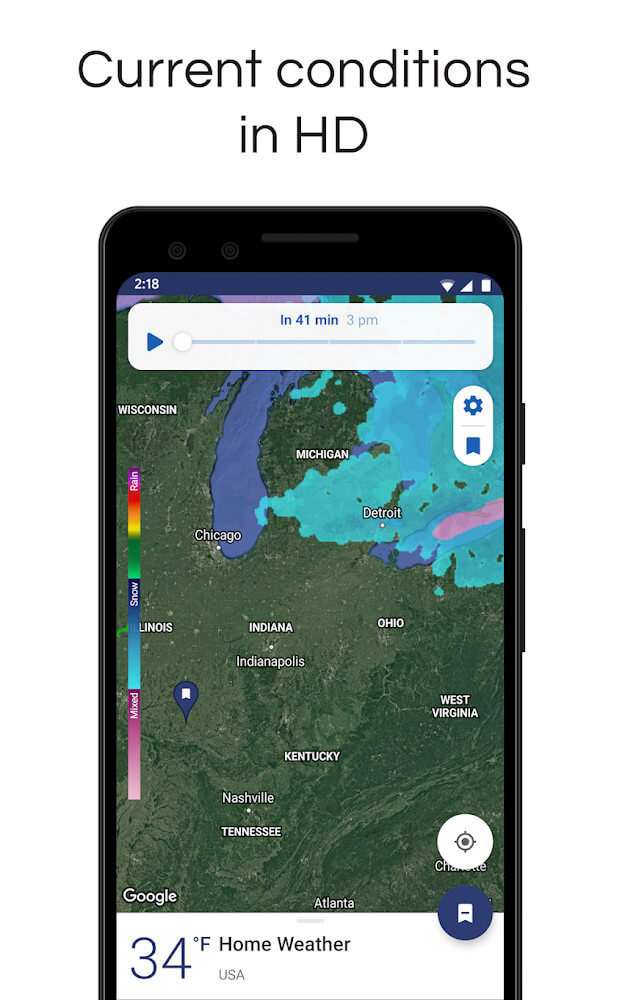
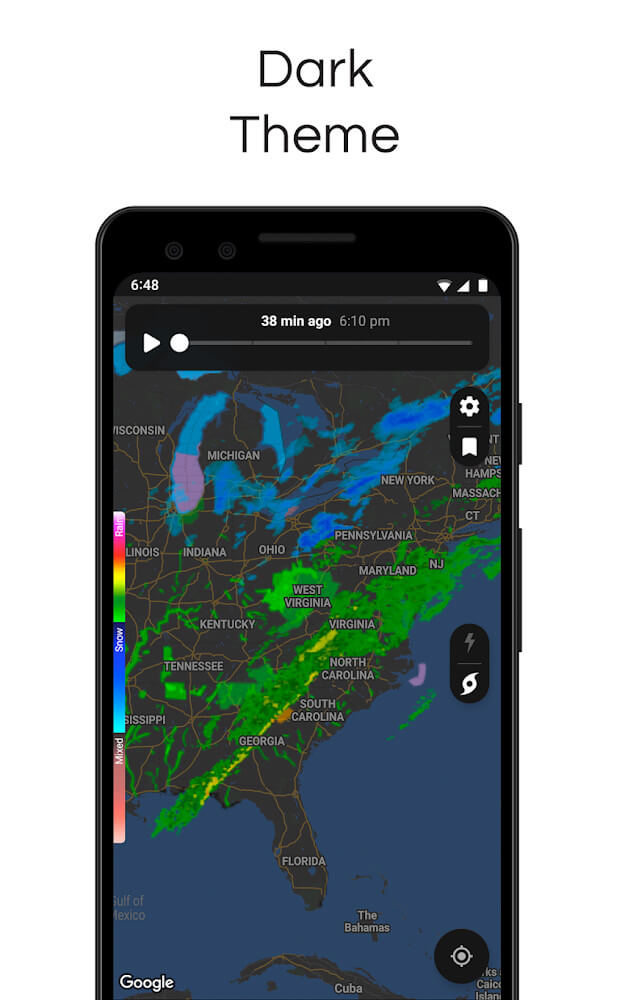
Clime: NOAA Weather Radar Live is a weather forecasting app with the interest of users’ safety and security in mind, especially with ongoing rapid climate change. The app’s focus is on the precision of the forecasts. Although no forecast is completely perfect, the goal is to minimize the errors as much as possible. The system uses satellite radar images to create forecasts. These images illustrate the movement of the wind and clouds and the direction of the rain bands. It is suggested that the users of the app monitor the forecasts of the weather on a daily basis to make necessary preparations for their day to day activities, as well as to make the required plans for the week.
The application is centered on an innovative and advanced image and color coding system. The division of colors and symbols in the interface of the app, is highly effective to the user when learned. User’s have the ability to predict weather and climate conditions of a given location by just looking at the colors and symbols in the app and their meanings. The Radar map includes many annotations to help users with unfamiliar symbols. With this system of advanced visualization and interpretation of the data, users of the app can locate weather conditions, and how those conditions may change with time, and how those conditions may affect a particular region.
The main aspect of the application is the worldwide map which allows the user to see weather changes all around the world. The map has a lot of interactivity so users are able to click different areas to pull up a variety of weather data. The weather data includes the current temperature, humidity, and precipitation. There are other geographic features of the data that include longitude and latitude of the area. The data can be beneficial for a variety of users from travelers that need to keep up with different areas to general weather enthusiasts.
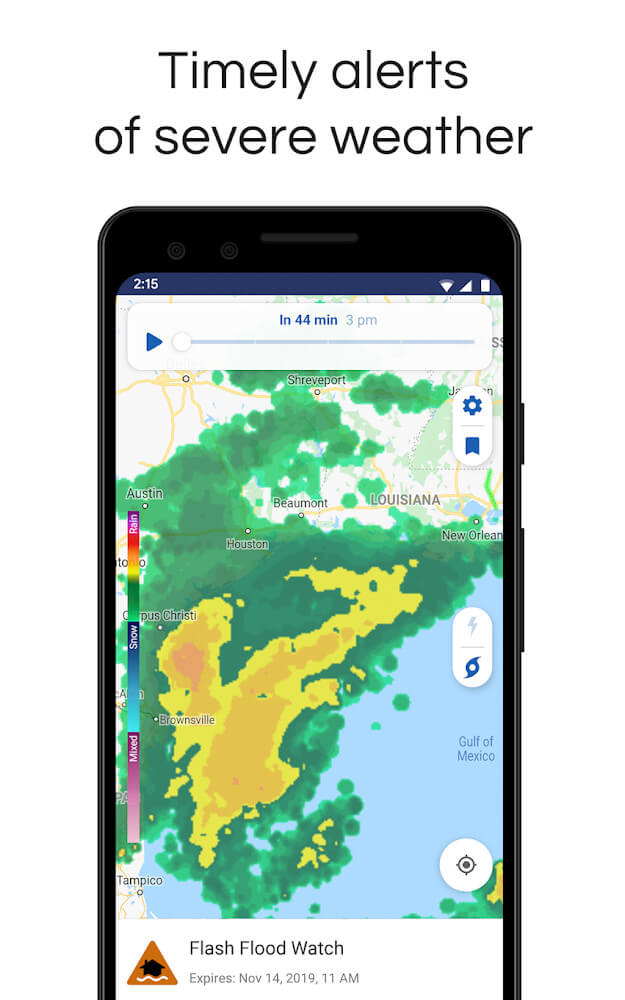
The application is designed to make weather forecasting easier and more convenient. To accomplish this, the application enables users to bookmark their favorite locations. This makes future searches easier. The application provides alerts for the bookmarked locations via push notifications. The alerts are very important for severe weather conditions and the system provides this feature for bookmarked locations for conditions such as storms, hurricanes, freeze warnings, and tornadoes. This alerts system is designed to notify users of potential threats.
The integration of National Weather Service data is vital to the operation of the application. Users can view active weather advisories, watches and warnings, provided by the NWS. Users can also view the polygonal boundaries of the advisories, watches and warnings. For users in locations susceptible to severe storms and tornadoes, the application can provide alerts and watches directly to the user.
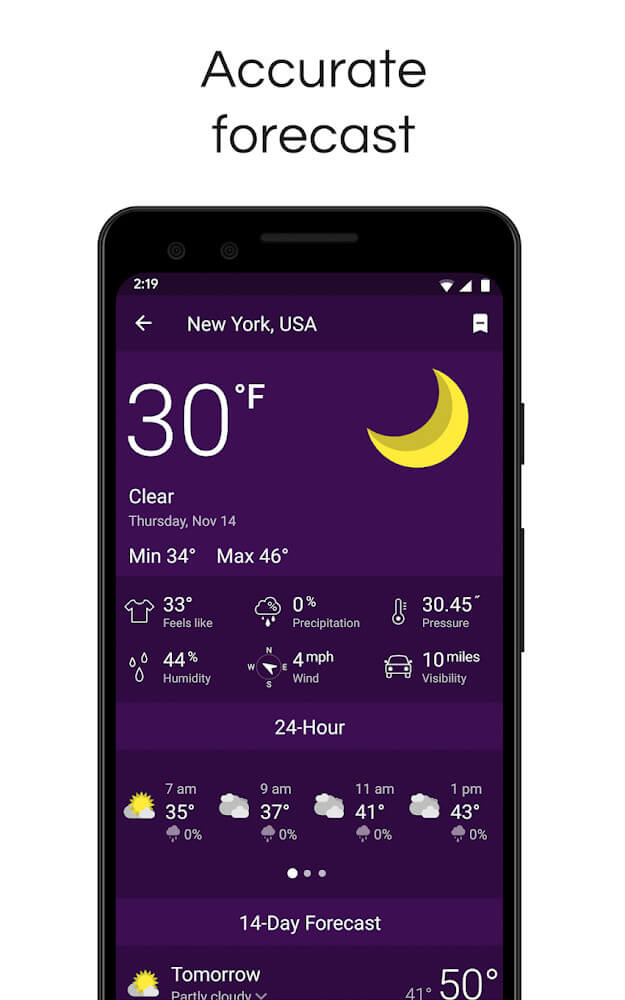
Real-time radar and NWS alert integration is only the beginning of the data and services provided by the application. Users have access to many different weather data points including temperature, the daily high and low, “feels like” temperature, dew point, humidity, wind speed and direction, atmospheric pressure, visibility, and cloud cover. In addition to standard data and services, the application also provides cloud cover data and visuals from satellite.
Users have access to forecast data and services for a 24 hour period, including data on the type and amount of precipitation, cloud cover and visibility. Users can also see when the sun will rise and set, as well as data and services for a 7 day weather forecast.
The application is also designed to save the data of the user’s favorite and most used locations, allowing users to easily switch locations based on need and access. This adds to the ability of the application to provide a wide range of data and services for locations beyond the immediate area of the user.
Key features
- Precipitation prediction for the next 24 hours covering both rain and snow
- Cloud cover visualization based on space radar data
- Multiple destination bookmarking for quick navigation and tracking
- Current conditions and 7-day forecasts for local and global areas
- Detailed temperature metrics including minimum, maximum, and Feels Like values
- Atmospheric data points for pressure, humidity, wind speed, wind direction, visibility, and dew point
- Real-time sunrise and sunset timing information
- Severe weather alerts and push notifications for tornadoes, hurricanes, and freeze warnings
- National Weather Service watches and warnings displayed as interactive map polygons
- Integrated tornado tracker for direct delivery of storm warnings
 |
 |
 |
Related MOD APKs
FAQ
Is Premium unlocked in Clime MOD APK?
This Clime (1.72.7) build provides Premium Unlocked features. It functions the same as the Weather or Not Apps release, with all modifications active immediately after you complete the installation.
What is the latest version of Clime MOD APK?
Version 1.72.7 matches the Weather or Not Apps release from July 21, 2025. We don’t keep older versions here. Update by installing this file over your current app; if you see a signature error, delete the old version first.
Is Clime MOD APK safe to download?
This Clime 1.72.7 file is the Weather or Not Apps release with Premium Unlocked. Based on 33 users, it has a 3.4 rating. It does not require root. You may see Play Protect warnings, so always download from this page.
Can I use Clime MOD APK on PC or iPhone?
This Android file will not work on iPhone or iPad. To run the 60M package on a computer, use an emulator such as BlueStacks or LDPlayer and drag the file in.