Clone Master MOD APK: Now you can run more than one account at the same time! Clone your social media, gaming, and work apps in order to create a dual-function space.
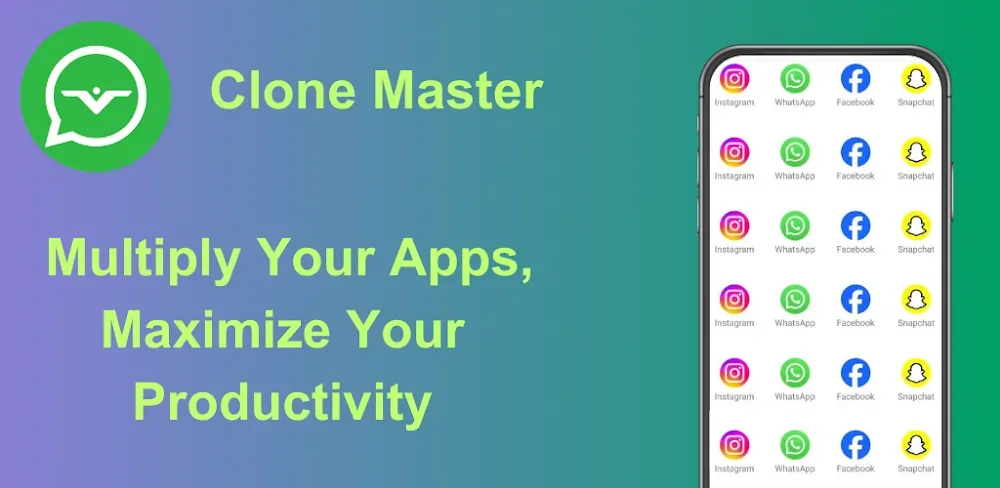

Clone Master MOD APK: Now you can run more than one account at the same time! Clone your social media, gaming, and work apps in order to create a dual-function space.
| App Name | Clone Master |
|---|---|
| Publisher | CM Division |
| Genre | Tools |
| Size | 15M |
| Latest Version | 2.7.8.10 |
| MOD Info | Premium Unlocked |
| Get it On |

|
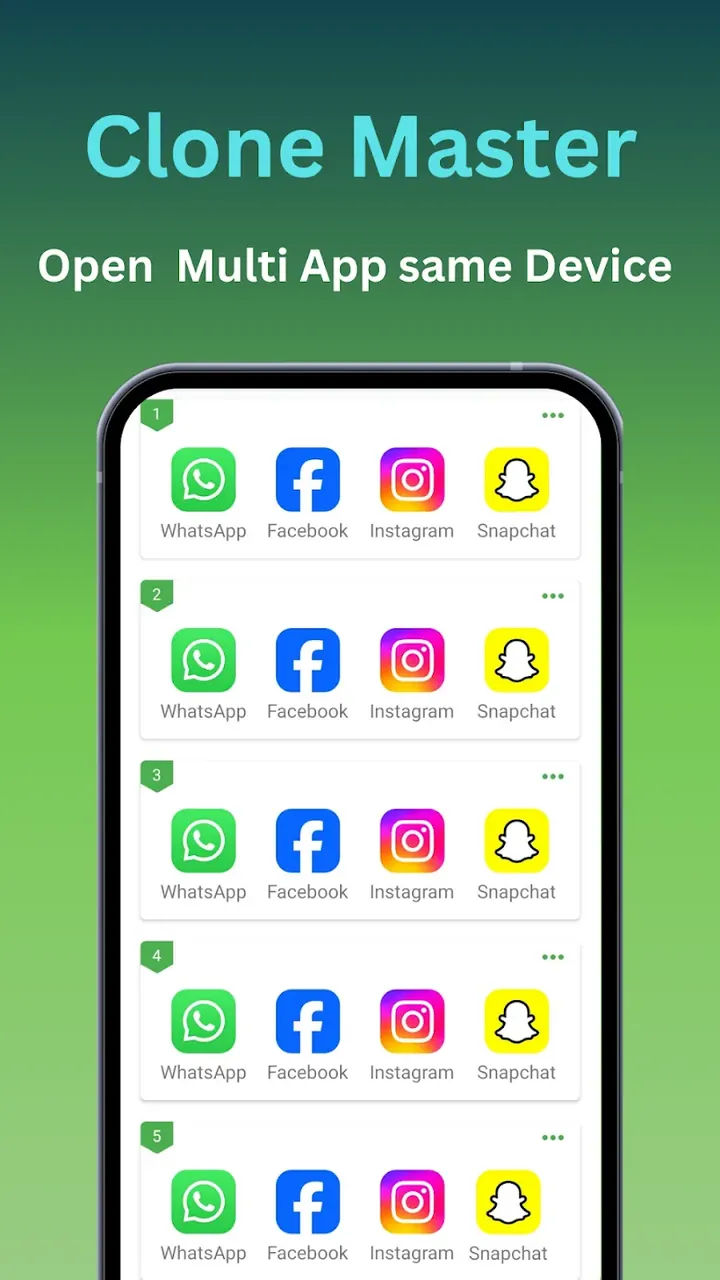
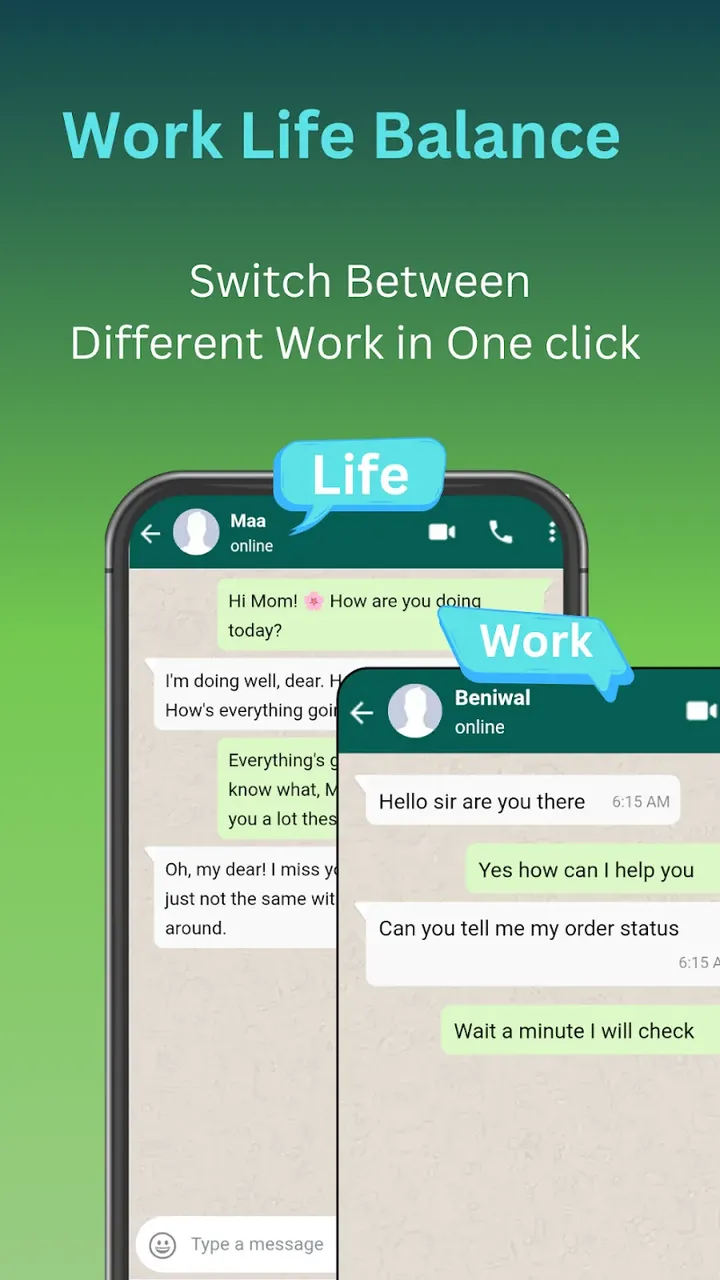
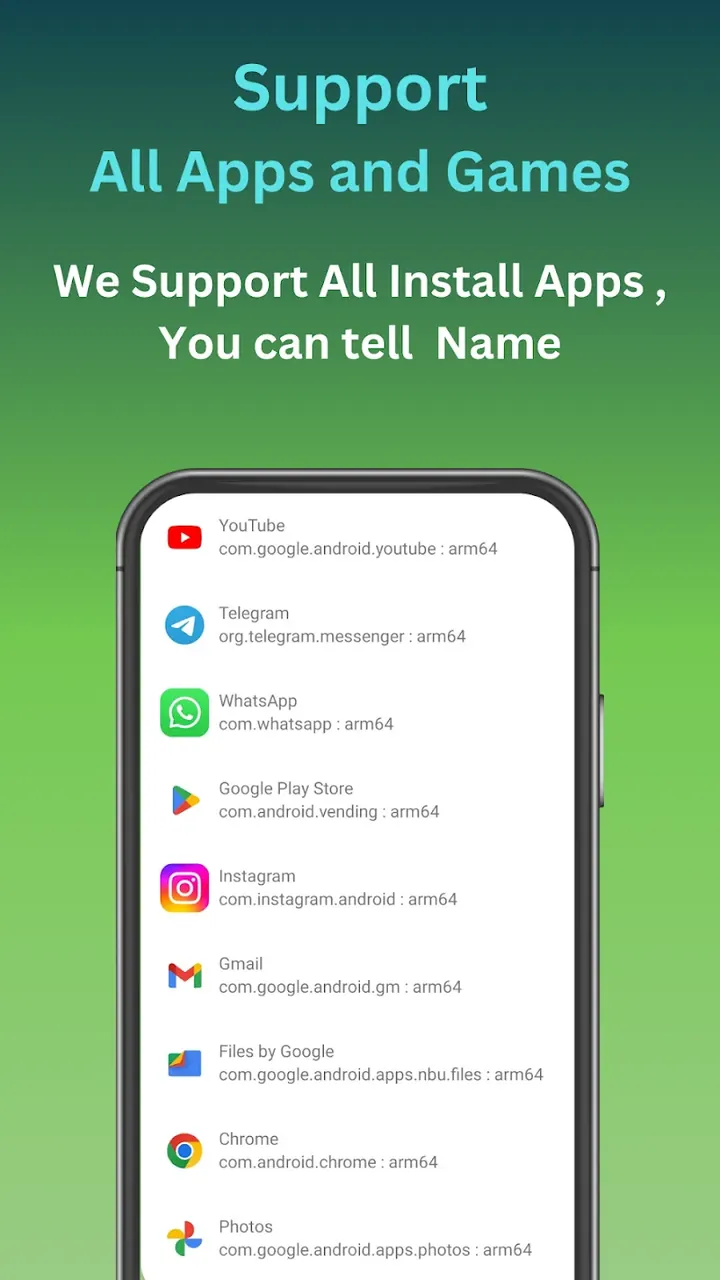
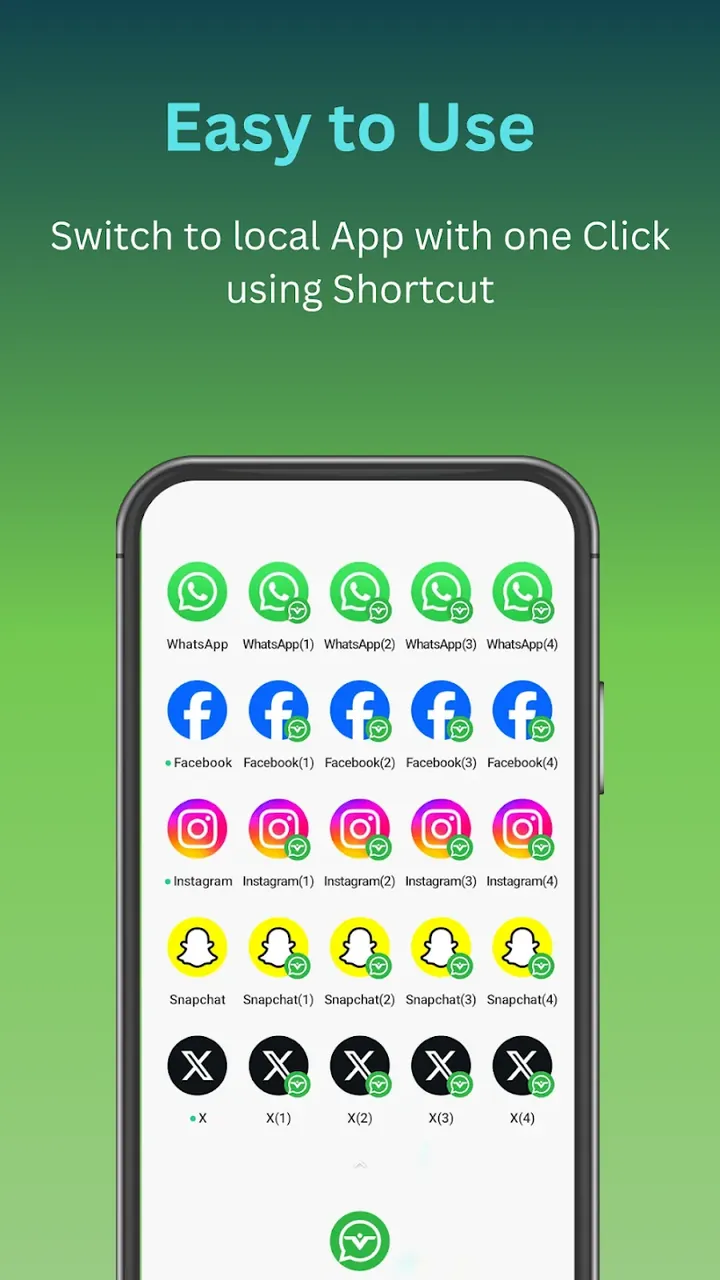
This build provides the Premium Unlocked feature set for the utility. Users can access the full suite of cloning tools within Clone Master MOD APK without the standard restrictions found in the basic version.
Version 2.7.8.10 has a file size of 15M and uses the package name com.cmaster.cloner; it is a re-signed file that cannot be installed as an update to the official store version.
The application uses virtualization technology on Android to create a Multi-Instance Workstation. This technology allows a single device to act as if it contains multiple independent systems to allow installation and execution of the same application multiple times. Clone Master MOD APK uses virtualization technology to create a parallel space that functions independently from the main operating system. Since the cloned application share data and files with the original application, this architecture helps resolve data integrity and conflict issues. This architecture helps keep the digital identities separate and in isolation from each other, offering a sandbox-like environment. Each application in this architecture believes that it is the only application of its kind on that device. This is crucial for user privacy and for ensuring data integrity, as it provides complete separation of user preferences, cache files, and other data.
This technology will be able to manage social media and communication apps. The Social App Clone feature includes support for all major social apps, and allows users to separate work and personal communications. Using the Messenger Parallel Run feature, a user can manage two sets of contacts or friends while running both apps simultaneously. In comparison to logging out of one account to check the other, a user can easily switch between accounts using a single touch. Traditionally, it can be extremely time consuming to manage a large number of accounts. By providing the ability to have separate feeds for work and personal accounts, a user can manage work and personal connections without cross-posting.
The utility also responds to the imperative need for a better work-life balance by carving out a dedicated space for work apps. This feature truly transforms an end-user’s personal device into a work phone by isolating apps, processing, and notifications for work into a separate partition. As a result, work can be performed without interruption from personal notifications or data. Further, the utility clones work-integrated apps and services and includes Google Service Clone to integrate apps and services that leverage Google’s infrastructure. This allows even system-integrated services to be properly cloned for use within the virtual environment. This isolation means work-related emails, calendars and documents can be in a work-related partition, while the main system can be used for personal stuff.
This software is a multi-instance manager for the gaming community. This is very useful for strategy or role-playing games, where people can run a number of accounts at once. With this program, accounts can be run on the same game and people can do things such as level up a character on one account while doing so on the other. Items can be traded between the two accounts, and each account can be logged into to collect daily rewards. The smooth and independent virtualization of each instance of the game allows for this program to run efficiently and effectively. The application is made to run efficiently using low hardware resources. It generates less heat, and does not drain the battery as quickly, even when used to run two or more resource intensive programs at the same time. Performance improvements of the program allows the devices to last longer and be used multitasking features. This means that a gamer can run resource intensive programs to run their secondary accounts in the background or use it to run programs to game side by side without the device getting to hot to touch or draining the battery quickly.
A Streaming App Copy feature is also included, which allows for the unlimited cloning of streaming apps. This is extremely useful for users that manage a lot of streaming profiles and for users that want to organize and save info from different sites. This is helpful in maintaining watch histories and recommendation systems based on different users’ preferences. The interface is described as modern and intuitive. A tap is all that is needed to set up a new clone. The intention of the design is to have the site’s sophisticated virtualization technology feel like an extension of the standard Android interface. In this case, cloning an app would be like installing a normal app.
By creating a section of the phone that’s secure and parallel, this tool allows for the creation of a virtual world, centered on protecting the user’s privacy and allowing for complete account separation. In essence, this tool provides a solution for multitasking on mobile devices. It eliminates the need for users to purchase an expensive multitasking-specific device or a second phone all together. The virtualization engine enables users to accomplish various tasks such as fully separating their professional and personal life, maintain multiple social media personas and gain a competitive edge in mobile gaming, to name a few. The parallel space runs independently, so all apps cloned in it run as a fresh installation and maintain their data separately. Because of this, apps cloned in parallel space can be used simultaneously by 2 users. As long as the primary system and the cloned systems run on the same phone, the cloned systems (and parallel space in general) will not affect the primary system.
Related MOD APKs
Is Premium unlocked in Clone Master MOD APK?
In this Clone Master (2.7.8.10) build, Premium Unlocked is modified. Everything else functions like the CM Division release, and changes are active as soon as you install.
What is the latest version of Clone Master MOD APK?
The current 2.7.8.10 build matches the CM Division release from June 10, 2026. We don’t keep older versions here. To update, install this over your current app; if Android shows a signature conflict, uninstall the old version first.
Is Clone Master MOD APK safe to download?
This Clone Master 2.7.8.10 build on MODYOLO from CM Division only features Premium Unlocked. 19 users rated it 3.5 here. It does not require root. A Play Protect warning is expected, so always download from this page.
Can I use Clone Master MOD APK on PC or iPhone?
This Android package won’t install on iPhone. On Windows or macOS, you can run the 15M APK in an emulator like BlueStacks or LDPlayer—simply install the emulator, then drag the file in.
You are now ready to download Clone Master for free. Here are some notes: