Transform your phone into a professional gaming console! Enjoy a sleek UI, full controller support, and an organized game library. Elevate your play today!
Console Launcher vOganesson MOD APK (Premium Unlocked)
| App Name | Console Launcher |
|---|---|
| Publisher | Kyle Eichlin |
| Genre | Personalization |
| Size | 13 MB |
| Latest Version | Oganesson |
| MOD Info | Premium Unlocked |
| Get it On |

|
This release of Console Launcher MOD APK unlocks the premium features typically restricted in the standard version. Users gain immediate access to the full suite of customization and performance tools without requiring additional purchases.
What’s Modified in Console Launcher
- Unlocks the premium version of the application, providing full access to all themes and advanced organizational tools.
This build is version Oganesson with a file size of 13 MB and the package name com.k2.consolelauncher; because it is a re-signed file, it cannot be installed as an update over an existing version from the official store.
About Console Launcher
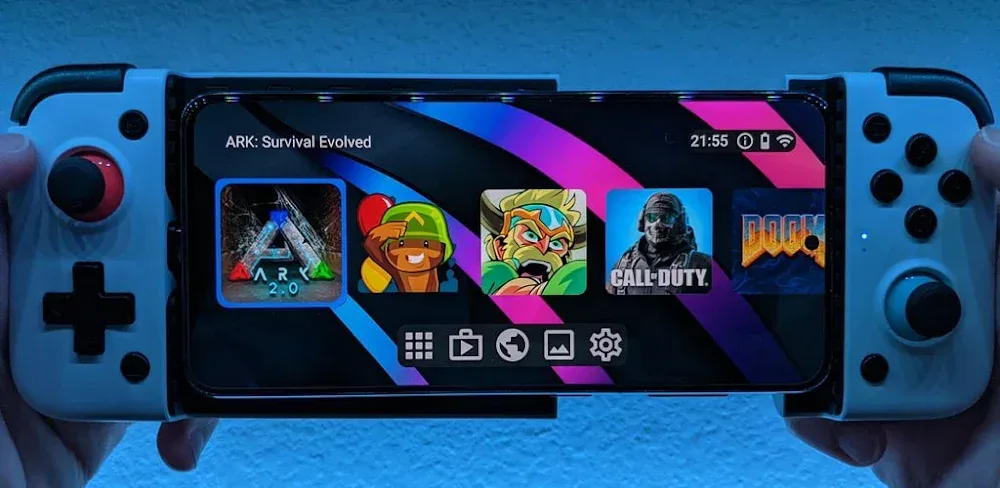
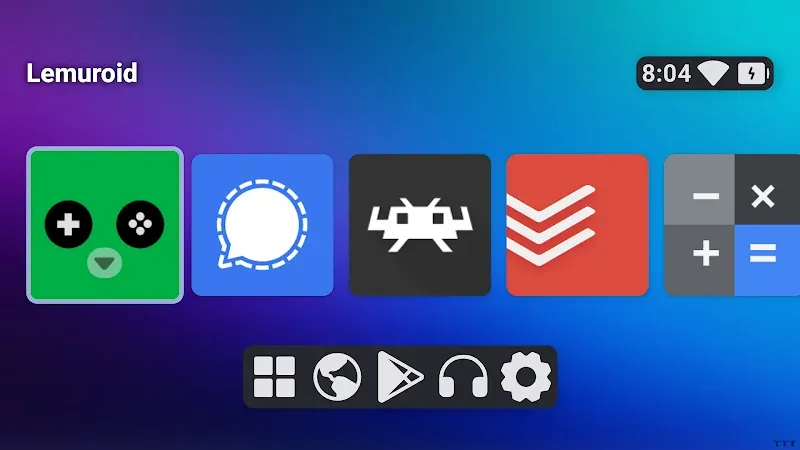
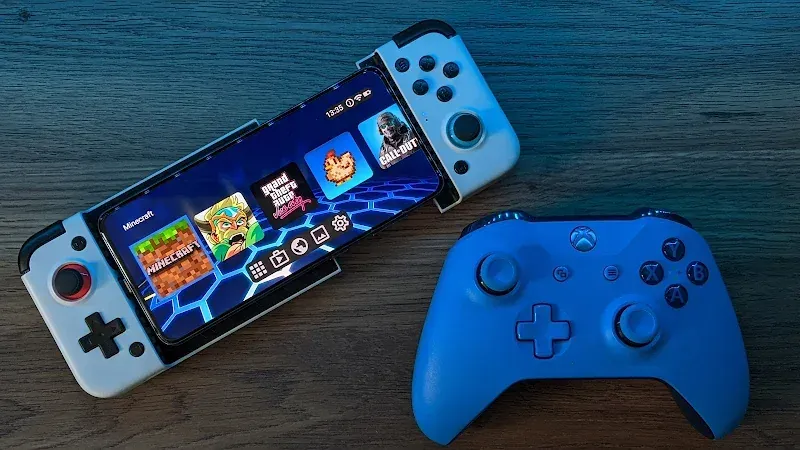
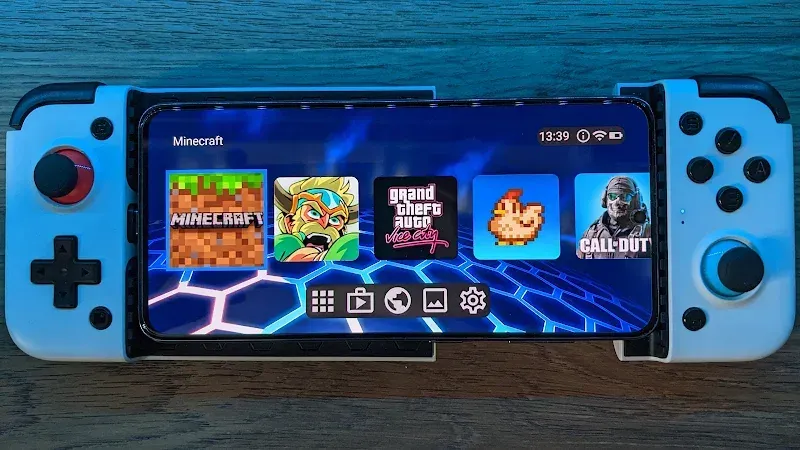
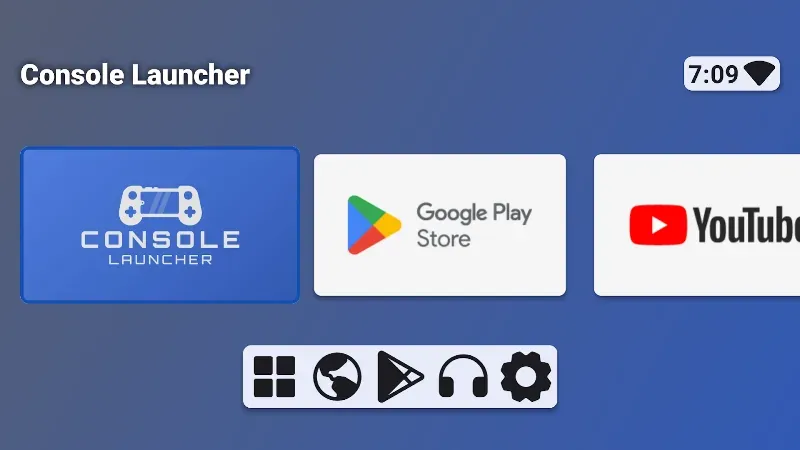
Console Launcher modifies the interface on your device to a landscape view made for gaming. This change hides all the productivity apps and notifications that take up the screen. This app is designed for users that have integrated mobile-controllers like the Razer Kishi or Backbone One. It is intended to give users the same experience using a gaming console like the PS4 or Xbox One. The environment is made to give users a complete bridge and manage how games are presented, rather than using the typical Android grid system. The presentation is geared to give users the most convenient means of accessing their games in a way that supports the cinematic experience.
One of the major selling points of the software is its robust controller support. Console Launcher MOD APK supports a wide variety of input methods including wired and bluetooth controllers. There are specific enhancements for the xbox and playstation controllers and other bluetooth gamepads. The major selling point of this software is the ability to use the launcher and navigate all the menus using only the D-pad and face buttons. This of course means you won’t have to use the touch screen to do anything, which can be annoying if you are launching and navigating menus while your device is connected to a TV or Monitor. Button mapping allows you to assign physical keys to system functions. This allows you to control the system and launch games from the menu without ever touching the screen while the game is active.
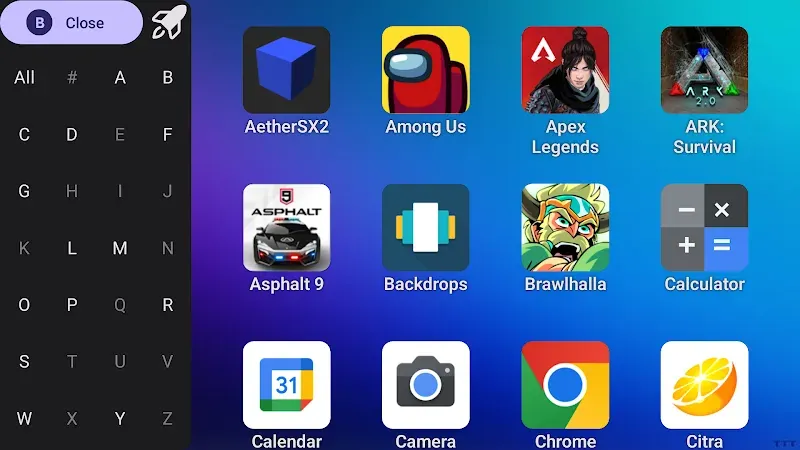
This app uses an intelligent algorithm to automatically categorize games. Standard app drawers have a hard time managing a large collection of mobile games. The application does an initial deep scan of the device’s internal storage to learn what mobile games and utilities are installed. It separates all games into a game library and displays the library in the main app interface. Users can create additional folders and further classify games based on genres (i.e. RPGs, strategy, retro, etc.). All mobile games are classified and organized, helping users spend less time searching and more time playing. This system especially helps users with large, diverse, and disorganized collections of games.
To add more eye-catching elements to your game collection, the launcher scrapes metadata and box art. Instead of using the default app icons, which are often designed for a mobile layout, the software pulls high-quality box art. Using the scraped metadata, users can see details about their games before they launch them. Additional eye-candy is added in the form of visual themes. These themes range from next gen console-like designs to more nostalgic handheld console-like designs. Each of these themes change the layout of the design and navigation to suit your preference. These themes and options really make the launcher feel like a professional digital storefront for your game collection.
The application features a visual and organizational changes, as well as, a performance focused ‘focus mode’ to help manage the system resources during game play. This mode minimizes background tasks and processes, and optimizes system resources for the game being played. As a result, it creates an environment for lag-free gaming, especially during competitive gaming and/or gaming that takes a heavy load on system resources. This is especially beneficial for mobile devices, which may have numerous processes running in the background that consume and take away system resources, thus affecting the overall frame rate and stability of the device. In addition, this device features a UI, which is tuned for larger displays. Because of the nature of the user interface, when the device is connected to a television, via HDMI or wireless screencasting, all of the on-screen elements and text remain crisp and clear and do not pixelate or become blurry, like other mobile devices. During play, the mobile device functions like a home entertainment console.
The final layer of the application is its quick access shortcuts and display adjustments. Users can now customize their home screen to feature their most used titles and essential tools. Additionally, users can change display settings to adjust resolution and aspect ratio to their liking to best maintain clarity and quality on any given screen. This is especially useful to take into account the vast differences in sizes and pixel counts of different screens (i.e phone vs monitor vs TV). Within the application users are given the ability to create shortcuts to essential tools, meaning system functions are always just a button press away. Along with the organizational features, the application incorporates hardware features heavily, allowing users to improve system organization to a high degree. By utilizing these features, the application allows users to create a structured gaming environment similar to that of a professional gaming environment. Effectively, the application turns a smartphone into a dedicated gaming device.
Key features
- Seamless Controller Support
- Automatic Game Categorization
- Professional Visual Themes
- Metadata and Box Art Scraping
- Performance Focus Mode
- Quick Access Shortcuts
- Leanback UI
- Button Mapping
- Landscape Orientation Support
Related MOD APKs
FAQ
Is Premium unlocked in Console Launcher MOD APK?
This Console Launcher (Oganesson) build features Premium Unlocked. It functions like Kyle Eichlin’s original version, with all modifications active immediately after installation.
What is the latest version of Console Launcher MOD APK?
This Oganesson build matches Kyle Eichlin’s June 18, 2026 release. We don’t keep older versions here. Install this file over your current app to update. If you see a signature error, you must uninstall the existing app first.
Is Console Launcher MOD APK safe to download?
This Console Launcher Oganesson build by Kyle Eichlin only modifies Premium Unlocked. 4 users gave it a 3.3 rating. It does not require root. Ignore Play Protect warnings during installation; always download from this page.
Can I use Console Launcher MOD APK on PC or iPhone?
This Android file will not work on iPhone. To use the 13 MB file on a computer, install an emulator like BlueStacks or LDPlayer and then drag the APK into that program.
Console Launcher vOganesson MOD APK (Premium Unlocked)
Download (13 MB)You are now ready to download Console Launcher for free. Here are some notes:
- Please read our MOD Info and installation instructions carefully for the game & app to work properly
- Downloading via 3rd party software like IDM, ADM (Direct link) is currently blocked for abuse reasons.
3.3/5 (4 votes)