Create stunning digital art in seconds with CreArt! Type in some ideas, pick a style, and let CreArt’s AI art generator do the rest!
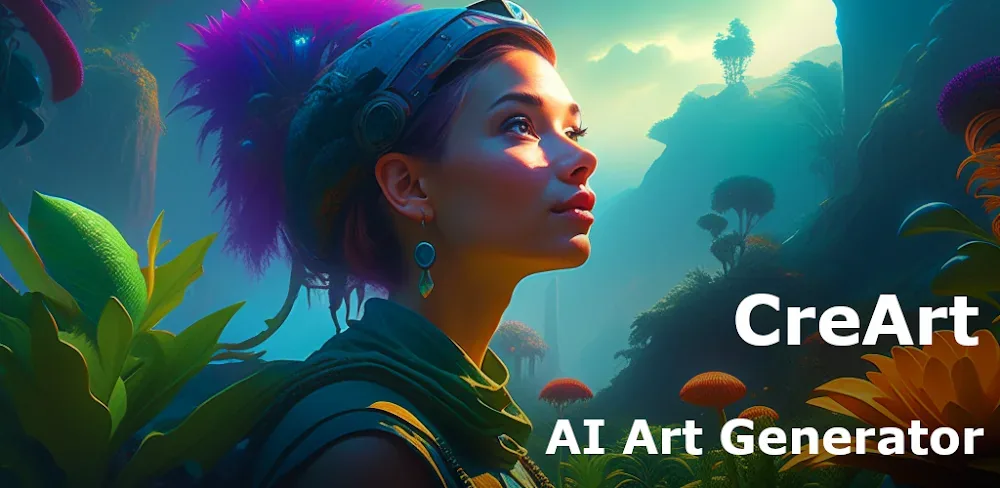
Create stunning digital art in seconds with CreArt! Type in some ideas, pick a style, and let CreArt’s AI art generator do the rest!
| App Name | CreArt - AI Image Generator |
|---|---|
| Publisher | Waitos AI |
| Genre | Art & Design |
| Size | 33M |
| Latest Version | 3.0.9 |
| MOD Info | Pro Unlocked |
| Get it On |

|
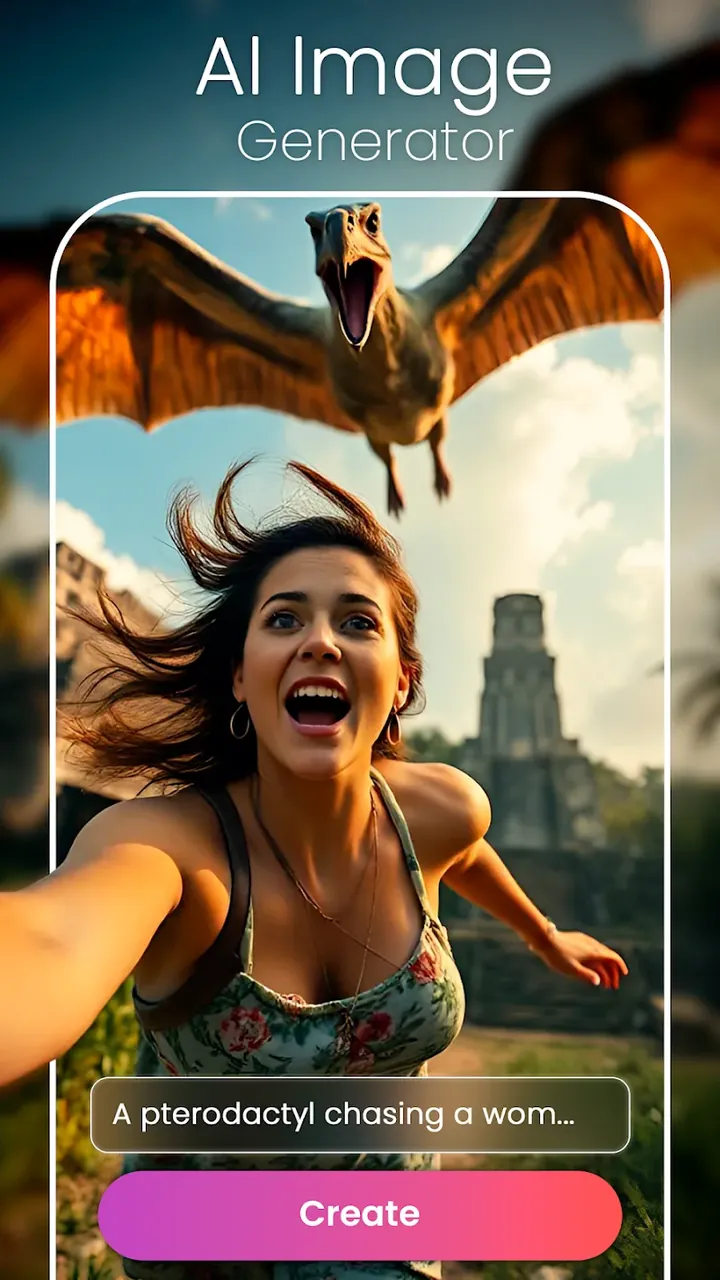
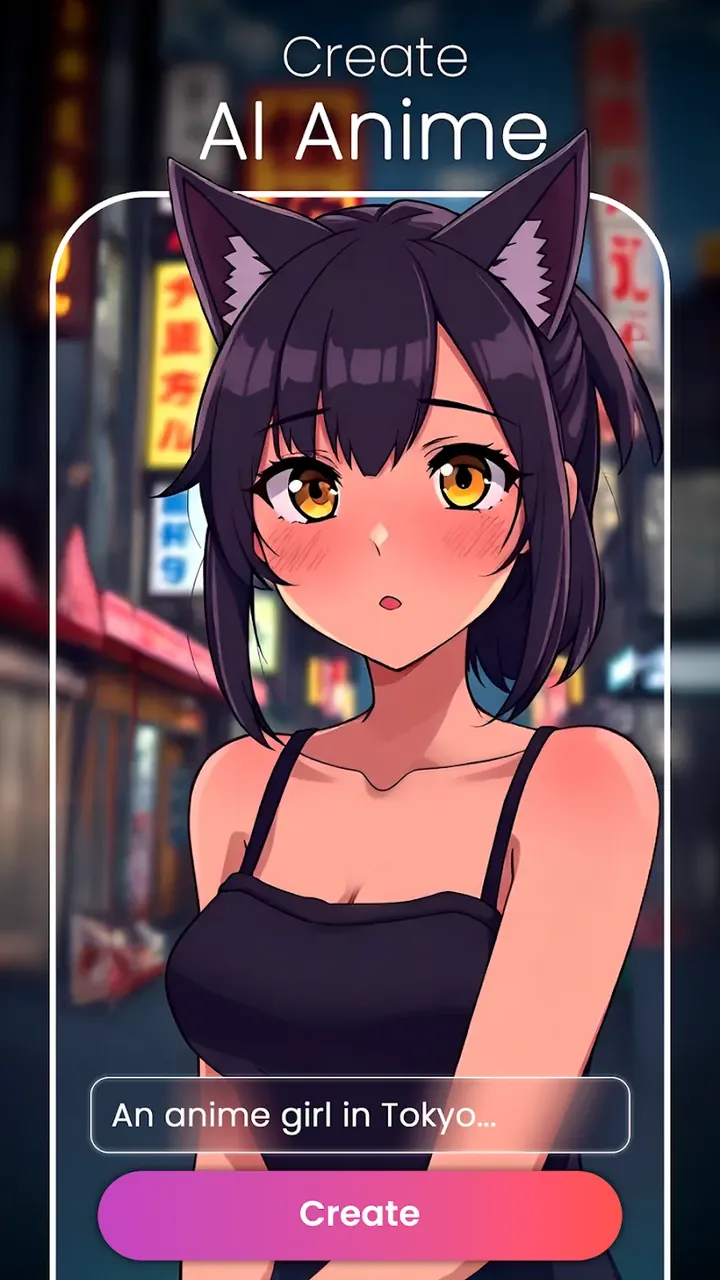
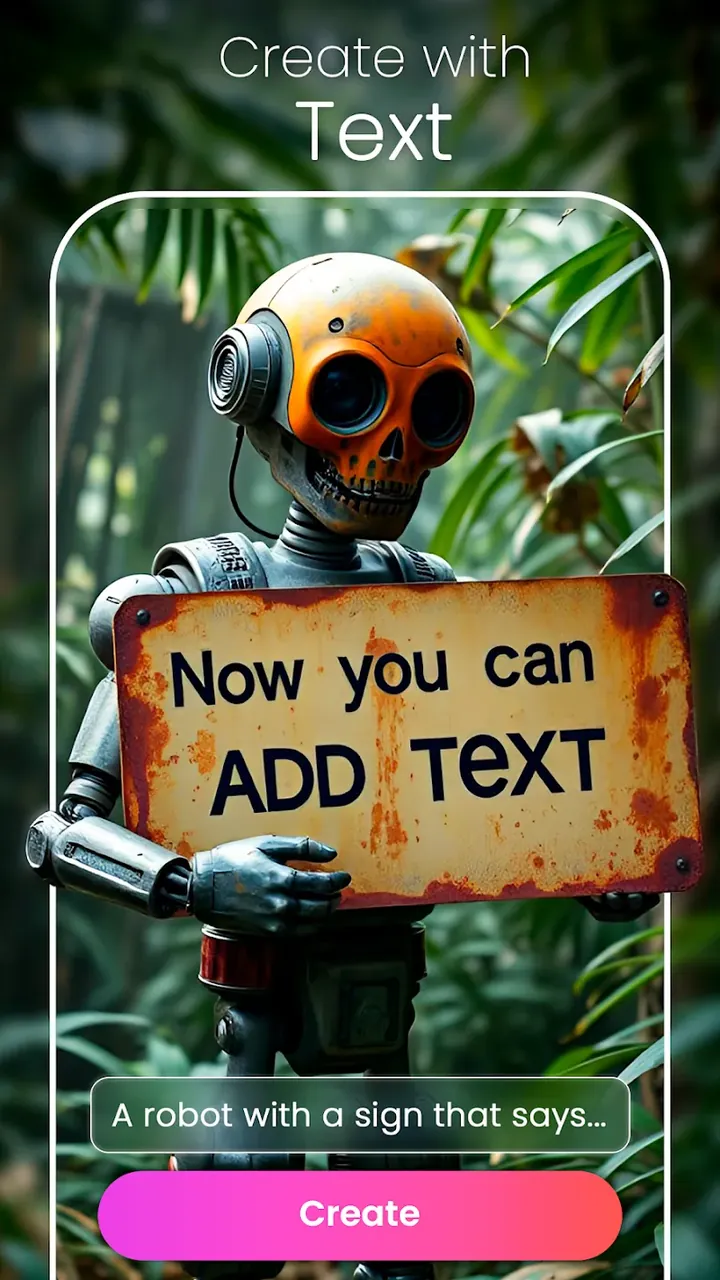
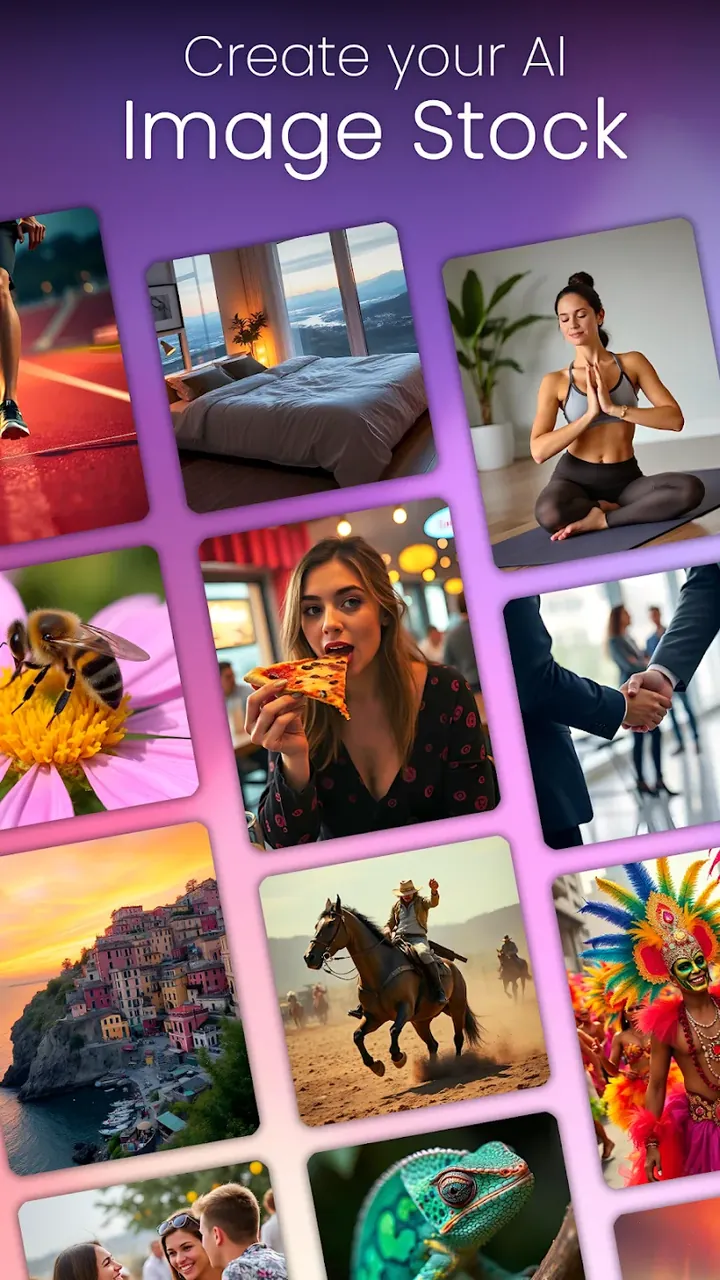
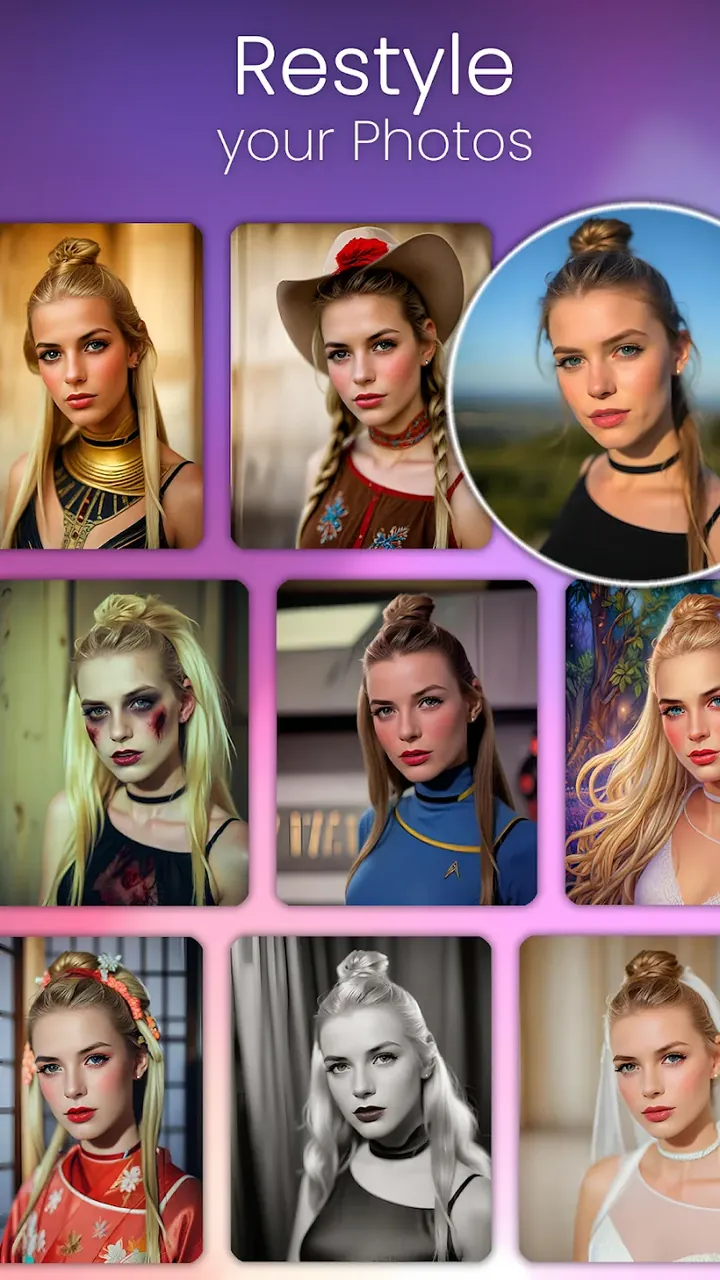
The primary modification in this build of CreArt MOD APK is the activation of the Pro subscription features. This allows users to access the full range of creative tools and generation options that are normally restricted to the paid version of the application.
This file is version 2.7.5 with a size of 33M and carries the package name ai.aiart.aiartgenerator.creart; as a re-signed modification, it cannot be installed as an update over the version available on the official store.
CreArt is a digital art creation tool that provides the ability to turn your imagination into actual digital artwork. Using Artificial Intelligence, CreArt enables people to visualize their ideas through art pieces regardless of their artistic skills. Thanks to machine learning, CreArt is able to interpret descriptions and create detailed art pieces including character portraits and elaborate scenes. This allows more people to engage in the digital creativity and art space without need to traditional illustration and graphic design training. The main feature of the app is a text to art engine that is able to quickly generate art pieces based on user prompts. This allows users to rapidly produce art pieces, create and test various scenarios, and enjoy the freedom of unconstrained creative experimentation like the freedom that traditional artists enjoy.
The app provides over 50 styles of art to choose from. This gives its users the opportunity to help find the style or aesthetic they are looking for. The app provides different styles of Anime and Manga, which give users the opportunity to create art with a style similar to Japanese illustration. Users have the opportunity to use styles from different traditional media. These styles include Watercolor and Oil Painting. Other styles include interpretations of Cyberpunk, and sketching, which give users opportunities to draw things like futuristic cityscapes, and designs. With all of these styles, users can gain inspiration for things like creating a hand drawn logo, or graphic design.
To make sure that the app is as user-friendly as possible, breaking down the generation process into small, simple steps is very important. To utilize the app, the user first creates a mental image of the concept and gives a thorough description to the AI. The description can be of anything from the character’s personality, traits, and/or quirks, to environmental details, to abstract ideas, i.e. futuristic cities made of glass and vines. The visualization step is critical since it assists the AI to structure its understanding of the user’s prompt. Once the prompt is entered, the user is then asked to choose an artistic style from a list of options. The AI then interprets the prompt and carries out the instructions to create a final product, which is usually a detailed, high-resolution image. Since the focus of this workflow is more on the final art and less on the complexities of machine learning and digital painting, users are able to effortlessly create digital art without the need to understand the complexities of the AI and the underlying framework of the app.
Customization and model variety are essential for the app to generate a wide range of outputs. CreArt uses a variety of models to represent different concepts. Depending on the model prioritized, a single idea may be expressed in multiple ways, offering users the opportunity to consider and refine different aspects and variations of a concept in the process, and ultimately arrive at the output that best aligns with their idea. Users can experiment with different prompts and combinations of styles, techniques and models, in a way that reflects their creative process and helps them articulate their vision. Users are in control of the level of detail they want to incorporate and the style, whether that be abstract or concrete. For more complicated and deeper concepts, they have the flexibility to express themselves in a way that reflects the complexity in their mind.
The ability to quickly export the generated art provides numerous practical uses for the app. Beyond basic artistic image creation, the app creates assets such as phone wallpapers and profile pictures. The app can even make custom background images for a user’s device or generate unique social media avatars. Users can save images in the app to their device’s gallery at a high resolution to preserve quality. Images can also be shared to social media or to other apps to provide a user’s work or ideas to their friends and followers. The app focuses on high-resolution images to show off ideas clearly to friends and followers on their high-def phone screens and other social media and messaging apps.
The app is an all-in-one solution for anyone interested in AI-generated art. It provides the means to create digital art in different formats (e.g., JPEG, PNG, etc.), and provides users with the tools to quickly generate text to digital art in many different styles. The styles, combined with the options for customization, allow for the generation of high quality digital assets for various uses. With so many different styles, users can use the app to find visual inspiration for projects, create unique visuals to amaze friends, or utilize the technology to keep up with the latest trends in machine learning. The app provides a safe environment for digital self-expression, giving users a means to create high resolution images from their thoughts.
Related MOD APKs
Is Premium unlocked in CreArt – AI Image Generator MOD APK?
This 2.7.5 version of CreArt – AI Image Generator has Pro Unlocked. It works like the Waitos AI release, and the changes are active as soon as you install the app.
What is the latest version of CreArt – AI Image Generator MOD APK?
The 2.7.5 build matches Waitos AI’s release from June 11, 2026. We don’t keep older versions here. To update, install this file over the existing app. If you see a signature conflict, uninstall the previous version first.
Is CreArt – AI Image Generator MOD APK safe to download?
This 2.7.5 build of CreArt – AI Image Generator on MODYOLO is the Waitos AI app with Pro Unlocked. 79 users rated it 3.6/5 here. It does not require root. A Play Protect warning is expected during installation; always download from this page.
Does CreArt – AI Image Generator MOD APK remove the watermark?
Pro Unlocked is included in this build. Since CreArt – AI Image Generator requires Pro for watermark-free exports, you should check the export screen after installing to confirm.
You are now ready to download CreArt - AI Image Generator for free. Here are some notes: