Discord MOD APK is one of the best chat applications to connect with friends, however it is a very powerful gaming application as well because of its voice channels, video viewer, servers, etc.

Discord MOD APK is one of the best chat applications to connect with friends, however it is a very powerful gaming application as well because of its voice channels, video viewer, servers, etc.
| App Name | Discord |
|---|---|
| Publisher | Discord Inc. |
| Genre | Communication |
| Size | 115M |
| Latest Version | 351.21 - Stable |
| MOD Info | Optimized, All devices |
| Get it On |

|
New base updated to 126.20 – Stable (Playstore)
[Enabled] – Developer mode
[Added] Ability to reply to messages or edit your messages with double tap
[Added] Zoom on profile photos
[Added] Option – Anti-delete messages [Includes an option to download or create a text document with deleted messages]
[Added] Option – Anti-edit messages [Includes an option to create a text document with edited messages]
[Added] Option to download profile pictures
[Added] Option to copy profile picture URL
[Added] Option to copy username
[Added] Option to display the date I created the account
[Added] Option – Anti-delete reactions
[Added] Option to lock the app with a pin
[Added] Option to reveal message spoilers
[Added] Option to send media as spoilers
[Added] Option to translate messages
[Added] Do not add to groups (Beta)
This build of the Discord MOD APK introduces a suite of utility and privacy enhancements to the standard communication platform. It focuses on giving users more control over message history, media interaction, and profile data visibility.
This build is version 331.14 – Stable with a file size of 115M and the package name com.discord, and because it is re-signed, it cannot be installed over a version downloaded from the official store.
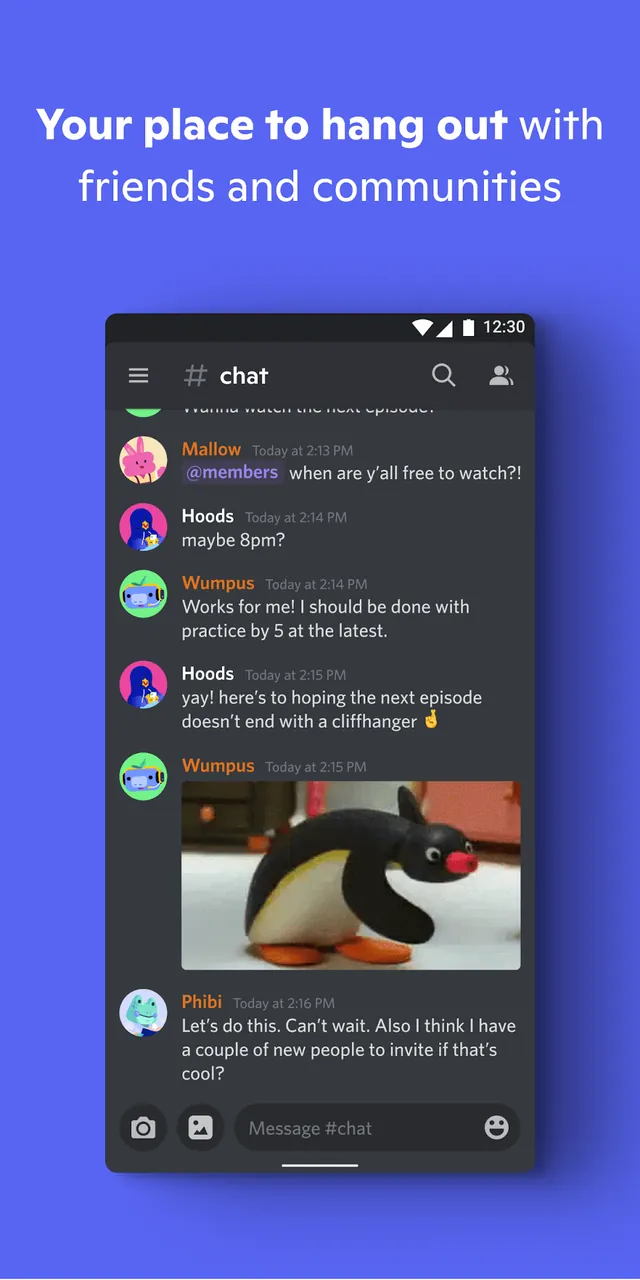
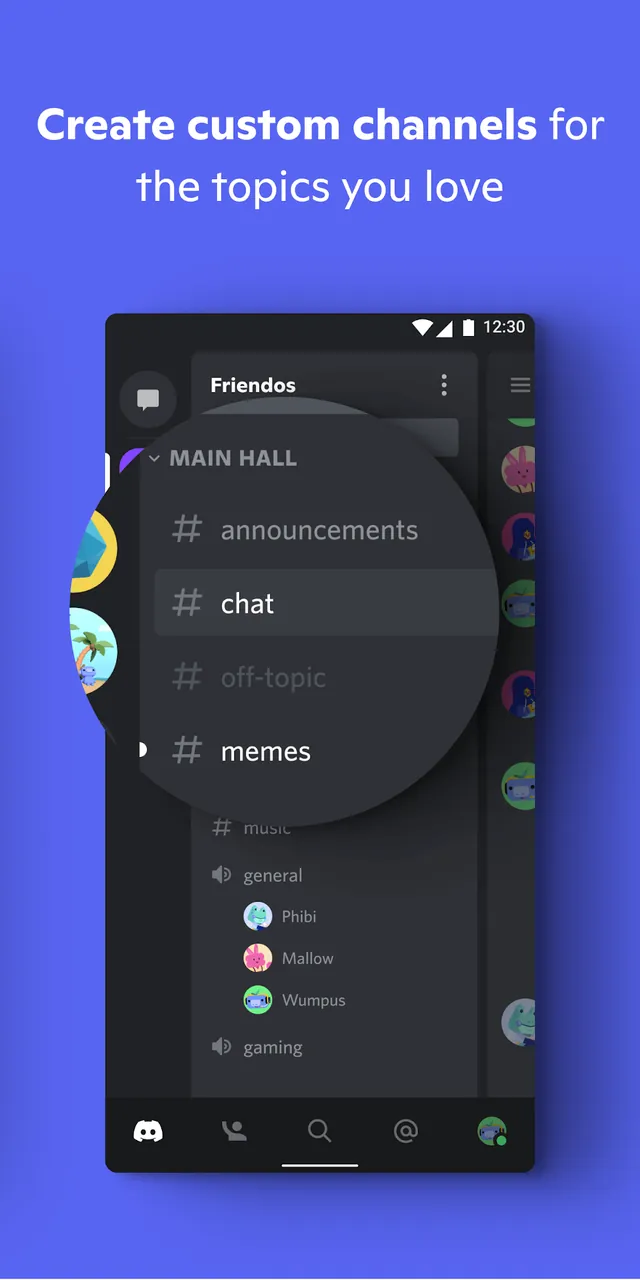
Discord is designed for gamers, creators, and social community builders to help them communicate and manage digital social communities. Discord’s server-based architecture allows organizations, such as school clubs or competitive gaming teams, to build and maintain their digital communities. Within a server, users can create and navigate text channels to discuss and organize information. These text channels allow users to view and add messages to discussions in an orderly manner (as opposed to an overwhelming main channel). These text channels maintain message history, meaning users can always reference past discussions or add messages to discussions at their own discretion. The Discord server growth and access management system allows administrators to send links to potential users in order to add members to the server. Discord’s user interfaces unify text, voice, and video chat mediums to allow users to socially interact in many ways.
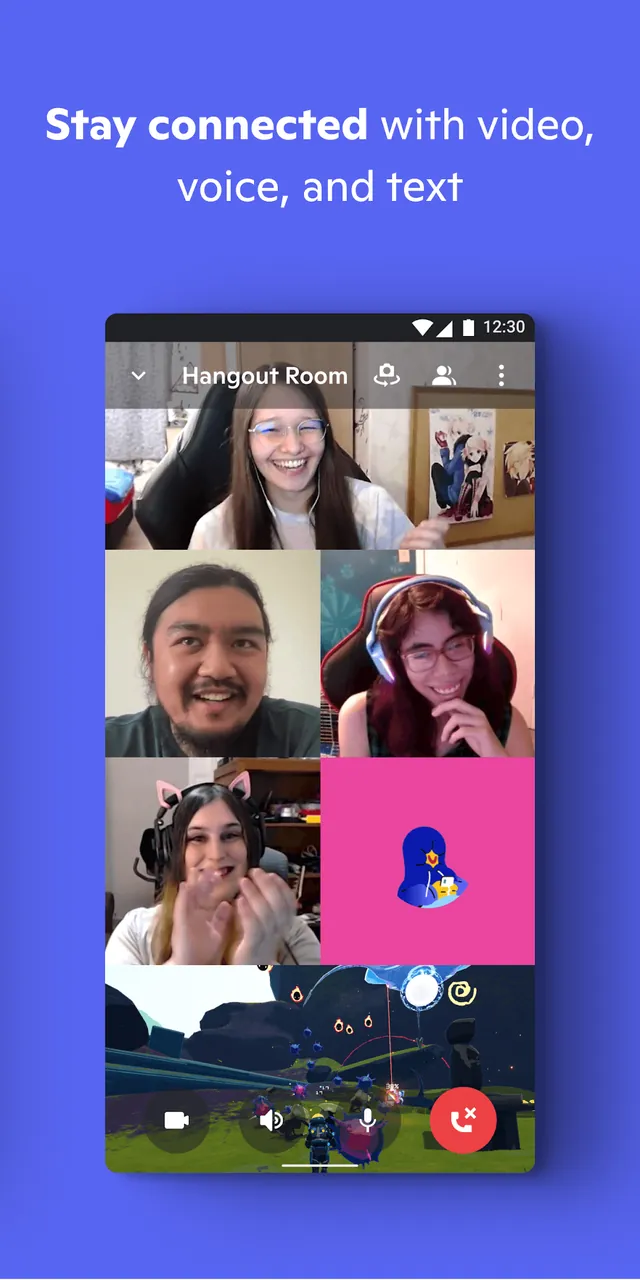
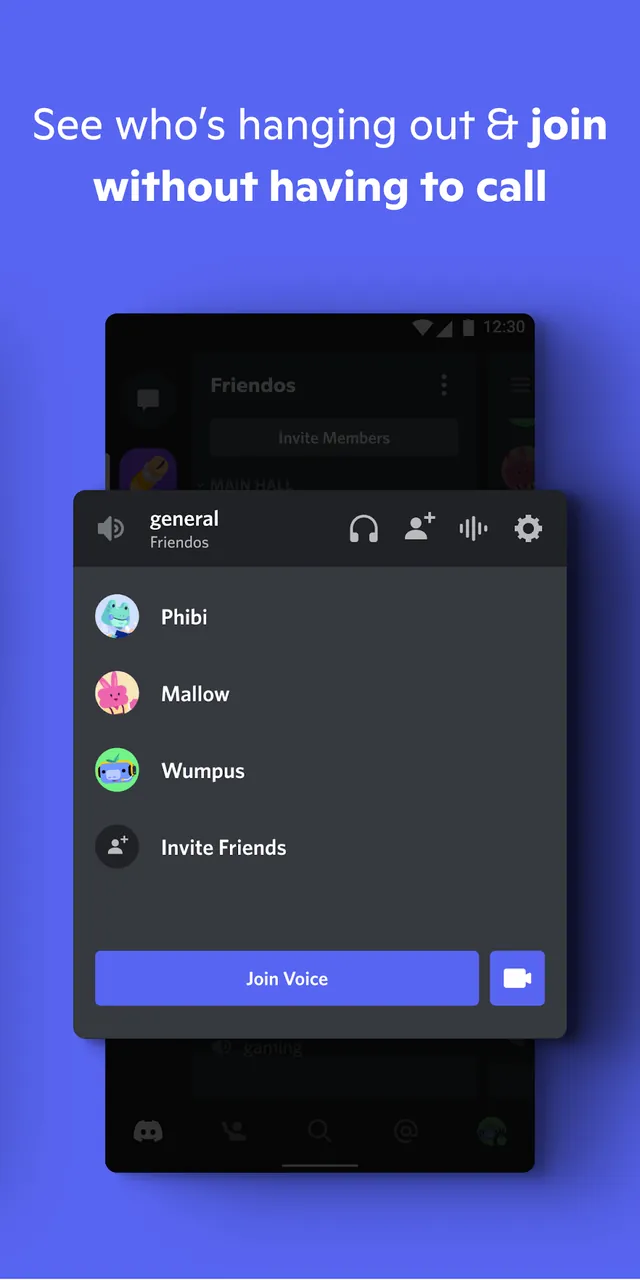
The platform offers high-quality lag-free voice and video channels. Optimized for gaming communication and other resource-intensive activities, these channels allow users to come and go from voice channels anytime. For a more social experience, users are free to come and go as they please without needing to schedule a call. A really cool feature of the voice and video channels is screen sharing which allows users to broadcast themselves doing something whether it’s hosting a game streaming session or showing a friend their project. The application also offers Stage Channels for community focused events. Stage Channels have a clear separation between audience and speaker which is really useful for larger community led presentations. The application goes the extra mile for social features by implementing Rich Presence. Rich Presence allows the application to display what the user is currently doing like streaming or playing a game. This is a great feature for friends to jump into a gaming session together or have a meaningful conversation based on shared interests.
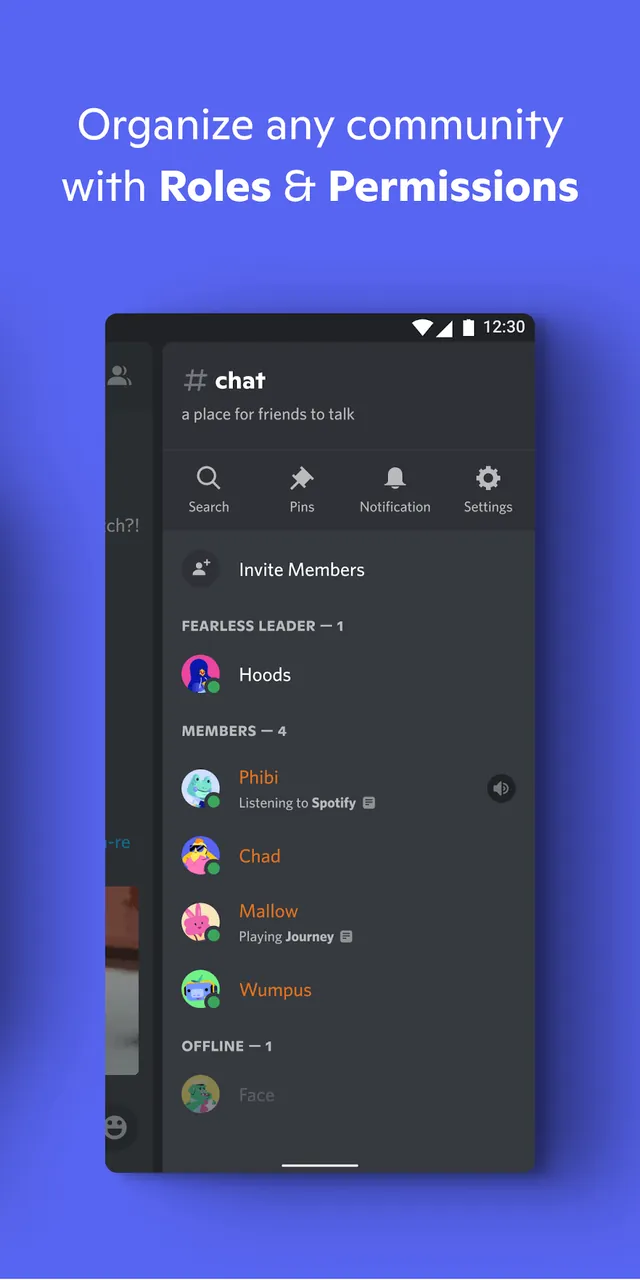
Server administrators can use custom user roles to designate different levels of rights to individual community members. This greatly simplifies community management and allows server admins to create roles and delegate moderation duties to other users. The platform also offers an extensive blocking system, along with many other security features and moderation bots. Automation of community rules and spam filtering further help to reduce moderation demands. For a greater degree of community control, dev APIs are available. Integration with these dev APIs makes a world of new interaction opportunities, from simple background music to statistics and even complex virtual games fully playable in a chat environment. A community is not complete without bells and whistles. To that end, the system includes many robust features, including emoji and GIF integration, that allow community members to better express themselves through their custom media.
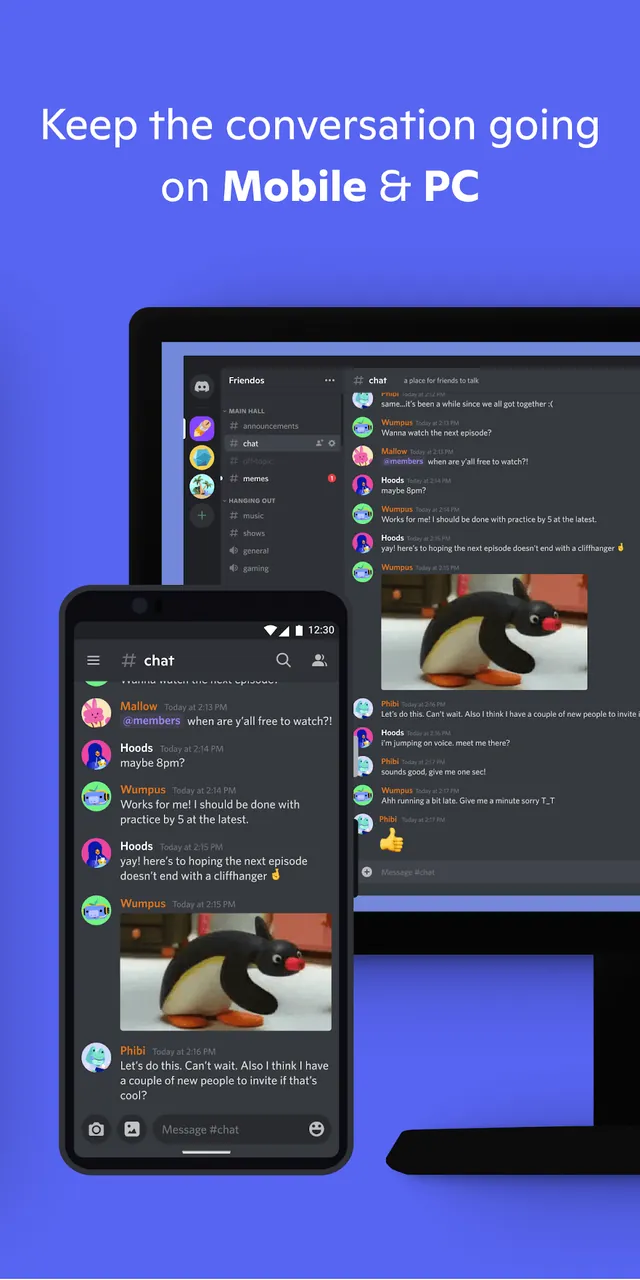
This application embraces cross-platform correspondence as its principle, meaning you can access your community from any device. Applications and servers can be installed and synced from personal computers to Mac systems, mobile devices and gaming consoles. Once synced, the system ensures that a user’s messages, server settings and role assignments stay consistent across all devices and makes the community accessible anytime. This program provides tools to strengthen and elaborate communication based on the need of the user. Whether you want to execute major plans like epic group crusades in game or more simple goals to make private spaces and relax by chatting, it’ll assist you in doing each of those. The system of each server along with the variety of communication methods makes the tool ideal for both casual and formal gatherings. Bringing together people from different regions into unified digital spots is what this application aims to do. Bringing diverse groups together to share media and have collaborative sessions is made secure with this application and is fully customizable.
Related MOD APKs
What does Discord MOD APK unlock?
This Discord (331.14 – Stable) build includes these modifications: Optimized and All devices. It functions like the standard Discord Inc. app, with all changes active immediately after installation.
What is the latest version of Discord MOD APK?
Version 331.14 – Stable matches the Discord Inc. release from June 3, 2026. We don’t keep older versions here. Install this build over your current one to update; if a signature conflict appears, uninstall your old app first.
Is Discord MOD APK safe to download?
This Discord 331.14 – Stable build from Discord Inc. features Optimized and All devices tweaks. 269 users gave it a 3.8 rating. It does not require root. Ignore Play Protect warnings during setup, but always download from this page.
Can I use Discord MOD APK on PC or iPhone?
This Android file will not work on iPhone. To use the 115M app on a computer, run it through an emulator like BlueStacks or LDPlayer. Simply install your chosen emulator and drag the file into the window.
You are now ready to download Discord for free. Here are some notes: