This Download manager MOD APK provides full access to premium features usually restricted in the standard version. By unlocking the premium tier, users can utilize the application’s complete toolset for managing file transfers and organizing device storage without limitations.
What’s Modified in Download manager
- Premium Unlocked: Grants access to all premium features and capabilities within the application.
This Download manager MOD APK build is version 18.0.2, has a file size of 15 MB under the package name com.magdalm.downloadmanager, and is re-signed, meaning it cannot be installed over a copy from the official store.
About Download manager
The purpose of this application is to move file transfers to mobile devices, focusing on speed, data integrity, and improving the overall mobile user experience. It works to consolidate control of all the data flowing into a user’s device storage to a centralized location to provide visibility to the user about the files being transferred. It is especially good at handling large file types (videos, large photos, large documents, large archives, etc.) and preserving the integrity of those files. The goal of the application is to eliminate repetitive manual processes for the user. For example, in the past, if the user lost connection and had to restart the transfer, the application would give the user a secure environment where the user could trust the data would end up at its final destination. It also has a focus on systematic data handling, making it a tool for the power user that needs an organized, reliable, and efficient data management tool.
Multi-Threaded Parallel Download Acceleration is perhaps the most prominent feature of the application and sets it apart from simple transfer tools. This is next-generation technology that breaks from the traditional one-to-one relationship between a computer and a remote server. Using this technology, a single download task can be split into a number of download subtasks. The application takes advantage of available parallel paths and saturates the bandwidth of a user’s Internet connection. A user can be on a mobile data connection or on a home wireless network. The application makes use of all paths including the Wi-Fi router’s internal LAN connection and local interconnects, and sometimes even a Bluetooth connection. This technology is best suited for high-bandwidth users who have high-speed connections and find traditional download applications inadequate for meeting their needs. These high-bandwidth users also tend to be the most impatient users. This technology takes full advantage of a system’s resources and limits the time a user has to wait for high-bandwidth files. The application takes care of the background management of multiple threads so the user’s system remains responsive and smooth at all times, even while the CPU is reconstructing data packets to make final files.
Mobility creates distinct challenges for data transfers, which is why Smart Drop Detection with Auto-Resume is a crucial aspect of the software’s architecture. Users of this software are commonly mobile, and while moving may switch between multiple cell towers and/or use high-speed Wi-Fi and then switch to cellular data. Each of those may cause a standard data transfer to time-out, hang or otherwise fail, and lead to wasted data and frustration. This software constantly runs in the background and monitors the state of the user’s internet connection in real time. If a drop is detected or if a signal is lost due to the user moving too far away, then the software automatically pauses the transfer to let the data be lost on purpose. This helps ensure that no good data is lost. Once a connection is re-established, the transfer is resumed from the point of interruption. This software is intelligent enough to recognize when data has been successfully transferred, and to skip over transfer of the already good data. Because of that intelligence, time and data is saved.
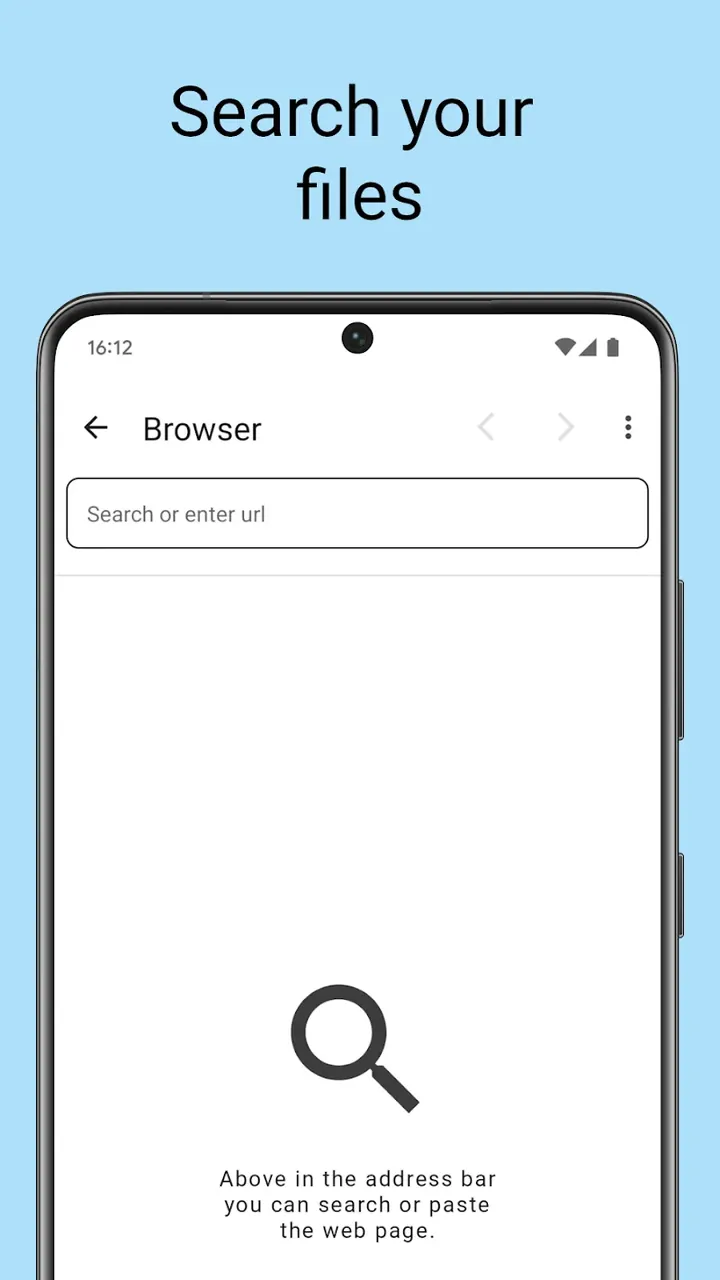
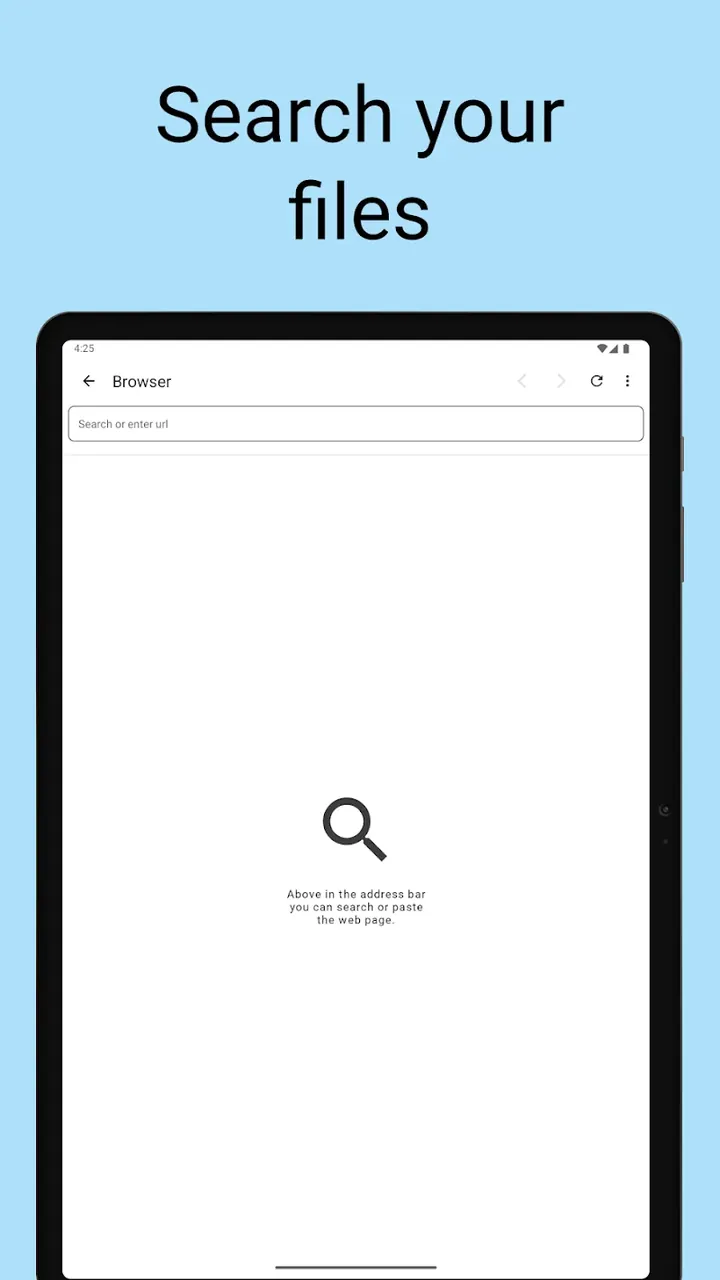
It simplifies the user experience by including an intelligent browser and built in sniffer tools. Previously, users had to use an external browser to navigate to a website, find and copy a download link, and then use a manager app to paste the link for download. This application solves all that by letting users browse and find download links within its own interfaces, hence eliminating that friction. The sniffer and browser work hand in hand. The browser identifies all downloadable content on a page and the sniffer activates itself and analyzes that content to see if it is a downloadable link. If it is, then the sniffer provides it for download. This means that when the user identifies a downloadable link, they are immediately presented with an option to initiate a download, all within the application environment. All this is aimed at improving the efficiency of the system and ensuring the friction between finding a downloadable file and actually acquiring it is removed. This makes the application a comprehensive file management and web navigation system.
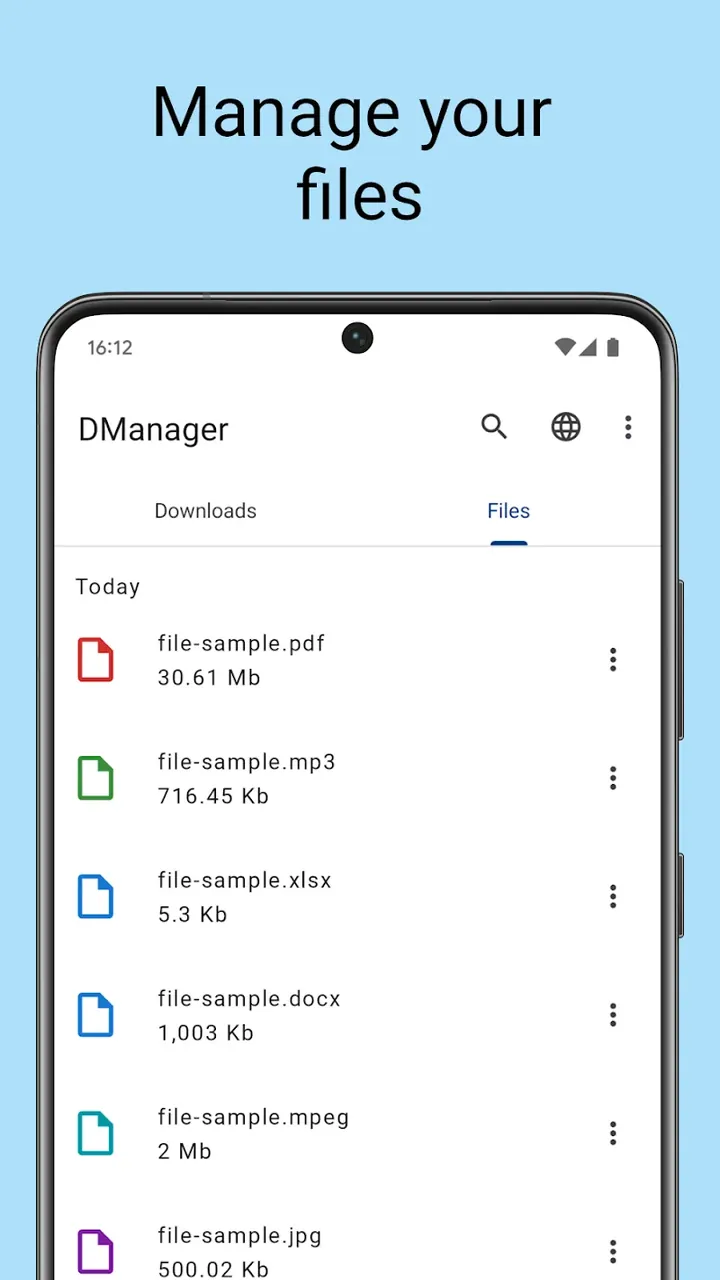
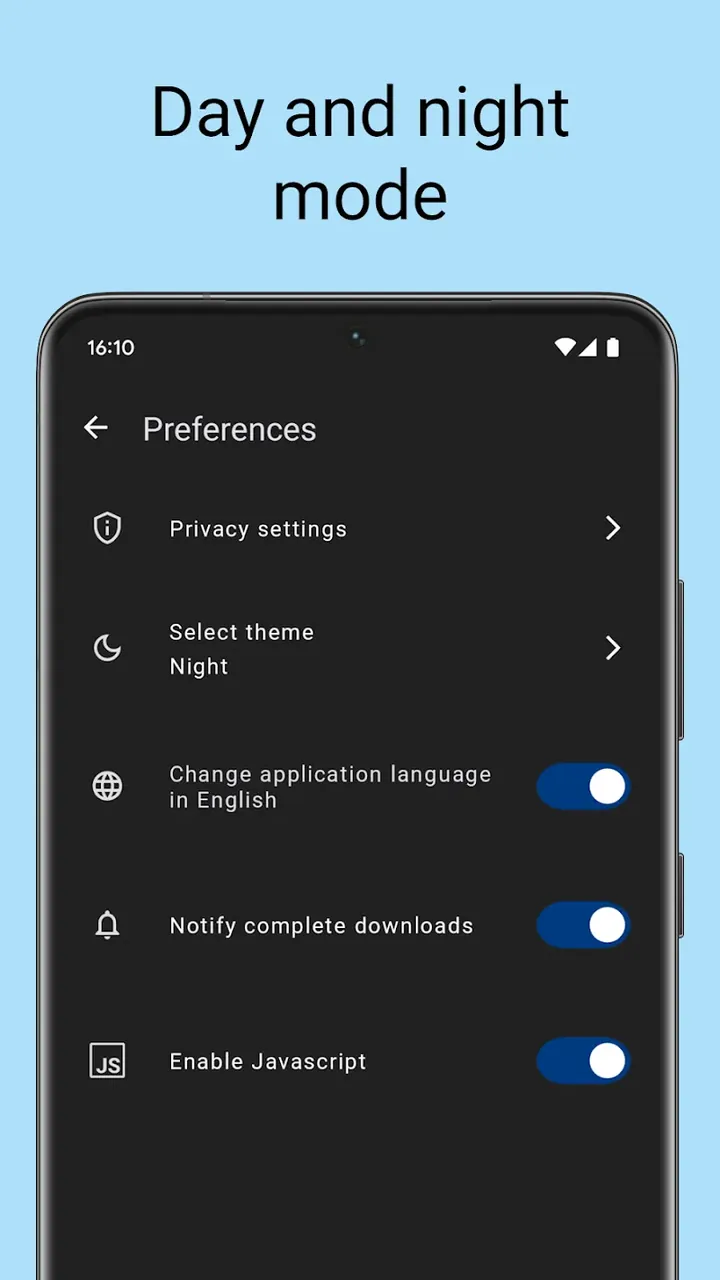
The device uses an Intuitive File Management system that enables the user to organize the acquired files in several ways such as the total file size, the acquisition date or the file type. With the power user in mind, the app provides a tool to organize the acquired files in a way that makes it easier to access specific files without having to dig through large downloads folders. Battery Saving Dark Mode achieves a similar goal as the file management system. The dark mode is not purely a design choice for the application. Modern screens consume less battery when fewer bright pixels are used. Dark Mode helps save battery life and is easier on the eyes during low light conditions. Combining the two features, the application achieves a goal of having a powerful and friendly interface for mobile device that improves the user experience and helps use the device for extended periods of time.
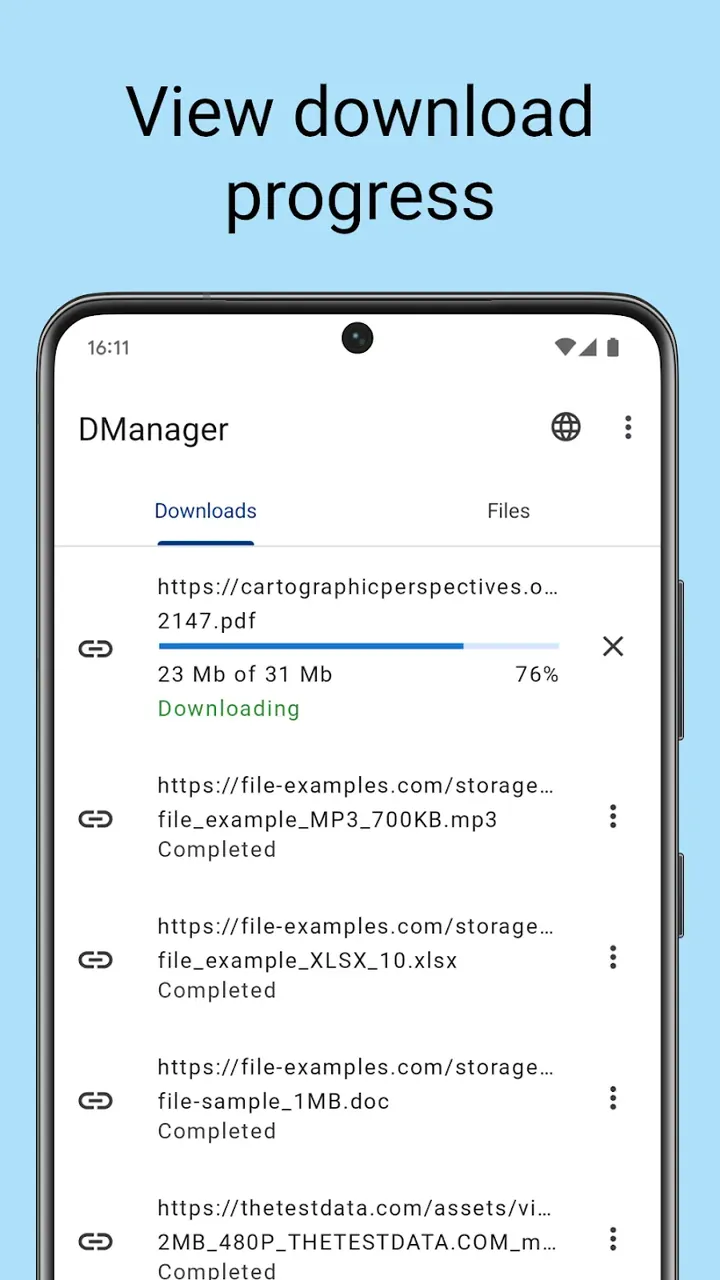
The last piece of the user experience deals with the inner workings of the app, including background task management. While a download is in progress, the app provides a status screen that shows real time data including transfer speeds, an estimate of how much time is remaining until completion, and the health status of each individual download thread. This gives the user a full picture of how the app is using their bandwidth and how much longer they need to wait for their files to be fully downloaded. The app can manage multiple background tasks at the same time. Users can move, pause, or delete files while other background transfers are still active. The app can manage a variety of background tasks at the same time like an advanced computer program. The app can be as productive as the user is, and allows the user to fully control and manage their files, as well as let the app manage the details and complexities of files, storage and health, all at the same time.
Key features
- Multi-Threaded Parallel Download Acceleration
- Smart Drop Detection with Auto-Resume
- Built-In Intelligent Browser
- Intuitive File Management
- Battery saving dark mode
- Intelligent sniffer
- Real-time speed and health monitoring
- Background task management
- Internal browser
Related MOD APKs
FAQ
Is Premium unlocked in Download manager MOD APK?
This Download manager 18.0.2 build includes Premium Unlocked. It behaves like the Magdalm release, and the changes take effect once you install it.
What is the latest version of Download manager MOD APK?
Version 18.0.2 matches the Magdalm release, last updated on June 12, 2026. We don’t keep older versions here. Update by installing the new build from this page over your current app. If Android reports a signature conflict, you must uninstall the old version first.
Is Download manager MOD APK safe to download?
This Download manager 18.0.2 file on MODYOLO is the original Magdalm app with only Premium Unlocked modified. 4 users rated it 5/5 here. It does not require root. Play Protect warnings are expected; always download from this page.
Can I use Download manager MOD APK on PC or iPhone?
This Android package won’t install on iPhone or iPad. To run the 15 MB file on Windows or macOS, install an emulator like BlueStacks or LDPlayer, then drag the file in.