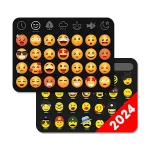
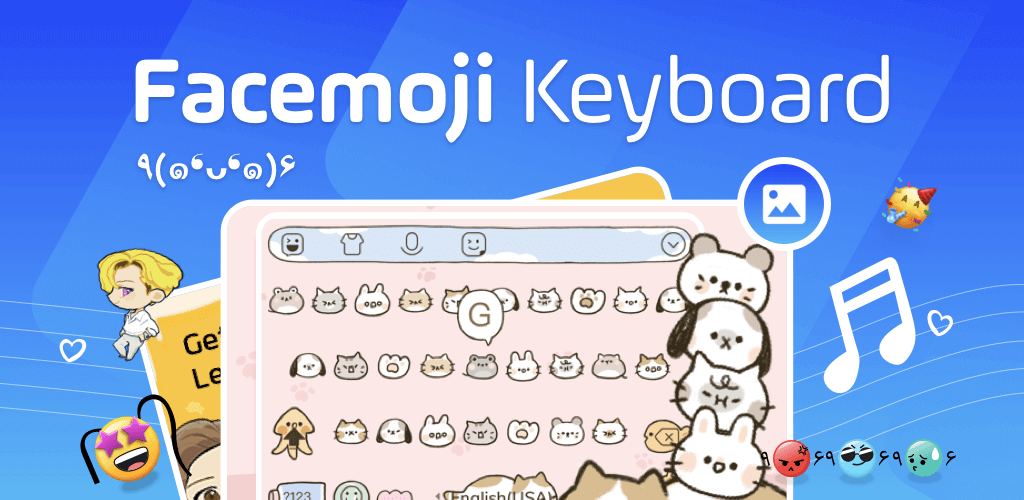
Facemoji Emoji Keyboard is a keyboard tool that supports you while texting with a variety of themes and thousands of exciting emoticons.

Facemoji Emoji Keyboard v3.6.5.2 MOD APK (VIP Unlocked)
| App Name | Facemoji Emoji Keyboard |
|---|---|
| Publisher | EKATOX APPS |
| Genre | Personalization |
| Size | 49M |
| Latest Version | 3.6.5.2 |
| MOD Info | VIP Unlocked |
| Get it On |

|
The Facemoji Emoji Keyboard MOD APK provides access to premium features through a VIP Unlocked modification. This build allows users to utilize the full range of personalization tools and exclusive themes that are typically restricted in the standard version.
What’s Modified in Facemoji Emoji Keyboard
- The VIP Unlocked modification grants full access to premium keyboard themes and exclusive content within the application.
This build is version 3.6.5.2, has a file size of 49M with the package name com.simejikeyboard, and is a re-signed file that cannot be installed over an existing store version.
About Facemoji Emoji Keyboard
Facemoji Emoji Keyboard is a unique keyboard that allows personalization of the digital input method on mobile devices. While there are many keyboards that act as a proxy for the default keyboard, Facemoji goes beyond that to provide tools for the development of creative digital expressions, through the creation of custom emoticons and special stickers. Through these, the app strives to make digital communications more artistic, humorous and personalized, unlike the default keyboards offered by device manufacturers. This application strives to make the digital communication process more user-friendly and less cumbersome, by providing options for diversified input, for both, casual communication and for the formal communication, including the entry of long documents.
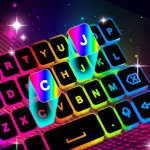
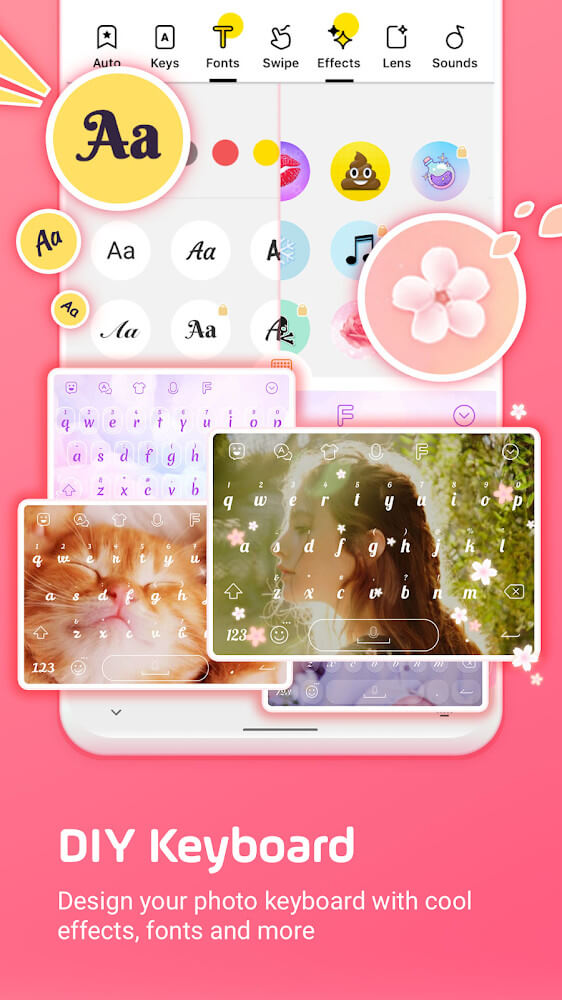
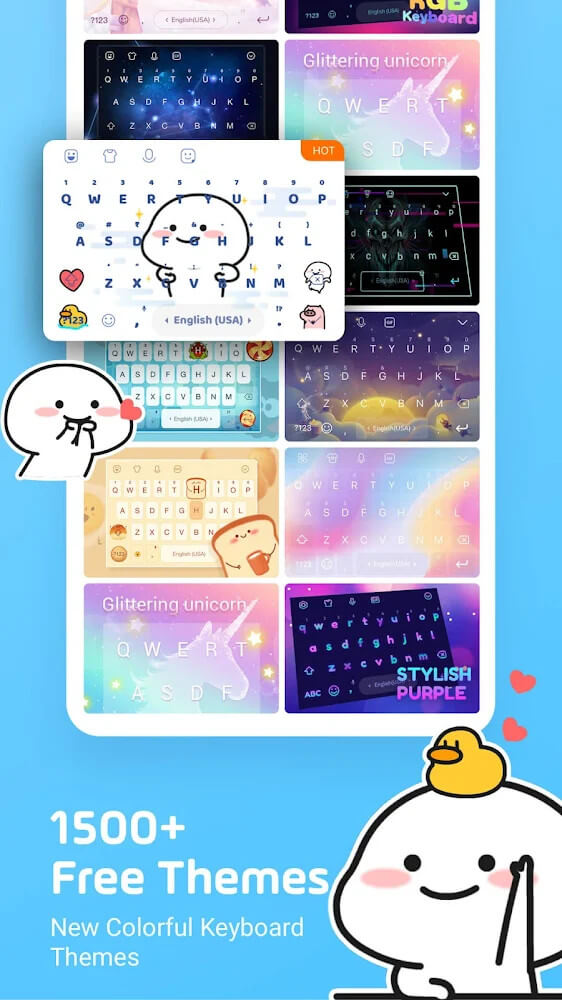
The variety of keyboard skins and backgrounds is one of the more noticeable aspects of this keyboard. With so many colors and designs to choose from, users are sure to find something they like. The application even provides a keyboard background creator. With this creator, users can make backgrounds of their own design or even use photos from the device to create backgrounds. Users can even upload a photo to use as the keyboard background. Furthermore, users can customize the layout of the keyboard, or change colors and designs to optimize for better usability. Weekly updates give the developers the chance to keep things fresh with new artistic styles and designs. With over 1500 themes to choose from, there is always something new to enjoy.
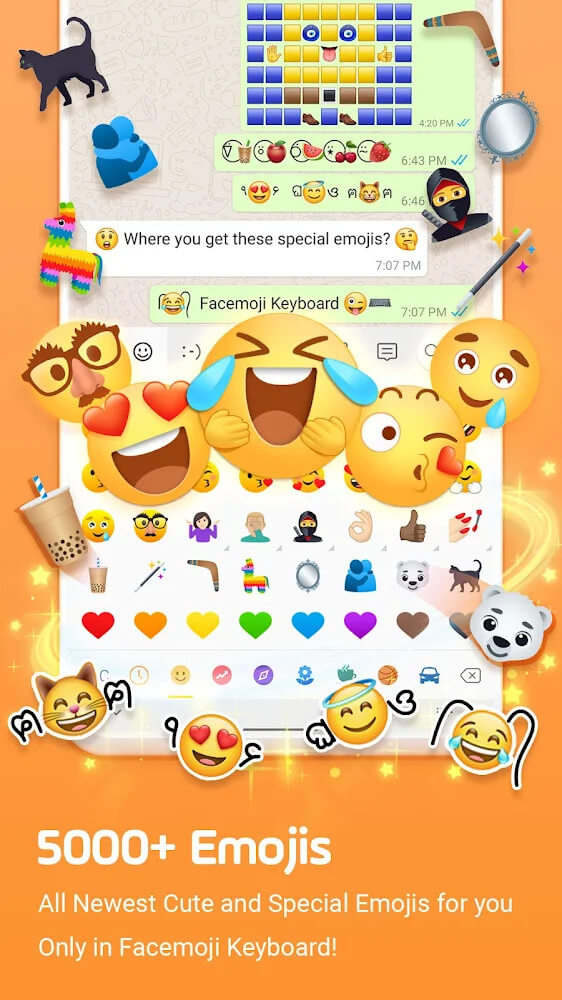
The app adds visual appeal to chats through a wide range of emojis. However, the app’s best features are intelligent. The scene guess and emoji guess features are powered by artificial intelligence. The former uses artificial neural networks to analyze photos, while the latter studies text input. The emoji guess feature is implemented cleverly. Instead of asking users to select emojis, it suggests contextually relevant emojis. This feature is useful to first time users who may not be aware of the emoji options. As part of theintelligent features, the app includes speech recognition and a corrections keyboard. This combination of features makes the keyboard more productive and less error prone while improving the quality of typed communications. For both work and personal communications, the app provides a more professional and accurate typed communication experience. The keyboard is intelligent in a way that it assists users to type more and faster by increasing the speed and reducing the effort of thinking and processing while typing and communicating digitally.
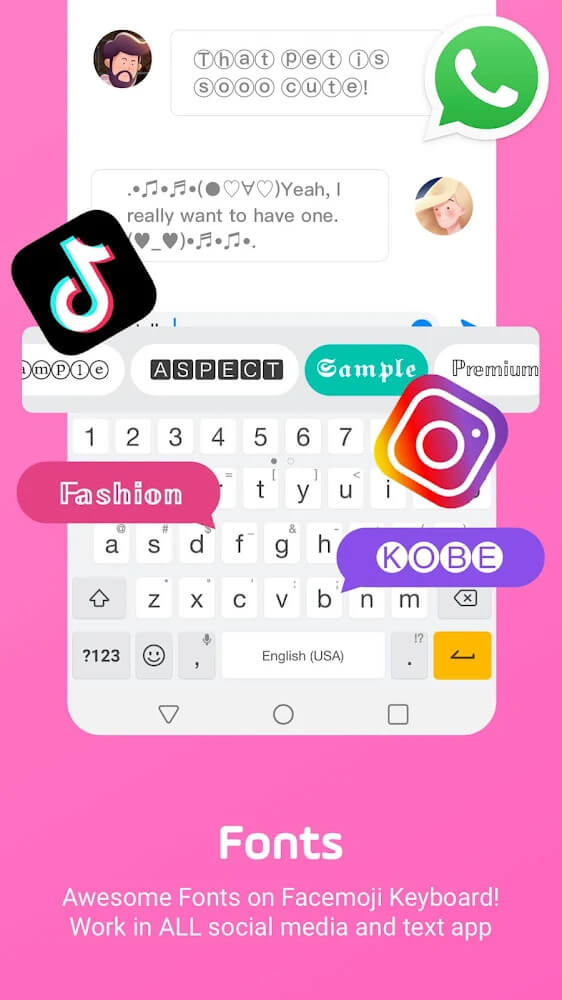
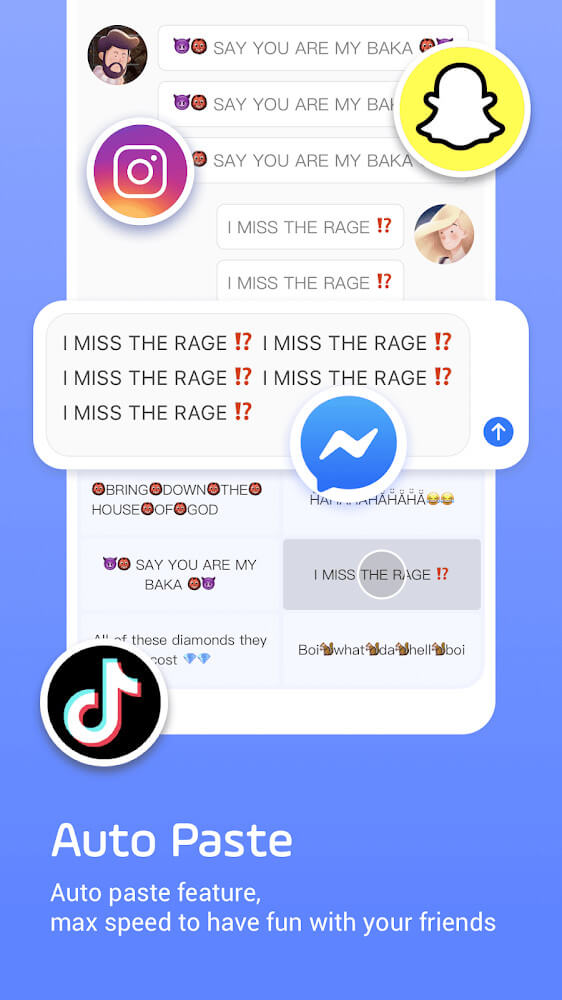
The key to the software’s success is integrating numerous types of multimedia. Thousands of themes and a wide selection of stickers and animated GIFs give users all the tools they need to properly enhance their chats. The app removes the need to switch between apps or use a search engine to find a suitable visual aid. The app even allows users to create animated GIFs from their chat messages. For messages that aren’t GIFs, the app offers boom text for social network chats. The app even provides a keyboard that allows users to create mood stickers and other animated items they may need for chats. The keyboard provides all the functionality needed for chat enhancement within the app, allowing for seamless, uninterrupted conversations.
 |
 |
To increase efficiency, the application uses innovative shortcut keyboards and gesture-based shortcuts. Users can swipe the screen to display a quick-access toolbar to perform common document operations such as cut, copy and paste. These features are designed to enhance the productivity of users who perform a lot of document editing on their mobile devices. The application is also committed to the security of information. It ensures the information provided by the user during the login process, and other sensitive information, for instance, credit card details, are secured from accidental security breaches. In doing so, it ensures the user enjoys a feature-rich and highly personalized keyboard while her/his sensitive information is secured in the application. This is especially important in achieving the goal of providing a comfortable and safe ecosystem for all types of data entry.
The application provides a number of unique, cute characters which include faces and symbols that are not found on a standard keyboard. This adds to the users’ personalization of their device. There are functional tools such as spell check and shortcuts as well as decorative tools such as themes and stickers. This makes the application a utility software for device personalization. Users can change the themes of the keyboard to over 1500 colorful themes and use various animations while typing. The layout of the keyboard can be adjusted to the comfort and convenience of the users, especially when typing with a large screen device or when typing with one hand. It is especially good for game app keyboards and can be put on any other app that requires keyboard input, including social networking apps and instant messengers.
Key features
- Customizable keyboard backgrounds and skins
- Automatic emoji suggestions based on text context
- Built-in spelling correction for accurate messaging
- Animated GIF conversion from chat messages
- Quick keyboard shortcuts for cut, copy, and paste
- Swipe-to-display data entry methods
- Weekly updates for over 1500 colorful themes
- Secure protection for personal and credit card information
 |
 |
Related MOD APKs
FAQ
Is Premium unlocked in Facemoji Emoji Keyboard MOD APK?
This Facemoji Emoji Keyboard 3.6.5.2 build includes VIP Unlocked. It functions like the EKATOX APPS version, with features active immediately after installation.
What is the latest version of Facemoji Emoji Keyboard MOD APK?
Version 3.6.5.2 matches the EKATOX APPS release from April 14, 2026. We don’t keep older versions here. Update by installing this file over your current app. If you see a signature error, delete the old version first.
Is Facemoji Emoji Keyboard MOD APK safe to download?
This Facemoji Emoji Keyboard 3.6.5.2 release by EKATOX APPS features VIP Unlocked. 76 people gave it a 4.1 rating. It does not require root. Play Protect might flag the installation, so always download from this page.
Can I use Facemoji Emoji Keyboard MOD APK on PC or iPhone?
You cannot install this on an iPhone. To use the 49M file on a computer, use an emulator like BlueStacks or LDPlayer. Just set up the emulator and import the package.
Facemoji Emoji Keyboard v3.6.5.2 MOD APK (VIP Unlocked) Download
Download (49M)You are now ready to download Facemoji Emoji Keyboard for free. Here are some notes:
- Please read our MOD Info and installation instructions carefully for the game & app to work properly
- Downloading via 3rd party software like IDM, ADM (Direct link) is currently blocked for abuse reasons.
4.1/5 (76 votes)