Global study time management; Flip! Study hard study fun! Get FLIP now!
FLIP - Focus Timer for Study v1.23.58 MOD APK (Premium Unlocked)
| App Name | FLIP - Focus Timer for Study |
|---|---|
| Publisher | RinaSoft |
| Genre | Education |
| Size | 90.6M |
| Latest Version | 1.23.58 |
| MOD Info | Premium Unlocked |
| Get it On |

|
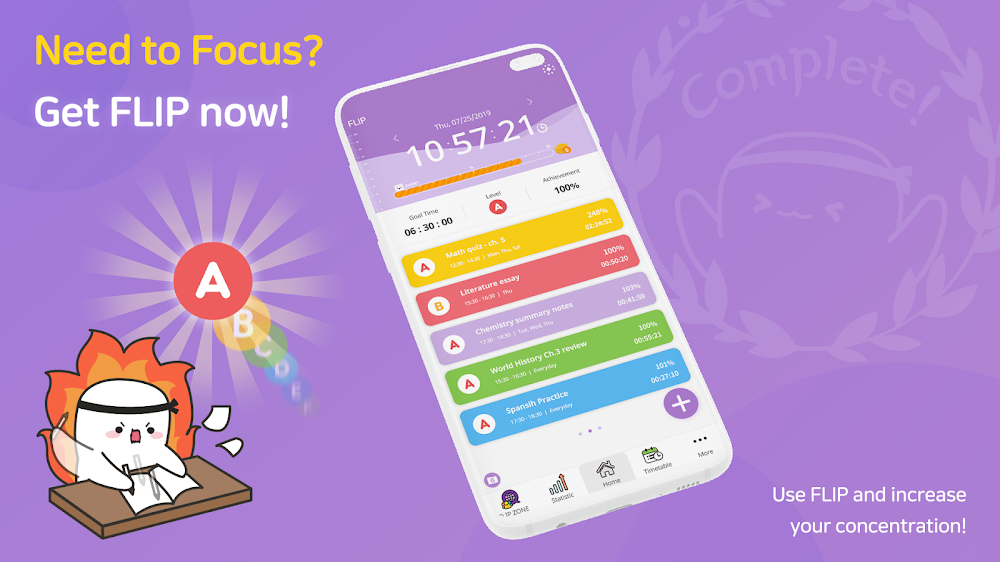
This FLIP MOD APK provides access to the premium version of the application, which includes advanced features for managing focus and study time. By unlocking these capabilities, the build allows users to utilize the full range of productivity tools without the standard restrictions of the free tier.
What’s Modified in FLIP
- Premium features are unlocked, providing full access to all in-app tools and settings without a subscription.
The FLIP MOD APK is provided as version 1.22.49, occupying 96.28 MB of storage under the package name kr.co.rinasoft.yktime; this file has been re-signed and cannot be installed as an update over the version available on the official store.
About FLIP
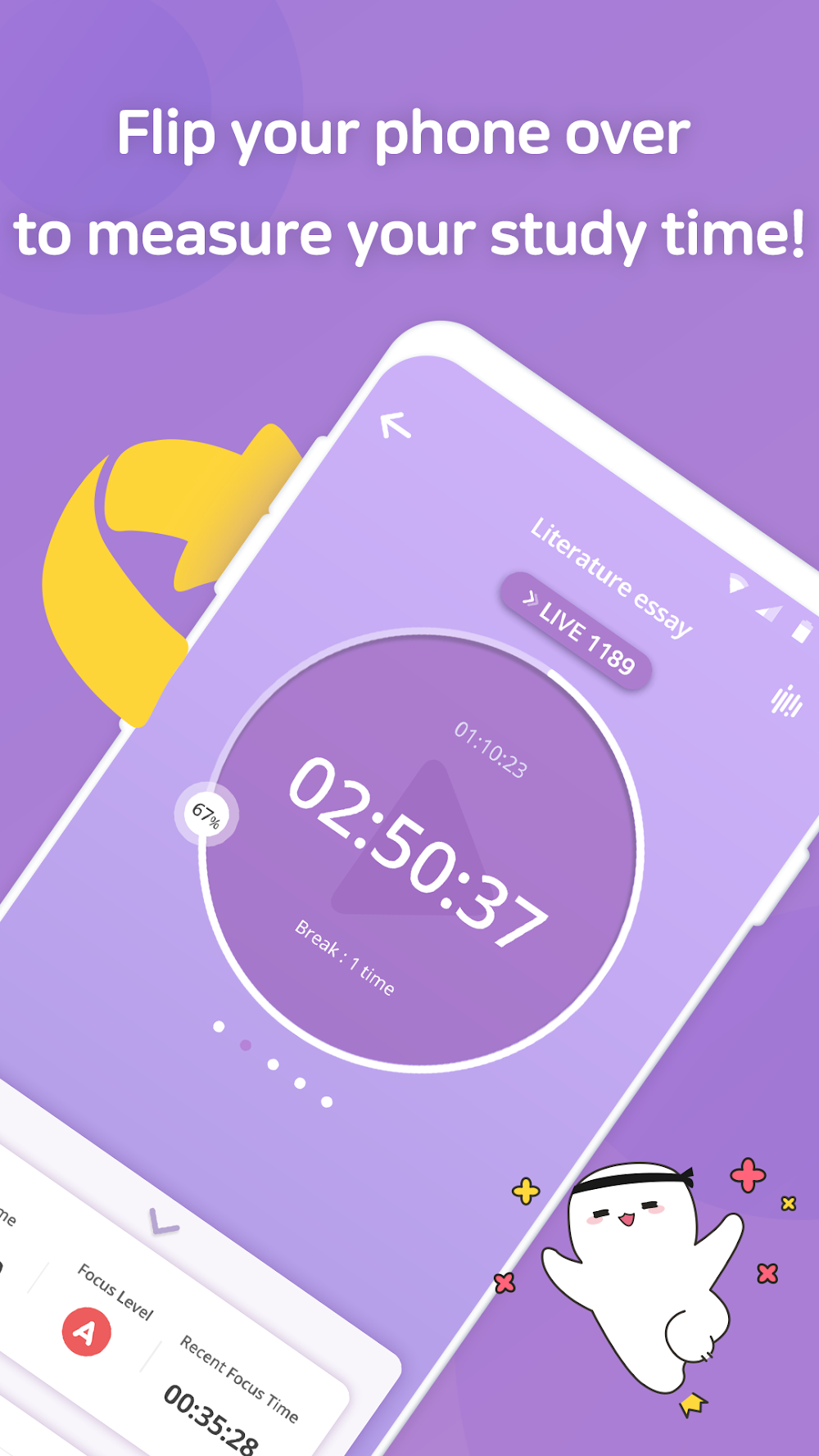
This application is designed to help manage time and study habits via a timer system. The user interacts with the app by flipping their phone over to start time measurement. The design requires the user to flip their phone over to start time measurement to encourage focus during a study, reading, or working session. The measurement system is accurate and creates a detailed and clear record of user productivity. The application uses the pomodoro technique to break down work into smaller, more manageable intervals in order to enhance focus. Additionally, the application keeps track of a user’s focus level to measure the quality of user concentration rather than the quantity of time a user believes they spent concentrating.
The mini-window feature gives users the ability to contain the study timer in a small, always-on-top window while the user uses other apps (i.e. a digital dictionary or video lectures). With this feature, users can count time spent on these resources as study time. The application offers a focus level measurement feature, which is designed to provide feedback on concentration levels to users. This feedback is meant to help users bolster and extend concentration over time, and can identify when a user begins to lose focus.
Data visualization is a core component of the experience, offered through multiple views, including the Timeline, Timetable, and Statistics. The Timeline view lists all measured goals for the day in order of when they occurred. This offers a deep archive of when work was performed. Timetable automatically summarizes goals for the day into a structured format, making it quick and easy to review daily productivity. The Daily Report shows the details of study sessions and other goals for the day. Users can track their progress for longer periods of time using Statistics, which shows summarized reports for weekly and monthly periods. The summarized reports are beneficial for identifying long-term trends and habits of a user’s study behavior and help determine if the user is meeting larger educational objectives.
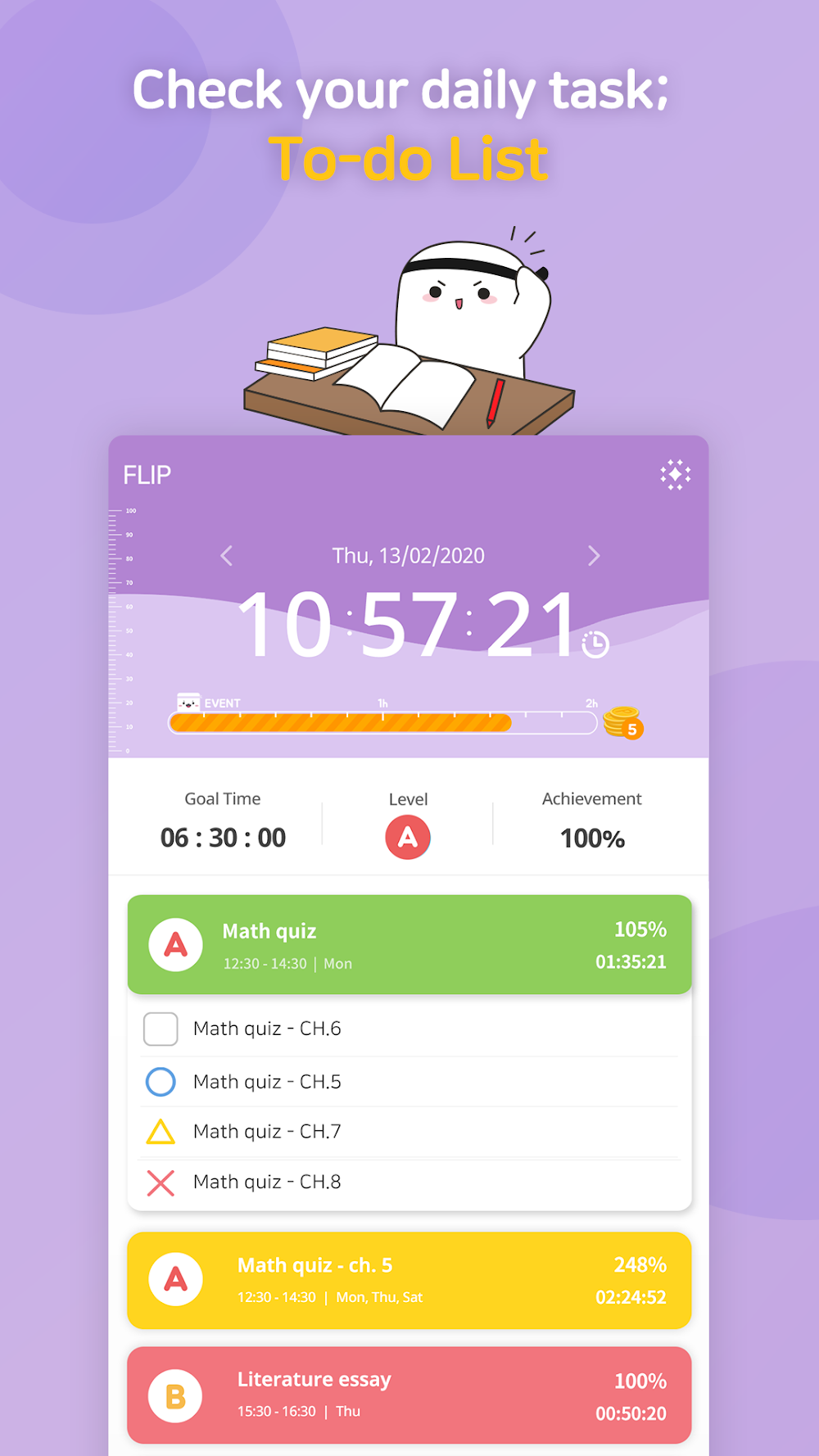
The features D-Day, To-Do List, and Study Schedule help users plan and set goals. The D-Day feature helps users set deadlines to the day and provides a time management tool by counting down the days until the deadline. The To-Do List feature helps users break larger tasks into smaller manageable items. This can be in conjunction with Study Schedule, to help users capture their official school timetable, or help users make a study plan to align with their goals. Users with a pre-defined plan of action and a clear list of manageable tasks can give them structure and lessen the need to think about next steps throughout the day.
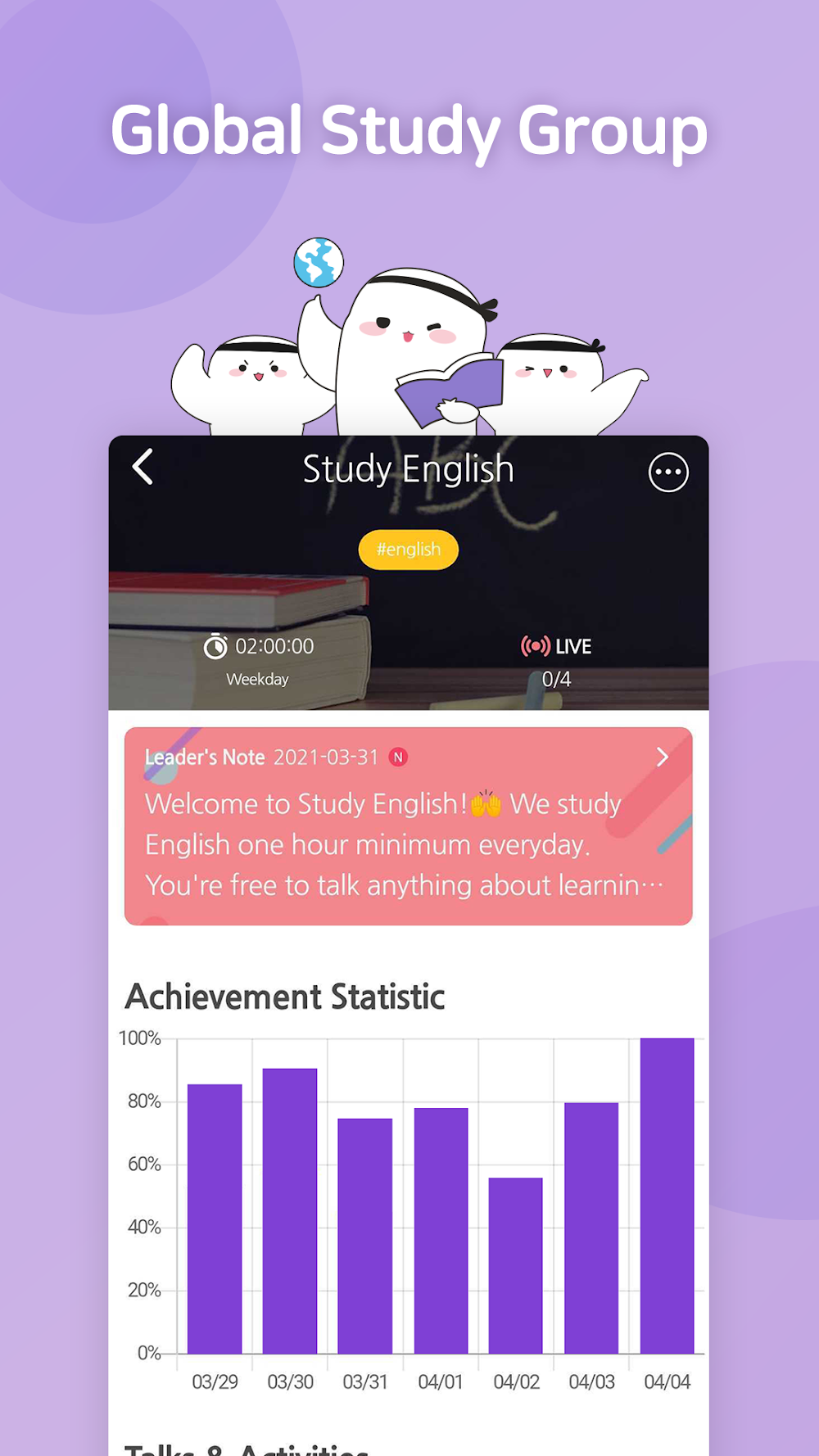
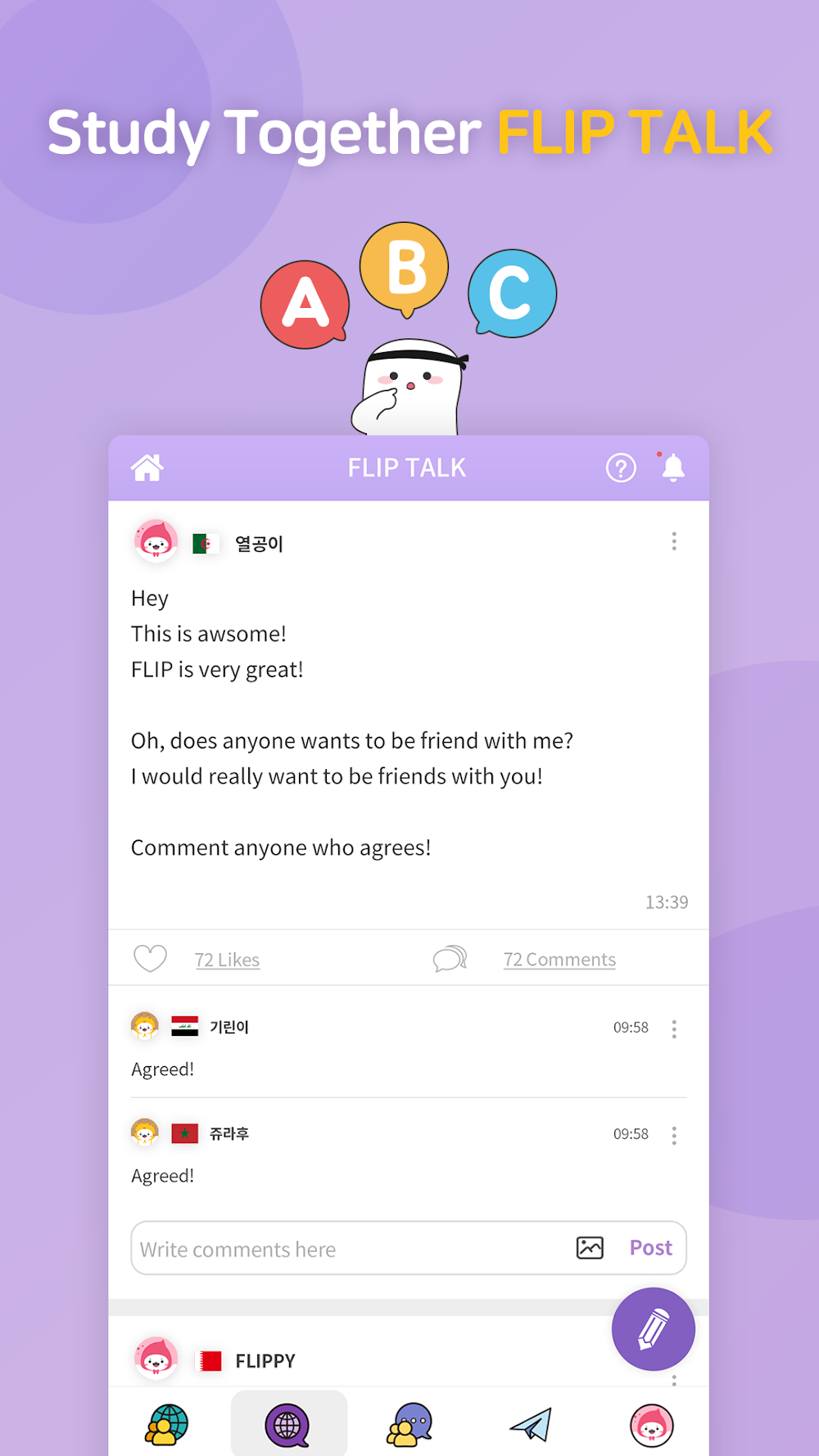
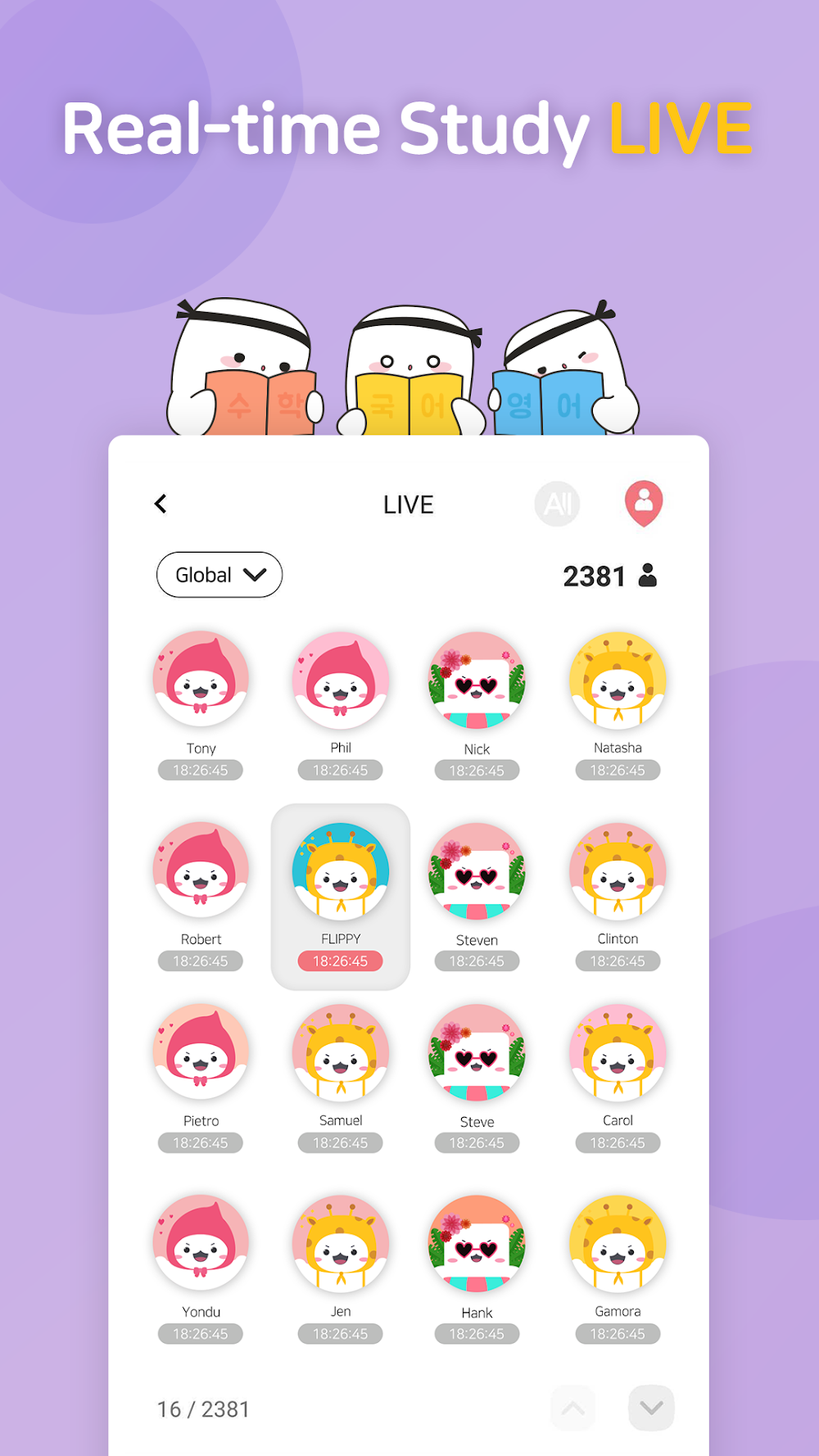
The platform’s social features let users engage with the global student community. Users can create their Study Buddy groups worldwide and build community and work towards shared goals. This is also supported by FLIP TALK board, a global communication feature where users can share their stories, post messages to give/get encouragement and share study tips. The LIVE! feature shows how many users are doing focused study at a given moment and gives users the ability to see who is measuring their focus time. For a more competitive edge, School Ranking feature lets users select their school in their profile and see how their school ranks against others based on total study time. School ranking adds an element of competition among students. The app also enables users to share their study/focus time and summaries on Social Networking Sites like facebook and instagram, with the push of a button. This also creates a social accountability feature. Users are also rewarded productivity points which can be shared on Social Media, thanks to integration with UBHIND. The features helps create a community for users wanting to focus and be productive towards their academic or career goals.
Key features
- Accurate time measurement via phone flipping
- Focus level measurement based on break frequency
- Mini-window for multitasking with dictionaries or videos
- Weekly and monthly study statistics
- Chronological timeline of daily goals
- Automatic timetable summarization
- Detailed daily reports
- D-day countdown for deadlines
- Social media sharing for daily, weekly, and monthly progress
- Live view of other users studying in real time
- School ranking system based on profile registration
- Integrated study schedule and school timetable
- Daily to-do list for task management
Related MOD APKs
FAQ
Is Premium unlocked in FLIP – Focus Timer for Study MOD APK?
This 1.22.49 version of FLIP – Focus Timer for Study includes Premium Unlocked. It functions similarly to the RinaSoft release, with features active immediately after installation.
What is the latest version of FLIP – Focus Timer for Study MOD APK?
Version 1.22.49 matches the RinaSoft build from April 14, 2026. We don’t keep older versions here. Install this update over your current app; if you see a signature conflict, remove the previous version before trying again.
Is FLIP – Focus Timer for Study MOD APK safe to download?
This 1.22.49 edition of FLIP – Focus Timer for Study from RinaSoft has Premium Unlocked enabled. 1 users gave it a 5 rating. It does not require root. Ignore Play Protect alerts during installation, but always download from this page.
Can I use FLIP – Focus Timer for Study MOD APK on PC or iPhone?
This package is for Android and cannot run on iPhone. To use the 96.28 MB file on a computer, install an emulator like BlueStacks or LDPlayer, then open the file within that software.
FLIP - Focus Timer for Study v1.23.58 MOD APK (Premium Unlocked)
Download (90.6M)You are now ready to download FLIP - Focus Timer for Study for free. Here are some notes:
- Please read our MOD Info and installation instructions carefully for the game & app to work properly
- Downloading via 3rd party software like IDM, ADM (Direct link) is currently blocked for abuse reasons.
5/5 (1 vote)