Gallery is an application with the most modern and quality image management function. Users get to own all the unique features in this app.

Gallery - Photo Gallery, Album v6.0.9 MOD APK (Premium Unlocked)
| App Name | Gallery |
|---|---|
| Publisher | Photo Gallery Tools |
| Genre | Photography |
| Size | 11M |
| Latest Version | 6.0.9 |
| MOD Info | Premium Unlocked |
| Get it On |

|
This Gallery MOD APK provides a version of the application where the premium features are fully unlocked for the user. By utilizing this modified build, individuals can access the complete suite of photo management and organization tools without the restrictions found in the standard release.
What’s Modified in Gallery
- The premium version of the application is unlocked, allowing access to all features and management tools.
 |
 |
The Gallery MOD APK version 6.0.9 has a file size of 11M and uses the package name gallery.photomanager.picturegalleryapp.imagegallery; it is important to note that this file is re-signed and cannot be installed over a version downloaded from the official store.
About Gallery
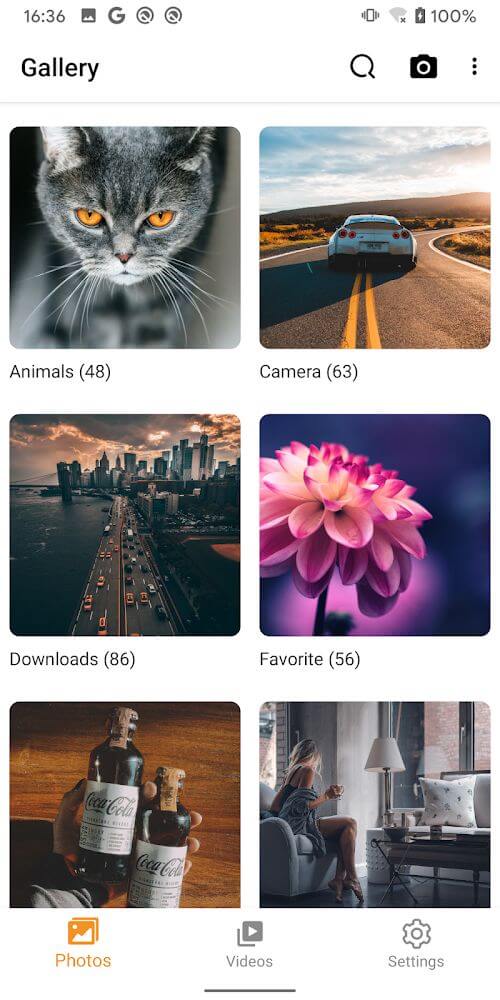
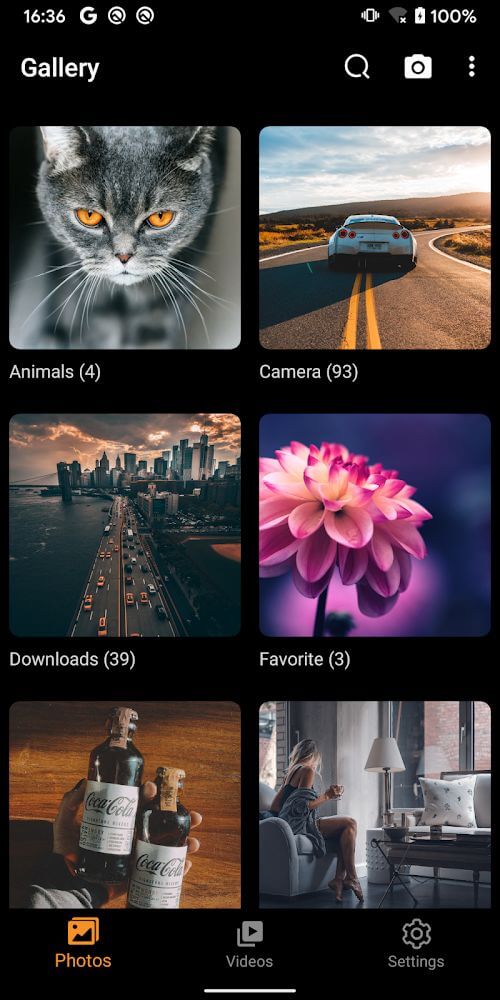
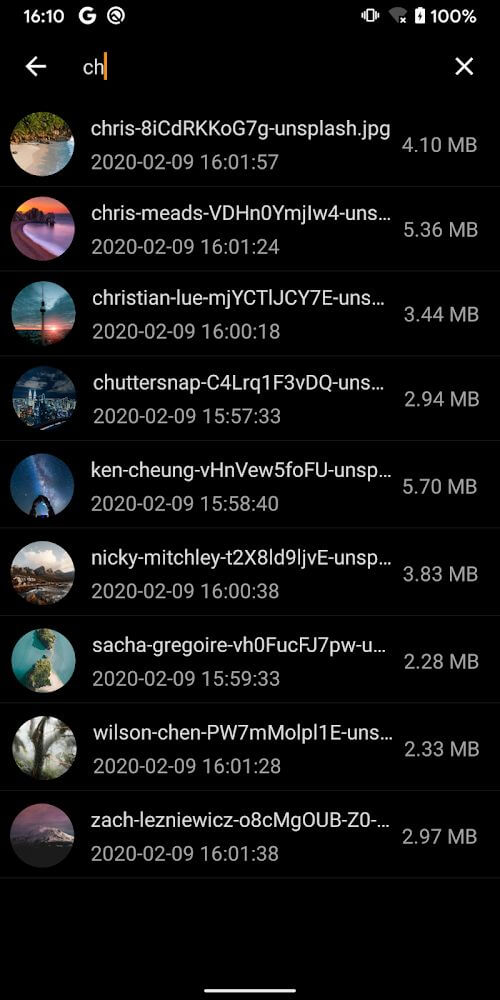
The Gallery application by Photo Gallery Tools is designed to function as a comprehensive system for storing and managing a digital photo library. The primary focus of the tool is to arrange images in a way that remains simple and fast, which facilitates efficient viewing and reduces the effort required to locate specific media files. Users can navigate their collection to find images, GIFs, videos, and albums quickly. This search functionality is not limited to static images; it extends to various media types, ensuring that every asset is indexed and retrievable. This search system is designed to be elementary and quick, allowing anyone to perform the necessary operations to locate their files. By organizing the library into a structured format, the application aims to save significant time and effort for individuals who have large volumes of media stored on their devices. The interface is built to be intuitive, ensuring that the process of finding a specific photo from several months or years ago takes only a few seconds through basic manual operations. This speed is a core pillar of the app’s design, focusing on efficiency for the end user.
Sharing media is another core component of the application’s utility. It provides direct pathways to share images and videos on various social networking platforms, specifically mentioning Facebook and Instagram. Beyond social media, the app supports sharing via Gmail and other messaging services for private communication with friends and family. A significant technical detail of this sharing process is the preservation of image quality; the application ensures that transferred images remain in high definition (HD) rather than becoming blurred or compressed during the transmission process. This focus on maintaining visual fidelity is intended to satisfy users who want their shared content to look as clear as the original file stored in their local gallery, regardless of the platform it is sent to. Whether it is a family photo sent via Gmail or a high-resolution landscape shared on Instagram, the app prioritizes the integrity of the media. This ensures that the recipient sees the image exactly as it was intended to be seen, without the loss of detail often associated with mobile sharing.
The application also includes tools for personalizing the mobile device using the stored media. Users have the ability to set any picture from their library as the phone’s wallpaper or home screen background. This involves a few basic steps within the interface to select a favorite photo from the thousands that might be stored. Because every user has different creative preferences and mindsets, the app allows for a highly diverse range of background images to be applied. Additionally, the viewing experience is enhanced by a manual zoom function. This feature applies to all media types, including standard images, videos, and GIFs, allowing users to zoom in or out freely according to their specific requirements. This level of control helps in inspecting details within a photo or getting a closer look at a specific frame in a video or GIF. The manual operations for zooming are described as simple, ensuring that users can achieve their viewing goals without complex navigation.
To further assist with organization, the tool allows for the renaming of every image. This is particularly useful for users who want to make their files easier to remember and more accessible during future searches. Instead of relying on generic file names generated by a camera, users can assign descriptive titles to their media, which further feeds into the application’s search and categorization algorithms. For managing the library’s contents, there is a straightforward and comfortable deletion process. Users can remove specific pictures or videos they no longer wish to keep by using a dedicated delete button, which removes the files from the library view immediately. This allows for constant curation of the collection, ensuring that only desired content remains. For a more dynamic viewing experience, the application includes a photo slideshow function. This allows the collection to be viewed as a continuous, automated sequence, providing an alternative to manual scrolling and making the process of reviewing entire albums more exciting and efficient for the viewer.
 |
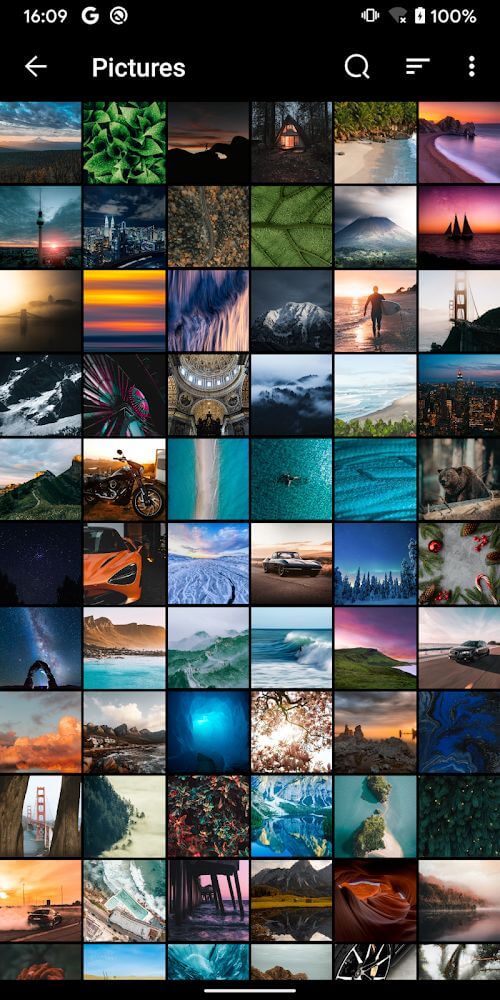 |
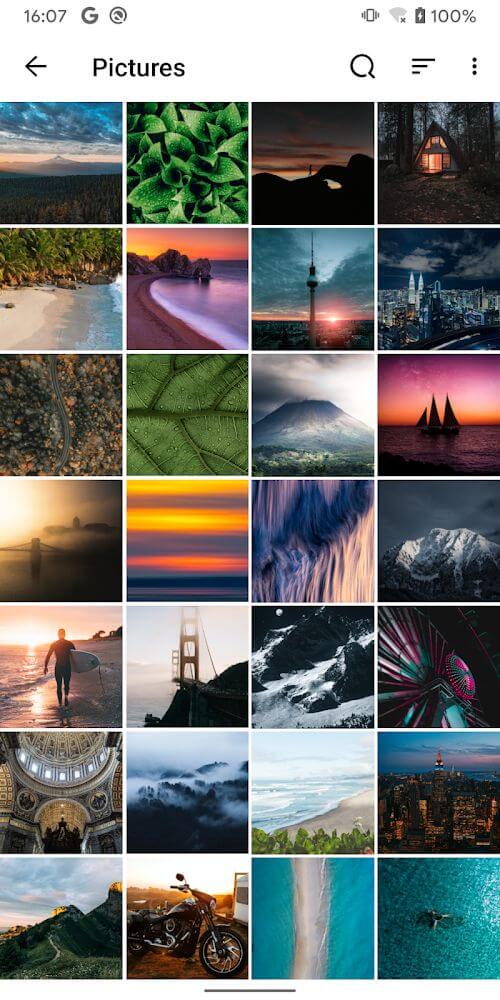
The user interface of the application is characterized by a monotonous and gentle color combination, which is intended to be easy on the eyes. This simple interface design is a key part of the app’s appeal, aiming to provide a clean environment for media management that has deeply impressed many users. To cater to different lighting conditions and personal styles, the app supports both dark mode and light mode. Users can toggle between these settings to match their preference or environmental needs. The application is marketed as being suitable for a wide demographic, including children and the elderly, due to its straightforward operations and simple layout. The developer emphasizes that anyone, regardless of age, can use the application to enjoy a beautiful and lively photo library. No matter the user’s level of technical skill, the interface remains accessible and functional.
Security and privacy are also addressed within the application’s feature set. It is designed to manage and store all images with a high level of security to protect user privacy. This ensures that the digital library remains a private space for the user’s personal media, which is a critical consideration for many in the modern digital age. By combining search tools, sharing capabilities, customization options like wallpaper setting and renaming, and a flexible interface with dark and light modes, the application serves as a multi-functional hub for digital photography. The extraordinary arrangement of images is intended to make the gallery not just a storage space, but a vibrant and beautiful environment for interacting with personal memories and creative content. Every feature, from the zoom capabilities to the slideshow mode, is integrated into a single platform that prioritizes user experience and simplicity.
Key features
- Quick search for images, GIFs, videos, and albums
- HD quality sharing to Facebook, Instagram, and Gmail
- Wallpaper and home screen setting functionality
- Manual zoom for images, videos, and GIFs
- File renaming for library organization
- Integrated photo slideshow viewing mode
- Switchable dark mode and light mode interface
- Privacy-focused management and storage
 |
 |
Related MOD APKs
FAQ
Is Premium unlocked in Gallery MOD APK?
This Gallery 6.0.9 build includes Premium Unlocked. It operates similarly to the Photo Gallery Tools release, with features active immediately after you install the app.
What is the latest version of Gallery MOD APK?
This 6.0.9 version matches the Photo Gallery Tools release from June 11, 2026. We don’t keep older versions here. Install this file over your current app to update; uninstall first if a signature conflict occurs.
Is Gallery MOD APK safe to download?
This Gallery 6.0.9 build from Photo Gallery Tools features Premium Unlocked. It has a 4 rating from 26 users. It does not require root. Expect a Play Protect warning, so always download from this page.
Does Gallery MOD APK remove the watermark?
This version provides Premium Unlocked features. Since watermark-free saving is a Pro feature in Gallery, you should check the export screen after you install it to confirm.
Gallery - Photo Gallery, Album v6.0.9 MOD APK (Premium Unlocked) Download
Download (11M)You are now ready to download Gallery for free. Here are some notes:
- Please read our MOD Info and installation instructions carefully for the game & app to work properly
- Downloading via 3rd party software like IDM, ADM (Direct link) is currently blocked for abuse reasons.
4/5 (26 votes)