Boost performance and eliminate lag! Game Booster Play Games Happy MOD APK optimizes your device, monitors CPU health, and clears background apps for smooth gaming.
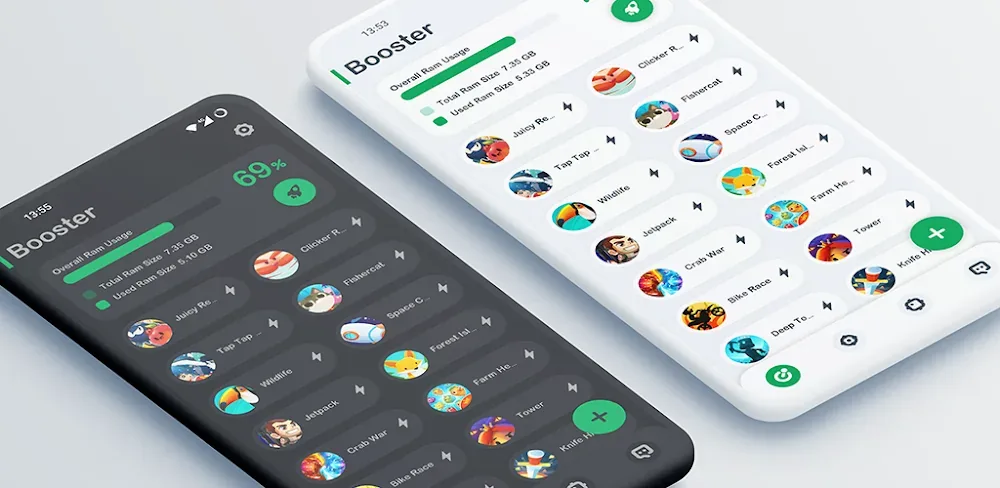

Game Booster Play Games Happy v11.10.5 APK (Full Version)
| App Name | Game Booster Play Games Happy |
|---|---|
| Publisher | System monitor tools lab - Cpu Ram Battery |
| Genre | Tools |
| Size | 10M |
| Latest Version | 11.10.5 |
| MOD Info | Full Version |
| Get it On |

|
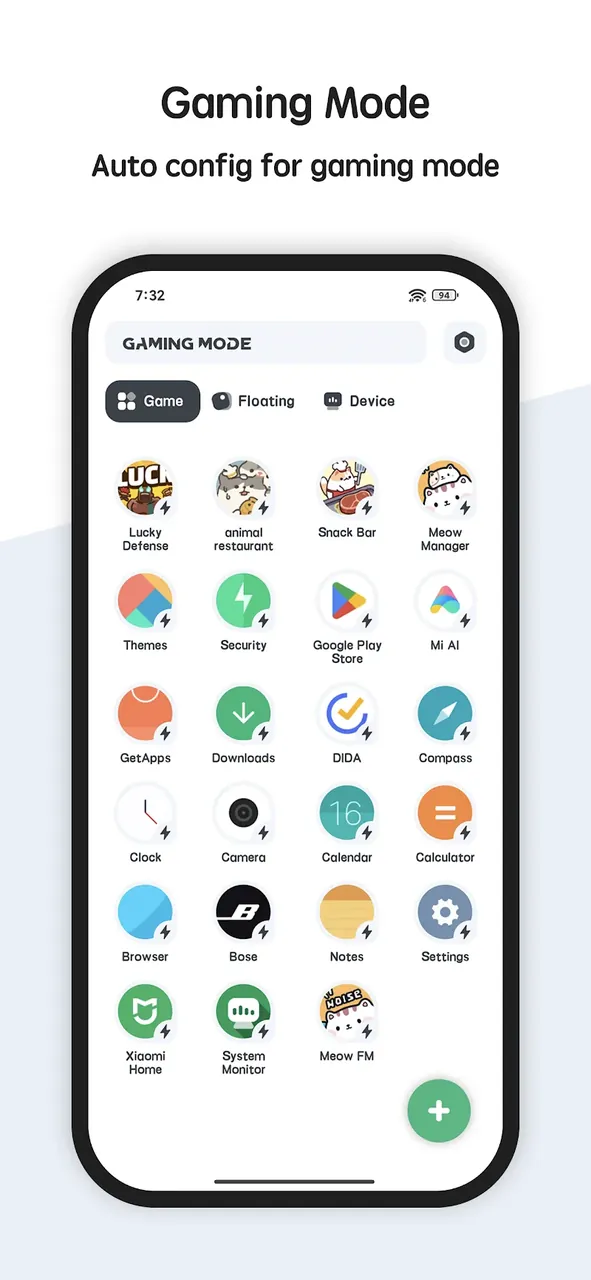
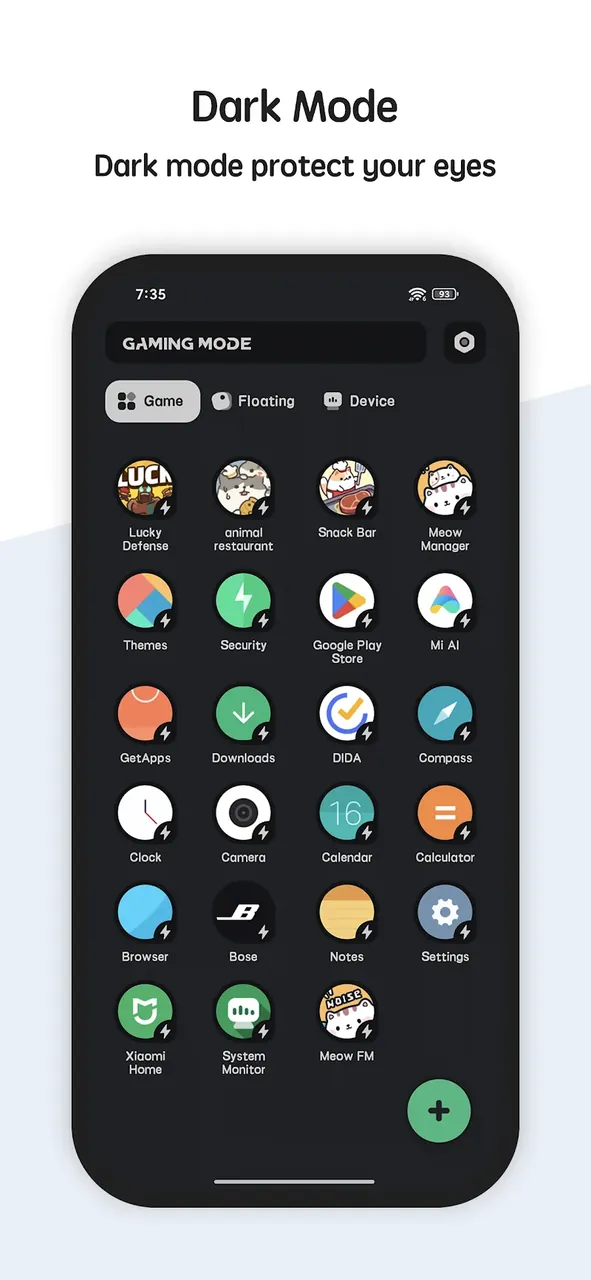
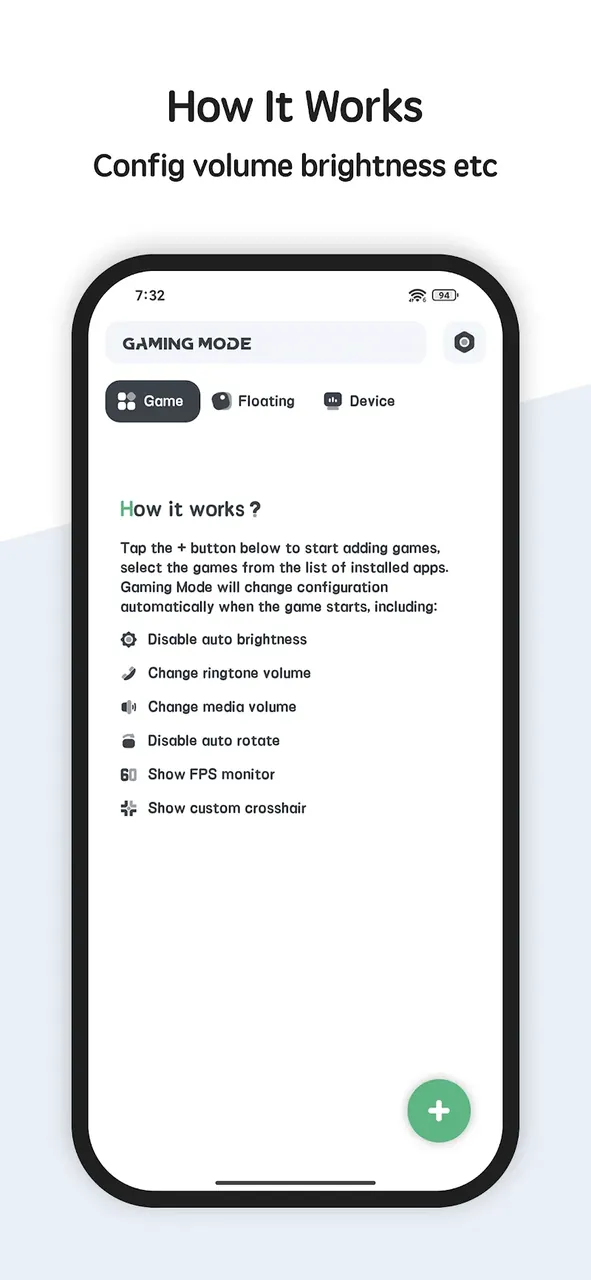
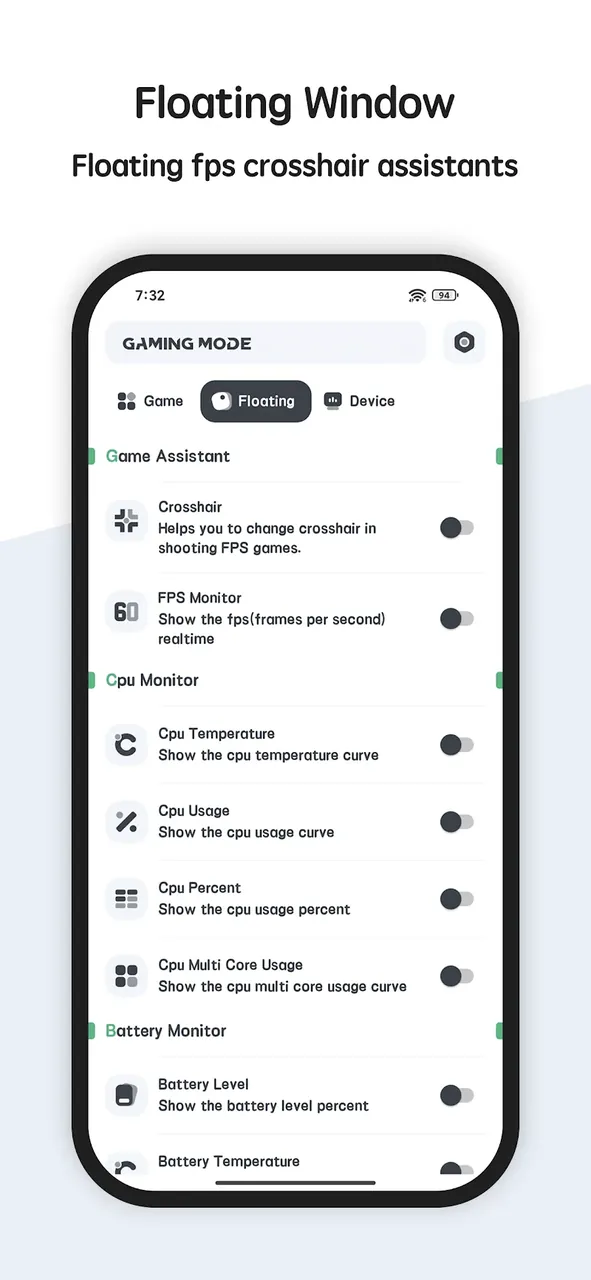
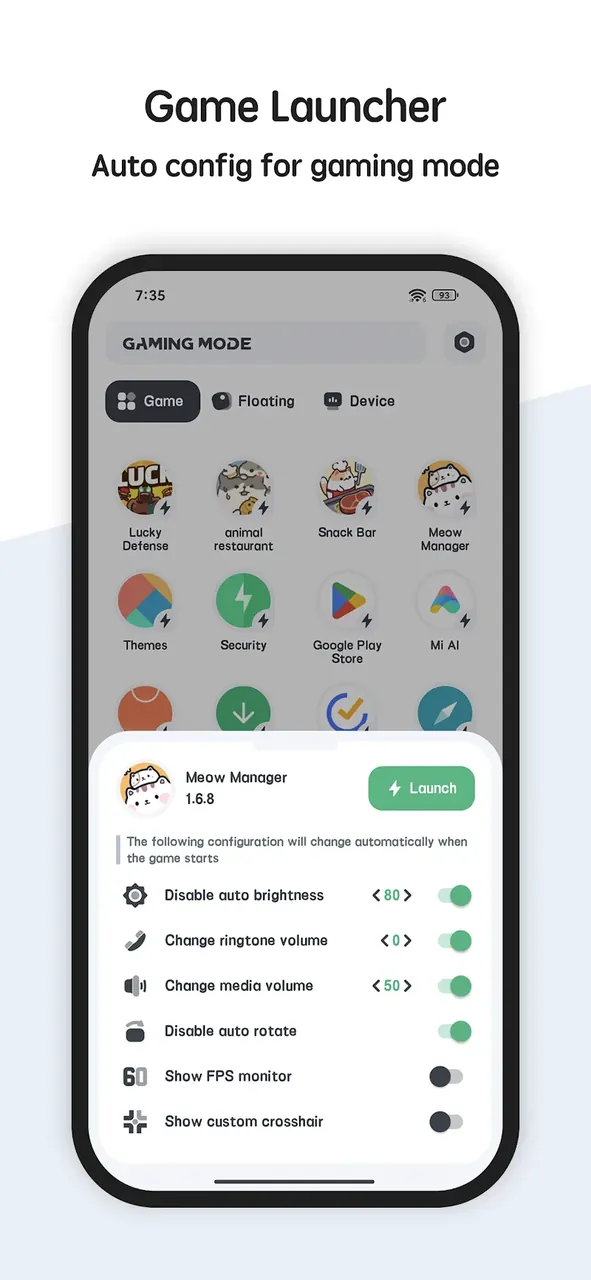
This build provides the Full Version of the application, which unlocks the complete set of system optimization tools. By using the Game Booster Play Games MOD APK, users can access premium performance features and monitoring capabilities without restrictions.
What’s Modified in Game Booster Play Games
- Unlocks the Full Version of the application, granting access to all premium optimization tools and monitoring features.
This build is version 11.10.5, has a file size of 10M, and is identified by the package name com.glgjing.game.booster.pro; it is a re-signed file and cannot be installed as an update over a version downloaded from the official store.
About Game Booster Play Games
The key feature of this app is the Advanced Background Task Killer which can help stop lag and frame drops when gaming on your mobile device. When used, the app detects background apps that are using up a lot of RAM. The app then hibernates the background processes, freeing up resources for the gaming app to use. The hibernation of background processes can help with stuttering issues that can happen when playing resource intensive games like Battle Royale and Open World games. The tool identifies background processes that can help stop resource fragmentation. This can help reduce micro stutters. The tool can help boost the performance of the gaming hardware and direct the hardware to run the game as intended. By stopping background tasks, the tool can allow the CPU to devote all of its power to gaming rendering and logic rather than managing background processes.
Beyond memory management, the software includes Real-Time CPU and System Monitoring to show the user the status of their device during operation. It monitors the current load on the CPU and temperature of the system. This system is to help users identify thermal throttling, which is when the hardware slows down to dissipate heat. The app provides temperature data in a live feed because, as stated by the developers, mobile processors “throttle” at specific temperatures, which in turn causes frame rate drops. In addition to these features, users can monitor the stress their system is under. The system gives the user a way to adjust the settings of the device before it reaches a certain threshold and goes into “high-stress” mode. While the main focus of this system is to preserve the hardware, the developers indicate that it is to keep the system within its operating parameters while supporting performance output.
Energy efficiency is improved through a Smart Battery Management System. Gaming can quickly drain the battery and wear the hardware over time. Smart Battery Management helps track energy consumption and identify which components consume the most energy. This helps better manage playtime and hardware longevity. Smart Battery Management coupled with the Real-Time Floating Window, gives users the ability to monitor and adjust game performance in real time, and makes game components adaptable to system requirements. This floating window, which can be moved and resized, sits on top of the game being played to provide real-time feedback on FPS, CPU, and RAM usage. This window does not block the main user interface of the game being played, and allows game settings and options to be adjusted on the fly. The feedback on Frames Per Second lets the user instantly see how game components and system settings are affecting game performance. Smart Battery Management works alongside the Floating Window to achieve energy efficiency.
There are several layers to the Optimization Engine, which is the basis for the internal workings of the software. One of those layers is a Deep Scan. When the software identifies this scan, it will start by dividing the services on a system into essential (system services) and non-essential (third party) services. Next, the engine stops the non-essential services and reclaims CPU cycles. It will then adjust the device’s priority list, and grant the active gaming application a higher priority. This ensures that the gaming application gets a larger share of the network data and processing power. The Engine is able to lower the data transfer latency of the network, ensuring that other applications on the device are not able to sync or download data. The Engine also prioritizes the game, to ensure that the game is not interrupted, or lags due to background applications trying to sync or download data. This optimization and prioritization complements the hardware optimizations, and allows for improved performance for online MOBA-style games or multiplayer games in general.
One-Tap Optimization allows users to offload management of their system to just a single action. This feature serves users who do not wish to tinker with their system settings. With one tap, the system cleans the cache, adjusts the system settings, and optimizes the system performance to a specified profile. This feature is further complemented with Multi-Theme Support, which allows users to customize the system booster to their preference with a variety of themes. The designers take into account users of different skill levels from beginners to experts by creating an ergonomic, functional and simple to use user interface (UI). Other features such as Multi-Language Support extend the system booster’s accessibility by allowing users of different geographical locations to adjust the system to their preferences. The use of transparent mechanics and a direct interface, combined with back-end engineering, enables the system to manage performance with minimal knowledge in systems engineering.
The application is designed to minimize performance gaps between device hardware and software requirements by managing device temperature and memory state. It strives to keep the mobile hardware in good shape by managing the RAM and tracking CPU, battery usage and other features. It creates an environment for gameplay where the user doesn’t experience performance issues caused by unoptimized background processes. With the app, users can experience high-speed gameplay and experience games how developers intended. The app remains a tool for users looking to manage efficiency of their hardware while ensuring health of the mobile device. For gameplay management, it is advised to use the Game Booster Play Games MOD APK, which offers a controlled environment and aligns hardware and software for performance. The app also protects device from overheating and keeps memory state clean.
Key features
- Advanced Background Task Killer
- Real-Time CPU & System Monitoring
- Smart Battery Management
- Real-Time Floating Window
- One-Tap Optimization
- Multi-Theme Support
- Deep Scan Memory Analysis
- Optimization Engine
- Floating Dashboard Overlay
Related MOD APKs
- Meow Money Manager & Tracker
- System Monitor Cpu Ram Booster
- Powerful Cleaner
- System Monitor Cpu Ram Battery
FAQ
What does Game Booster Play Games Happy MOD APK unlock?
This 11.10.5 version of Game Booster Play Games Happy unlocks the Full Version. It works just like the System monitor tools lab – Cpu Ram Battery release, and changes are active as soon as you install.
What is the latest version of Game Booster Play Games Happy MOD APK?
Version 11.10.5 matches the System monitor tools lab – Cpu Ram Battery release from June 18, 2026. We don’t keep older versions here. Install this file over your current app to update. If you see a signature error, you must uninstall the existing app first.
Is Game Booster Play Games Happy MOD APK safe to download?
The Game Booster Play Games Happy 11.10.5 file on MODYOLO is the System monitor tools lab – Cpu Ram Battery app with the Full Version modification. 4 users rated it 3.5. It does not require root. Expect a Play Protect warning; always download from this page.
Can I use Game Booster Play Games Happy MOD APK on PC or iPhone?
This is an Android file, so it cannot run on an iPhone or iPad. You can use the 10M APK on a computer through BlueStacks or LDPlayer. Install the emulator and then drag the file into it.
Game Booster Play Games Happy v11.10.5 APK (Full Version)
Download (10M)You are now ready to download Game Booster Play Games Happy for free. Here are some notes:
- Please read our MOD Info and installation instructions carefully for the game & app to work properly
- Downloading via 3rd party software like IDM, ADM (Direct link) is currently blocked for abuse reasons.
3.3/5 (7 votes)