Elevate your Android with Glass UI Gradient KWGT MOD APK! 50+ premium frosted glass widgets featuring modern, minimalist designs for a sophisticated home screen look.

Glass UI Gradient KWGT v3.0.4 APK (Full Version)
| App Name | Glass UI Gradient KWGT |
|---|---|
| Publisher | Zeffi Setups |
| Genre | Personalization |
| Size | 139.3M |
| Latest Version | 3.0.4 |
| MOD Info | Full Version |
| Get it On |

|
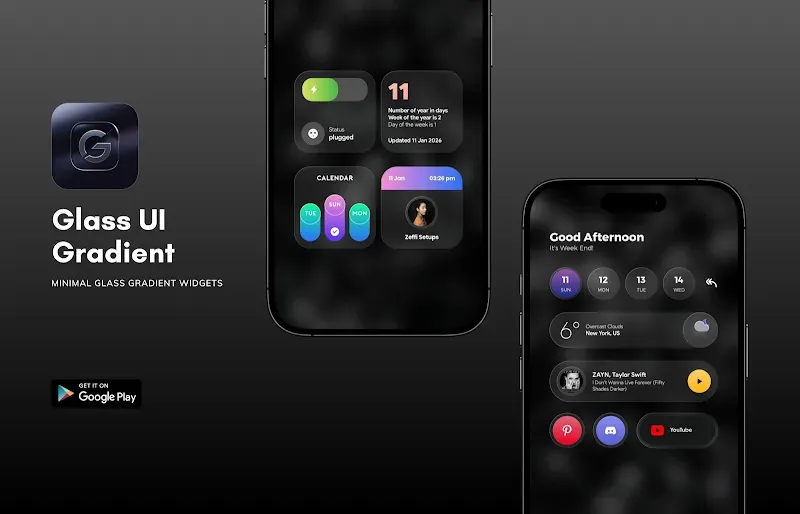
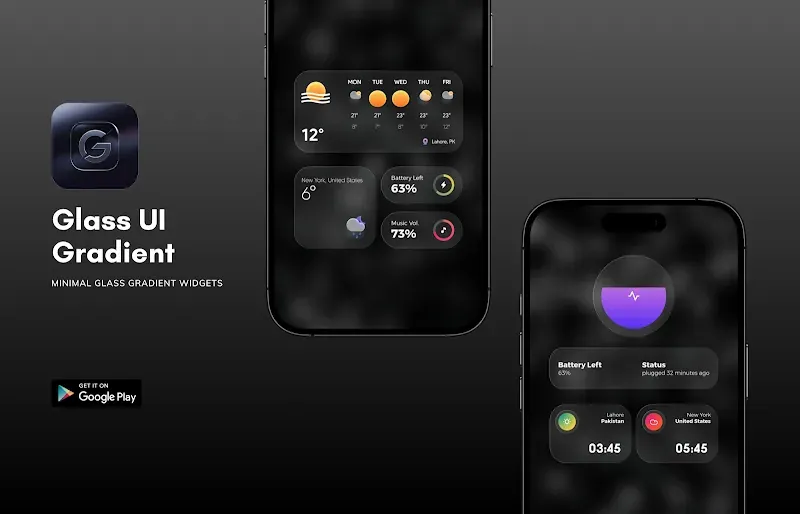
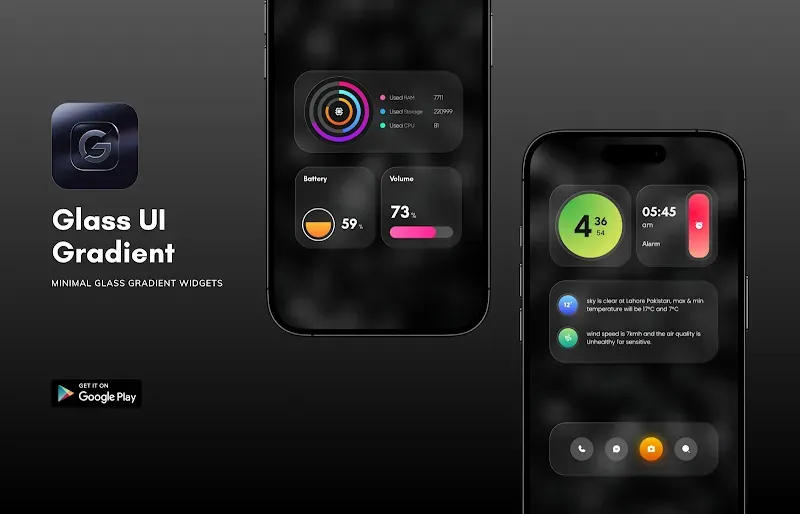
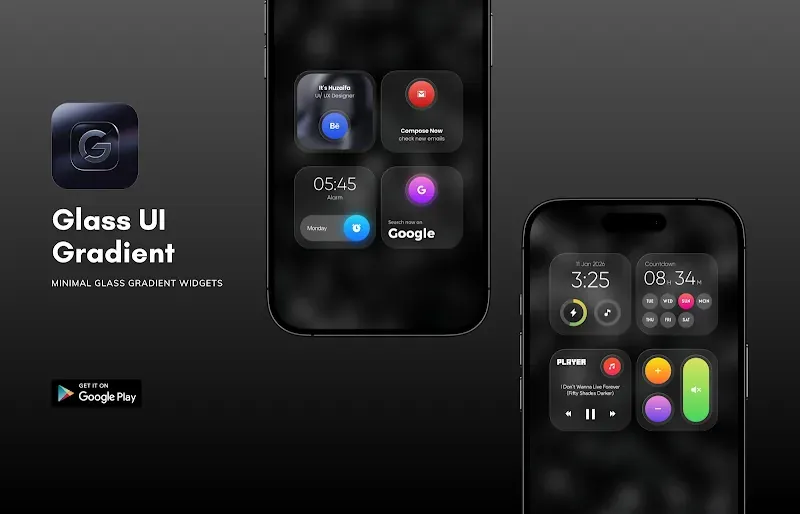
This Glass UI Gradient KWGT MOD APK provides the full version of the widget library. It removes the restrictions associated with the standard version, allowing users to access all premium frosted glass widgets and customization features immediately.
What’s Modified in Glass UI Gradient KWGT
- Unlocks the full version of the widget pack, providing access to all premium glassmorphism designs.
Version 2.6.8 has a file size of 130 MB under the package name glass.ui.widgets and is provided as a re-signed file that cannot be installed over an existing store version.
About Glass UI Gradient KWGT
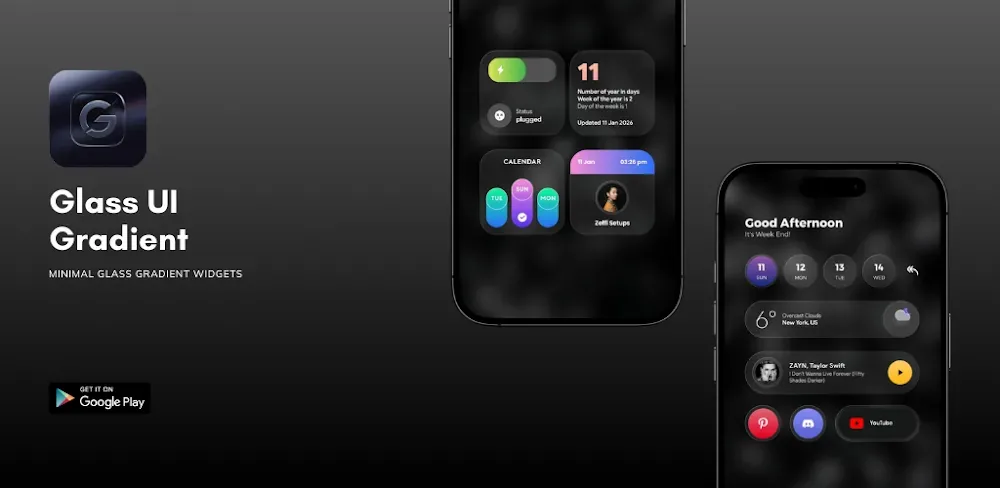
Glass UI Gradient KWGT is focused on the design trend of glassmorphism. This trend uses background blur and transparency to create the illusion of widgets being made of frosted glass, floating above the wallpaper on the home screen. This application intends to move past flat, traditional, and widget designs. It uses the principles of design, like the use of shadows and gradients, to add depth to various aspects of the user interface. The purpose of this design system is to alter the user’s Android device and provide a more modern and improved environment, including attention to detail and care in the design of the user interface. It takes advantage of how light and dark colors and the interplay of positive and negative spaces affect design. The philosophy is that different visual elements used in concert together can give a design a professional and artistic feel. It adjusts the mobile interface to be more appealing to users.
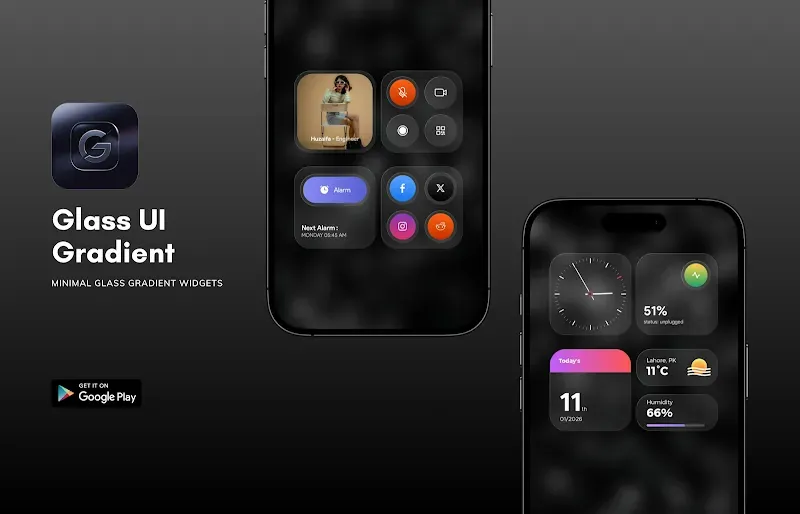
More than 50 unique, eye-catching widgets are included in this package. Clocks and calendars are included along with many system performance monitors. Other widgets monitor battery, CPU, RAM, and storage levels. System monitors are designed with the frosted glass aesthetic, therefore performance data is displayed in the same style as decorative elements. Many widgets provide weather information and are integrated with smart technology to show weather conditions and forecasts. Custom icons are used and conform with the glass themed design to provide a uniform look across the home screen. More attention to detail is shown with widgets than is typically seen with Android widgets.
The application works in conjunction with the KWGT Kustom Widget Maker framework as a preset library. Therefore, after the pack is installed, users interact with it via the Kustom editor. Users must place a blank KWGT frame on their launcher and pick one of the Glass UI designs in the menu to set up their screens. This provides a level of customizability that extends beyond simple positioning. Users have access to the Globals tab in the Kustom editor. This means that users can make universal changes to a widget with a single change to a variable. This is known as ‘faux globals’. For example, changing the primary color of the accents throughout the widget can be done with a single change to the variable. This can be done for fonts as well. In the example of fonts, this means users can update the font for all of the text in a widget with a single change to the variable. This can all be done with a single tap. This is powerful when a user alters their wallpaper or modifies their system-wide color settings since it helps the user uphold a thematically consistent interface.
To provide a good user experience, the widgets have been designed to work with many grid sizes. The Kustom Engine allows for design freedom and constrained only by the boundaries of the creator’s imagination. Therefore, the 1×1 widget can represent the battery percentage or a user can choose to make a large 4×4 control center to provide a wealth of system stats and time. Widgets can be made to show almost any information a user needs. The real-time, high-definition glass effects and crisp gradients only enhance the widgets and supplement the design system to account for even the most minimalist of configurations. The design allows for large amounts of white space or to maximize the use of a small display. Use of the design system ensures that widgets remain sharp and crisp, professional, and easy-on-the-eyes regardless of how they are configured. This is especially true as the user can adjust the scales and global variables of the design system to account for various display and resolution limitations.
The app draws design inspiration from the frosted glass interfaces in modern mobile and desktop operating systems. The designers integrate well thought out gradients in the design to provide a contemporary edge to the design without being distracting. The designers account for transparency levels to ensure that the legibility of the text and icons is not compromised due to the presence of background images. As such, the app combines the design elements of iOS and Android to create a unique aesthetic. The developers merge the transparency styles to achieve a hybrid design. The design embodies a preference for high end aesthetics.
The design intends to seamlessly integrate disparate design elements to create a cohesive whole. The color transition and blur radii of the frosted elements are designed to create a premium experience and stand out from the other, lesser refined Android widgets.
The collection is routinely improved, causing it to expand and evolve. During these updates, existing widgets may be improved, and new widgets may be added. Keeping the home screen environment fresh and providing the ability for users to modify layouts over time is important. The focus, however, is to maintain a clean and nice looking design for each addition. In the end, the whole point is to provide all of the pieces for a complete design system, so that whether you are looking for a simple clock, a complex system dashboard, or anything else, the widgets function together to help achieve that. With that in mind, whatever the user is able to place on their screen, whether it be 1 widget or 100, they all share a unified visual language and are mechanically tied together. The application is primarily for users who enjoy customizing their mobile phone to fit their tastes for a modern, high-end, and sophisticated design.
Key features
- 50+ High-Quality Widgets
- Premium Frosted Glass Aesthetic
- Dynamic Gradient Styles
- Real-time Battery Tracking
- CPU and RAM Monitoring
- Storage Usage Visuals
- Smart Weather Integration
- Custom Iconography
- KWGT Globals Tab Customization
- Vector-based Scaling Mechanics
Related MOD APKs
FAQ
What does Glass UI Gradient KWGT MOD APK unlock?
This 2.6.8 build of Glass UI Gradient KWGT includes the Full Version. Features match the Zeffi Setups release otherwise, and all modifications are active immediately after you finish the installation.
What is the latest version of Glass UI Gradient KWGT MOD APK?
Version 2.6.8 matches the Zeffi Setups release from June 17, 2026. We don’t keep older versions here. Update by installing this file over your current app. If you see a signature conflict error, delete the old version before trying again.
Is Glass UI Gradient KWGT MOD APK safe to download?
This 2.6.8 Glass UI Gradient KWGT package is the Zeffi Setups app with the Full Version enabled. 1 user gave it a 5 rating. It does not require root. Ignore any Play Protect warnings and always download from this page.
Can I use Glass UI Gradient KWGT MOD APK on PC or iPhone?
Since this is an Android file, it cannot run on an iPhone. To use the 130 MB file on a computer, install an emulator like BlueStacks or LDPlayer, then drag the package into the software window.
Glass UI Gradient KWGT v3.0.4 APK (Full Version)
Download (139.3M)You are now ready to download Glass UI Gradient KWGT for free. Here are some notes:
- Please read our MOD Info and installation instructions carefully for the game & app to work properly
- Downloading via 3rd party software like IDM, ADM (Direct link) is currently blocked for abuse reasons.
5/5 (1 vote)