Experience non-stop music and HD video playback with iPlayer Lite MOD APK! Enjoy all-format support, smart gesture controls, and ultra-smooth performance anywhere.

iPlayer lite v2.1.0 MOD APK (Premium Unlocked)
| App Name | iPlayer Lite |
|---|---|
| Publisher | snap game team |
| Genre | Video Players & Editors |
| Size | 41 MB |
| Latest Version | 2.1.0 |
| MOD Info | Premium Unlocked |
| Get it On |

|
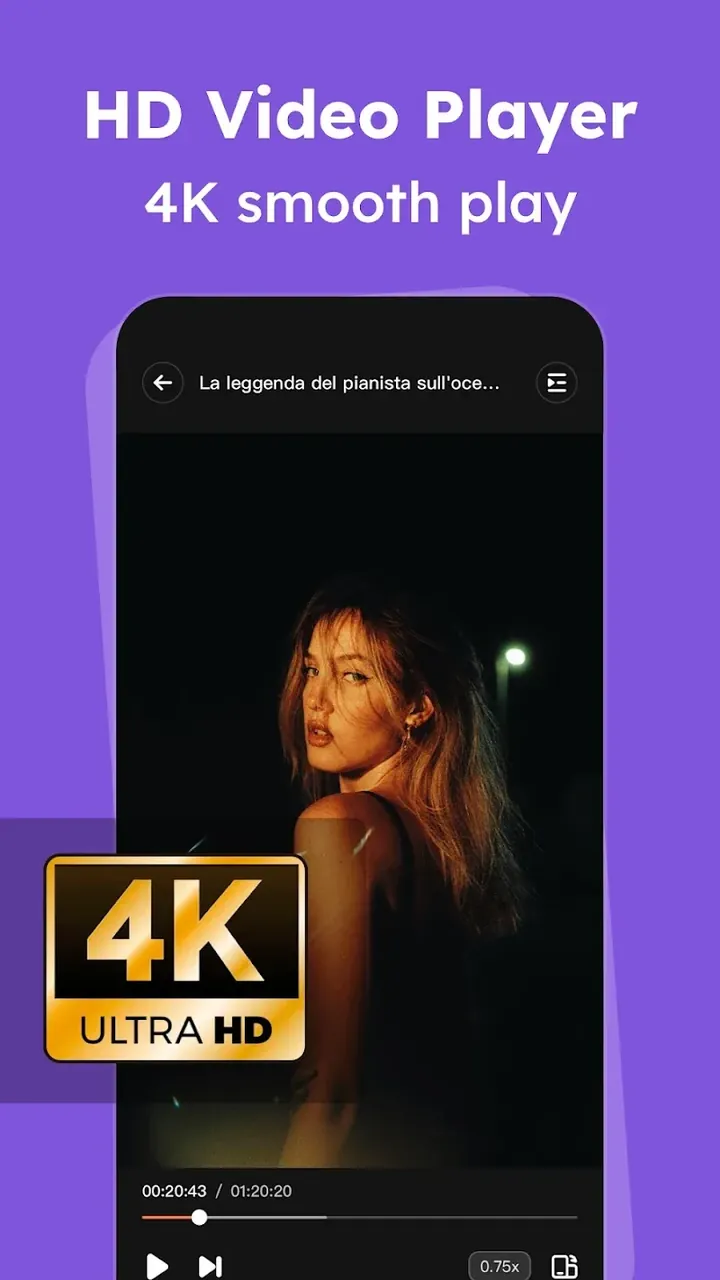
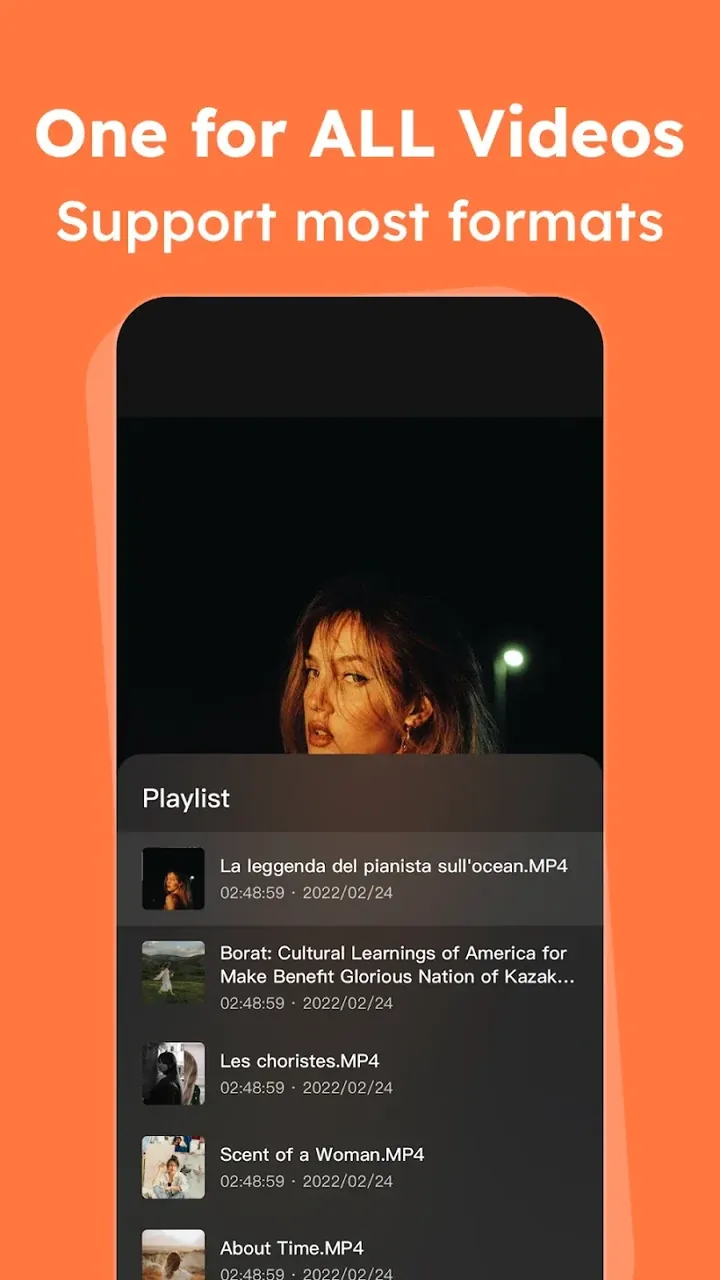
This version of the iPlayer Lite MOD APK provides access to all premium features without requiring a subscription. It removes the restrictions found in the standard version to allow for a full media playback experience.
What’s Modified in iPlayer Lite
- All premium features within the application are unlocked.
- Users have access to the full version of the player without restrictions.
Version 2.1.0 has a file size of 41 MB and uses the package name com.lite.tera.iplayerbox; because this file is re-signed, it cannot be installed as an update over a copy from the store.
About iPlayer Lite
iPlayer Lite is designed as a complete mobile media solution, with a focus on high quality video playback and audio streaming. iPlayer Lite Mod APK is designed to play ultrahigh definition (UHD) and 4K content, and as such is a superior alternative to the standard players. By utilizing a high performance processing engine, iPlayer Lite aims to provide stutter-free playback of high bitrate UHD and 4K content that is common on mobile devices. iPlayer Lite seeks to consistently provide a high quality and professional playback experience. Because of its high performance engine, the software can process large video files (in terms of length and bitrate) without losing responsiveness. iPlayer Lite provides playback performance and responsiveness that rivals professional grade, desktop-based media players. It gives users the peace of mind to playback virtually any content, regardless of length, and rest assured that the content will be played back in the exact quality it was created in.
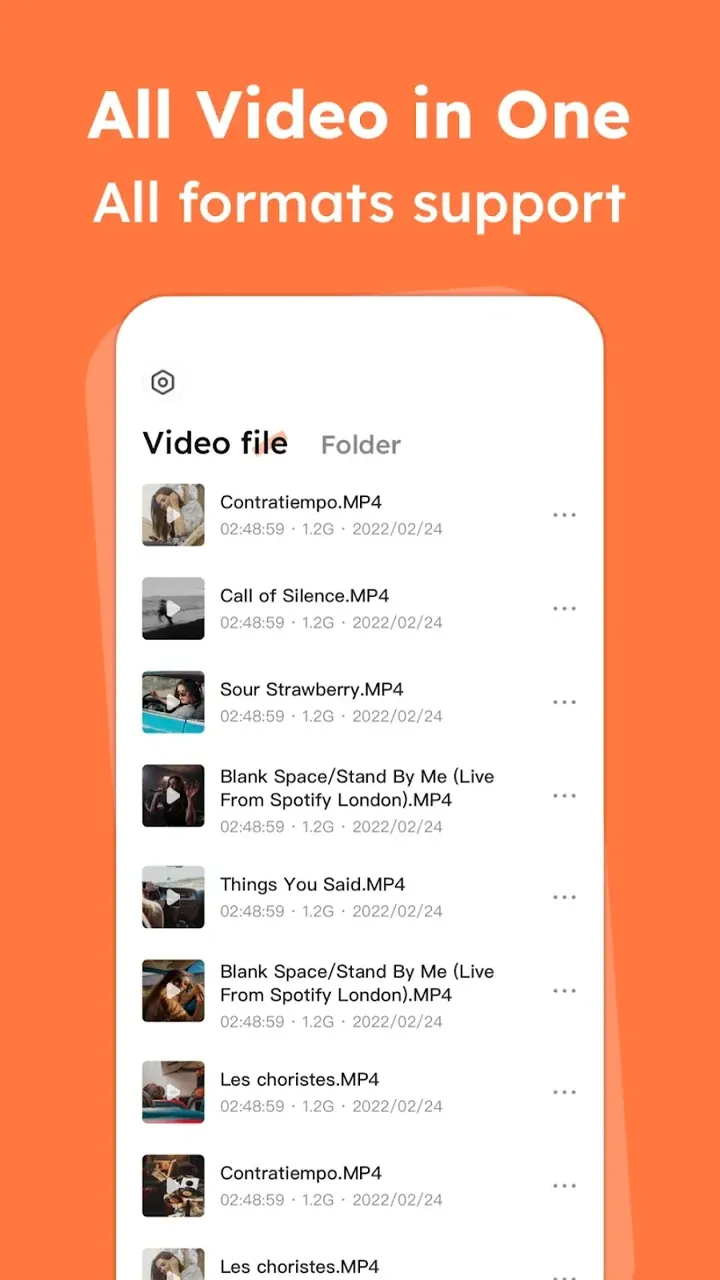
One important element of the software is the ability to read various multimedia formats. This is meant to address the various interoperability challenges faced with standard mobile players. The software can read multiple video and audio formats such as MP4, MKV, AVI, FLV, and numerous specialized music formats. This means the users need not convert files to be played by the software as the engine embedded in the software is able to read the files natively. The software removes the need for the user to install multiple players for different formats and hence simplifies management of a media library. The software provides access to different types of media files in a single player. The software also eliminates the File Not Supported error message and, therefore, provides a more seamless transition between different types of media content stored on the device. This means that, with the software, users are able to play virtually any common media files available on the internet or files transferred from other devices without the need to convert the files.
Audio lovers have a 24/7 Music Hub that gives them an opportunity to stream music non-stop and build their own personal library of music. This feature is designed to give users a broad selection of music to listen to anytime they want. Whether users want to listen to music while traveling, working out, or just chilling, this app has it all. The app uses a background play mode which is essential for modern music consumption. Like the name suggests, it plays music in the background and lets users do other things on their device like use other apps or do other tasks. This music player is designed specifically to serve the purpose of providing uninterrupted music while helping the user to do other things and not obstruct their workflow. Because of the 24/7 access, the Music Hub gives users non stop music so they never have to manually start the music. Music adapts to users’ routine and provides continuous audio streaming.
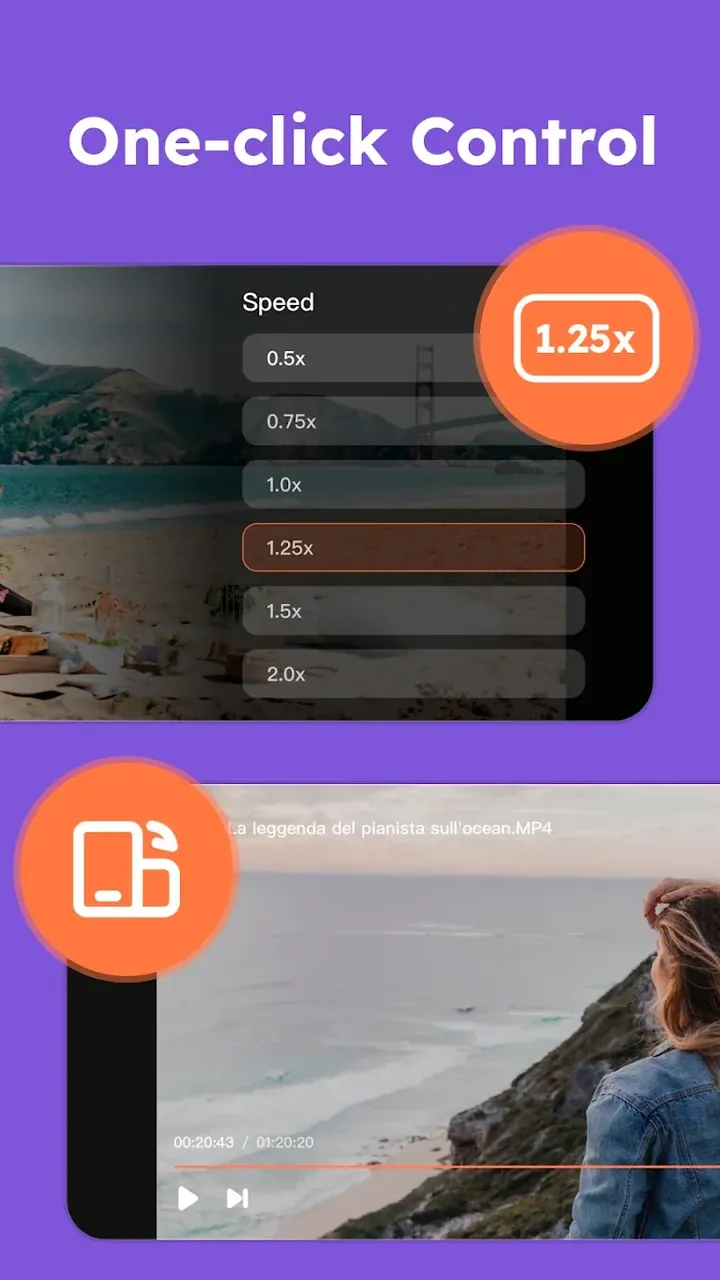
The device utilizes Smart Gesture Technology and the Quick Gesture Adjust system for easy in-app navigation. The gestures allow for certain adjustments to be made directly from the video playback window. The application’s developers took a gesture-based, rather than button-based, approach to menu interactions to provide a user experience more responsive to the needs of consumers in an age of constant media consumption. These controls allow for adjustments to many parameters while not disrupting the video. The focus on usability while consuming media on the go was noticeable. One of the largest obstacles in the design of interfaces for use while on the go is the need to maintain a clean, clutter-free interface while supporting the widest range of adjustment controls for the consumption environment.
The app utilizes an Advanced Processing Engine. The Lite version of this engine is what is used to further optimize efficiency for the reduction in consumption of system resources, like battery and storage. Though a device may have limited hardware, the engine is designed to eliminate lag and enhance smooth performance during heavy playback tasks. This level of efficiency benefits the Intelligent File Management System, which scans the device for locally stored media, and automatically organizes video and audio files into respective categories. This allows users to easily make custom playlists and find the media they want without needing to search through a folder structure to find it. This system is designed to reduce the app’s technical footprint, while providing a lot of content. This ensures that the app remains small and quick, regardless of the size of the media library being managed.
The user experience is further enhanced by the intelligent loop and playback features. Users can create precise repeat patterns for media of their choice and adjust the speed of playback to their preferences. The variable playback features allow users to slow down media for more detailed examination or speed up media to save time. All of these features, along with the clean and simple user interface, enhance the overall ease of use of the app. The software is designed to be as user-centric as possible, and to meet the users’ entertainment needs with as few technical limitations as possible. It can handle local files and streams equally well. The software gives users a mobile personal entertainment companion that stretches the boundaries between simplifying the features needed for day to day use and providing features required for professional use. With this, it allows users to enjoy their video and audio contents without bothering about tech restrictions.
Key features
- Ultra HD and 4K Playback
- Universal Format Support for MP4, MKV, AVI, and FLV
- 24/7 Music Hub
- Smart Gesture Technology
- Quick Gesture Adjust
- Advanced Processing Engine
- Intelligent Loop and Playback
- Background Play Mode
- Intelligent File Management System
Related MOD APKs
FAQ
Is Premium unlocked in iPlayer Lite MOD APK?
This iPlayer Lite (2.1.0) version provides Premium Unlocked. It functions like the snap game team release, with all modifications active immediately after you finish the installation.
What is the latest version of iPlayer Lite MOD APK?
Version 2.1.0 matches the snap game team release from June 23, 2026. We don’t keep older versions here. Update by installing the build from this page over the current one; if Android reports a signature conflict, remove the old version first.
Is iPlayer Lite MOD APK safe to download?
This iPlayer Lite v2.1.0 build on MODYOLO from snap game team features Premium Unlocked. 3 users gave it a 4.3/5 rating here. It does not require root. A Play Protect warning during install is expected; always download from this page.
Does iPlayer Lite MOD APK remove the watermark?
Premium Unlocked is included here. Because watermark-free exports are Pro features in iPlayer Lite, check the export screen after you install to verify the results.
iPlayer lite v2.1.0 MOD APK (Premium Unlocked)
Download (41 MB)You are now ready to download iPlayer Lite for free. Here are some notes:
- Please read our MOD Info and installation instructions carefully for the game & app to work properly
- Downloading via 3rd party software like IDM, ADM (Direct link) is currently blocked for abuse reasons.
4.3/5 (3 votes)