Stream live TV, movies, and 4K sports with IPTV Smart Player MOD APK. Support for M3U playlists, Chromecast, and a custom media library. The ultimate Android player!


IPTV Smart Player v2.30 MOD APK (Premium Unlock)
| App Name | IPTV Smart Player |
|---|---|
| Publisher | Dmitri Iasibas |
| Genre | Entertainment |
| Size | 28 MB |
| Latest Version | 2.30 |
| MOD Info | Premium Unlock |
| Get it On |

|
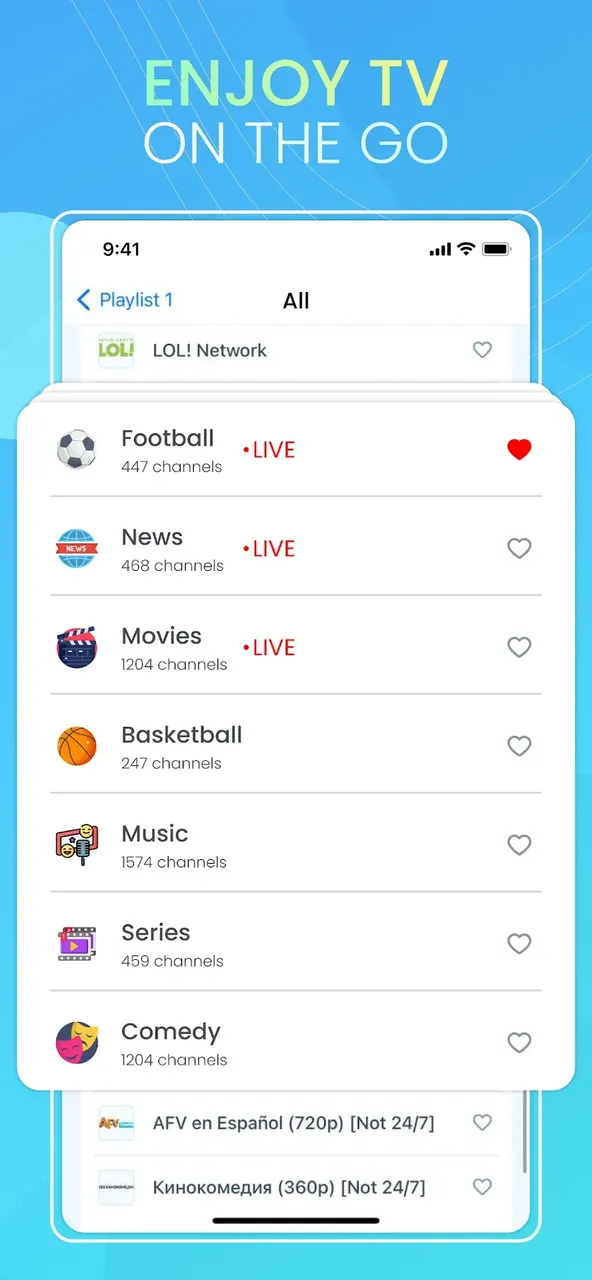
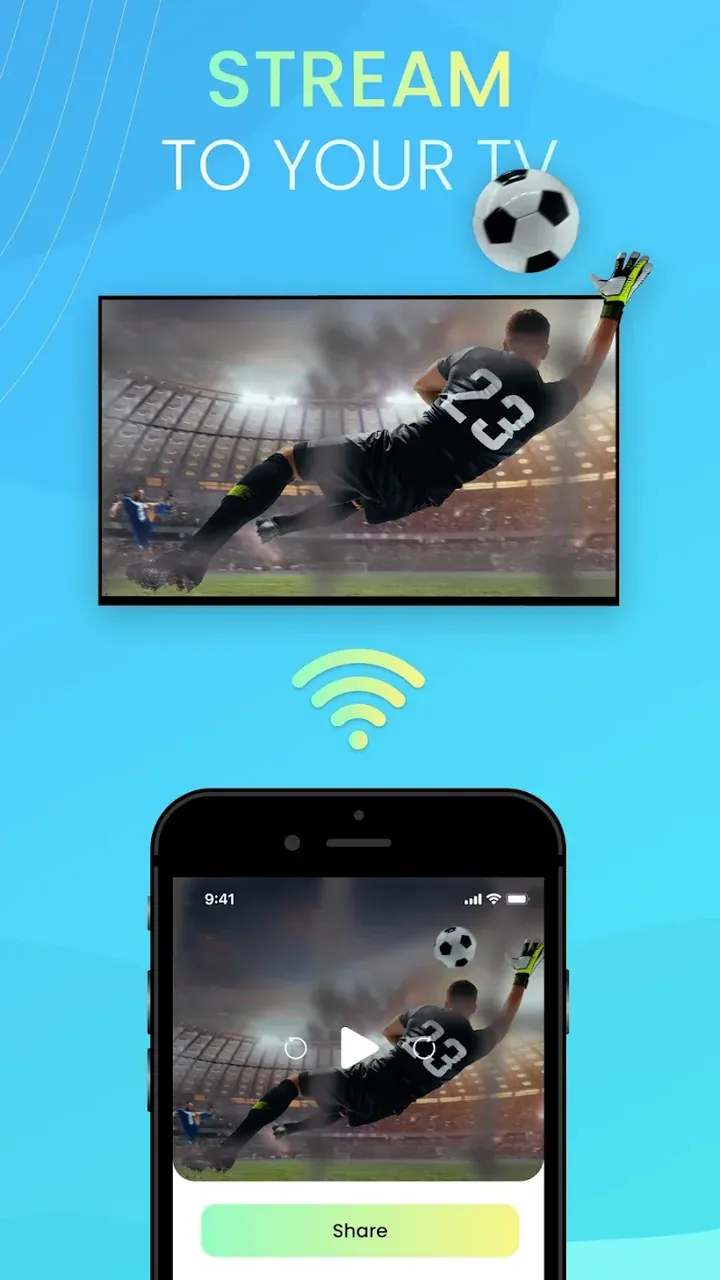
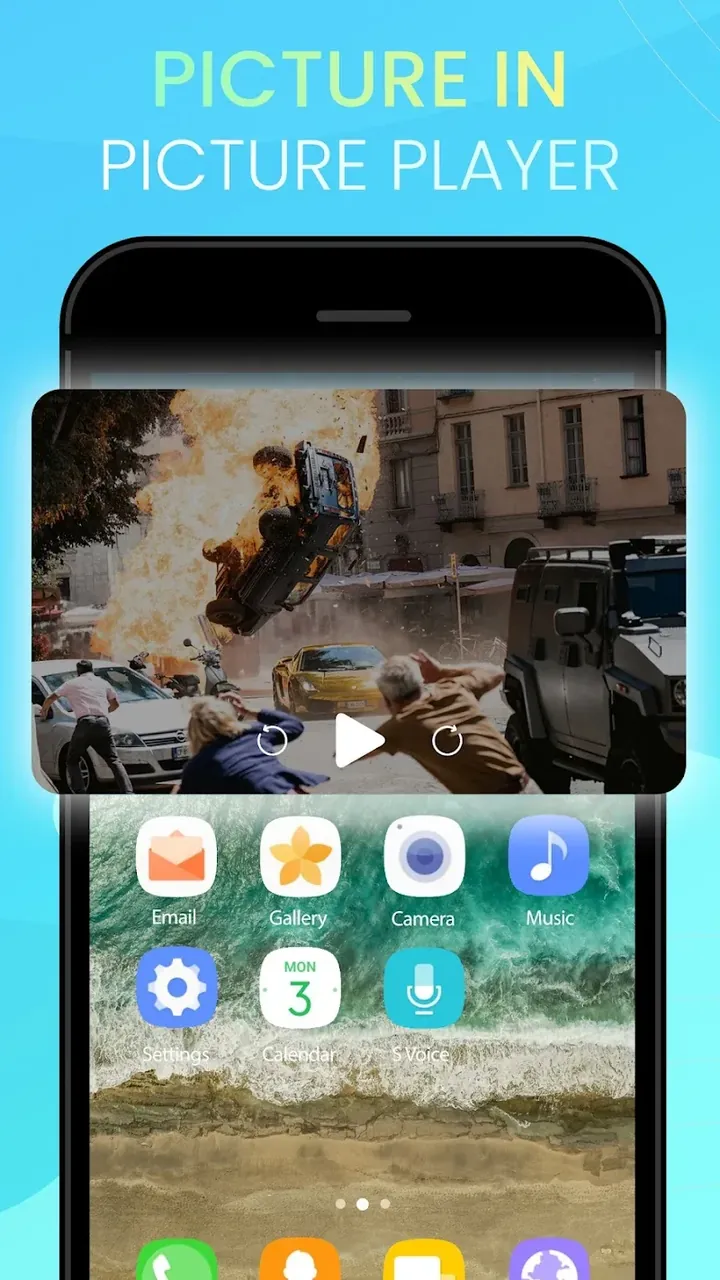
This build provides a Premium Unlock for the IPTV Smart Player MOD APK, enabling all features that are normally restricted to the paid version. It removes the limitations associated with the standard user experience to allow full access to the streaming management tools.
What’s Modified in IPTV Smart Player
- Premium Unlock: Grants full access to the application’s premium features and interface enhancements.
Version 2.20 is a 28 MB file with the package name com.iptv.smart.player; because it is a re-signed build, it cannot be installed as an update over the version available on the official store.
About IPTV Smart Player
For users with digital playlists on Android, IPTV Smart Player is a comprehensive media management tool. Our app works with content providers to access M3U and M3U8 formats, and focuses on the ingestion of these formats. The app has an intelligent parser to process channel lists and prevent long load times for the user when dealing with large datasets. This is very useful when a user wants to organize large numbers of live TV channels, or large numbers of video on demand channels. This app provides a centralized location to numerous digital streaming sources and helps the user organize their mobile digital entertainment in an easy to use format. The parser is very advanced and very flexible to help import different playlist formats, preserve channel names, logos and groupings.
The application places a significant emphasis on the quality of the content being streamed. As such, it supports numerous resolutions including Standard Definition (SD), High Definition (HD), 4K, and Ultra High Definition (UHD). Support for various resolutions depends on the source link provided by the user. With high fidelity frames, the app takes advantage of the capabilities of the Android device’s hardware, specifically rendering high detail and clarity frames. With its integrated support for Google Chromecast, the app enables users to cast live channels and movies to larger display surfaces. Being able to cast to larger display surfaces enhances the home cinema experience. The app supports high definition wireless streaming. Wireless streaming, in addition to casting, transforms a mobile device into a home cinema. When connected to a television, the app maintains the stream quality.
Organizational skills are essential to the user experience of this platform. The Advanced Media Library feature allows for the creation of custom hubs where videos, movies, and sports channels are organized into various sections. This helps users avoid the hassle of having to scroll through long disorganized lists to locate their content. The Media Library is fully optimized for the Android ecosystem, with navigation systems built for both high and low end devices. Users can search for or filter titles and genres using the built-in tools which are geared for large media databases. The structural design of the Media Library provides an organizing system for digital media that stays manageable and professional-grade as more content is added over time.
The application utilizes a high-performance streaming engine under the hood. This engine processes data low-latency, and is therefore highly suitable for use cases where live TV feeds are shown. This engine reduces the amount of buffering in the streams. With the support for a lot of different video codecs and formats, the engine covers a large part of all available formats. This greatly reduces the number of cases where a different player would be needed for playback. During import of a playlist, the application automatically determines the live TV, VOD and series content. This also reduces the overhead for the user to manually tag and move files to different folders. The engine behind the application takes care of buffering data for the best possible playback, based on the condition of the network the application is used on, e.g. a fast network, or a mobile network.
Interactive gesture controls enable users to adjust several settings, such as screen brightness, and to seek through the video timeline. This removes the distraction of a user interface and allows the user to maintain focus on the content. The player includes an error handling system to address issues that may occur with digital streams. The player attempts to reconnect to a stream, if the stream becomes unavailable due to issues with the user’s internet connection or the stream’s server. The system quickly attempts to reestablish a connection to the stream, to limit the user’s interruption and loss of experience with the content. The player allows the user to adjust subtitles, and audio streams, based on the user’s preference, and to select or remove subtitles, to accommodate the user’s consumption of content across various regions and languages.
The IPTV Smart Player MOD APK serves as a framework to play media based on the M3U link provided by the user. The application does not host any content. This product focuses on the stability and speed of the media playback engine. The application provides the necessary components to stream media content (e.g. global sports, international news, and the latest movie releases) and to organize the streams in high definition. This application is built based on the idea of providing a high quality media playback engine for a variety of contents and a clean user interface, in comparison to other paid media streaming solution. This application provides features comparable to those of paid solutions at no cost to the user. Therefore, this application is a great solution for paid content streaming.
Key features
- Universal M3U and M3U8 compatibility
- 4K and Ultra HD playback support
- Built-in Chromecast integration
- Advanced Media Library organization
- High-performance streaming engine for low-latency
- Gesture controls for volume, brightness, and seeking
- Automatic stream reconnection
- Subtitle and audio track switching
- Search and filtering tools
Related MOD APKs
FAQ
Is Premium unlocked in IPTV Smart Player MOD APK?
This 2.20 version of IPTV Smart Player includes the Premium Unlock mod. It works the same as the original Dmitri Iasibas build, with changes taking effect as soon as you finish the installation.
What is the latest version of IPTV Smart Player MOD APK?
This 2.20 build corresponds to the Dmitri Iasibas release from July 1, 2026. We don’t keep older versions here. To update, install this file over your existing app. If you encounter a signature conflict, uninstall the old version first.
Is IPTV Smart Player MOD APK safe to download?
This 2.20 version of IPTV Smart Player by Dmitri Iasibas adds the Premium Unlock. It has a 3.7 rating from 85 users. It does not require root. A Play Protect warning is expected during install, so always download from this page.
Can I use IPTV Smart Player MOD APK on PC or iPhone?
This Android file cannot be installed on an iPhone. You can run the 28 MB package on PC or Mac using an emulator like BlueStacks or LDPlayer. Just install your chosen emulator and drag the file into it.
IPTV Smart Player v2.30 MOD APK (Premium Unlock)
Download (28 MB)You are now ready to download IPTV Smart Player for free. Here are some notes:
- Please read our MOD Info and installation instructions carefully for the game & app to work properly
- Downloading via 3rd party software like IDM, ADM (Direct link) is currently blocked for abuse reasons.
3.7/5 (85 votes)