


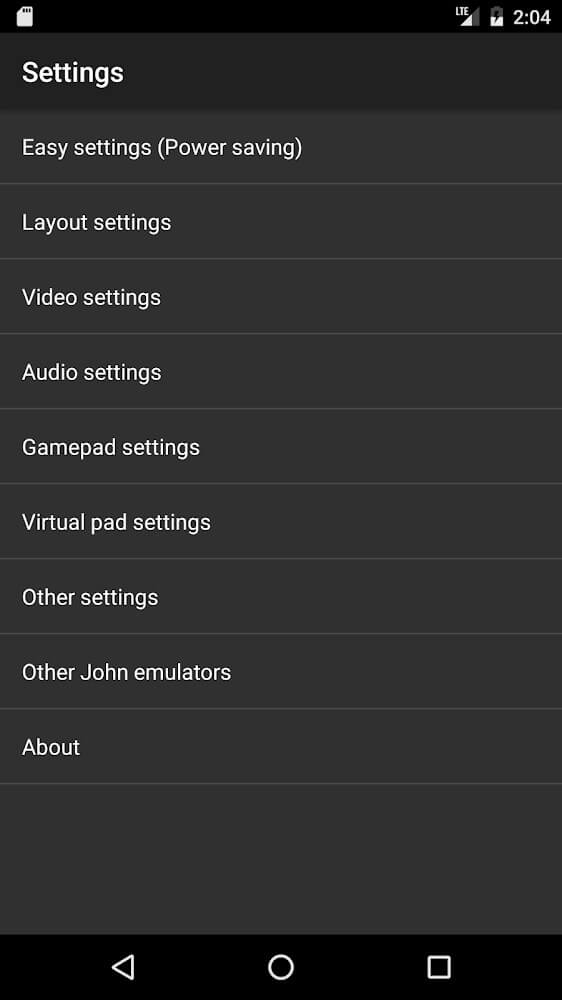
The John GBA MOD APK provides a patched version of the original emulator, granting access to the premium features associated with the paid edition. This specific build is modified to bypass standard license verification, allowing the application to operate as a full version without requiring an official store purchase.
What’s Modified in John GBA
- The application is patched to unlock the premium functionality of the paid version.
- Internal license checks are removed to allow the emulator to run as a full, patched build.
This build is version 4.05, has a file size of 17M, and uses the package name com.johnemulators.johngba; it is re-signed and therefore cannot be installed over a copy from the store.
About John GBA
The primary purpose of this software is to serve as a professional-grade emulator for the Game Boy Advance, a console that many users associate with their early gaming experiences. By utilizing the modern processing power of a smartphone, the application recreates the environment of a legendary handheld console, effectively turning a standard mobile device into a dedicated gaming platform. This transition is designed to assist players who no longer have access to physical vintage hardware or who find that the original consoles are sold out in the current market. The emulator functions as a digital time machine, bringing classic titles into a contemporary mobile context. It focuses on providing an authentic recreation of the original handheld experience while adding several software-based enhancements to improve the overall flow and accessibility of gameplay on a touchscreen device.
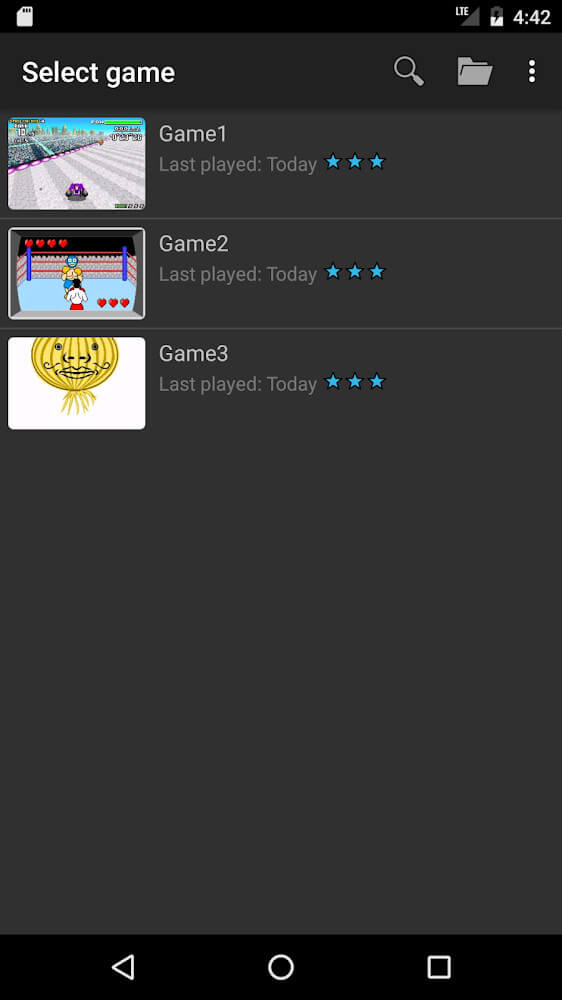
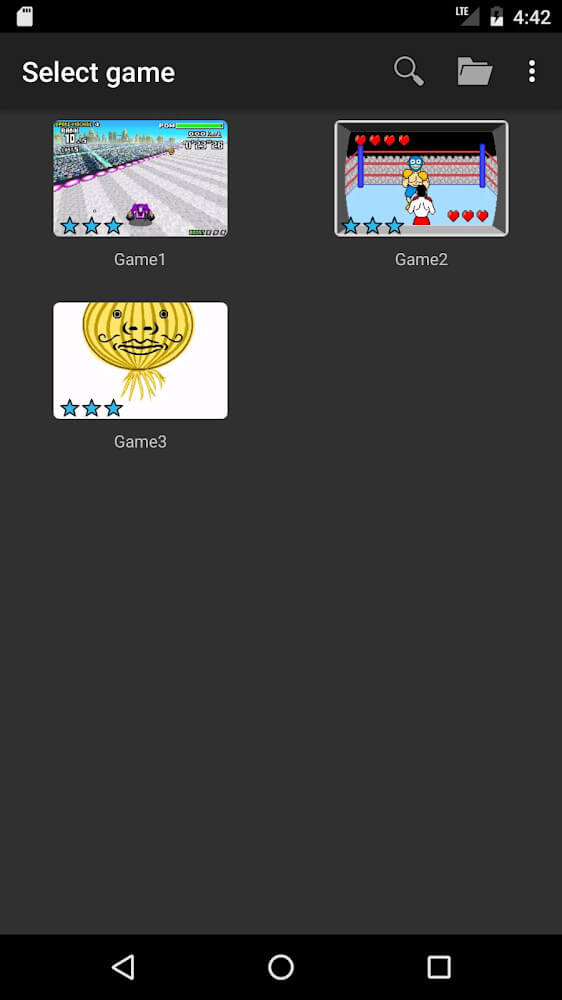
To begin the emulation process, the software requires the user to manage their own library of game files. The application does not come with games pre-loaded; instead, it provides the framework to run them. Users must prepare a specific space on their device for these files, and once they are downloaded, the emulator can be set to run them in the background. A core feature of the system is its ability to automatically confirm and recognize the game files stored on the device. Once recognized, the software handles the setup and rendering processes without requiring extensive manual configuration from the user. This automated scanning ensures that the transition from a file on a storage drive to a playable game is as seamless as possible, allowing the user to focus on the entertainment rather than the technical backend.
The software is capable of supporting a wide variety of popular game genres, including adventure, racing, and puzzle games. A specific example of a supported title mentioned in the documentation is Minish Cap, which demonstrates the emulator’s ability to handle complex game elements, racing courses, and traditional adventure mechanics found in high-profile series. Because it is a dedicated GBA emulator, it is optimized for the specific architecture of those games, ensuring that the rendering and speed are consistent with what a player would expect from the original hardware. The emulator also provides additional playtimes for those who fail a specific section, giving users more opportunities to enjoy their favorite video games without the strict limitations of the original hardware’s life or continue systems.
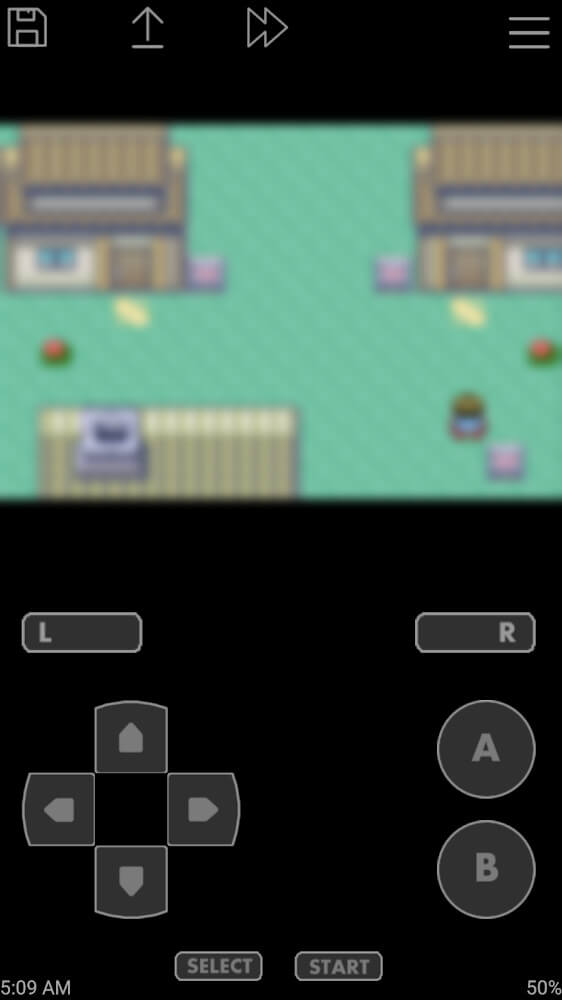
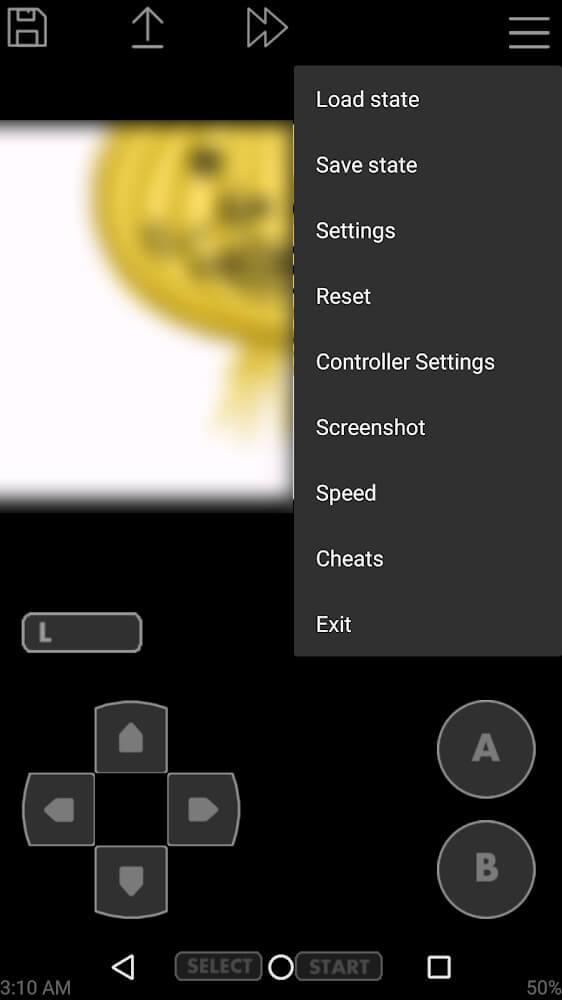
The control interface is modeled after an analog emulator system, providing a familiar layout for those accustomed to physical buttons. The software displays two distinct areas on the screen: the primary game rendering window and the console interface that houses the controls. This layout is highly customizable, allowing users to choose how much of the screen is occupied by the game and how the buttons are arranged. For players who prefer a more tactile experience, the application includes built-in support for external physical controllers, which can be connected to the device to bypass the on-screen touch interface entirely. This flexibility extends to the orientation of the device, as the controls and the game display can be adjusted to function in either a horizontal or vertical layout, depending on the player’s preference or the specific requirements of the title being played.
Performance is a significant priority for this emulator, particularly regarding the speed at which games are loaded and processed. It is designed to minimize the time spent waiting for a game to start, aiming to outperform standard emulators in terms of loading efficiency. Additionally, the software incorporates power-saving features intended to reduce the strain on the device’s battery and prevent the hardware from overheating during extended gaming sessions. This focus on resource management is paired with a high level of compatibility and movement speed, ensuring that the emulation remains smooth and responsive throughout the experience. The emulator also provides an automatic progress saving feature, which tracks the player’s current state in real-time. This allows users to exit the application and return to the exact moment they left off, which is a significant advantage for mobile users who may need to stop playing at a moment’s notice.
The visual appearance of the John GBA MOD APK can be personalized through a variety of customization options. The emulator supports multiple skins and color themes, which are included to prevent the interface from feeling static or repetitive over time. Users can access different color palettes to change the look of the theme screen, bringing a personalized aesthetic to the console interface. Beyond visual themes, the application allows for the editing of the action layout, giving users the power to reposition buttons and functions to better match their specific playstyle or hand size. There are also options to set up specific shutdown functions, which can help in launching and closing the emulator more efficiently. These features contribute to a user-friendly environment where the focus remains on the games themselves, supported by a powerful and flexible action layout.
Key features
- Game Boy Advance emulation engine
- Minish Cap title support
- Automatic game file recognition and setup
- Background rendering system
- Automatic progress saving and resume
- Analog emulator control interface
- External physical controller support
- Fast game loading speed
- Power-saving mode to prevent overheating
- Customizable skins and color themes
- Horizontal and vertical screen layouts
- Adjustable action layout for buttons
- Configurable shutdown functions
Related MOD APKs
FAQ
What does John GBA MOD APK unlock?
This 4.05 version of John GBA includes PAID and Patched modifications. It functions like the standard John emulators release once installed, with all changes active immediately upon setup.
What is the latest version of John GBA MOD APK?
This 4.05 build matches the John emulators release from September 1, 2025. We don’t keep older versions here. Update by installing this file over your current app; if you see signature errors, delete the old version first.
Is John GBA MOD APK safe to download?
This John GBA 4.05 release from John emulators features PAID and Patched edits. 84 people gave it a 3.6/5 rating. It does not require root. Expect a Play Protect alert, so always download from this page.
Can I use John GBA MOD APK on PC or iPhone?
Since this is for Android, it cannot run on iPhone. To use the 17M file on PC or Mac, install BlueStacks or LDPlayer, then drag the package into that emulator to start.