Turn your phone’s buttons into smart shortcuts. Customize presses, launch apps, control settings, and simplify everyday tasks with Kea.
Kea: Button Remapper MOD APK V2.0.2 (Pro Unlocked)
| App Name | Kea: Button Remapper |
|---|---|
| Publisher | TechiBoy Studios |
| Genre | Tools |
| Size | 71 MB |
| Latest Version | 2.0.2 |
| MOD Info | Pro Unlocked |
| Get it On |

|
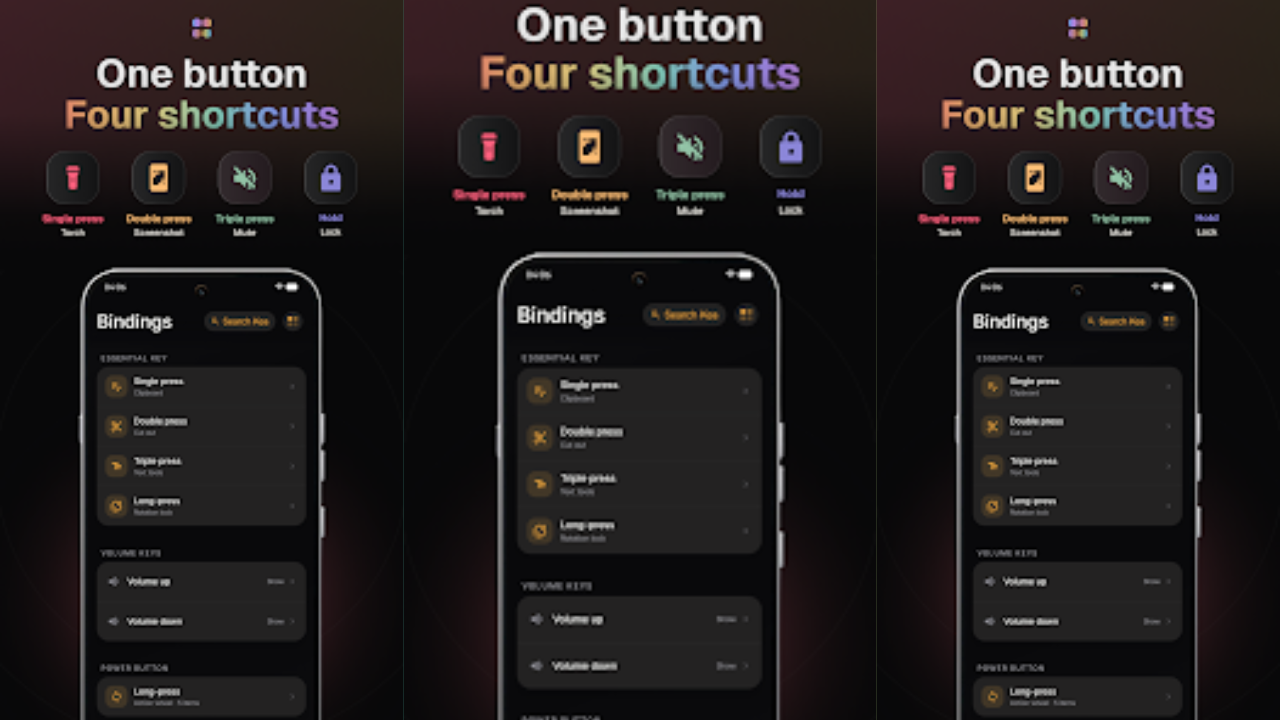
Take control of your phone with Kea: Button Remapper, a powerful customization tool that transforms your hardware buttons into convenient shortcuts. Assign different actions to single presses, double presses, triple presses, and long presses to access your favorite features faster.
Whether you want to turn on the flashlight, capture a screenshot, control music, launch an app, or adjust system settings, Kea puts useful actions right at your fingertips. Make your phone work the way you want with flexible button controls and personalized shortcuts.
Customize Your Hardware Buttons
Give your physical buttons more functionality. Kea lets you assign different actions to compatible hardware keys, making everyday phone interactions quicker and more convenient.
Choose from multiple press gestures:
- Single press for instant shortcuts.
- Double press to trigger another action.
- Triple press for additional functionality.
- Long press to access your chosen feature.
Kea can recognize compatible extra hardware buttons and also supports the power button’s long-press gesture. With Kea Pro, you can customize volume button actions too.
Powerful Actions at Your Fingertips
Choose from a wide selection of useful actions and system controls:
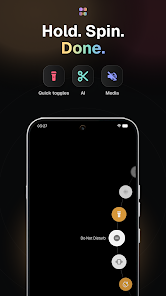
- Quick Settings: Toggle the flashlight, Do Not Disturb, Bluetooth, internet, auto-brightness, and screen rotation.
- Media Controls: Play or pause music, skip tracks, switch songs, and mute media.
- Screen Tools: Take screenshots, start screen recordings, open the camera, and trigger the camera shutter.
- Navigation Shortcuts: Access Home, Back, Recent Apps, Notifications, Quick Settings, and the Lock Screen.
- Everyday Utilities: Open the calculator, timer, brightness controls, and other useful tools.
- App Shortcuts: Launch your favorite applications, open links, and access supported app-specific actions.
Explore More with Kea 2.0
Kea offers more than traditional button remapping. Explore additional tools designed to make everyday smartphone use easier.
Kea Board: Access a floating workspace for text, links, images, and notes. Organize useful content and search through saved information.
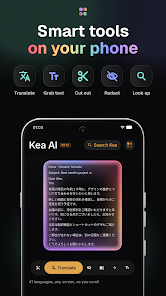
Screen Translation: Translate text directly from your screen, including Chinese and Japanese, with on-device processing.
Smart Screen Tools: Grab text from your screen, look up words, redact sensitive information, and cut out subjects from images.
Action Lab: Combine multiple actions into a single button press. Create custom sequences and use conditions to trigger different actions depending on your phone’s state.
App Sidebar: Keep favorite apps and useful toggles accessible through a customizable floating dock.
Personalize Your Experience
Make Kea match your style with customizable visual feedback. Choose from different overlay themes, adjust their position, and explore available animations and appearance options.
Get a clear on-screen confirmation whenever a button action is triggered, so you know your shortcut has worked.
Kea: Button Remapper MOD APK V2.0.2 (Pro Unlocked)
Download (71 MB )You are now ready to download Kea: Button Remapper for free. Here are some notes:
- Please read our MOD Info and installation instructions carefully for the game & app to work properly
- Downloading via 3rd party software like IDM, ADM (Direct link) is currently blocked for abuse reasons.
4.5/5 (88 votes)