Master your mobile experience with Key Mapper MOD APK! Remap buttons, create custom shortcuts, and optimize your gaming controls with floating action triggers today.

Key Mapper & Floating Buttons v4.3.0 MOD APK (Premium Unlocked)
| App Name | Key Mapper |
|---|---|
| Publisher | sds100 |
| Genre | Personalization |
| Size | 15 MB |
| Latest Version | 4.3.0 |
| MOD Info | Premium Unlocked |
| Get it On |

|
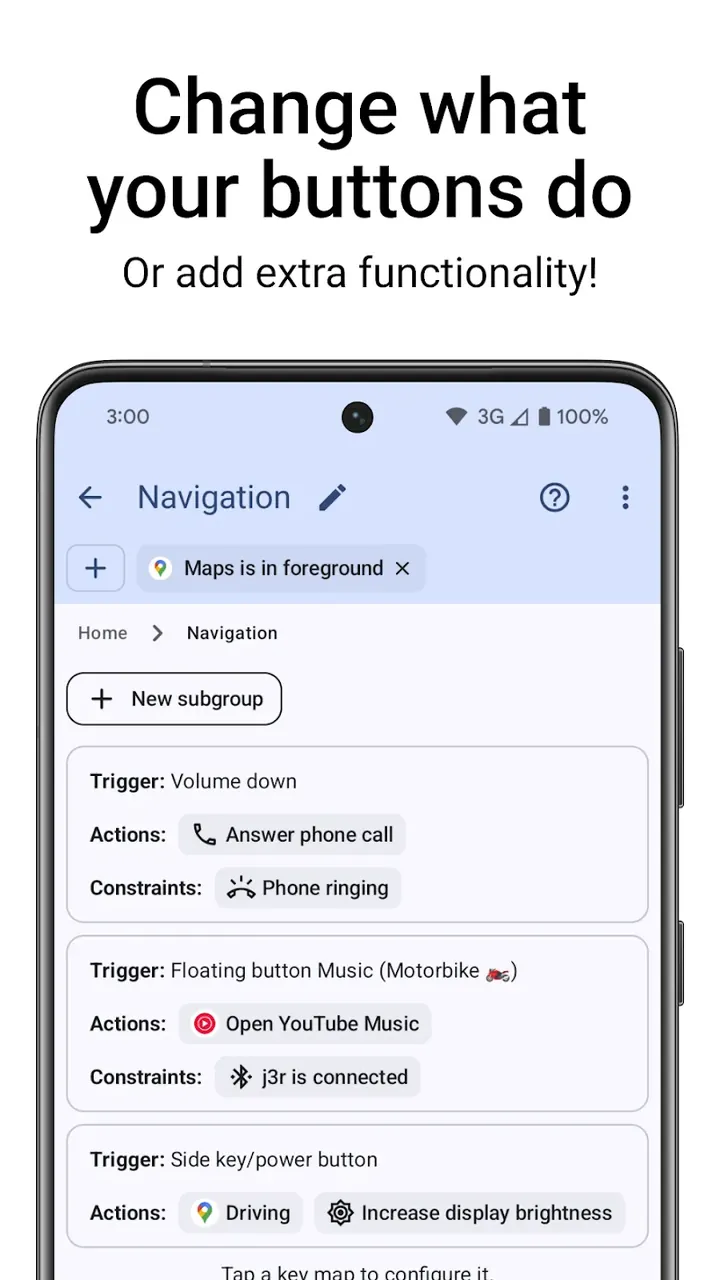
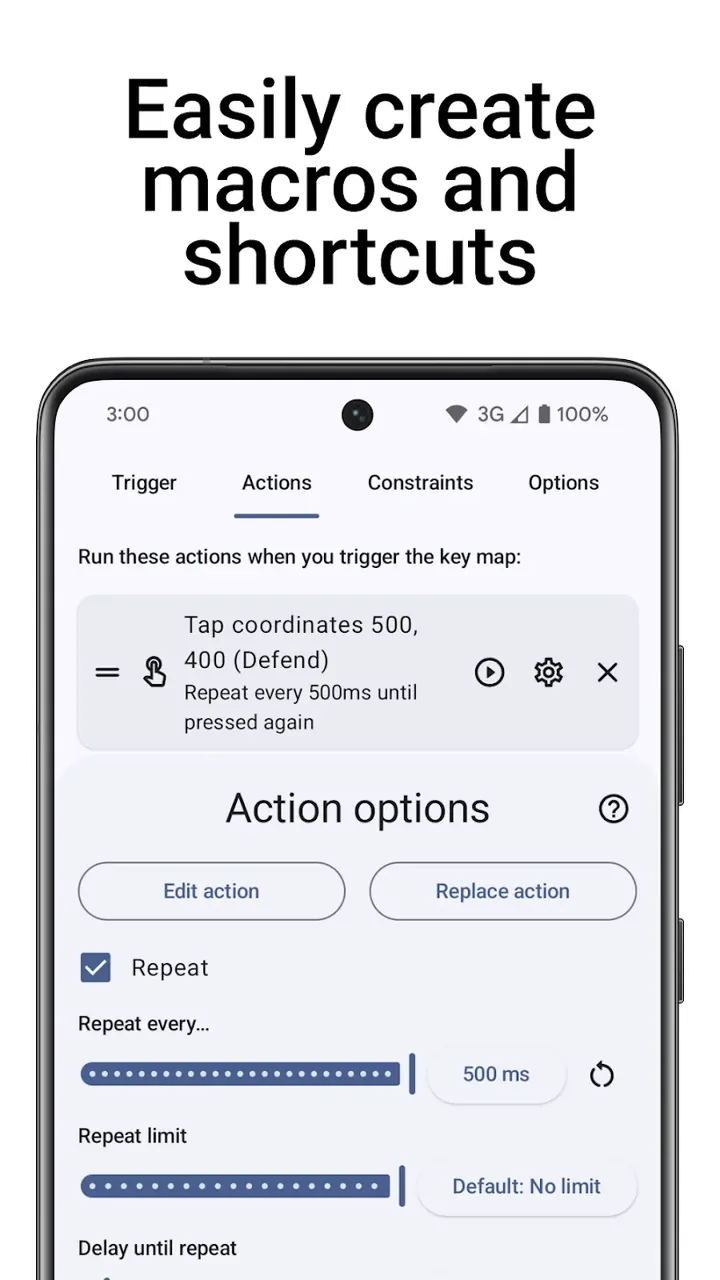
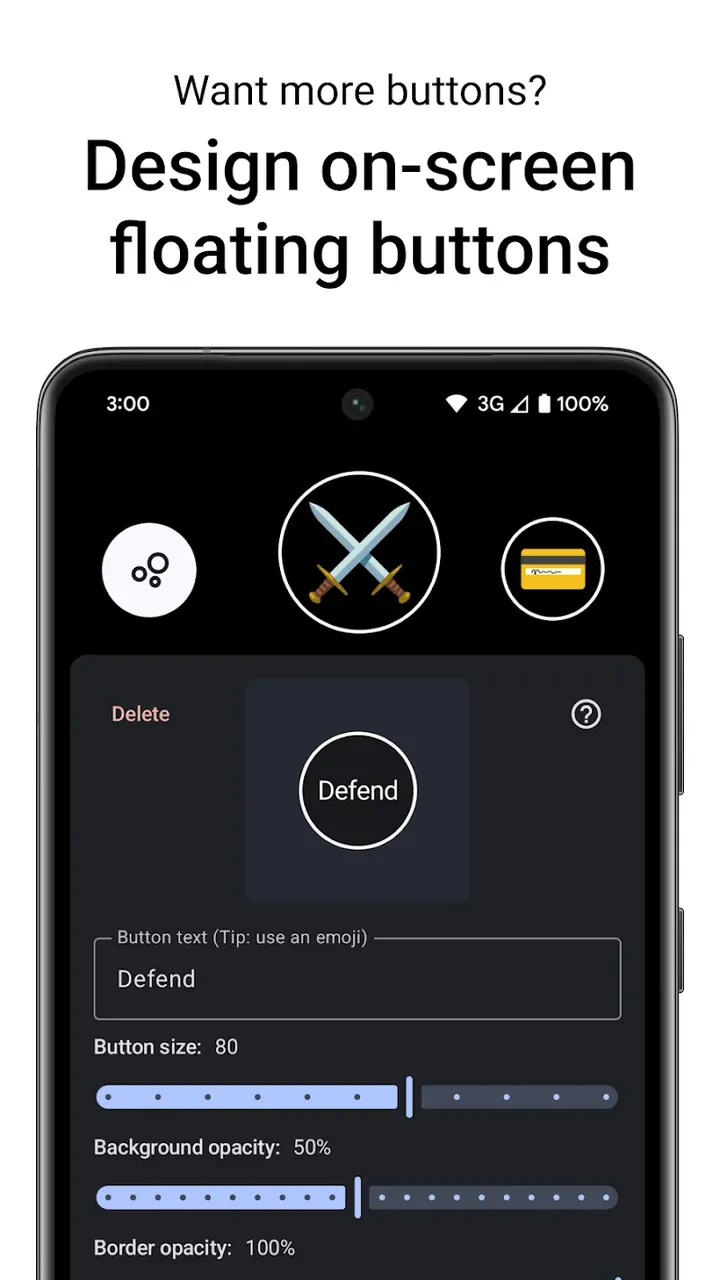
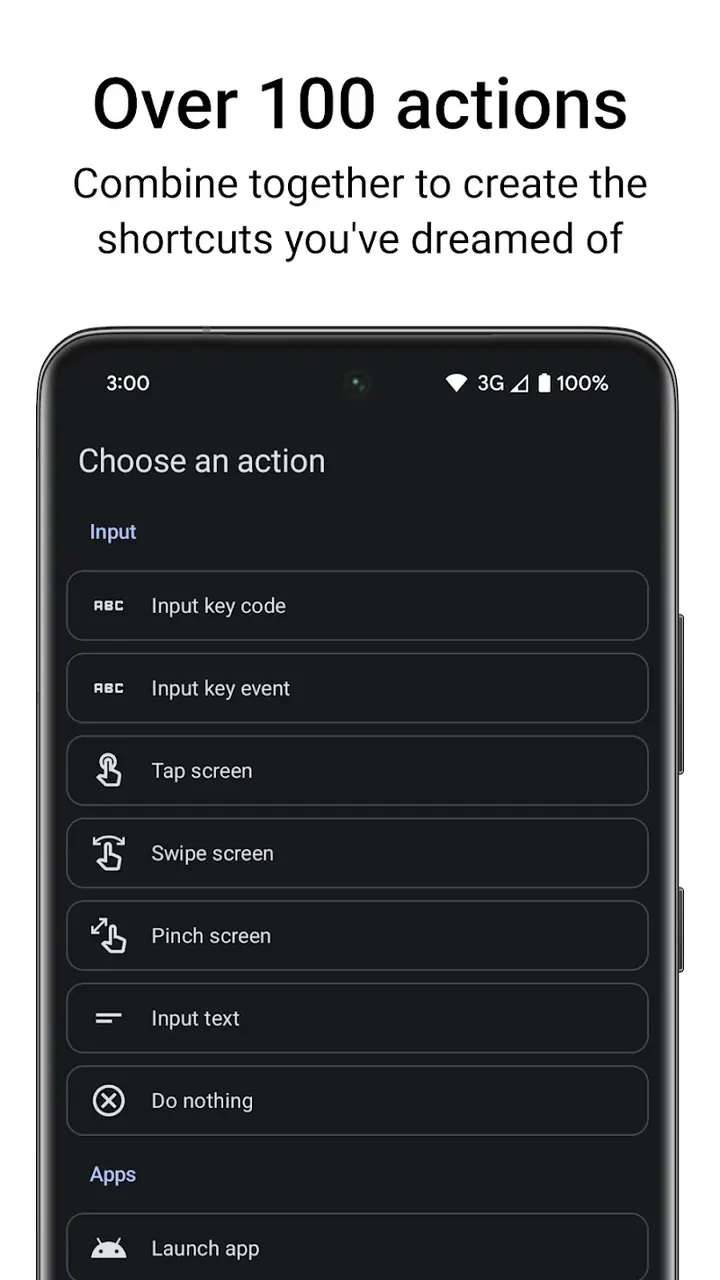
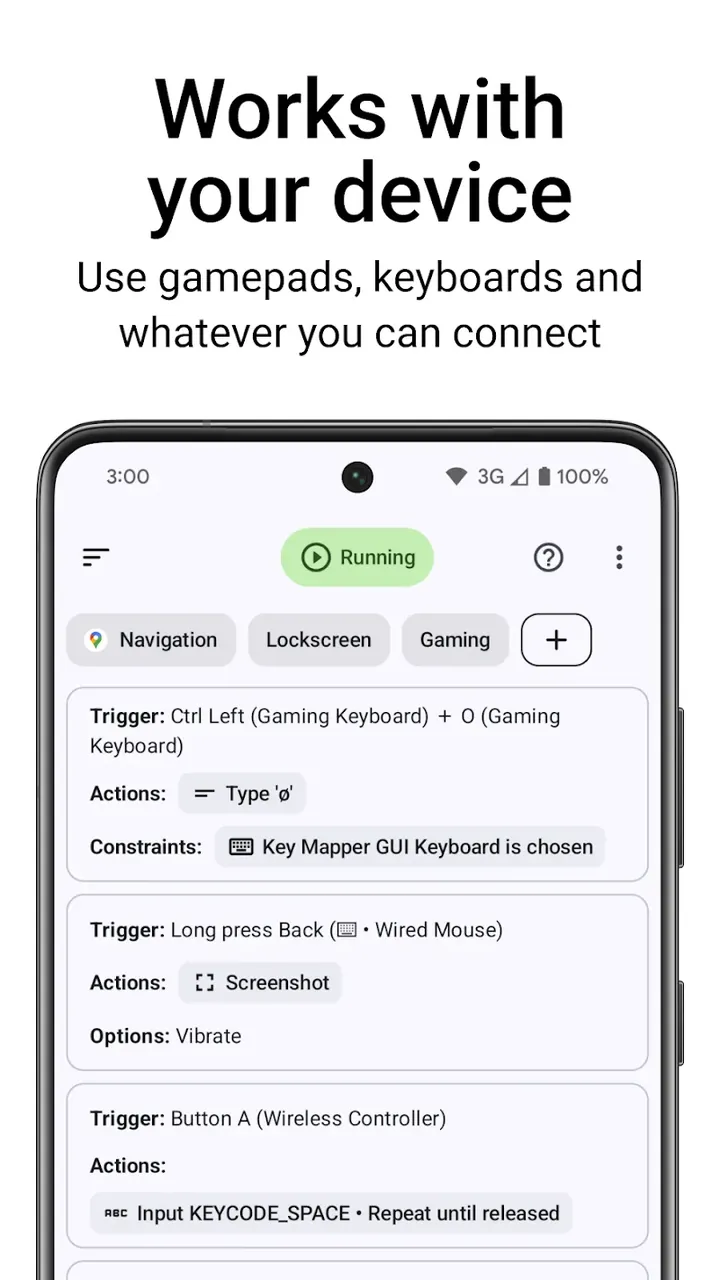
This build provides a version where premium features are unlocked, allowing users to access the complete range of customization tools without the standard restrictions. Key Mapper MOD APK enables the reconfiguration of device inputs and interface interactions beyond the limitations found in the base version.
What’s Modified in Key Mapper
- Provides full access to premium features that are typically locked in the standard version of the application.
Version 4.3.0 has a file size of 15 MB under the package name io.github.sds100.keymapper, and since this file is re-signed, it cannot be installed as an update over an existing version from the official store.
About Key Mapper
Key Mapper is a utility designed to meet the needs of mobile device users who require extra flexibility than what is allowed in the standard operating system configurations. It’s aimed at users who find the default controls or navigation schemes in a mobile application clunky and inefficient for their needs. The application focuses on providing users the ability to create custom key combinations and mappings to better integrate with their lifestyle whether for productivity or for entertainment. It aims to simplify repetitive tasks by improving the way a device responds to user inputs and interactions. Users are enabled to break free from the constraints of the conventional and standard configurations to experience a more optimized and improved control over the way the device interacts with them. Key Mapper is designed to meet the demands of strategizing and managing resources in complex strategy games while being simple enough to allow users to improve their interaction with their device for routine tasks.
This utility offers an Advanced Button Remapping feature, which enables the user to alter the way hardware communicates with software. As such, physical hardware components, e.g. power and volume keys, can be fully remapped to perform other functions of the user’s choice. For example, these keys can be programmed to perform a command to launch a particular application, or to set/unset a system configuration. Using this feature, a user can craft a multi-function key, e.g. a software-configurable key that can perform several functions. While the Advanced Button Remapping feature enhances the functionality of the components in a given system, Floating Action Buttons (or FABs) provide virtual, software-rendered buttons that remain visible on top of all other applications and games. A user can define these buttons to perform commands of the user’s choice. Given the flexibility that the Advanced Button Remapping feature provides, a user is at liberty to decide whether to use the Floating Action Buttons, or the traditional hardware buttons.
For mobile gamers playing competitive Action or Strategy games, Key Mapper MOD APK comes with customizable Game-Specific Optimization. The tool helps create a screen with command buttons to easily access complicated actions which can otherwise slow a gamer down. Rivaling in a game of this nature requires a great deal of repetitive actions and this tool helps simplify them by allowing users to map the most commonly used spells, items or actions to either physical or floating buttons. This type of customization helps players bypass the time and hassle of searching for small on-screen commands in a cluttered game interface, thereby improving player response time. The tool enables the user to adjust the reaction time to match his/her preferred style. This means that the input triggers can be manipulated to be even faster than the competitors. Thus this tool eliminates a lot of stressful and time-wasting processes, ultimately leading to a simpler way to conquer mobile gaming.
This app uses an intelligent system to allow for a more helpful user guide than just providing tools and leaving the user to figure out the rest. This system incorporates AI-Powered Suggestions, which takes a look at a user’s initial inquiries and the overall pattern of user interactions, in order to offer proposition suggestions of shortcut buttons that best fit user groups. This is all done in an effort to adapt and optimize the app based on the user’s behavior. With this, and the other Intelligent Features, the app also provides System Control Shortcuts. These Shortcuts allow the user to quickly control different settings of the device using single taps, or gestures, all within the remapping system. Because of this, users can quickly control different aspects of the device, all while continuing to perform actions within their currently active application.
The internal architecture of the application prioritizes technical performance and security. This architecture utilizes a Battery-Friendly Engine which uses more efficient code. This engine allows the utility to maintain a small storage footprint and use less resources, thus allowing the utility to run in the background without impacting system performance. For easier navigation within the settings, a built in voice assistance module is provided which allows users to issue voice commands to find a specific feature, or to navigate through the menus. The application provides a Two-Layer Protection system which acts as a security framework to protect both the device and the application’s custom configurations from intentional attacks. This provides additional protection to the user’s customized configuration. The interface is designed to be modern and user-friendly. It provides deep utility and is continuously updated with new designs.
Beyond the core remapping and gaming features, the application redefines interaction with a smartphone. The custom key combinations allow users to interact with their phone in a multitude of ways. For instance, with key combination, users can increase or decrease volume without having to look at the phone. Users can create their own key combinations to perform different functions based on their needs. The level of freedom and flexibility allows users to personalize their interaction with the phone. The usage process is designed to be as convenient and as quick as possible. Users do a quick configuration, and they are ready to use their phone the way they want. The application provides a new level of security, efficiency and freedom to users by breaking free from limitations of standard control schemes. The application helps users to experience and explore the unreleased potential of their phone. The upgrades of the interface and features to let users switch between physical and virtual keys allows users to maintain the ergonomics the way they want. The application truly provides a viable way to empower the mobile experience and provide an edge to the users.
Key features
- Advanced Button Remapping
- Floating Action Buttons
- Game-Specific Optimization
- AI-Powered Suggestions
- System Control Shortcuts
- Battery-Friendly Engine
- Voice Assistance Integration
- Two-Layer Protection
Related MOD APKs
FAQ
Is Premium unlocked in Key Mapper MOD APK?
This 4.3.0 version of Key Mapper includes Premium Unlocked. It functions like the sds100 release, and all changes are active immediately after you install the file.
What is the latest version of Key Mapper MOD APK?
This 4.3.0 build matches the sds100 release from July 20, 2026. We don’t keep older versions here. Update by installing this file over your current app; if a signature conflict occurs, uninstall the previous version first.
Is Key Mapper MOD APK safe to download?
Key Mapper 4.3.0 is the sds100 app with Premium Unlocked. 7 users gave it a 3.9 rating here. It does not require root. Ignore Play Protect alerts and always download from this page.
Can I use Key Mapper MOD APK on PC or iPhone?
You cannot install this on an iPhone. To use this 15 MB file on a computer, install an Android emulator like BlueStacks or LDPlayer, then drag the APK into the software.
Key Mapper & Floating Buttons v4.3.0 MOD APK (Premium Unlocked) Download
Download (15 MB)You are now ready to download Key Mapper for free. Here are some notes:
- Please read our MOD Info and installation instructions carefully for the game & app to work properly
- Downloading via 3rd party software like IDM, ADM (Direct link) is currently blocked for abuse reasons.
3.7/5 (9 votes)