Kraken TV is a versatile streaming app that lets users watch tremendous content of worldwide TV channels and easily navigate for the best experiences while watching local or international channels.
Kraken TV v1.9.6 APK + MOD (Removed Ads)
| App Name | Kraken TV |
|---|---|
| Publisher | Kraken TV |
| Genre | Entertainment |
| Size | 14M |
| Latest Version | 1.9.6 |
| MOD Info | Removed Ads |
| Get it On |

|
MOD Info
Removed ads
Analytics disabled
Some permission & services reduced alot
Adaptive OnnBox/Firestick/AndroidTV Mod Will Install Directly To Home Screen Apps
*Firestick Users Must Launch Once To Show Under Recently Used APPS
This Kraken TV MOD APK removes all advertisements and disables background analytics to provide an uninterrupted streaming experience. It also optimizes the application for television-based hardware like Firestick and Android TV by allowing direct installation to the home screen.
What’s Modified in Kraken TV
- Removed all advertisements from the interface and during video playback.
- Disabled analytics services to prevent data tracking and background activity.
- Reduced the number of active permissions and services to improve performance.
- Modified the application for adaptive use on OnnBox, Firestick, and Android TV platforms.
- Enabled the ability to install the application directly to the home screen on TV devices.
- Added a requirement for Firestick users to launch the app once to ensure it appears in the Recently Used section.
Version 1.9.6 has a file size of 14M and an unknown package name; this file is re-signed and therefore cannot be installed over a copy from the store.
About Kraken TV
Kraken TV empowers users to access premium and SD content across thousands of Channels and Categories around the world, including TV broadcasts in real time. The service is built to directly replace the need for old style downloading and streaming of entertainment by making television content broadcasts accessible and on-demand. Kraken TV’s friendly and intuitive application enables users to comfortably watch content either alone or with family and friends. The goal is to consistently provide a better user experience across all topics and genres broadcasted. Thanks to Kraken TV, there is no need to manage any local content files. The service provides an easy-to-use streaming framework that delivers content to the user over a stable internet connection.
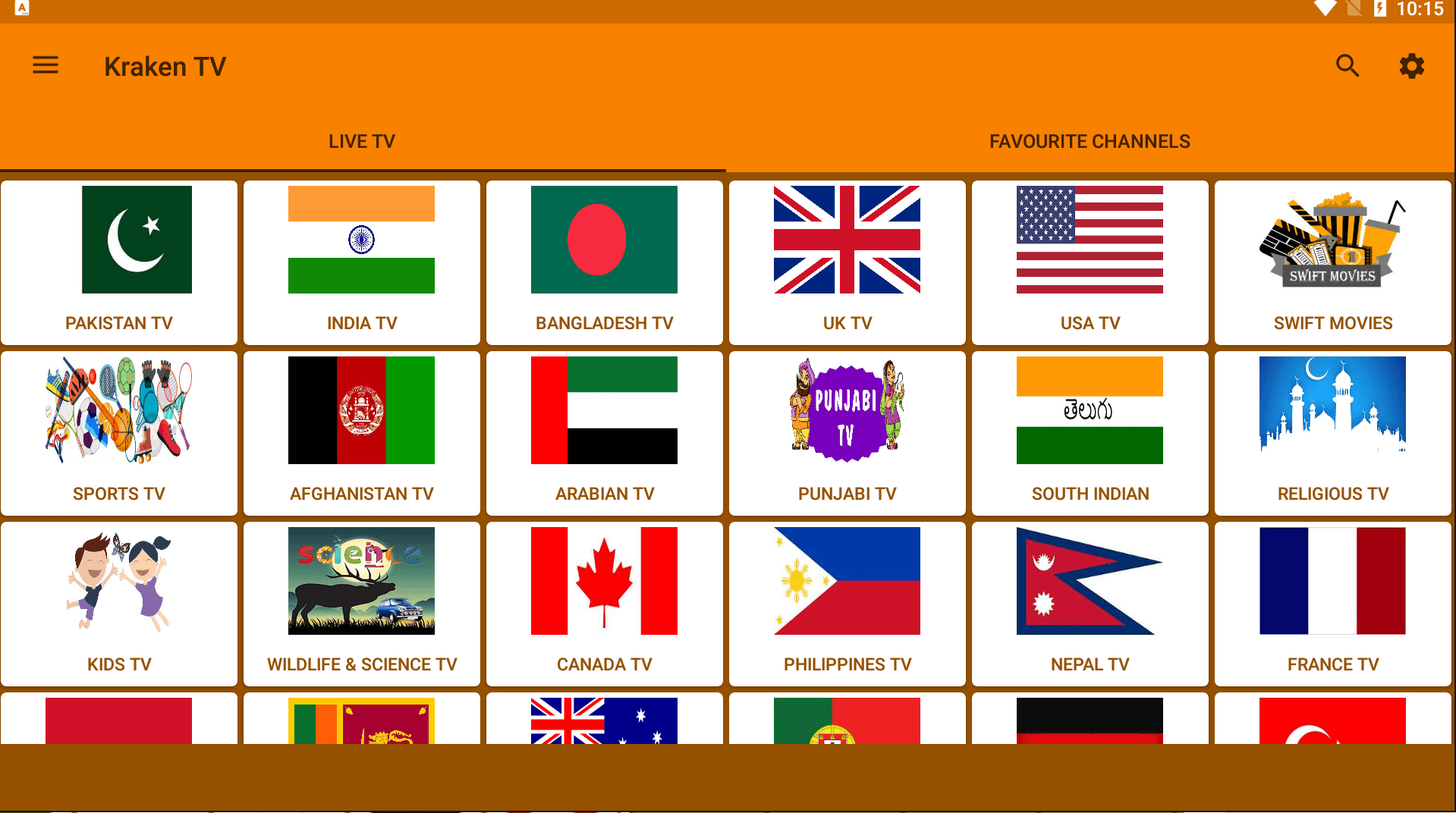
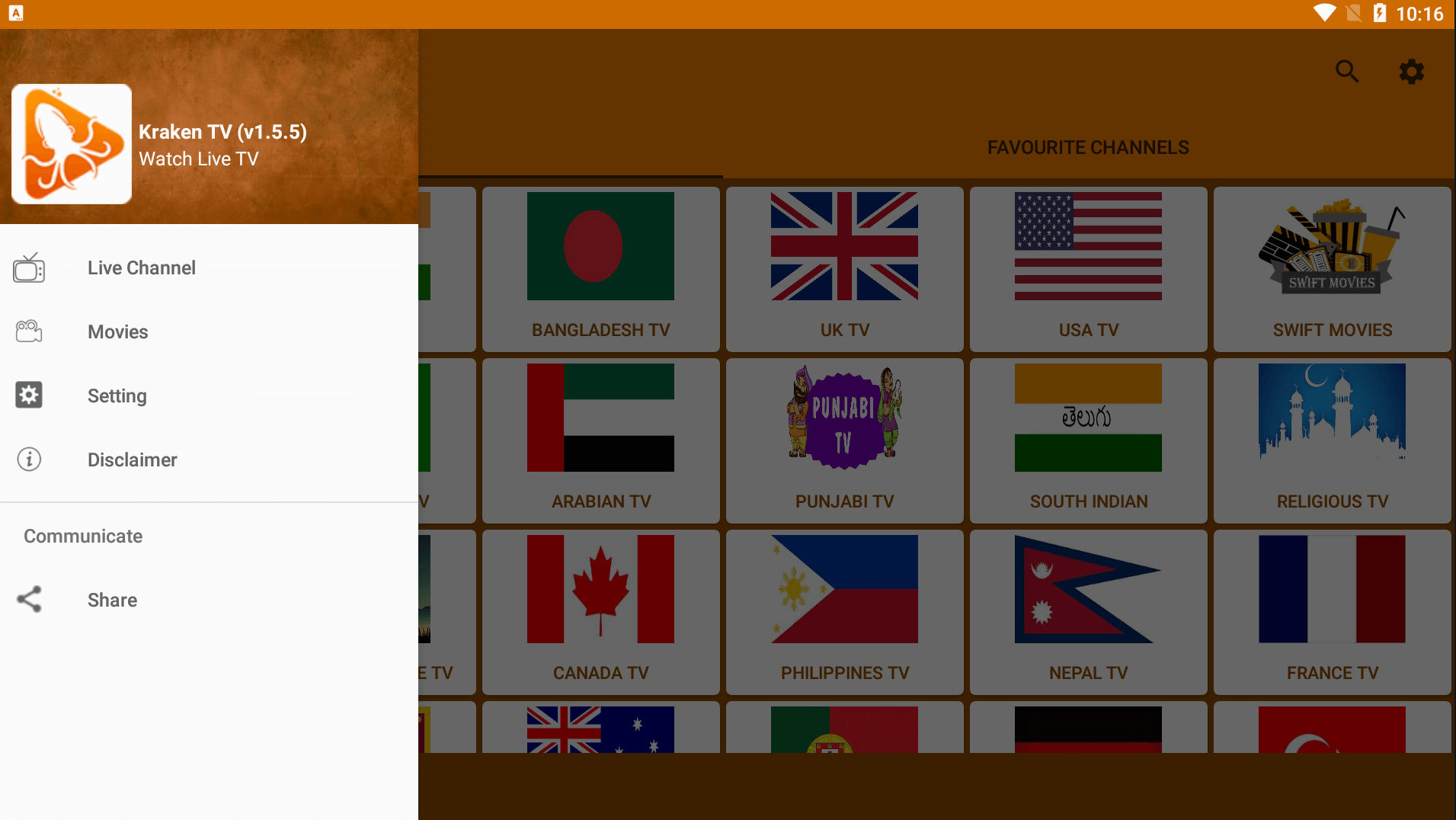
The Kraken TV broadcasting application features a simple and sophisticated user interface built with ease of navigation in mind. The application is designed in a way that all the content is readily available on the home page, ready for the user to scroll and explore the different broadcast categories, or take advantage of the instant search functionality to find content and broadcasts of interest. The user interface is optimized for a personal broadcast experience and easily adapts to changing user preferences. One of the areas where the user interface shines is helping novice users to navigate different areas of the user interface without a steep learning curve. The user interface supports a range of user preferences to help viewer layout flexibility.
Streaming is how the application delivers content. Because the application uses streaming delivery, it requires constant internet. The app starts a broadcast for the channel a user selects. Although users cannot control the content of the broadcast, there are many streaming controls. Quality of the stream and compatible devices for screen casting are possible stream controls. The app also creates a system where users can favorite channels for easier access to content. It also groups the channels for even faster access.
To help users control their time and stay informed on programs, notifications can be set to notify users for specific broadcasts. Users can view broadcast schedules on all of the app channels. The level of personalization is at a maximum with this change. Users can control their viewing to fit with broadcast modifications on any international or local channels. The app retains constant control on broadcasts to inform users on what is playing and what will be playing in the future to allow users to manage their time efficiently within and across all different genres.
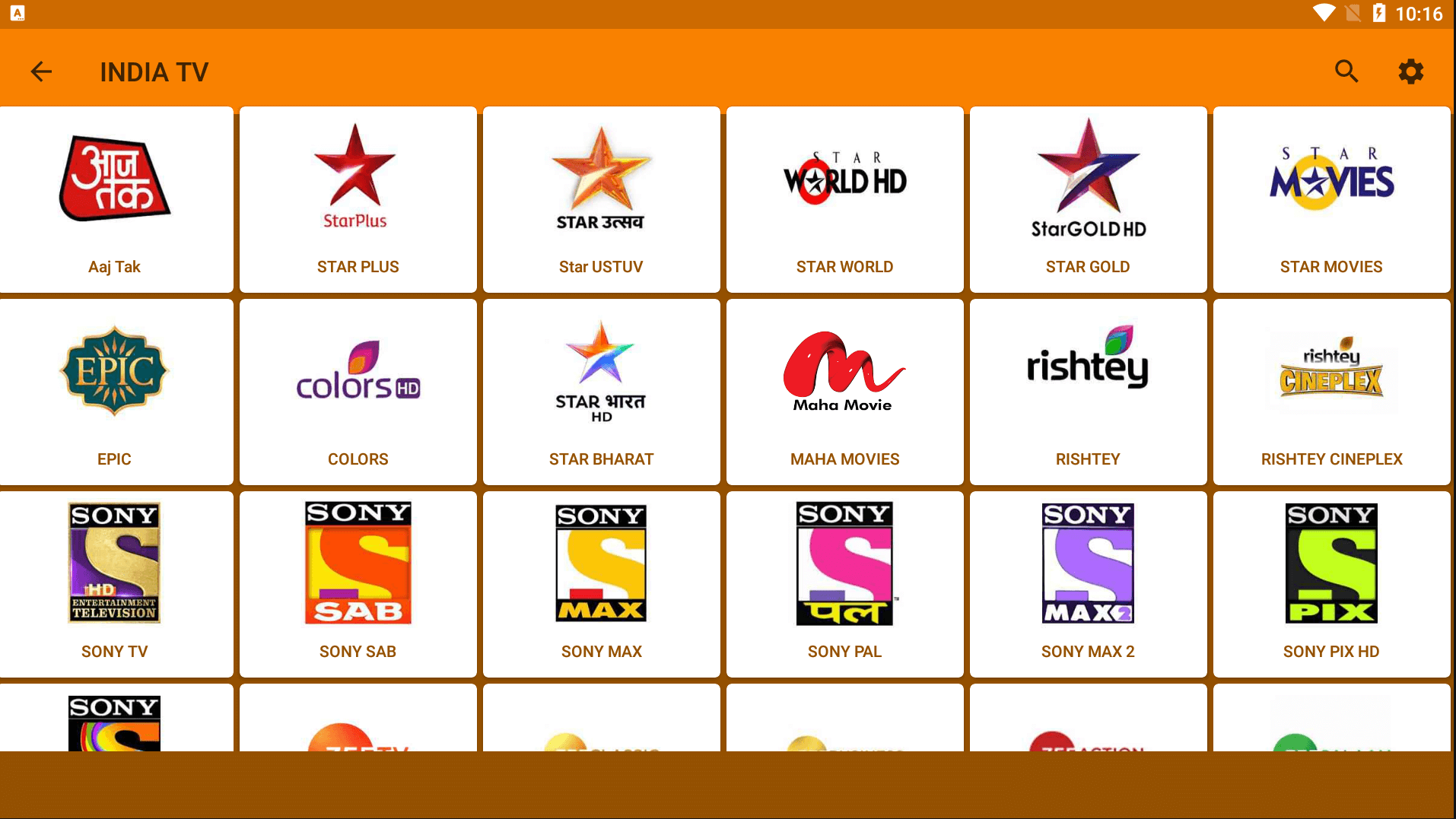
The app has it’s own built in channel list, but the feature that sets it apart is the ability to connect to local IPTV services. Using this feature is how you allow users to import content thatis locally available and navigate among globally available and locally available content. Because of this cool feature, the app is perfect for those who want to organize and consolidate their viewing all into one app. With the local IPTV service, users can stream the content of their choice all while being in a comfortable position and not having to be near a TV. This is what sets this app apart from all others and really bolsters the bridge from traditional broadcast to modern streaming.
One of the many cool features the app has is the ability to put parental controls on the app. This gives the main user the ability to set time limits, viewing time limits for example, on other family members. Plus, for added piece of mind, the app can set a time limit on viewing. This can all help the manager of the household gain control over the households digital consumption. Also, the manager of the digital consumption can put restrictions on certain content as well to ensure the content is appropriate for everyone. These tools provide a great deal of insight into recent streaming activity while providing a safe and controlled environment for young users.
Key features
- User-friendly interface with content organization on the homepage.
- Direct streaming of international and local channels.
- Personalized favorite channel lists with categorization options.
- Notification system for specific program airtimes and broadcast schedules.
- IPTV service connection for importing local content.
- Parental control management with password protection and content limits.
Related MOD APKs
FAQ
Does Kraken TV MOD APK remove ads?
This 1.9.6 version of Kraken TV includes these changes: Removed Ads. It functions just like the Kraken TV app you know, with all modifications active immediately after installation.
What is the latest version of Kraken TV MOD APK?
Version 1.9.6 is the latest Kraken TV update from September 16, 2023. We don’t keep older versions here. Install this file over your current app to update; if you see a signature error, delete the previous version before trying again.
Is Kraken TV MOD APK safe to download?
This 1.9.6 Kraken TV file is the standard Kraken TV app with Removed Ads. It has a 4 rating from 51 people. It does not require root. Ignore any Play Protect alerts during setup, but always download from this page.
Can I use Kraken TV MOD APK on PC or iPhone?
Since this is for Android, an iPhone cannot run it. To use the 14M file on a computer, use an emulator like BlueStacks or LDPlayer. Simply open the emulator and import the app to start.
Kraken TV v1.9.6 MOD APK (Removed Ads) Download
Download (14M)You are now ready to download Kraken TV for free. Here are some notes:
- Please read our MOD Info and installation instructions carefully for the game & app to work properly
- Downloading via 3rd party software like IDM, ADM (Direct link) is currently blocked for abuse reasons.
4/5 (51 votes)