

This LingoDeer MOD APK provides an environment where all premium features are accessible without a subscription. By using this modified version, learners can enter any language course and use the full range of advanced study tools immediately upon opening the application.
What’s Modified in LingoDeer
- Premium Unlocked provides complete access to all language courses, advanced grammar lessons, and specialized study materials that usually require a paid subscription.
 |
 |
 |
This LingoDeer MOD APK is version 2.99.405, has a file size of 64M, uses the package name com.lingodeer, and is re-signed, which prevents it from being installed as an update over the version found on the official store.
About LingoDeer
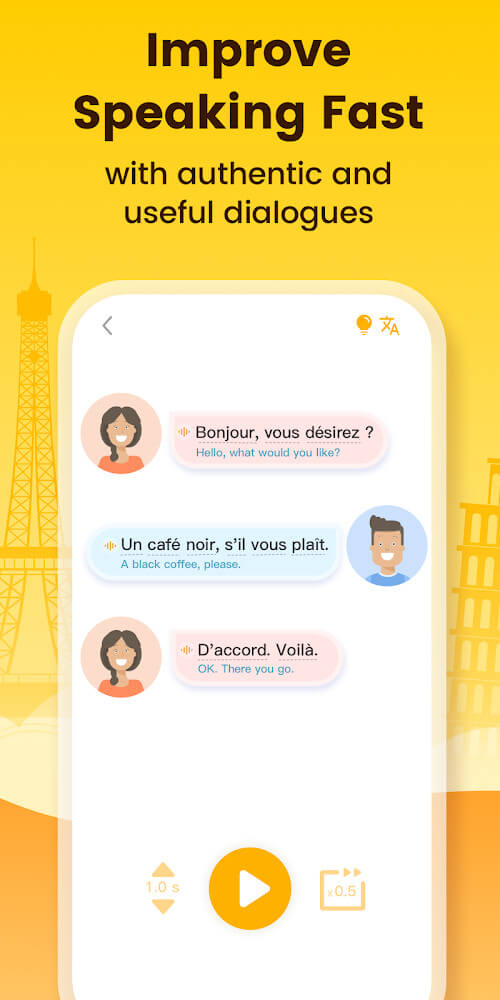
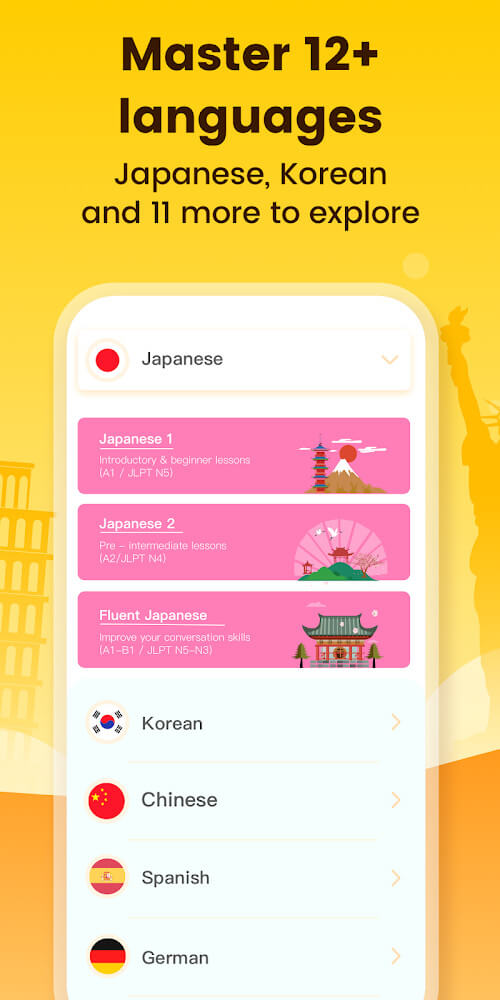
LingoDeer uses varied, interactive exercises to help users gain a deep understanding of languages they are learning. Currently, LingoDeer supports Korean and Japanese, in addition to English, to name a few. A strong understanding of language fundamentals (i.e. vocabulary and grammar) lead to stronger skills in listening and speaking. LingoDeer provides access to these skills by organizing their content into hundreds of lectures and courses. The focus is primarily on learning to communicate, and the courses and lectures provide the tools necessary for accomplishing this goal. After the basics of a language are learned, more complex concepts are presented. Learners are challenged in logical, sequential ways, which ultimately reinforces and improves communication skills.
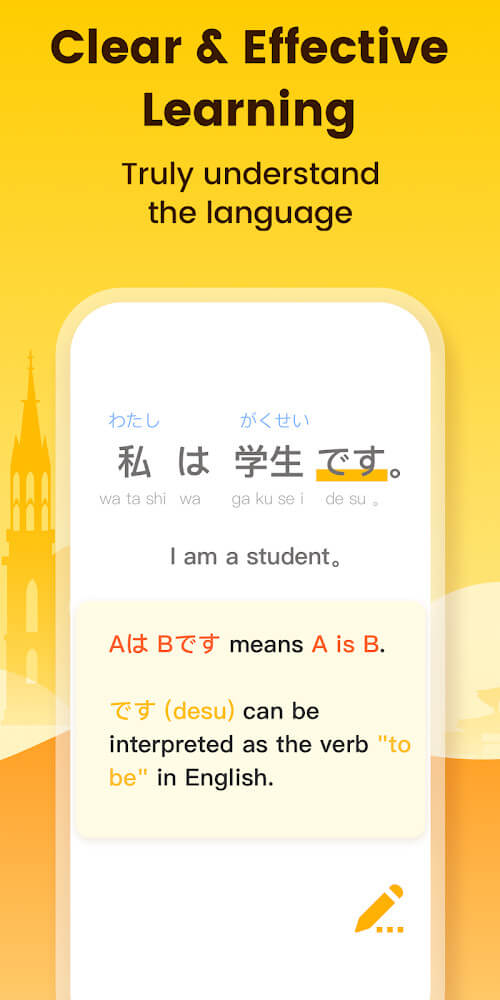
This app has many tools to help with learning Japanese and Korean, including a proprietary alphabet system. Many students of these languages struggle with identifying and writing the characters. This app teaches identification and helps users learn the correct strokes to write the characters. This feature is very useful in conjunction with vocabulary. Users can write the characters they’ve learned. The app offers a massive database of words and provides several translations and uses of each word. Users can gain a better understanding of word structure and learn how to craft phrases and sentences in the language.
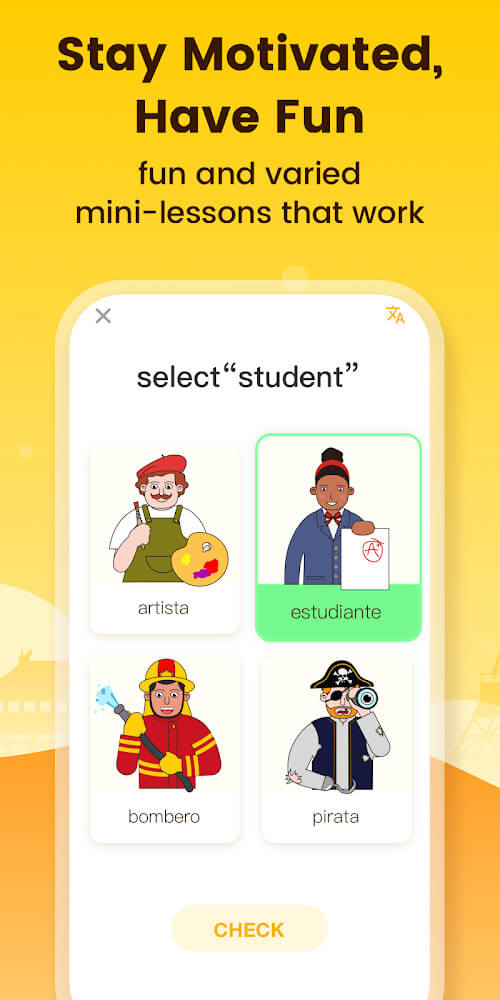
The application is aimed at students who need help putting sentences together. The application helps students understand language structures, and with that understanding, students are able to create limitless varieties of sentences. The application offers samples of sentences at different levels, from easy to hard. Samples at these different levels promote students’ grasp of more difficult language structures and help students move from simple to complex sentences. The application offers textbooks for students’ reference. With these textbooks, students can study language structures at their own pace. Unlike other applications, the current application doesn’t limit students to create a certain number of sentences. Students can study and create sentences as long as they want.
The app helps users retain information covered during lessons in a number of ways, including by prescribing post-lesson activities. One such activity is the use of double-sided memory cards. These cards are used in a manner similar to flashcards, except that the cards are double-sided. The benefit of double-sided memory cards over standard flashcards is that words can be presented in the course of a lesson, and the user can test their knowledge of that word in a self-verifying manner. This is much more productive than learning words in an isolating and passive manner (i.e. the way words are usually taught). Words learned in this manner are much more productive to learn, as they can be recalled for subsequent use (i.e. when forming speech or writing). Thus, the continued use of these memory cards helps a student to retain what they learned in class.
The app provides statistics to help users analyze their progress and performance. With these statistics, users can understand how well they have mastered the materials of the app. The app has several types of puzzles to challenge and test users’ knowledge. These puzzles are based on the materials users have learned and studied. The app provides several features that boosts users’ commitment to study and help users reach their study goals. The app has structured lectures. These lectures are complemented with games and other interesting activities, and progress reports. Users are challenged to set study goals. Users can also use the progress report to see how well they are achieving their study goals. Users have the opportunity to set long term goals, study goals and the app offers features that help users achieve their study goals and commitments. The app provides users with opportunities to set study targets, and performance reports to help users study and achieve their objectives.
Key features
- Alphabet system for Japanese, Korean, and English
- Comprehensive vocabulary collection with detailed meanings
- Free textbook containing grammar samples for all levels
- Double-sided memory cards for active and passive review
- Development tracking system with statistics
- Puzzles and interesting questions for goal-oriented learning
 |
 |
 |
Related MOD APKs
FAQ
Is Premium unlocked in LingoDeer MOD APK?
This LingoDeer 2.99.405 build includes Premium Unlocked. It behaves like the LingoDeer – Learn Languages Apps release, and the changes are live as soon as you install.
What is the latest version of LingoDeer MOD APK?
The 2.99.405 build corresponds to the LingoDeer – Learn Languages Apps update from August 13, 2026. We don’t keep older versions here. Install this over your existing app to update, or uninstall first if signature conflicts occur.
Is LingoDeer MOD APK safe to download?
This LingoDeer 2.99.405 version on MODYOLO is the LingoDeer – Learn Languages Apps original with Premium Unlocked. 322 users rated it 3.7/5 here. It does not require root. Play Protect warnings during install are expected, so always download from this page.
Can I use LingoDeer MOD APK on PC or iPhone?
This Android package won’t install on iPhone or iPad. On Windows or macOS, run the 64M file in an emulator like BlueStacks or LDPlayer. Install the emulator then drag the file in.