Transform your phone into a sleek desktop! Mak Book OS 26 Launcher MOD APK offers a modern interface, smart file management, and a premium Start Menu. Upgrade today!
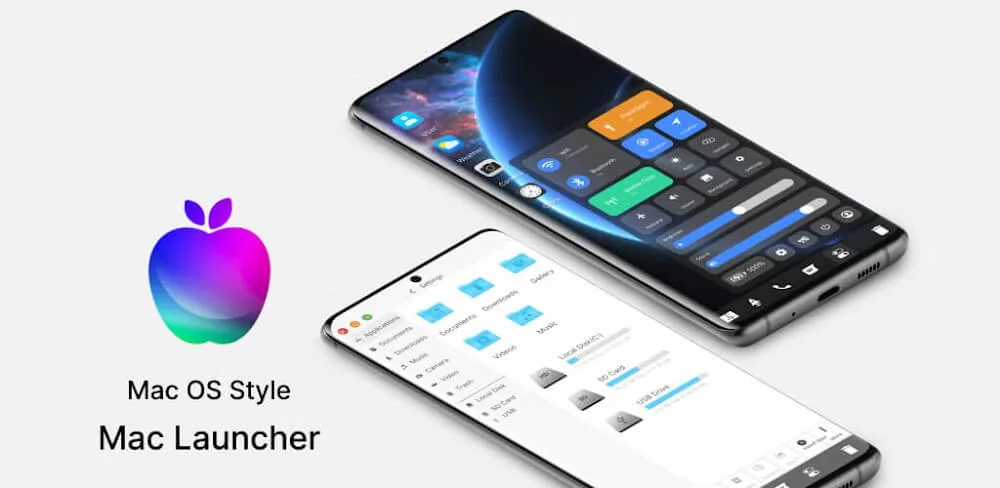

Mak Book OS 26 Launcher v21.9 MOD APK (Pro Unlocked)
| App Name | Mak Book OS 26 Launcher |
|---|---|
| Publisher | Themes Time |
| Genre | Personalization |
| Size | 11M |
| Latest Version | 21.9 |
| MOD Info | Pro Unlocked |
| Get it On |

|
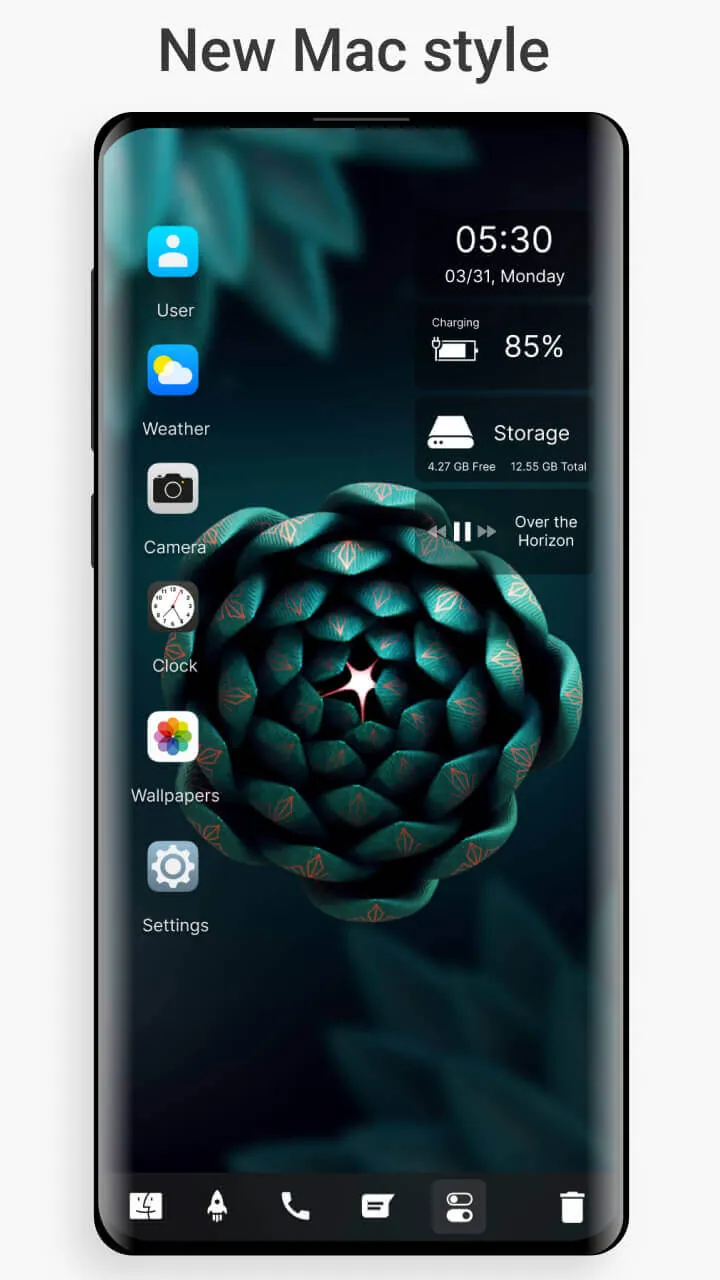
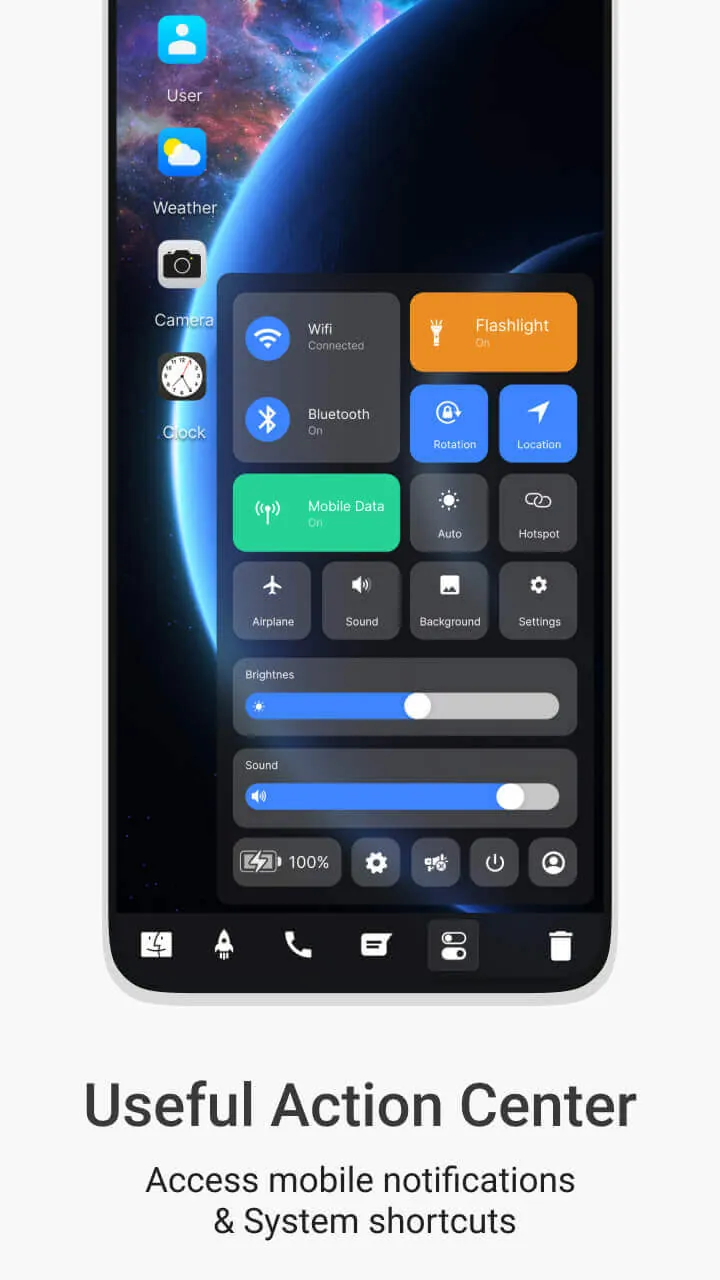
This build of Mak Book OS 26 Launcher MOD APK includes a Pro Unlocked modification that provides access to all premium features within the application. By removing the restrictions found in the standard version, the MOD allows for full utilization of the desktop-style personalization tools and advanced interface settings.
What’s Modified in Mak Book OS 26 Launcher
- The Pro Unlocked feature enables all premium customization options and advanced interface tools that are normally restricted in the base version.
The current version of this build is 21.7, with a file size of 11M and the package name com.themestime.mac.ui.launcher; because it is a re-signed file, it cannot be installed as an update over an existing version from the official store.
About Mak Book OS 26 Launcher
Mok Book OS 26 Launcher MOD APK is an app that promises a desktop experience on Android devices. This app aims to offer users the best of both mobile and desktop worlds by providing an easy way to modify an Android system to a clean, modern, and clear desktop-style interface. The app covers a wide range of customizations including multiple home screen settings. This allows users to fully re-organize their home screens to focus on work, and improve productivity. Overall, users find this app to be a good option for those who find the traditional mobile layouts lacking for file access and multitasking.
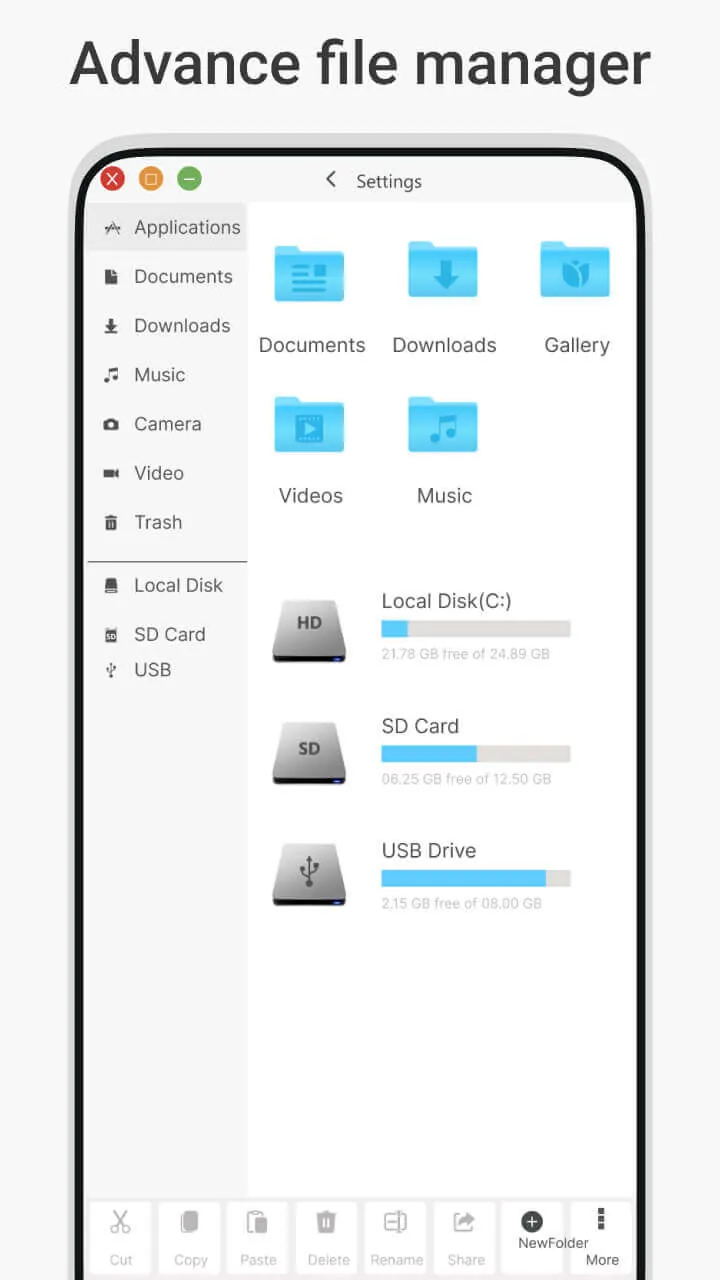
The launcher includes an Advanced File Manager that lets users manage files on their storage in the same way they would on a PC. The file explorer is configured to provide a better file management system, and eliminate the chaos often associated with files on an Android device. With the file explorer, users can locate documents and downloaded files with ease. The launcher includes ZIP support, which enables users to compress and extract files without having to rely on third-party file management applications. The file management system supports a familiar folder structure to help users feel at ease while managing their files.
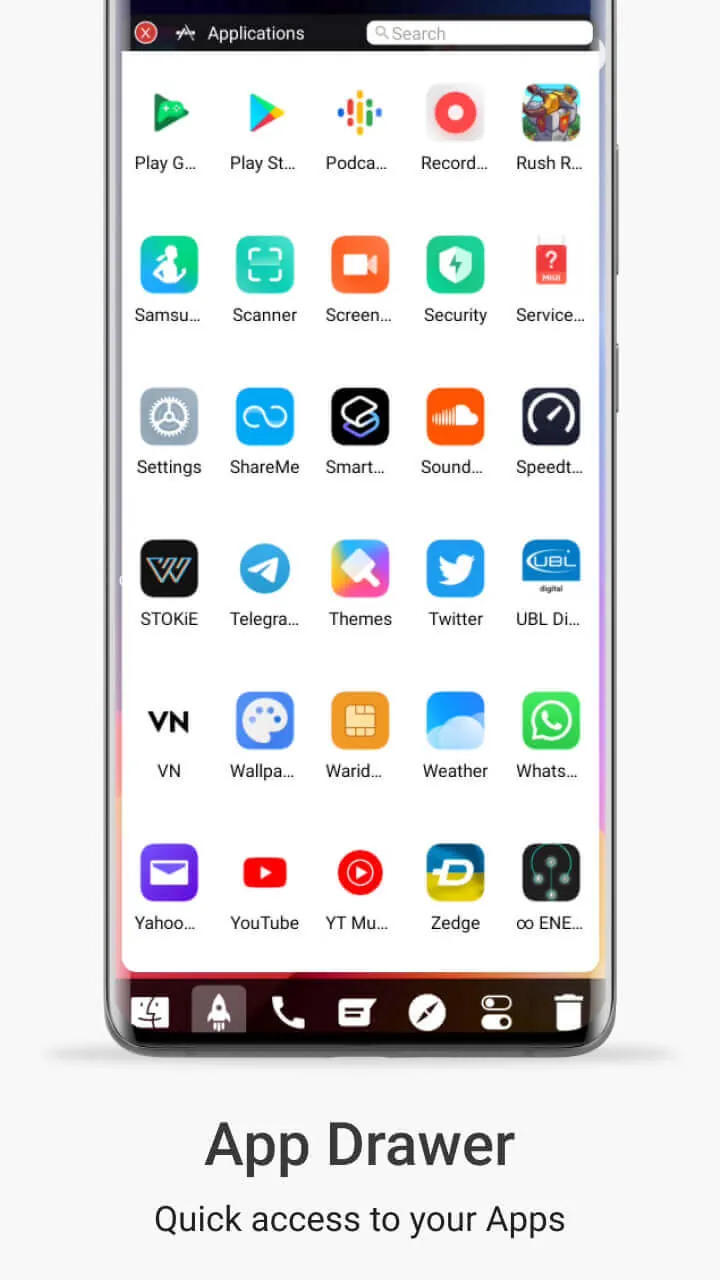
The launcher emulates the start menu to provide users an easy and quick access to all installed applications. This organized interface help users navigate the launcher effortlessly, and maintain a clean and concentrated software. The bottom taskbar, a replica of the standard Android taskbar, serves as the command center of the device. It houses shortcuts to most used applications and the start menu. The launcher transforms the navigation of Android applications to a more desktop-oriented approach. This reorganization supports easier interactions with the applications.
Navigation is improved with desktop file navigation and app shortcut tiles. With these features, navigation to folders and shortcuts is accessible from the desktop screen, reducing the number of taps required to access files. App shortcut tiles are designed to be appealing and serve their purpose. The entire interface is designed to be modern, high-resolution and clean. This emphasis on quality and attention to detail in design breaks away from the default interfaces in other platforms that feel uninspired and limited. To achieve productivity, the software provides a suite of tools to manage and customize a phone to serve the needs of the user.
The user is in control of how the software is designed to serve them. The gestures required to manipulate elements of the interface are designed to mimic a mouse. With this, elements of the interface can be moved and resized. Window management is simplified. It is designed to be a productivity suite that helps users enjoy and expedite their day to day activities. A high-resolution, professional desktop interface is provided to facilitate a clear workspace. For users interested in a desktop operating system, the launcher provides a high-res, clean workspace. For the professionals looking to boost their productivity, the launcher achieves the same objective.
The strength of the launcher lies in the high degree of customizability it offers to users, allowing them to tweak almost all elements of the UI to their satisfaction. From the layout of the menu to the taskbar, the launcher is designed for flexibility. With it, users can say goodbye to the boring default interfaces and enjoy a suite of tools that merge luxury with utility. This is definitely more than a skin; it transforms the overall experience and redefines the interaction between a user and their device. With a desktop-style command center and other productivity suites integrated into it, the launcher revolutions the phone’s potential and gives it the power to surpass other devices in terms of both productivity and elegance. Moreover, with a premium desktop experience, powered by ZIP support and Start Menu emulation, the launcher gives users all the tools they need to enjoy a superior experience while on the go.
Key features
- Professional Desktop Interface
- Advanced File Manager
- Start Menu Emulation
- Built-in ZIP Support
- Desktop File Navigation
- Modern App Shortcut Tiles
- Optimized Customization
- Taskbar Command Center
Related MOD APKs
FAQ
Is Premium unlocked in Mak Book OS 26 Launcher MOD APK?
This 21.7 version of Mak Book OS 26 Launcher includes the Pro Unlocked mod. It performs like the Themes Time original once you finish the installation.
What is the latest version of Mak Book OS 26 Launcher MOD APK?
Version 21.7 is the latest from Themes Time, released July 18, 2026. We don’t keep older versions here. Update by installing this file over the old one. If a signature conflict occurs, delete the existing app first.
Is Mak Book OS 26 Launcher MOD APK safe to download?
This 21.7 Mak Book OS 26 Launcher build from Themes Time features Pro Unlocked. 10 users rated it 3.6 here. It does not require root. Play Protect warnings are expected during setup, so always download from this page.
Can I use Mak Book OS 26 Launcher MOD APK on PC or iPhone?
This file will not work on an iPhone. On a PC or Mac, you can run the 11M APK using BlueStacks, LDPlayer, or another emulator by dragging the file into it.
Mak Book OS 26 Launcher v21.9 MOD APK (Pro Unlocked) Download
Download (11M)You are now ready to download Mak Book OS 26 Launcher for free. Here are some notes:
- Please read our MOD Info and installation instructions carefully for the game & app to work properly
- Downloading via 3rd party software like IDM, ADM (Direct link) is currently blocked for abuse reasons.
3.6/5 (10 votes)