MediBang Paint Mod APK is a unique drawing and design tool. It allows you to create comics with many different drawing styles. Users are free to choose from a wide range of brushes, backgrounds, and more to design their work.
MediBang Paint v38.25 MOD APK (Premium Unlocked)
| App Name | MediBang Paint |
|---|---|
| Publisher | MediBang Inc. |
| Genre | Art & Design |
| Size | 52M |
| Latest Version | 38.25 |
| MOD Info | Premium Unlocked |
| Get it On |

|
The MediBang Paint MOD APK provides access to the premium features of this digital illustration and comic creation tool. This modification is designed to unlock the full suite of resources that are typically restricted to paid users or account holders.
What’s Modified in MediBang Paint
- Premium Unlocked: Provides full access to the library of brushes, backgrounds, and professional tools without requiring a subscription.
This MediBang Paint MOD APK is version 28.24, has a file size of 56M, and uses the package name com.medibang.android.paint.tablet; as a re-signed file, it cannot be installed over the version available on the official store.
About MediBang Paint
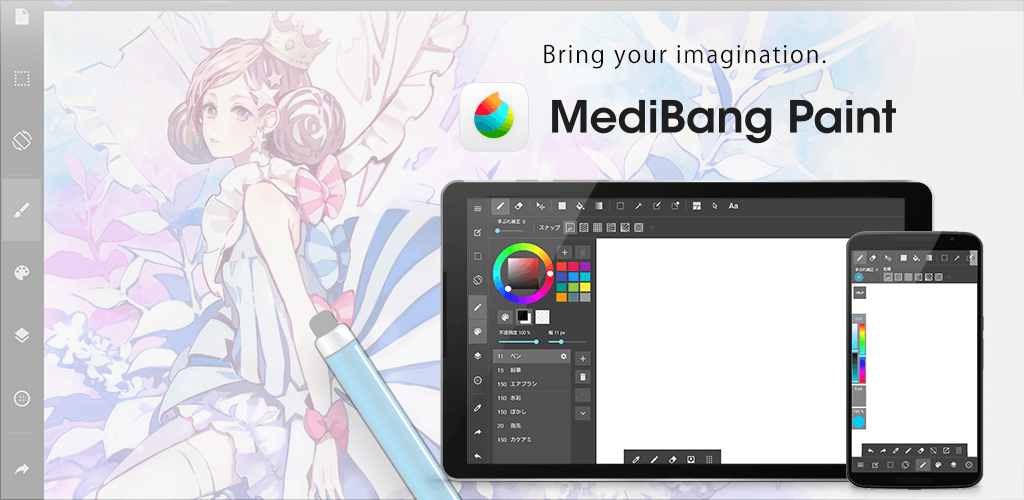
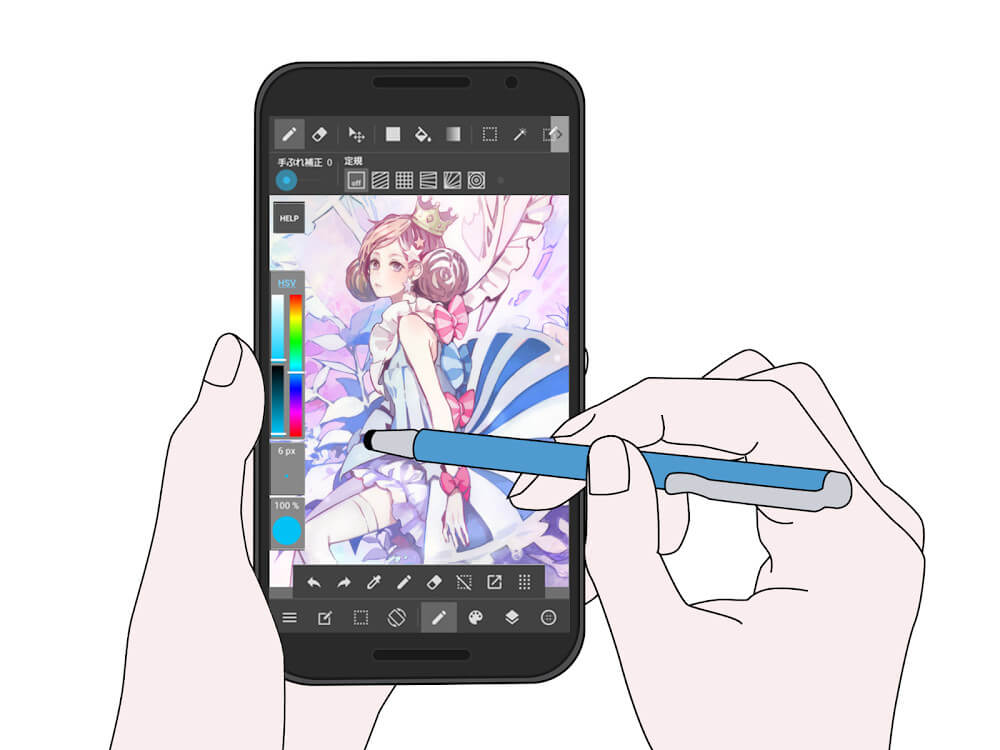
Medibang Paint is illustration software that runs on your phone but can also be used on your computer. The developers understand that phone screens are smaller than computer monitors, so they reorganized the toolbar and other user interface elements to make the illustration workspace as large as possible. The interface improvements allow artists to zoom in to adjust details of an illustration. The improvement in interface and organization allows the software to be productive for illustrating detailed elements. Being productive while illustrating on the go is important for individuals that can’t illustrate on a full computer. Unlike other illustration apps, the focus for the mobile version of Medibang Paint is to bring the full illustration capabilities of the computer app to the phone. Medibang Paint places the phone in the same role as a physical drawing tablet. Like a drawing tablet, the phone becomes an extension of the artist’s arm and takes away the barrier of illustrating only at a desk.
Drawing tools play an essential role in making the app enjoyable. Over 60 brush styles give users the freedom to choose tools most aligned with their creative style. The tools also differ in how precise users can be when creating art. Tools like pencils and crayons allow users to sketch and color in a less refined manner, while pens allow for more precise and detailed artwork. The software also allows for finger drawing. With the sharpness feature, users can draw with strokes of various thickness, like they would with a stylus. With finger drawing and a robust set of tools aligned with professional artistic tablets, users can bring their creative ideas to life, including refining and polishing sketchy and rough ideas.
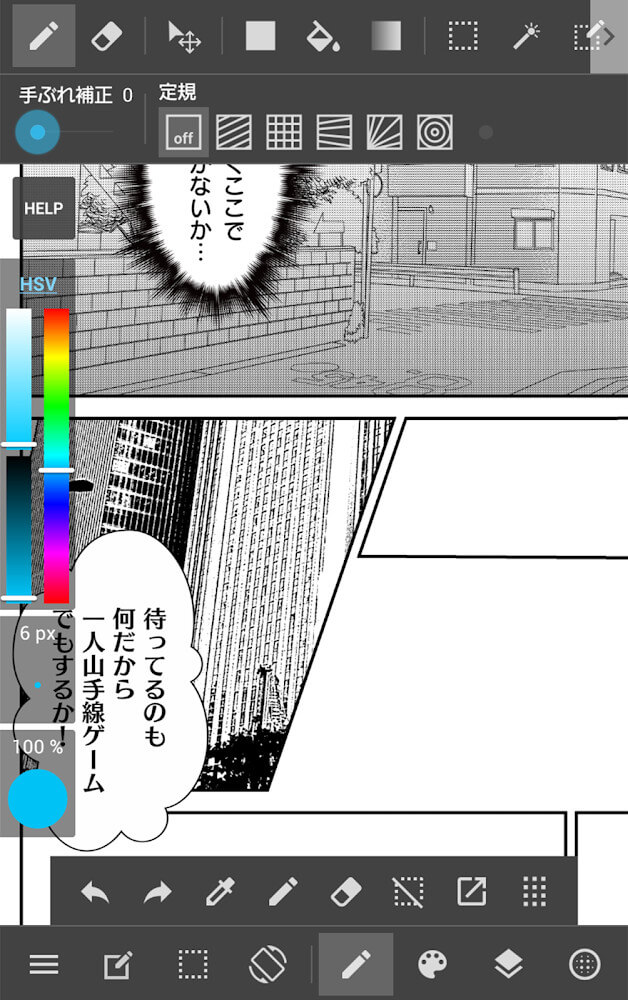
This app has a collection of features to help users, especially content creators, as it reduces the creative burden and enhances the aesthetic quality of different productions. For instance, thousands of design elements like colors, textures, and backgrounds can be added to different projects with just a few clicks. Sometimes, detailed and intricate backgrounds can be hard to draw from scratch. For instance, if a comic artist wants to create a scene set in the city with lots of vehicles, they can use a background provided in the app to help them accomplish that. The backgrounds are organized and classified in a manner that helps users identify the most appropriate background or element for their productions. Often, digital art and comic illustrations require artists to come up with detailed and intricate environments. Some environments can be hard to imagine. The app provides thousands of detailed and intricate background elements. The elements can be transformed and manipulated to suit different illustrations and to serve various productions. The app can be useful for someone creating a comic that is updated regularly or someone creating and uploading drawings to social media.
The importance of typography in comic books is undeniable, and this app recognizes that and gives you plenty of ways to work with type. You aren’t restricted to the few fonts you may find on other apps, and can choose the ones that best suit your story. Whether it’s helping you differentiate multiple characters or helping set the atmosphere for a particular scene, you have the ability to experiment and give your story the look and feel you desire. Manipulating type can be a lengthy and frustrating process on some apps, but not here. Because the fonts are displaced on the screen in relation to the line of the art, you have to frequently adjust type to maintain the style of your drawing. A wide range of fonts at your disposal means you can really push the style and give your story the look and feel you want. Once you’re done with your drawing and text, the app allows you to further edit your work, giving you one more tool to really push and explore with comic book making.
A unique aspect of this software is how easily it allows the user to construct comic panels and pages. It utilizes a “tile” based system, where panels are created by moving a mouse across the screen. Each movement creates a number of “cells,” which are then placed in a arrangement to form a comic page. Like inKorrect, these cells can be modified to include colors. This feature obviously focuses on the layout of a comic page and is particularly powerful when used in conjunction with the tools to create the actual artwork. The tool to modify panels is much more robust than inKorrect and greatly simplifies construction of more complicated panels. Similar to the tile creation tool, this software greatly reduce the time required to transition from the planning phase (thumbnailing) to the actual drawing of a comic.
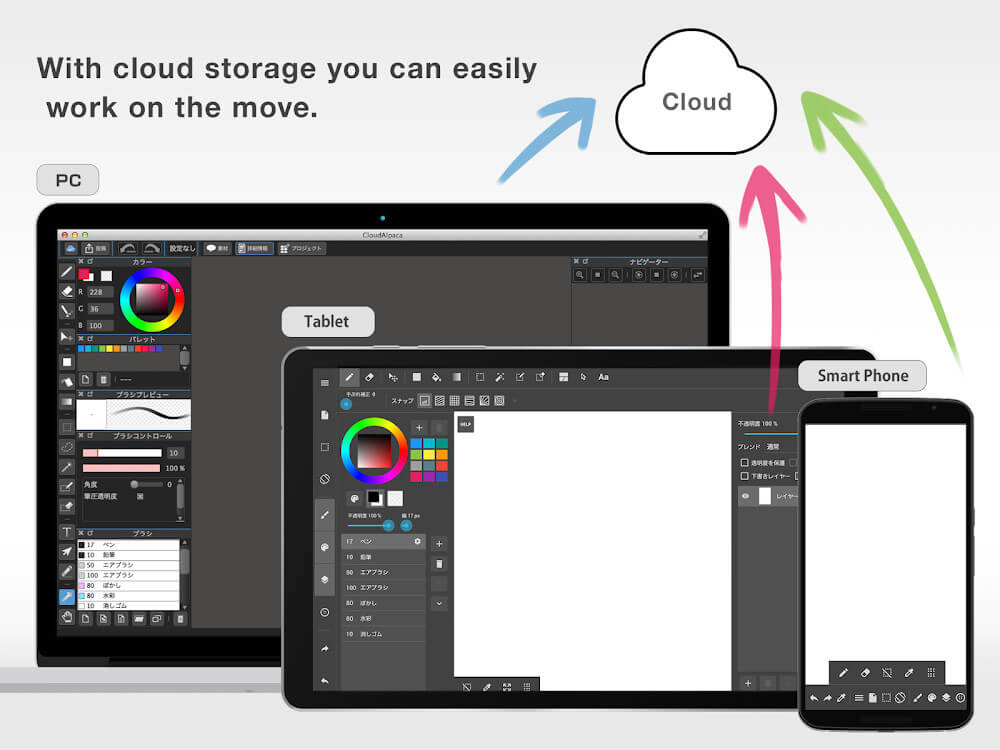
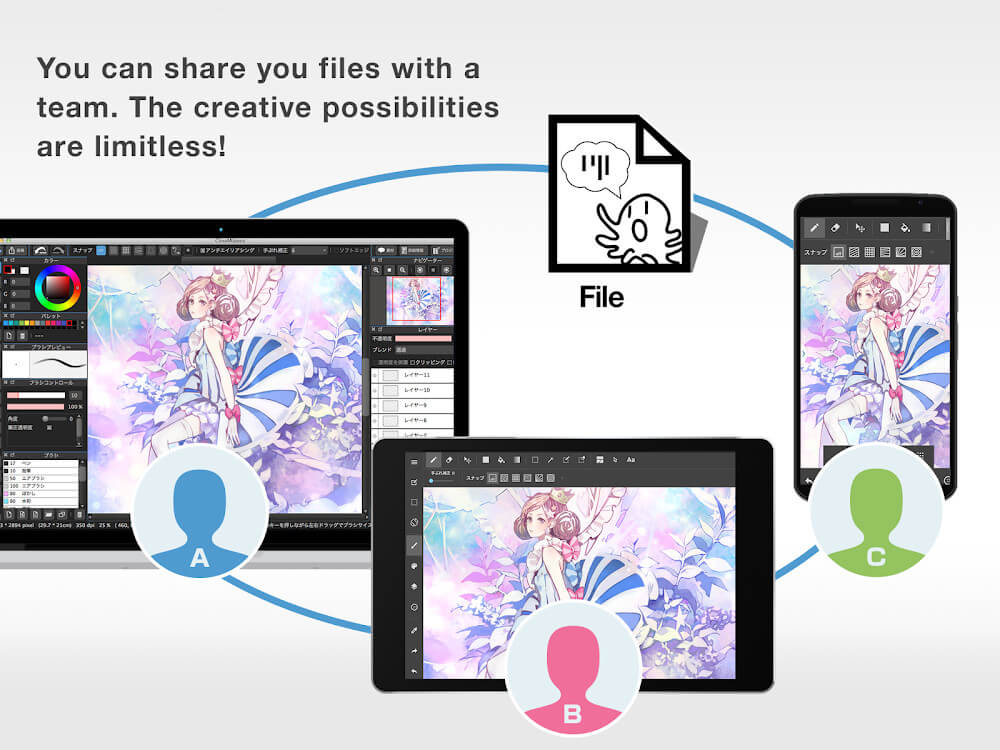
A cloud-based system allows users to save and manage their drawings using a variety of features and devices. This system allows users to work on drawings anywhere, and provides features to help organize and manage drawings used to create comics and other long-form illustrations. A drawing program can assist with managing drawings and files used to create comics and other illustrated stories. Drawing programs that manage files help users keep their files and store them in a secure location. Programs that assist with managing files help illustrators and comic artists by providing a program to do all of these things within one application.
Key features
- Over 60 free brush styles including pencils and crayons
- Smartphone-optimized interface with desktop-level utility
- Library of hundreds of backgrounds, patterns, and colors
- Specific pre-made street and vehicle environment backgrounds
- Customizable font and text color options for comic works
- Panel and tile creation tool for structured comic storytelling
- Sharpness adjustment feature for refining finger-drawn strokes
- Account-based project saving and project management
Related MOD APKs
FAQ
Is Premium unlocked in MediBang Paint MOD APK?
In this build of MediBang Paint (28.24), the following is modified: Premium Unlocked. Everything else works like the official MediBang Inc. release, and the changes are live as soon as you install.
What is the latest version of MediBang Paint MOD APK?
The current build is v28.24, matching MediBang Inc.’s release, last updated on August 21, 2026. We don’t keep older versions here. To update, install the new build from this page over the existing one; if Android reports a signature conflict, uninstall the old build first.
Is MediBang Paint MOD APK safe to download?
MediBang Paint MOD APK v28.24 on MODYOLO is MediBang Inc.’s original app with only Premium Unlocked modified. 127 users have rated it 3.7/5 here. It does not require root. A Play Protect warning during install is expected, so always download from this page.
Does MediBang Paint MOD APK remove the watermark?
Pro is unlocked in this build (Premium Unlocked). In MediBang Paint, watermark-free export is part of the Pro tier, so check the export screen after installing to confirm.
MediBang Paint v38.25 MOD APK (Premium Unlocked) Download
Download (52M)You are now ready to download MediBang Paint for free. Here are some notes:
- Please read our MOD Info and installation instructions carefully for the game & app to work properly
- Downloading via 3rd party software like IDM, ADM (Direct link) is currently blocked for abuse reasons.
3.7/5 (128 votes)