Clone apps, manage multiple accounts, and switch between profiles seamlessly. Secure, lightweight, and powerful for social, games, and work apps.

Multi & Dual Space: Phantom MOD APK V1.0.32.20 (Premium Unlocked)
| App Name | Multi & Dual Space: Phantom |
|---|---|
| Publisher | beasonshu |
| Genre | Tools |
| Size | 8 MB |
| Latest Version | 1.0.32.20 |
| MOD Info | Premium Unlocked |
| Get it On |

|
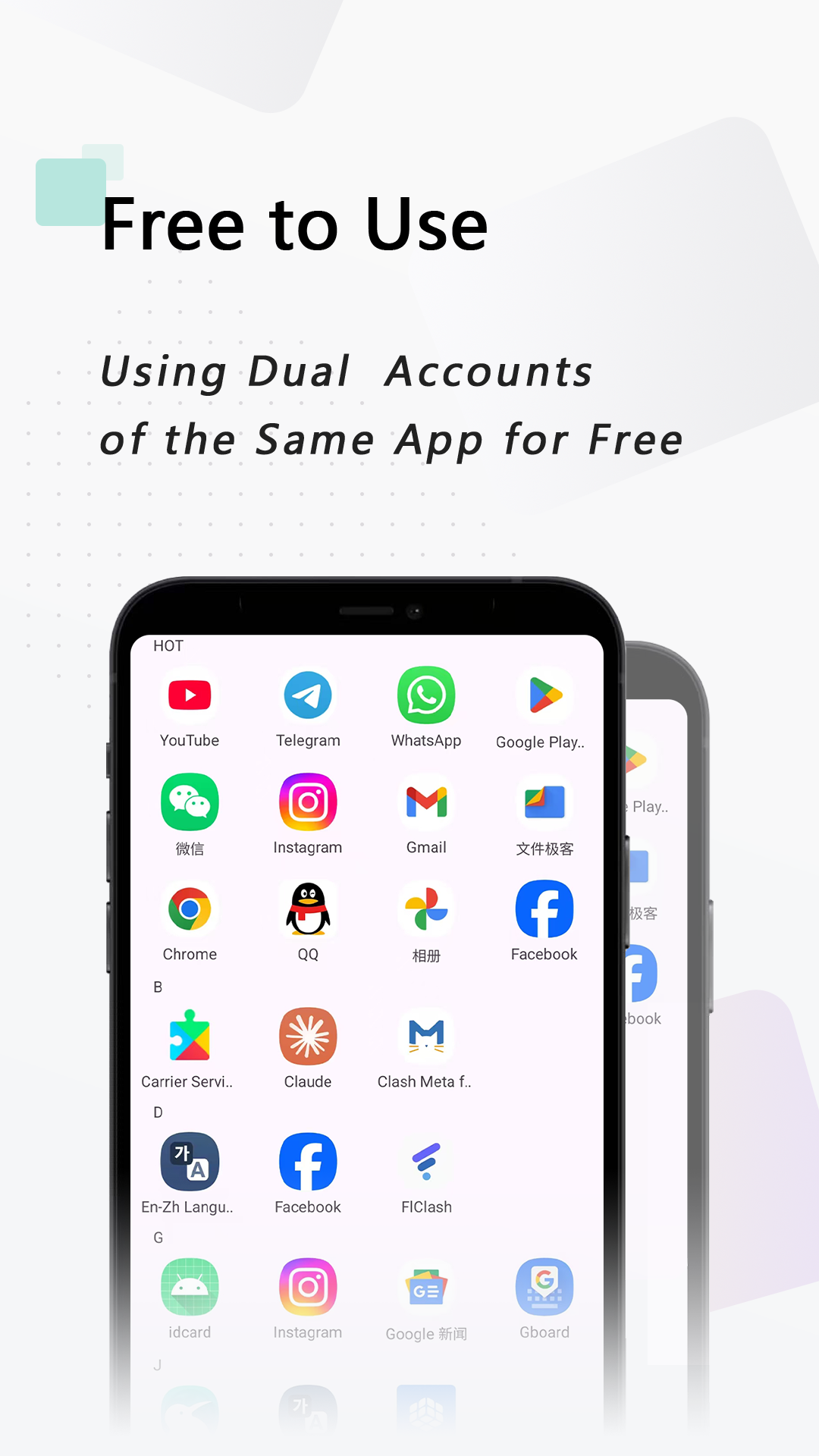
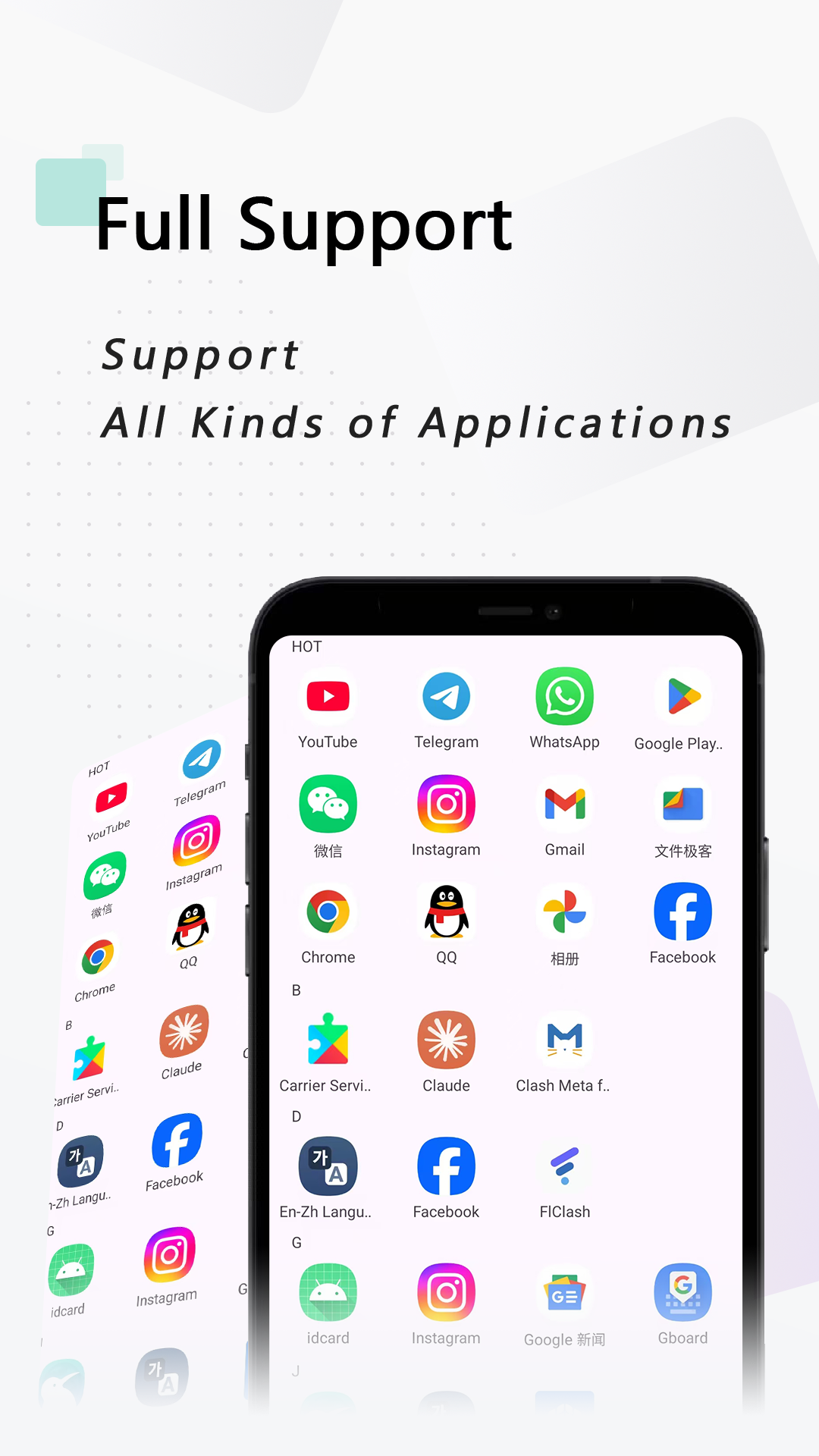
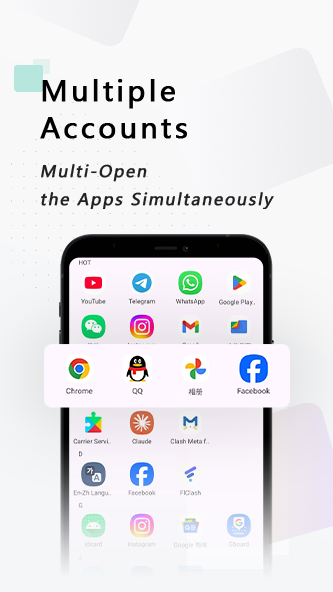
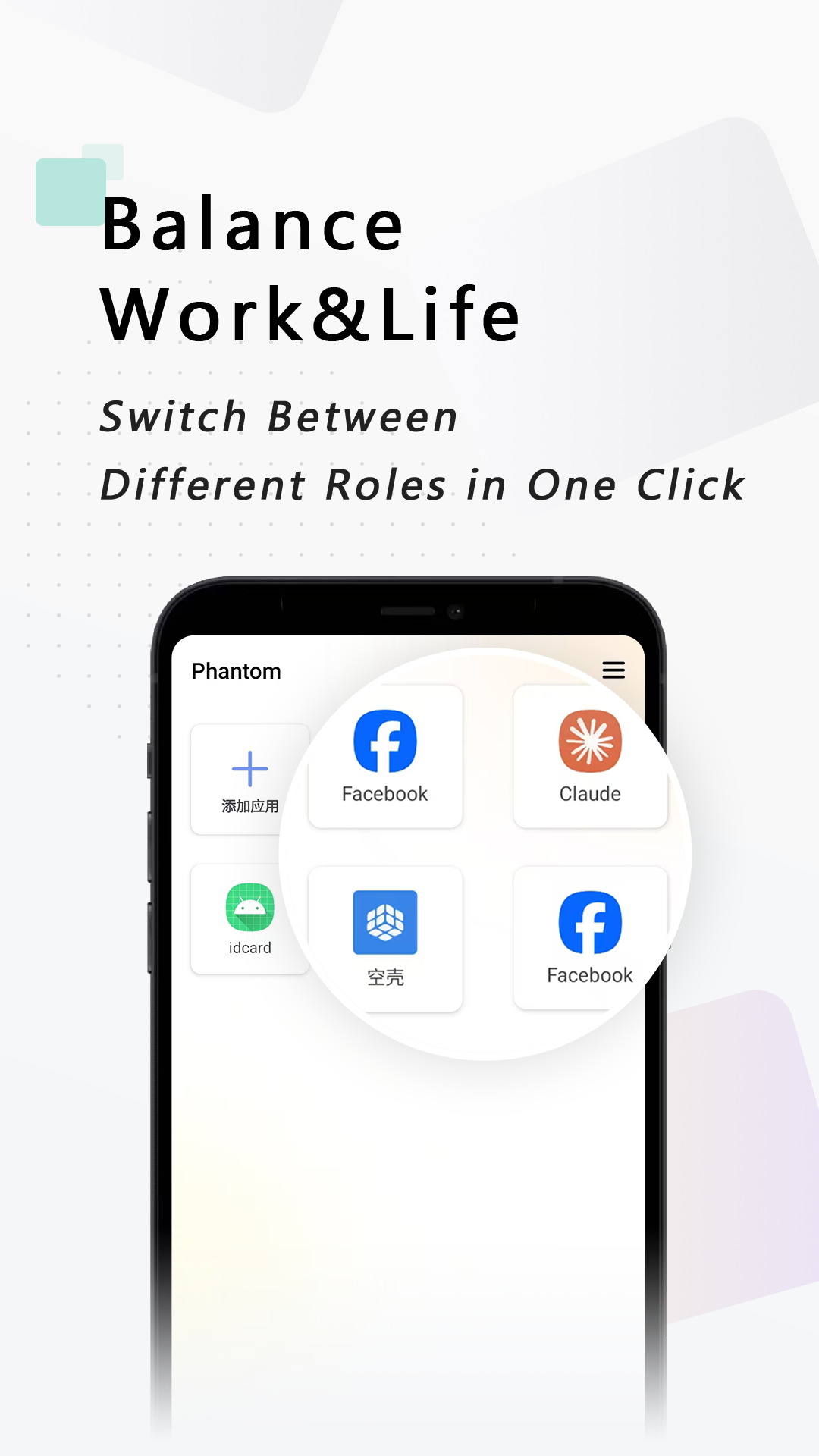

This Multi & Dual Space MOD APK provides a version of the application where premium features are fully unlocked for the user. By removing the limitations of the standard build, this modification allows for unrestricted access to the app’s comprehensive account management and cloning tools.
What’s Modified in Multi & Dual Space
- Premium features are unlocked, providing full access to all cloning and account management capabilities without restrictions.
This build is version 1.0.32.20 with a file size of 8 MB and the package name com.multiapp.morespace.app; it is a re-signed file and cannot be installed as an update over the version available on official app stores.
About Multi & Dual Space
Multi & Dual Space:
The Phantom application helps users with EDD (Electronic Digital Divide) and multiple digital identities. It solves the problem of having to carry and use multiple physical devices. The application allows users to manage accounts on a single hardware device. This is useful for people who need to separate their professional and personal digital lives. With the application, users can manage multiple messaging identities and profiles. They can also manage multiple social media identities. With this application, users can interact with different user profiles without having to switch devices. For users who regularly manage multiple digital identities, the application helps improve workflow. The Multi & Dual Space MOD APK provides users the ability to switch between user profiles with software rather than having to switch between physical devices, which improves workflow.
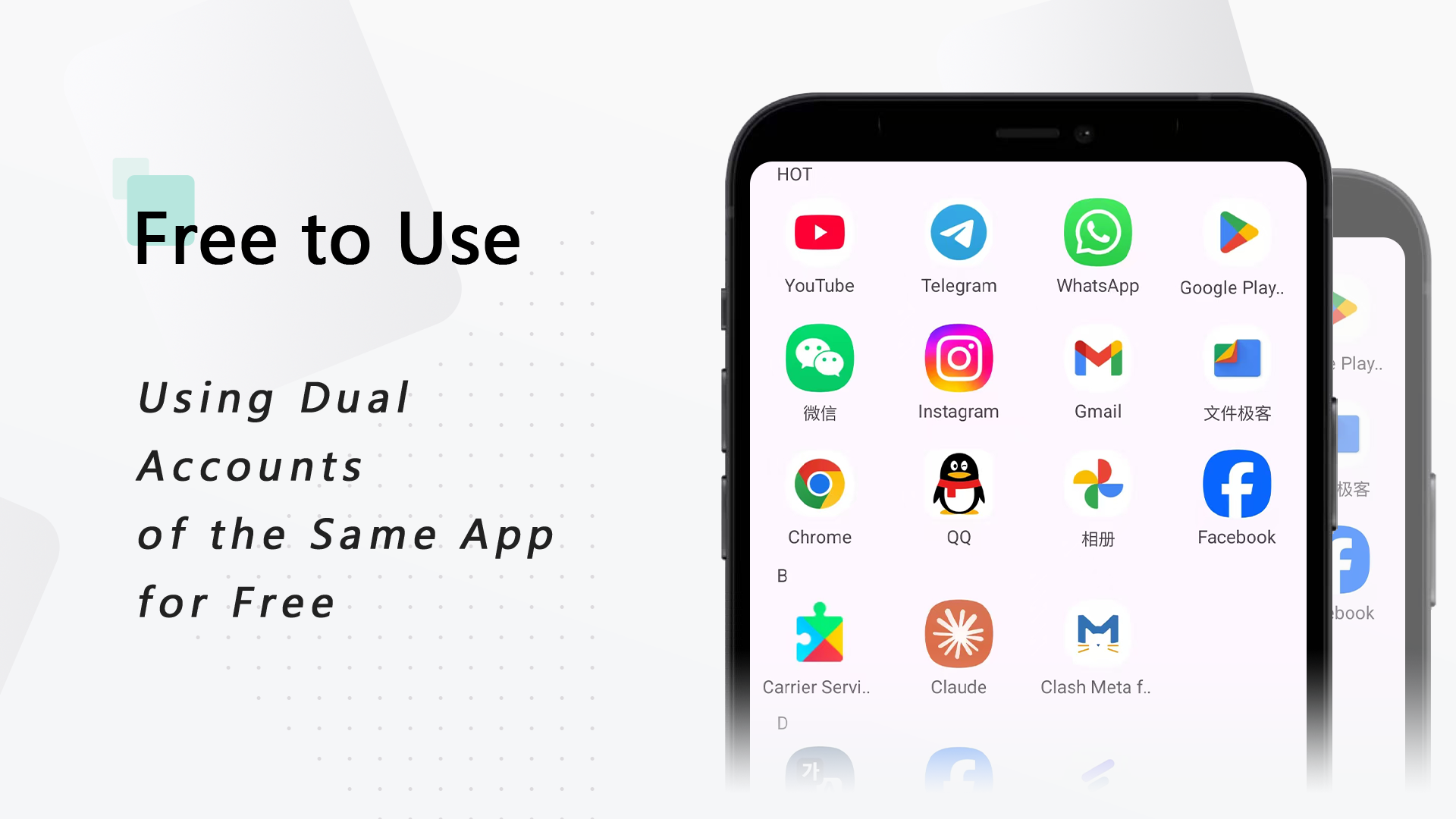
The App Cloning feature allows the team to create a duplicate instance of virtually any app already installed on the device. Once an app is cloned, it functions as a completely new, separate instance of that app. Each instance functions independently from the other, meaning the cloned app’s data and cache don’t impact the original app. The clones allow for better multitasking, specifically for social media and messaging apps. People usually have different social media accounts for their different “friend groups,” and having the ability to clone the app allows the user to have all accounts active and switched to easily without the friction of entering your login credentials for each account. The cloning system is designed to provide users an efficient way of running multiple instances of an app without putting a large impact on the overall system performance and stability.
goes beyond simple cloning with its advanced Multiple Account Management system. This system enables users to rapidly switch between various accounts with the simplicity of a tap. The developers take into account the preferences of users, and remove the need for time consuming tasks such as uninstalling and reinstalling applications to switch user profiles. This is of special interest to gamers who want to play on multiple accounts and make progress on all accounts at the same time, or to Social Media Managers who need to check on different client profiles. Users can manage their accounts in real time. All cloned instances can be controlled from a centralized location, thus making it easy for users to navigate between cloned instances at their will.
In Phantom, user data is stored in a security container that is isolated from the main device environment, creating a secure space in which cloned apps can be stored. This ensures that user data is not intermingled with data in the main device environment. To protect user credentials further, the Phantom App uses a Secure Login feature. This feature protects user credentials entered into cloned apps. Because each cloned app maintains its data in a sandbox, information leaks between apps are prevented. This allows work and personal data to remain in their respective environments. This is especially important for apps that require the user to enter personal data such as banking apps and personal data apps. By creating a private container for data for each cloned app, the software helps maintain user data in a structured way, and thus help enhance user’s digital privacy.
Another important aspect of the software design is performance optimization. It is designed to be Lightweight & Efficient, which means that it is optimized to run swiftly and not consume a lot of memory or excessively drain the battery. Some multi-account tools can excessively drain system resources. However, this software is designed to reduce its load on the hardware of the device. Additionally, the software is designed to enable Notifications for Multiple Accounts. So, you will be notified of alerts and messages for all your cloned accounts. Furthermore, this software is designed to integrate multiple accounts across various social networks and IM applications to run concurrently.
The Customizable Interface gives users more control over how they organize the apps and accounts they have cloned. Users can name and rearrange cloned apps and accounts and then set up the management hub to conform to their naming conventions. This helps users to avoid confusion when the same app or account is cloned and appears multiple times on the home screen or in the management hub. This software supports hundreds of social and gaming apps, providing users flexibility for mobile multitasking. The software enables users to seamlessly toggle between various digital realms, from the fast paced, high intensity gaming world to the demanding, ever-changing world of professional social media management. All this is made possible by simplifying the otherwise complicated nature of managing multiple accounts, and putting control in the user’s hands to shape their digital ecosystem to their desire.
Key features
- App Cloning
- Multiple Account Management
- Privacy Protection
- Lightweight & Efficient performance
- Notifications for Multiple Accounts
- Customizable Interface
- Support for Games & Social Apps
- Secure Login with encryption
Related MOD APKs
- Multi App – Dual Space
- MovieBox ID: Watch Movies, TV Series, K-Dramas & Anime for Free
- KWGT Kustom Widget Pro
- SnapTube
FAQ
Is Premium unlocked in Multi & Dual Space: Phantom MOD APK?
This 1.0.32.20 version of Multi & Dual Space: Phantom includes Premium Unlocked. It performs just like the beasonshu original, with all mod features active immediately after you finish the installation.
What is the latest version of Multi & Dual Space: Phantom MOD APK?
This 1.0.32.20 build matches the beasonshu release from March 20, 2026. We don’t keep older versions here. Update by installing this file over your current app; if you see a signature error, delete the old version before reinstalling.
Is Multi & Dual Space: Phantom MOD APK safe to download?
This Multi & Dual Space: Phantom 1.0.32.20 build from beasonshu features Premium Unlocked. 57 people gave it a 4.2 rating. It does not require root. Ignore Play Protect warnings during setup, but always download from this page.
Can I use Multi & Dual Space: Phantom MOD APK on PC or iPhone?
You cannot use this on an iPhone as it is for Android. To use the 8 MB file on a computer, install BlueStacks or LDPlayer and open the app within that environment.
Multi & Dual Space: Phantom MOD APK V1.0.32.20 (Premium Unlocked)
Download (8 MB )You are now ready to download Multi & Dual Space: Phantom for free. Here are some notes:
- Please read our MOD Info and installation instructions carefully for the game & app to work properly
- Downloading via 3rd party software like IDM, ADM (Direct link) is currently blocked for abuse reasons.
4.2/5 (57 votes)