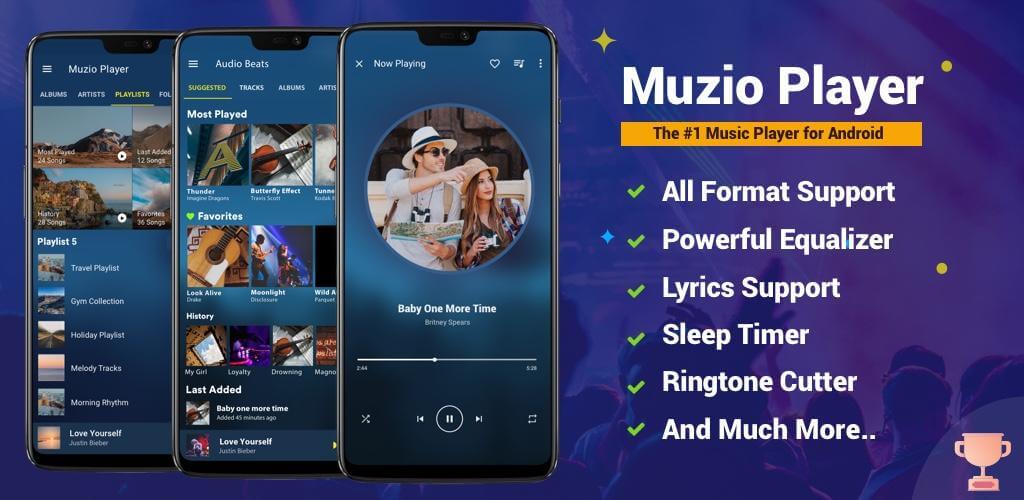


This Music Player MOD APK provides the premium version of the audio playback application with all paid features unlocked. It allows for a more comprehensive listening experience by removing barriers to the software’s advanced management and customization tools.
What’s Modified in Music Player
- Premium Unlocked: Unlocks all premium-tier features within the application for full access to the software’s capabilities.
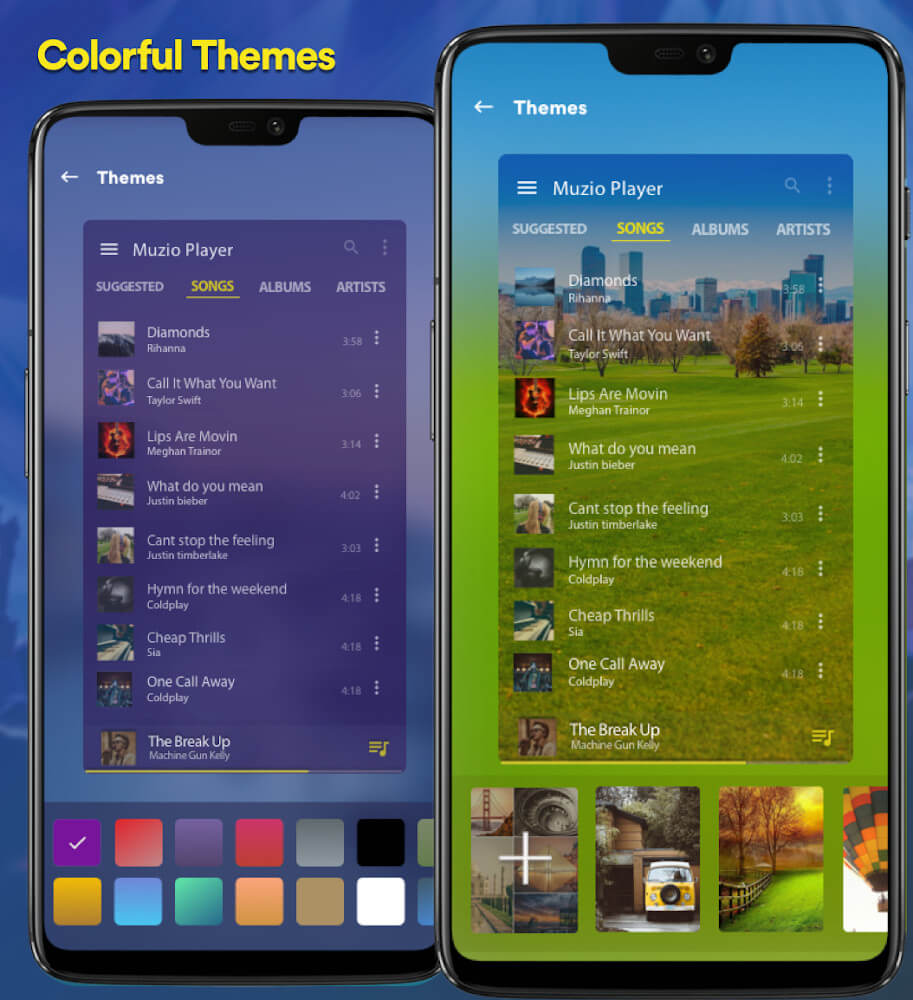
This build is version 7.4.4, has a file size of 15M, and uses the package name com.shaiban.audioplayer.mplayer; the file is re-signed and therefore cannot be installed over a copy from the store.
About Music Player
Music Player
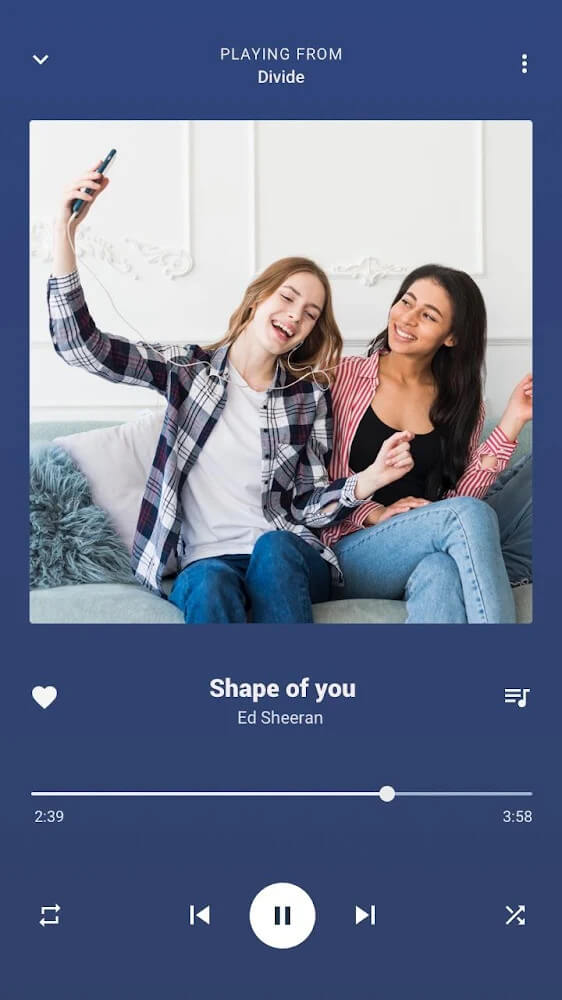
MP3 Player is one of the fastest, most efficient music players in the market, and is designed especially for users who prefer playing locally saved music on their Android devices. The app plays music from the user’s local music library, which the user can carry with them and play anywhere. The user need not worry about internet connectivity to play music. The app is very convenient to use while the user is on the move, for instance while taking a bus ride, or while waiting to be called for in an appointment, or while a stroll on the street. It plays music saved locally on the user’s device and therefore gives the user access to music of higher sound quality than that which is offered by music streaming services, and which may be limited by the user’s internet connection. The application is designed to easily handle and play a wide selection of music files. The program offers a good balance between a great look and great functionality.
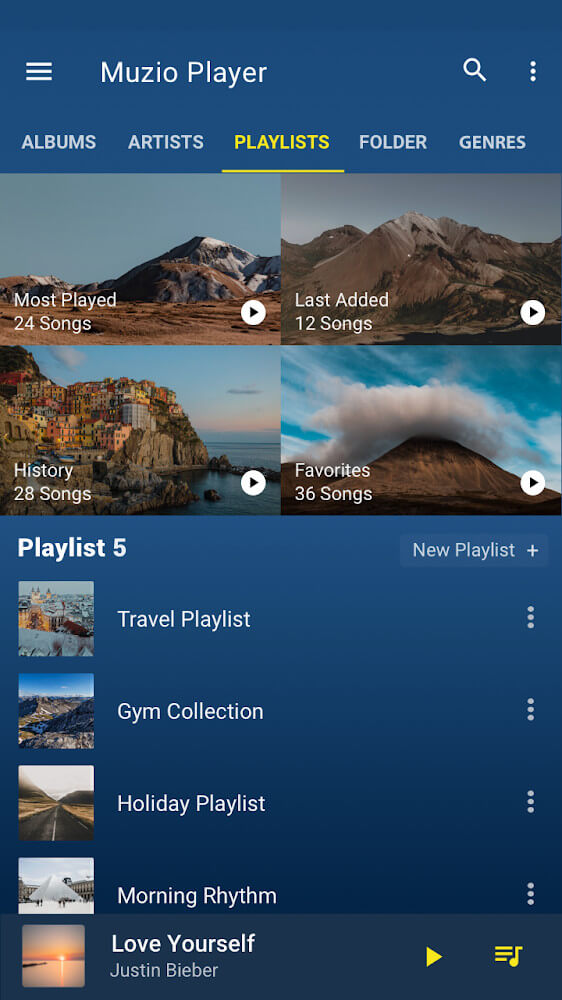
The organization of audio files is done through a Management Folders system. This gives the user complete control over the organization of their audio files through the use of different folders. Example folders may include audio files appropriate for various activities or different times of the day. For instance, a folder containing audio files to assist with morning routines, or a folder of audio files to assist with winding down for the day and help with bedtime. The system is designed to be very responsive. As such, organization and retrieval of audio files is quick and easy. Using the system this way effectively eliminates the need to search for music files to meet various listening needs. Further, the music can be easily personalized for the user without requiring the user to search through long directory lists to locate the files.
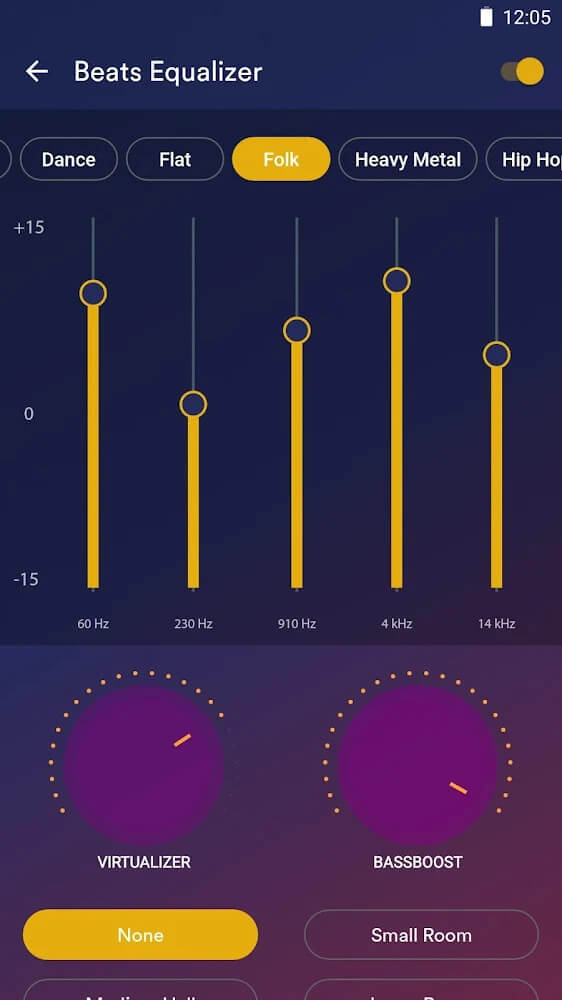
The application has a strong focus on sound quality and offers numerous Sound Adjusters. The most notable of these is a advanced Equalizer. The Equalizer offers several presets (Jazz, Rock, Pop, Classical, etc) to quickly change the Equalizer settings based on the genre of music being played. For even more control, the Equalizer can be manually adjusted to give the user complete control over the sound. This allows for editing and removing sound effects to change the overall sound of the song. This is particularly useful for media with unrefined sound (such as podcasts) to give the user complete control to edit the sound to their liking. The equalizer can take an average song and give it additional layers to make the song more enjoyable.
 |
 |
This software has a number of strengths, from the range of formats it plays back to how it processes audio. The biggest differentiator is its ability to pull high-fidelity audio from video. This means that if a user has a video with audio they want to save, or a video they want to extract a song from, this software can do that. Along the same lines, the software can convert other audio formats to MP3. So, if a user has an audio format that the software can’t play, it can do the conversion. The MP3 format means the audio file can be played back in the app. Like the ringback tone feature, the audio cutting feature allows a user to save a portion of an audio file as a ringtone. The audio cutting feature, along with the conversion feature, means that there are a number of ways to modify and playback the user’s audio file.
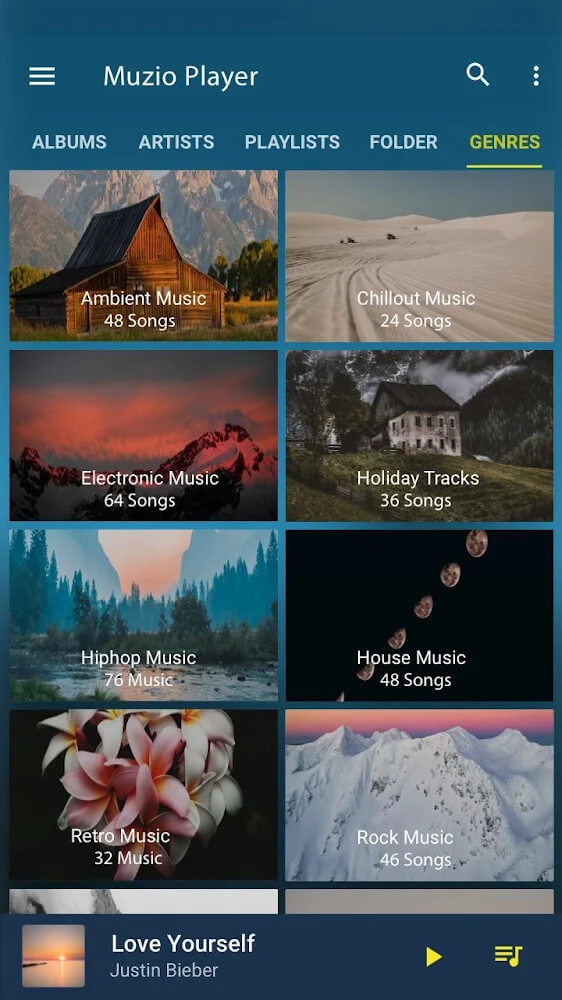
The local library has a search system that allows patrons to quickly locate specific media. A user has the option to look for music based on artist name or by music genre. Users have the ability to locate thousands of tracks instantly based on trending music or old time favorites. The user can click on a genre or artist name to view all songs associated with that particular category. The application is designed to enhance usability and provide quick responsiveness to user request. The objective is to reduce the gap between the user’s intent to listen to a song and the actual song playback to the minimum. The application provides a user-friendly GUI to interact with and control thousands of audio tracks stored on the user’s device. The application allows the user to easily search and play media from user’s device.
A Sleep Timer has been added to the application to help users manage their devices and personal wellness. It is no secret that many users like to fall asleep with music. However, leaving a music app activated to play music all night long can be bad for the health of the user and the device. To prevent an uninterrupted and continuous playback, the application has included a Sleep Timer. With this feature, the user can set a time after which the app should automatically close. Thus, the user can get a good night’s rest without having to manage the app or the device. The application has several features to organize and playback music. These features, along with the Sleep Timer, allow the user to get the best music experience while being considerate of the user’s wellness.
Key features
- Local music playback from device storage
- Management Folders for mood-based organization
- Powerful Equalizer with Jazz and Rock presets
- Audio extraction from video files
- MP3 format converter
- Integrated ringtone cutter
- Search by artist and genre
- Sleep timer for battery preservation
 |
 |
Related MOD APKs
FAQ
Is Premium unlocked in Music Player – Mp3 Player MOD APK?
This 7.4.4 version of Music Player – Mp3 Player includes Premium Unlocked. It functions like the Apps10X release, with all modifications active immediately after you install it.
What is the latest version of Music Player – Mp3 Player MOD APK?
Version 7.4.4 matches the Apps10X release from May 16, 2025. We don’t keep older versions here. To update, install this file over the existing one; if Android shows a signature conflict, you must first uninstall the old build.
Is Music Player – Mp3 Player MOD APK safe to download?
This Music Player – Mp3 Player 7.4.4 build on MODYOLO from Apps10X includes only the Premium Unlocked modification. 46 users have rated it 3.9 here. It does not require root. A Play Protect warning during installation is expected, so always download from this page.
Can I use Music Player – Mp3 Player MOD APK on PC or iPhone?
This Android package will not install on an iPhone or iPad. To run the 15M APK on a computer, use an emulator like BlueStacks or LDPlayer; install the emulator, then drag the file in.