


The Nebo MOD APK is a patched version of the productivity application that unlocks the paid features of the toolset. This build is designed to provide users with the complete suite of note-taking and PDF annotation tools without requiring a standard license purchase.
What’s Modified in Nebo
- The application is patched to provide access to the paid version of the software.
- Internal checks are modified to unlock all premium features and capabilities.
This Nebo MOD APK build is version 7.3.4 with a file size of 90M under the package name com.myscript.nebo, and because it is re-signed, it cannot be installed as an update over an existing version from the official store.
About Nebo
This app tries to find a happy medium between type-based and handwriting-based note-taking methods. Traditionally, there have always been ways to write on a digital surface using a stylus, but techniques to interpret and organize handwritten input have only recently become available. As with all types of handwriting, notes and sketches vary in complexity and structure. This app aims to solve the restriction of using physical paper by interpreting any type of user input.
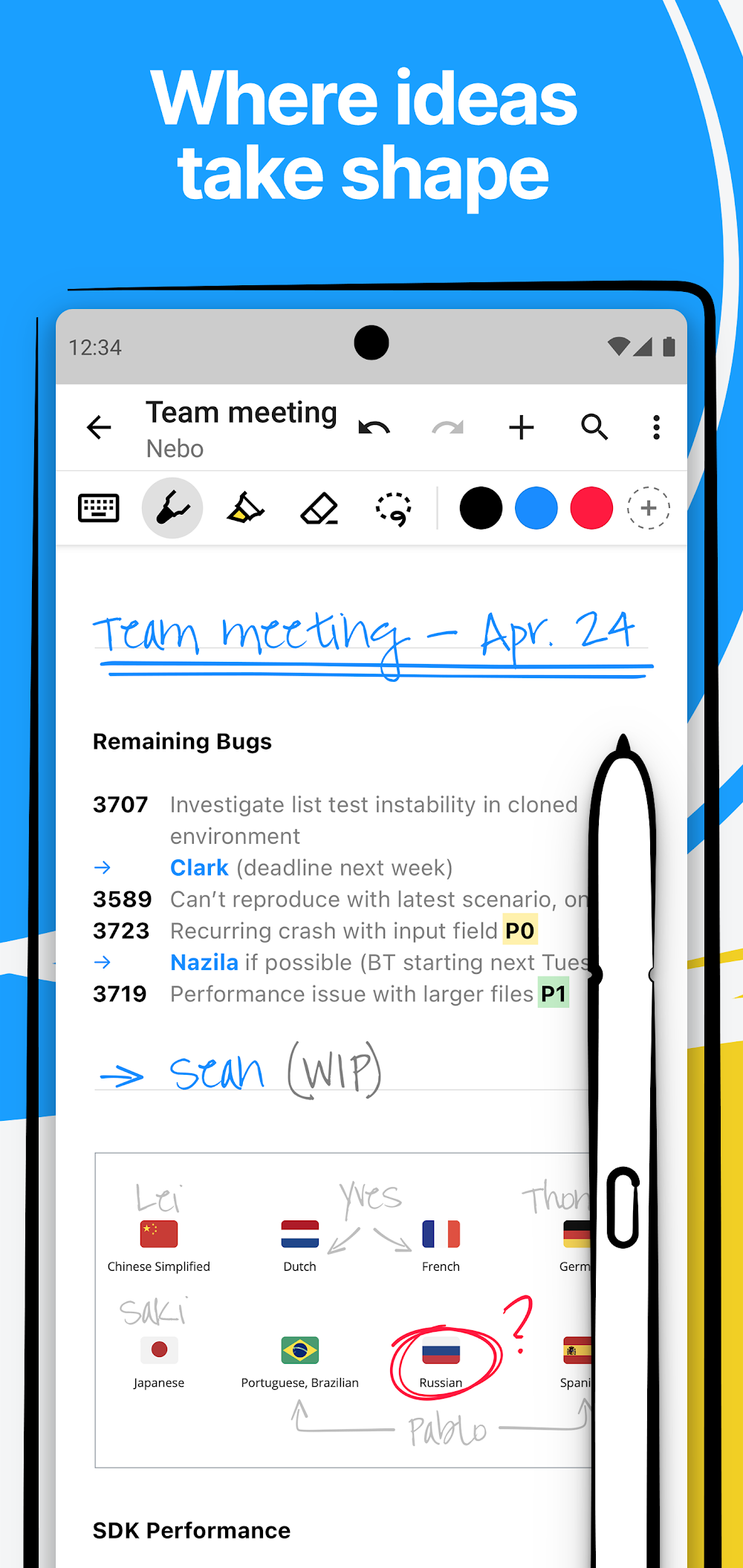
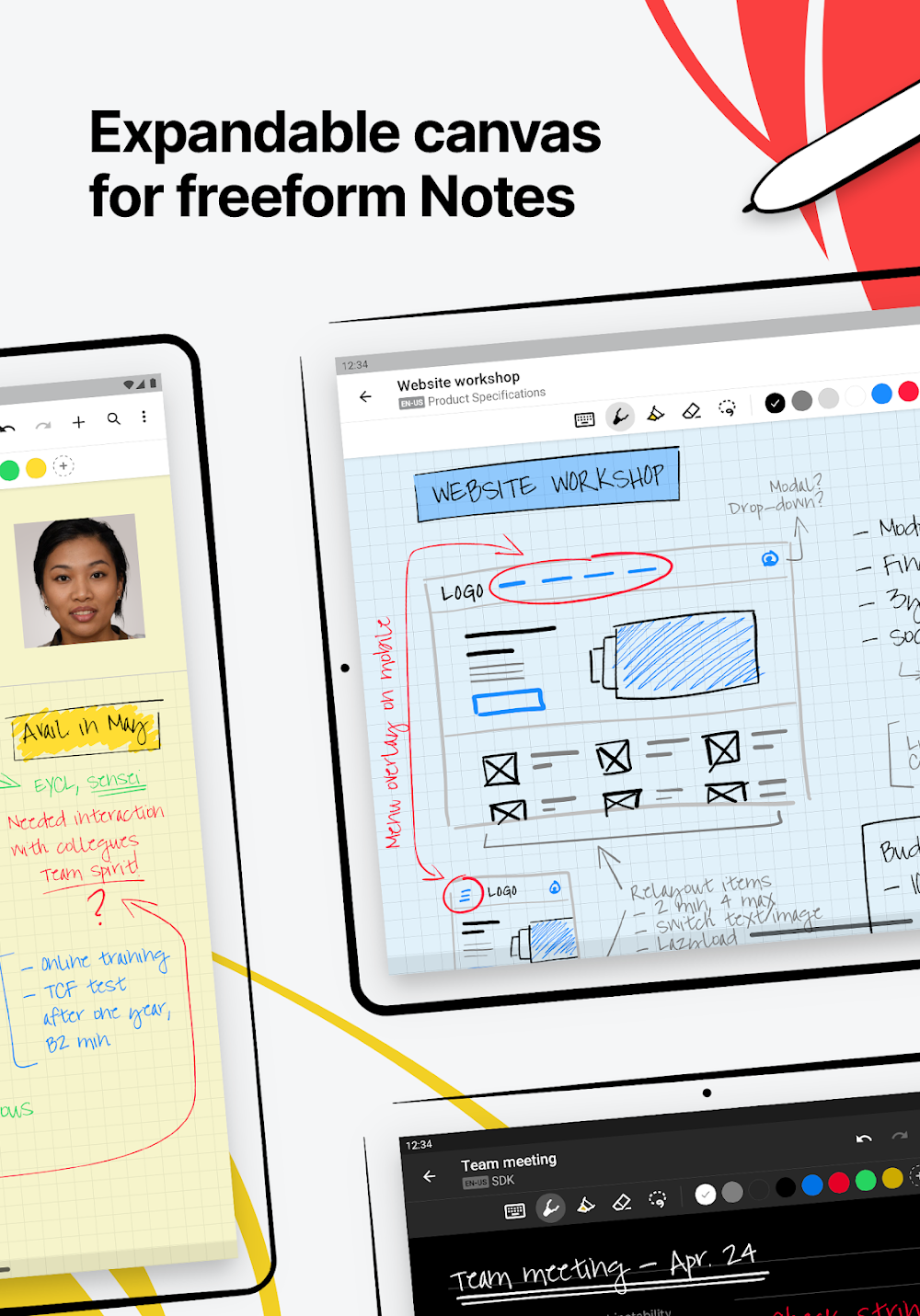
Beyond the digital notepad, the most notable feature of this app is the infinite, or at least very large, canvas. Similar to other drawing/painting apps, users are free to combine various media on this surface in whatever way they desire. For example, a user is free to write or draw complex sketches or scribble random thoughts. The development team incorporated a very sophisticated handwriting recognition engine to power many of the features of this app. Using this engine, users can erase or modify handwritten text and integrate various layout and styling options to handwritten content.
The application supports three major user flows based on different kinds of work. The first flow is, Nebo Note, which provides an unconstrained canvas for drawing and writing. Users can use it for brainstorming and coming up with initial ideas. Next, the Nebo Document, provides users with the flexibility to hand write notes and provide incremental and flexible content like equations and diagrams. Lastly, users can import PDf documents, and interact with them by adding text and other content.
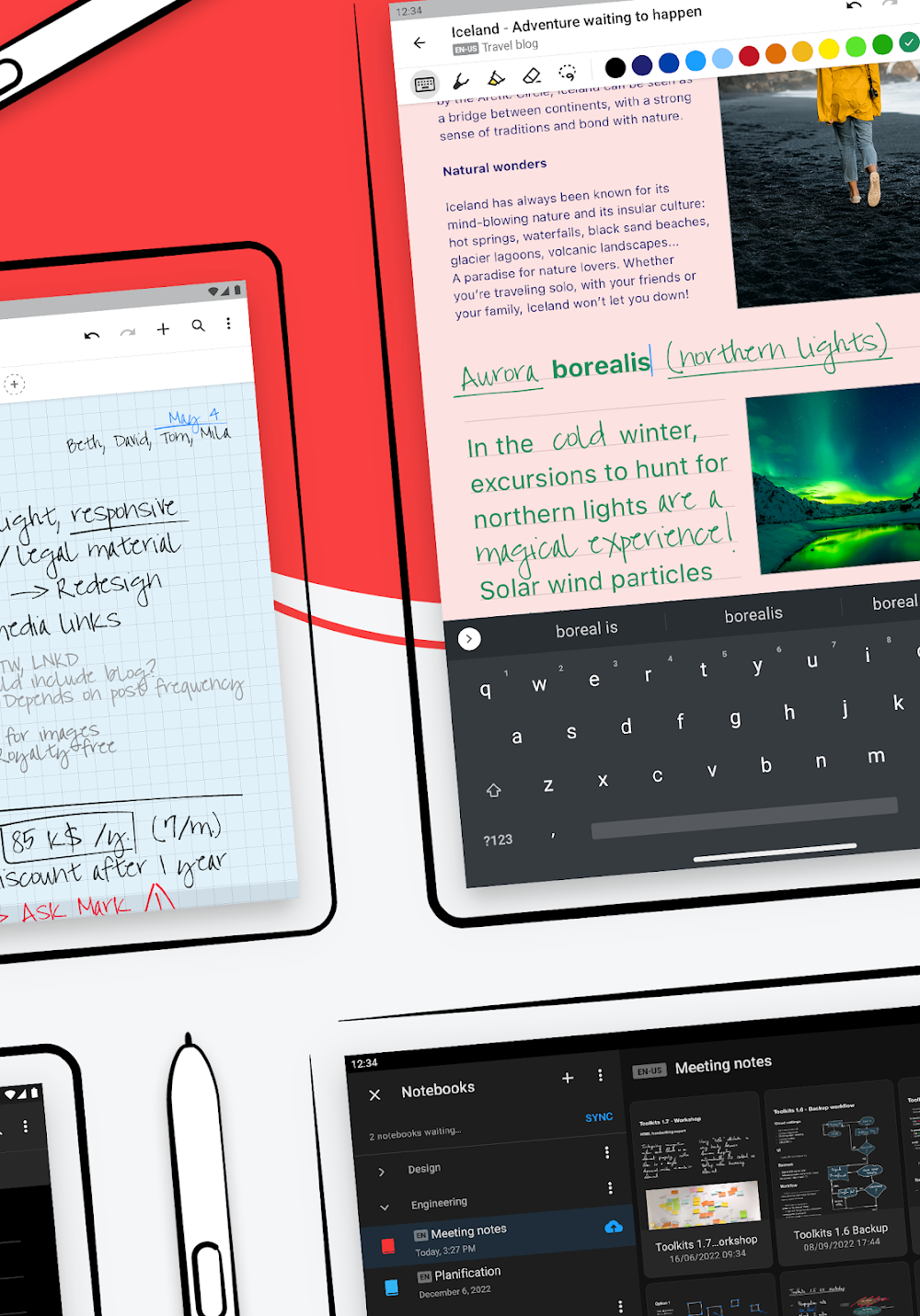
The application provides tools for content customization and integration with various computing hardware. The application provides a dark mode which inverts the color scheme of the interface. For computers with the M1 and M2 chips, the application provides functionality to interact with the desktop. Beyond interaction with mobile hardware, the application aims to provide a consistent user experience for interacting with different computers. The application aims to provide a clean and uncluttered interface to reduce distractions and increase a user’s creativity and focus.
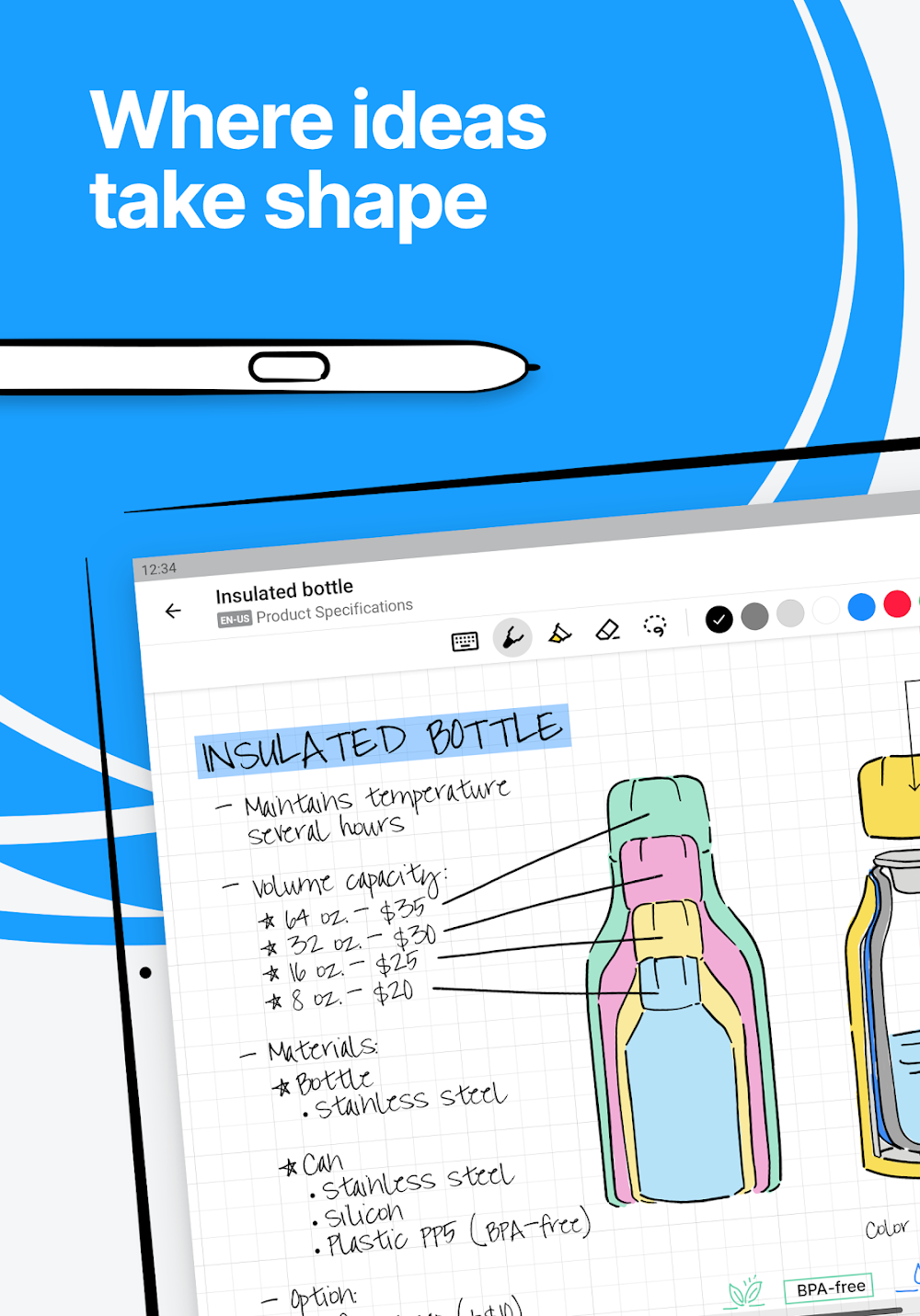
The digital page can be populated using various methods, from handwriting to type-to-text and voice input. You can also dictate entire paragraphs and then handwrite individual emojis to include in the digital document. The digital page is essentially a blank canvas, and it uses intelligent gestures to allow users to format and edit text by simply using the pen to strike through text to remove it or draw line breaks. Diagrams drawn on the digital page can be pasted and edited in other applications, including PPT. So next time you have to give a presentation, use the digital page to create editable diagrams and illustrations.
The application provides various tools for mathematics and library management for specific tasks and activities. The application provides a tool to handwrite and digitize mathematical equations and matrices. Users can solve equations and represent them in LaTeX. Users can choose from various types of pens and backgrounds to represent equations. The application provides a tool to digitize library materials. Users can organize library materials in the application in the form of folders and pages. Users can scan documents, images and other materials and embed them in notes. This helps users create and store digital copies of notebooks. Users can digitize their handwritten notes. The application provides a tool to create and maintain digitized notes.
Key features
- Expandable freeform canvas for unrestricted writing and sketching
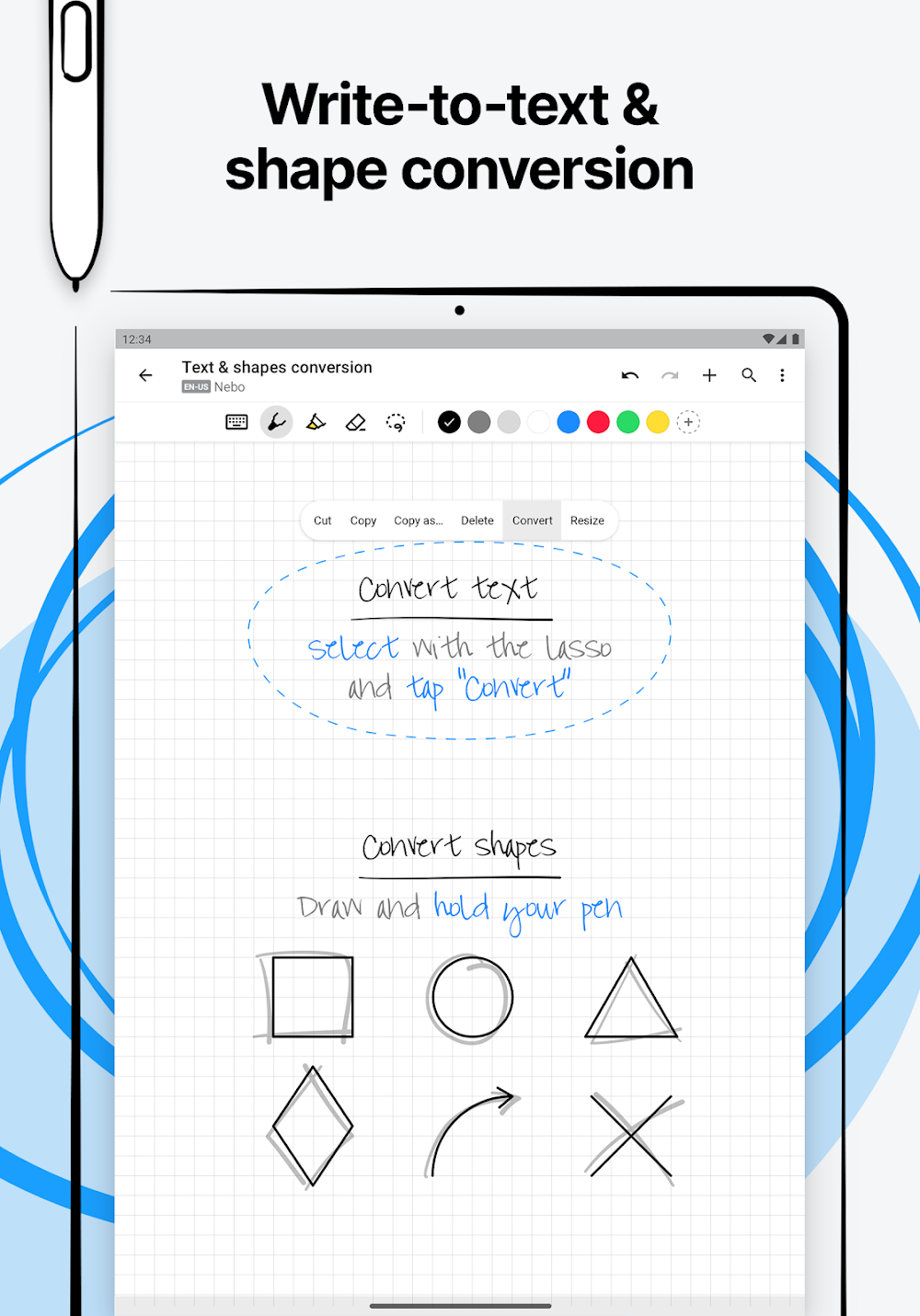
- Handwriting-to-text conversion supporting 66 different languages
- Responsive Nebo Document mode for structured note-taking
- PDF import and annotation capabilities
- Interface support for Dark Mode
- Compatibility with Mac M1 and M2 silicon devices
- Handwritten emoji recognition and conversion
- Intuitive pen gestures for formatting and editing
- Editable diagram exports for use in Microsoft PowerPoint
- Customizable pen styles and page background options
- Mathematical equation solving and matrix support
- LaTeX and image export for mathematical formulas
- Library organization with drag-and-drop management
Related MOD APKs
FAQ
What does Nebo: Notes & PDF Annotations MOD APK unlock?
This build of Nebo: Notes & PDF Annotations 7.3.4 is PAID and Patched. It operates like the MyScript release, with all features available immediately after you install the file.
What is the latest version of Nebo: Notes & PDF Annotations MOD APK?
The 7.3.4 build matches the MyScript release from May 9, 2026. We don’t keep older versions here. Install this update over your current app; if you get a signature error, uninstall the old version first.
Is Nebo: Notes & PDF Annotations MOD APK safe to download?
This Nebo: Notes & PDF Annotations 7.3.4 release from MyScript is PAID and Patched. 80 users rated it 3.9 here. It does not require root. If Play Protect warns you, continue anyway and always download from this page.
Can I use Nebo: Notes & PDF Annotations MOD APK on PC or iPhone?
This Android package cannot be used on iPhone. To run the 90M APK on a computer, use an emulator like BlueStacks or LDPlayer and drag the file into the software.