Play any video in stunning 4K HD with Neu Video Player—fast, smooth, and powerful playback with subtitles, streaming, and smart controls.
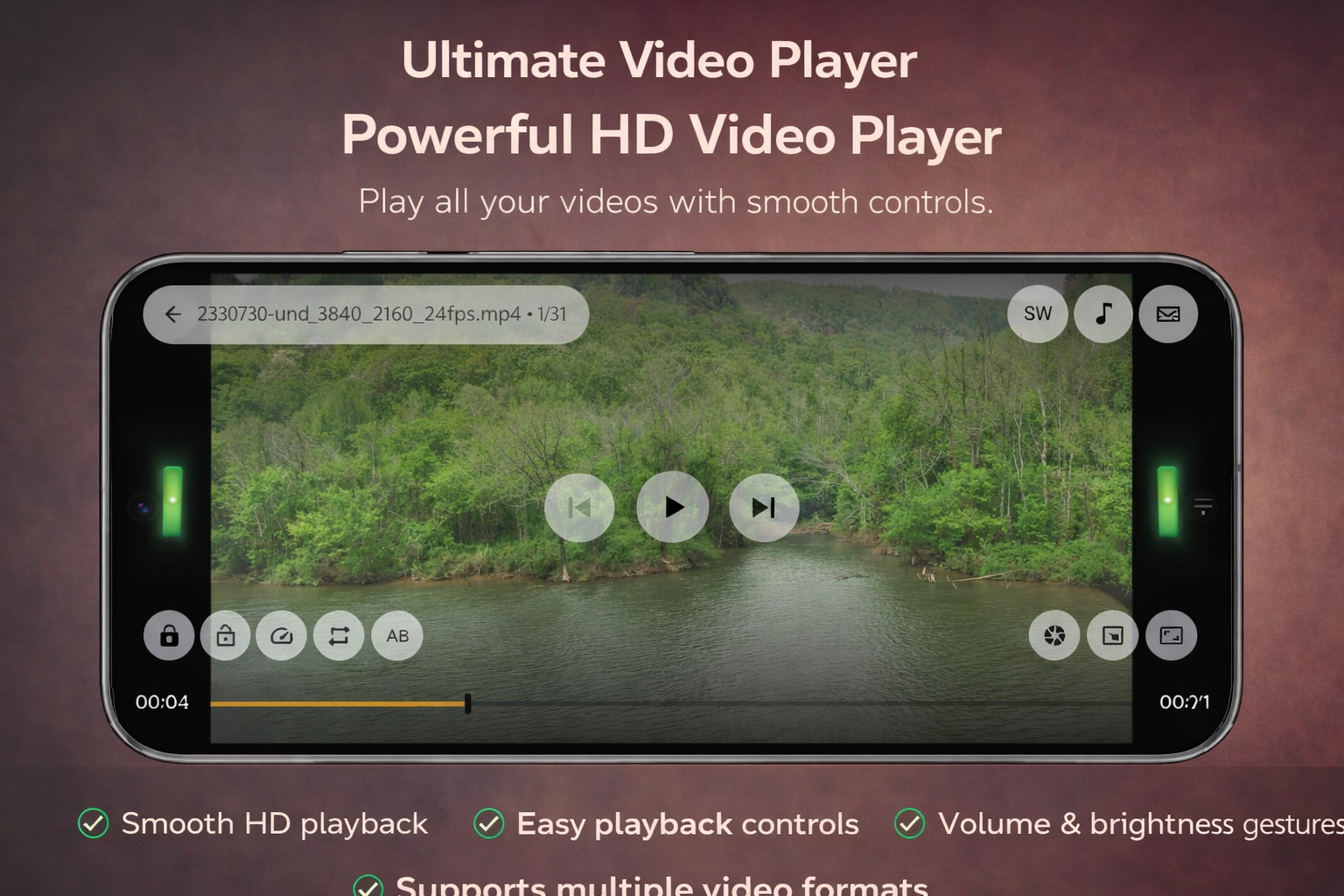
Neu Video Player – 4K HD MOD APK V1.3.6 (Premium Unlocked)
| App Name | Neu Video Player – 4K HD |
|---|---|
| Publisher | VidX Lab |
| Genre | Video Players & Editors |
| Size | 55 MB |
| Latest Version | 1.3.6 |
| MOD Info | Premium Unlocked |
| Get it On |

|
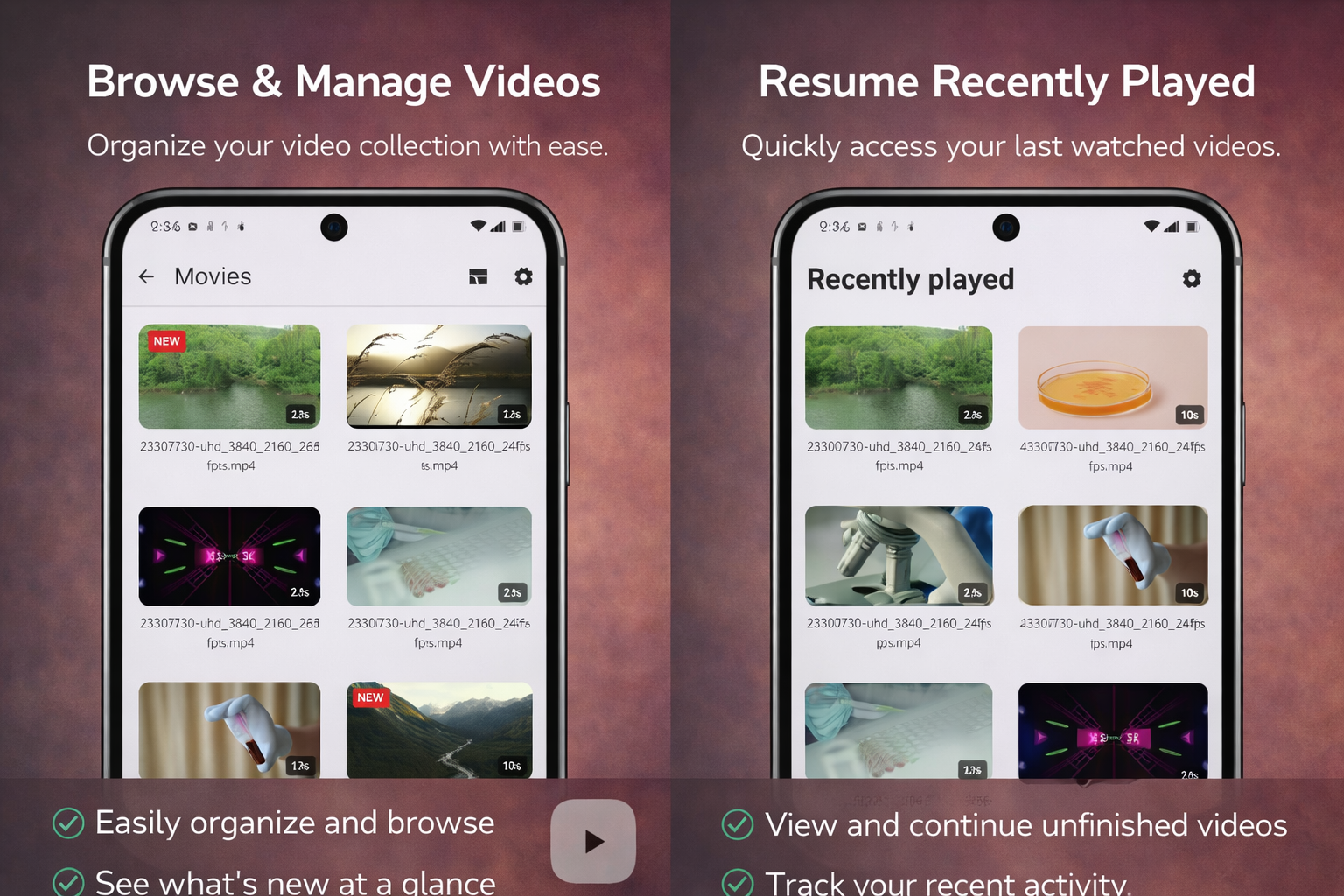
This version provides access to the paid features of the application without requiring a separate subscription. The Neu Video Player MOD APK modifies the original code to unlock premium functionality for all users, allowing for an unrestricted viewing experience.
What’s Modified in Neu Video Player
- Premium Unlocked: All paid features and restricted options are available in this version by default.
Version 1.3.6 has a file size of 55 MB and uses the package name com.vidxlab.neuvideo; this file is re-signed and cannot be installed over an existing store version.
About Neu Video Player
Neu Video Player – 4K HD is designed to playback high resolutions including 4K and Ultra HD. The application utilizes a specialized engine to not only play, but load high definition files. High definition files tend to be larger than standard definition files. With the inclusion of an engine designed to maximize performance and minimize loading times, the application is designed to address a major annoyance consumers have when trying to play high definition videos. The main focus of the engine is to minimize loading times and Buffer times. The engine is designed to prioritize resources to maximize performance and minimize delays. This ensures the frames of the video are constantly displayed on the user’s device. Less optimized media players are prone to frame drops and stutters. By managing system resources, the player ensures an optimal viewing experience.
Widely-supported format integration is a critical component of any media application. The app can play hundreds of different formats, including common extensions like MP4, MKV, AVI, MOV, FLV, WMV, and others. Because of this feature, users no longer have to rely on outside programs to convert formats. Instead, users can directly load and play files that previously required extra programs and effort to play. The application comes with the plugins and codecs that allow it to play the files. This gives it the same advantages of format conversion programs. Because it can play almost anything, users no longer have to think about the format of the files they want to play. The application can play files recorded on different devices in different formats and can play files that contain different resolutions and frame rates. Regardless of a file’s format or how it was created, users can load and play it through the application.
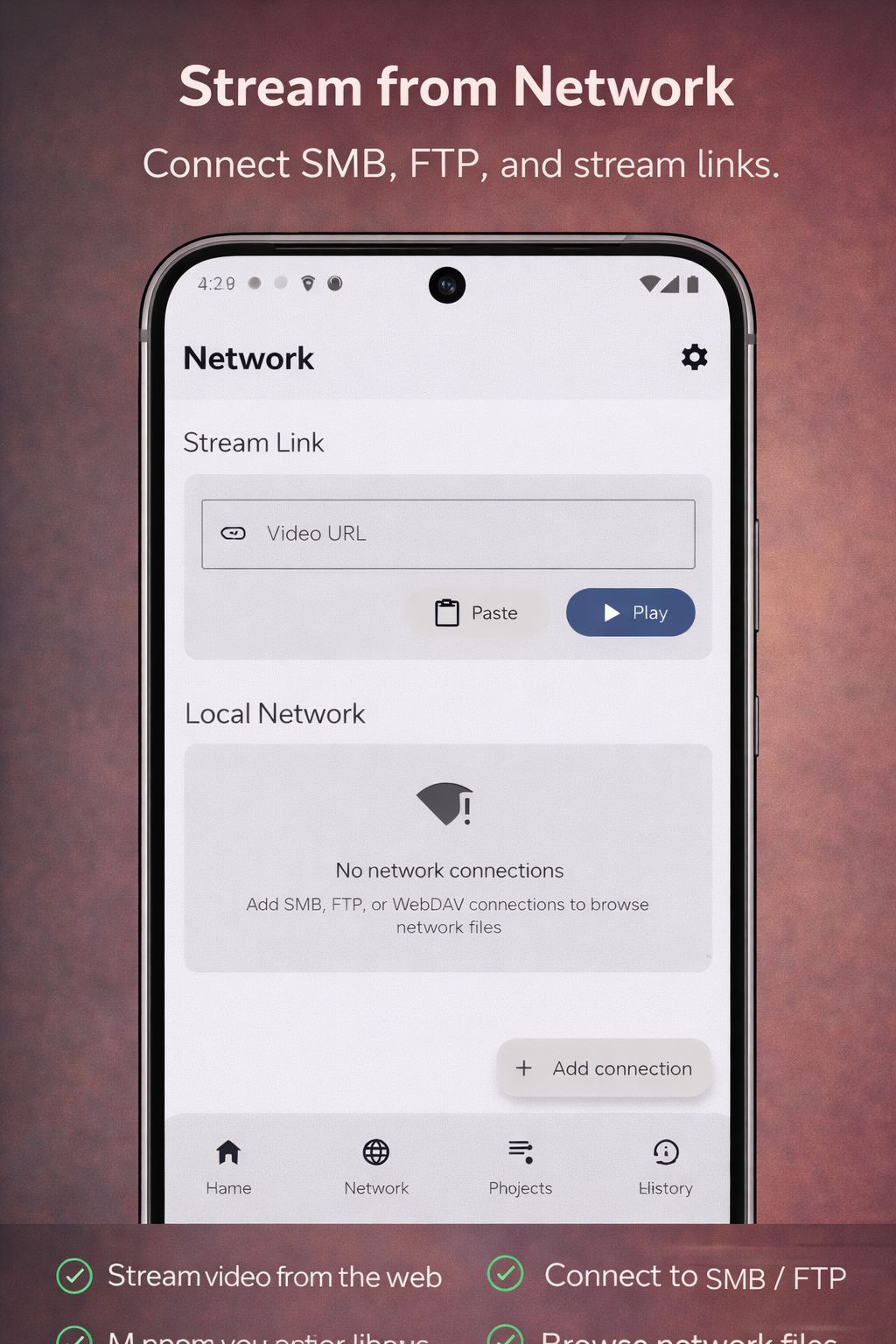
The application provides streaming functionality for users who do not store their media locally. The application streams media directly from the location on the Internet to the URL, avoiding the need to first download the media to the device. Using the application, users can stream any media that they can access over the network. The application provides a network stream player that has advanced audio decoding and can handle multiple audio streams. With this, users can choose the audio stream of their preference while playing a video. The audio, in combination with 4K or HD video, creates an immersive experience. The application’s network stream player is ideal for playing media that requires streaming over the network.
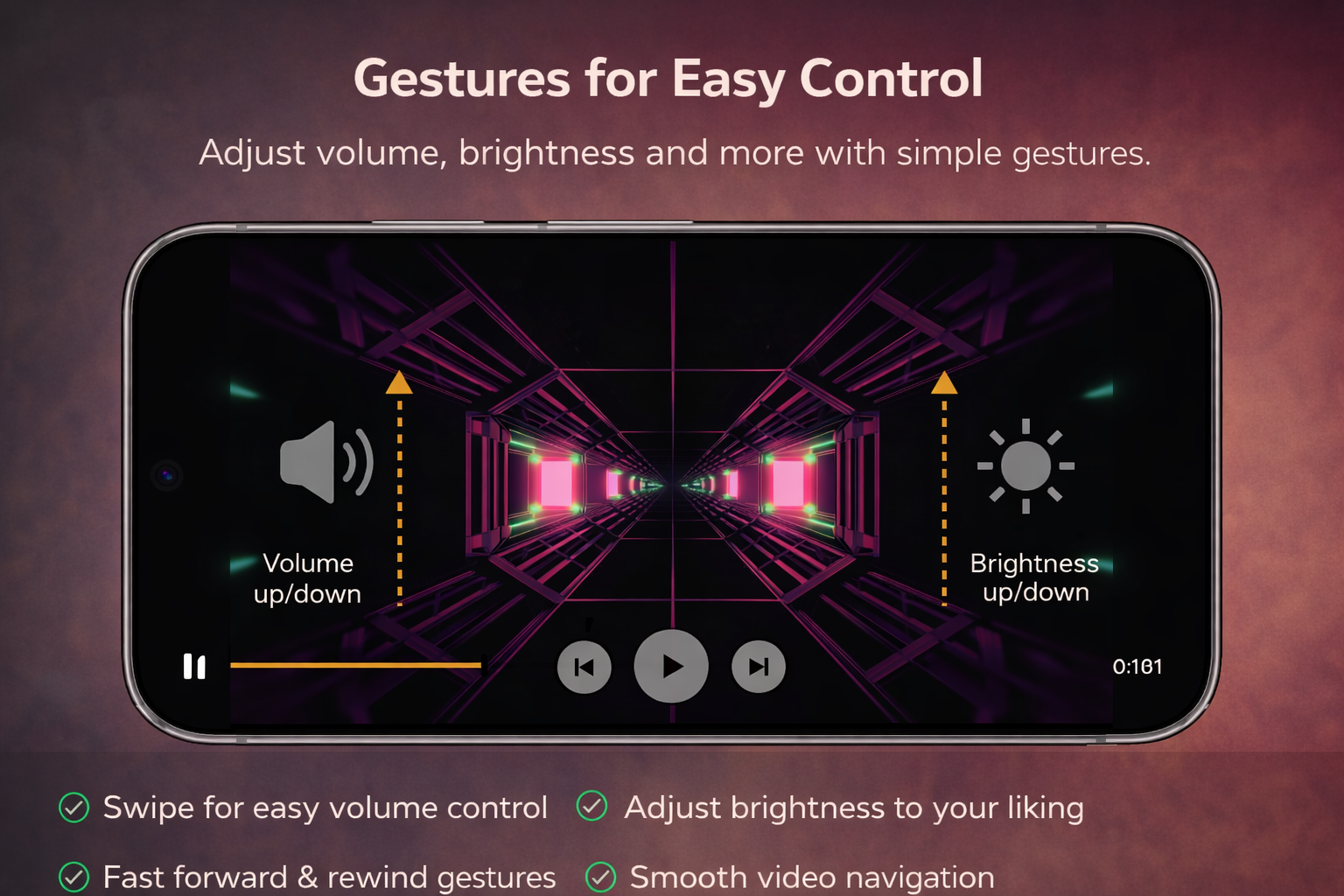
Interaction with the media player is intended to be as unobtrusive as possible. Smart controls and gesture-based controls are integrated to allow users to make a variety of changes without ever leaving full-screen mode. While a video is active, users can adjust the volume, set the display brightness, and change the playback speed, all by using gestures. The media player also offers an advanced subtitle controls to let users adjust various parameters of subtitle displays, as well as load and detect subtitle files of different formats, including SRT and ASS.
The program builds an automated media library. It scans all storage and loads all video files. It builds a library without the user having to navigate the file system. The program scans the video files on the main storage and on all external SD cards. The program scans files and has a tab named “Private Videos.” Users can move video files to the “Private Videos” tab. If the user has other people using the device, the user can keep files personal by moving the files to the “Private Videos” tab. Users can organize their media in a secure and private manner with this program.
The developers of the application have worked to design a feature-rich, user-friendly application with an intuitive user interface. The application’s user interface provides users an easy and comfortable way to watch media. The user interface is designed to retain an unobstructed view of the content. Easy to use controls and menus are hidden from the user’s view to eliminate distraction from the media being played. The user interface is designed to serve both, simple needs of the average consumer, who wishes to view media without any distractions, and the needs of an advanced consumer, who wishes to control and customize various aspects of the application. The application provides an easy to use interface to control almost all aspects of the application. The application is designed to provide users complete control over their entertainment needs. The application is designed to function as a complete solution for users to playback media on their mobile devices.
Key features
- Ultra HD Playback for 4K and HD quality files
- Support for MP4, MKV, AVI, MOV, FLV, and WMV formats
- High Performance Engine for quick loading of large files
- Multiple audio track support and high-quality audio decoding
- Network streaming from URLs or network sources
- Subtitle support for SRT and ASS formats
- Gesture-based controls for brightness, volume, and playback speed
- Automatic media library scanning and organization
- Private folders for video protection and privacy
- Modern user interface designed for usability
Related MOD APKs
FAQ
Is Premium unlocked in Neu Video Player – 4K HD MOD APK?
This 1.3.6 version of Neu Video Player – 4K HD includes Premium Unlocked. It operates like the VidX Lab original, and all modified features are active once you finish installing.
What is the latest version of Neu Video Player – 4K HD MOD APK?
Version 1.3.6 matches the VidX Lab release from March 17, 2026. We don’t keep older versions here. Install this file over your current app to update; if you see a signature error, uninstall the old version first.
Is Neu Video Player – 4K HD MOD APK safe to download?
This 1.3.6 build of Neu Video Player – 4K HD is the VidX Lab app with Premium Unlocked. 29 users gave it a 4.6 rating. It does not require root. Ignore Play Protect warnings and always download from this page.
Does Neu Video Player – 4K HD MOD APK remove the watermark?
This version provides Premium Unlocked. Since watermark removal is a pro feature in Neu Video Player – 4K HD, you should check the export screen after installation to confirm.
Neu Video Player – 4K HD MOD APK V1.3.6 (Premium Unlocked)
Download (55 MB )You are now ready to download Neu Video Player – 4K HD for free. Here are some notes:
- Please read our MOD Info and installation instructions carefully for the game & app to work properly
- Downloading via 3rd party software like IDM, ADM (Direct link) is currently blocked for abuse reasons.
4.6/5 (29 votes)