Experience cinematic video playback with nPlayer MOD APK! Play any format without conversion, enjoy HD quality, and master your media with intuitive gesture controls.
nPlayer v1.8.0.7_240308 APK (Full Version)
| App Name | nPlayer |
|---|---|
| Publisher | Newin Inc. |
| Genre | Video Players & Editors |
| Size | 50M |
| Latest Version | 1.8.0.7_240308 |
| MOD Info | Full Version |
| Get it On |

|
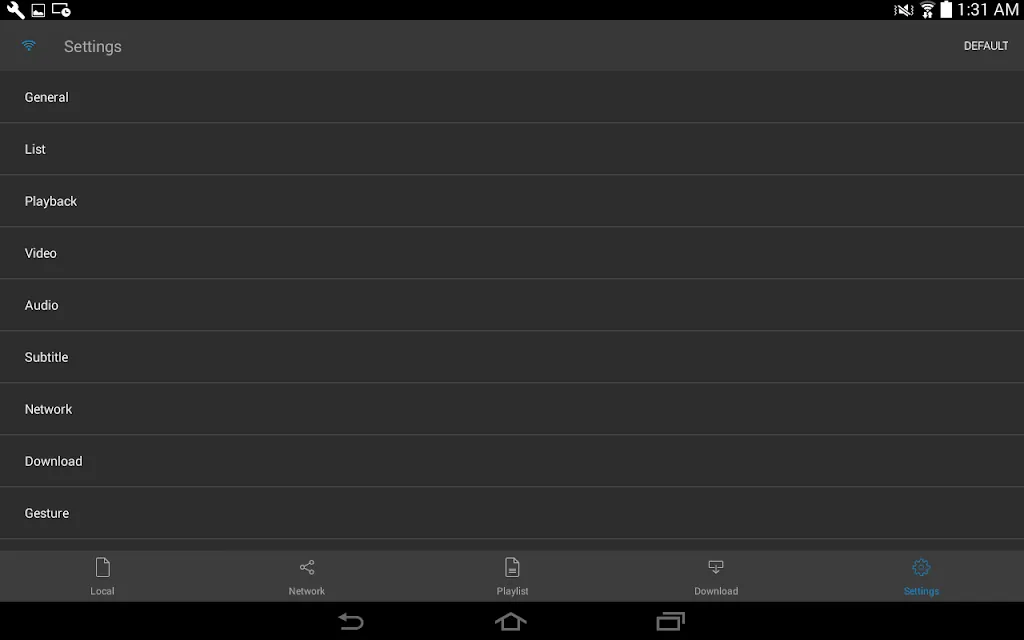
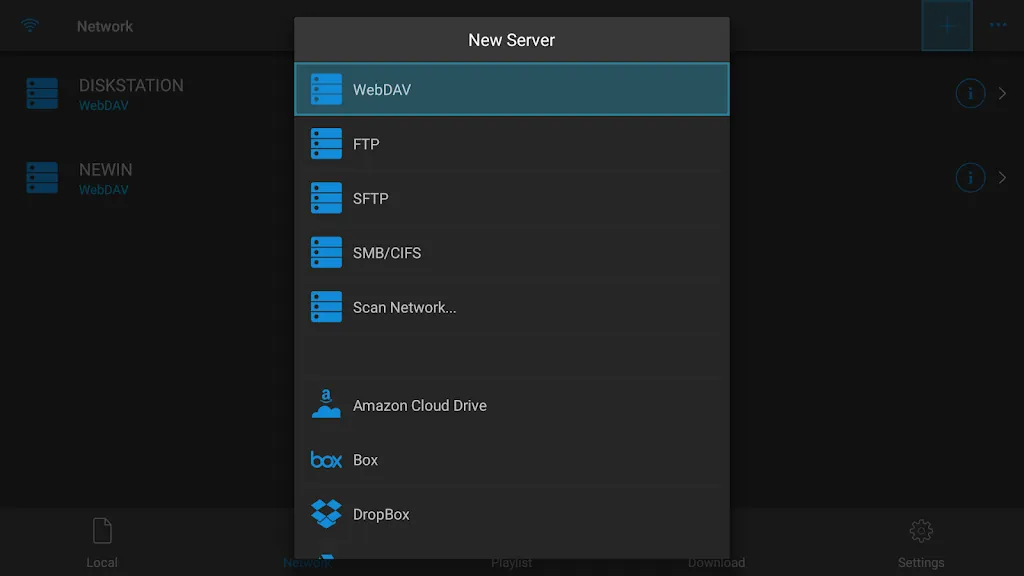
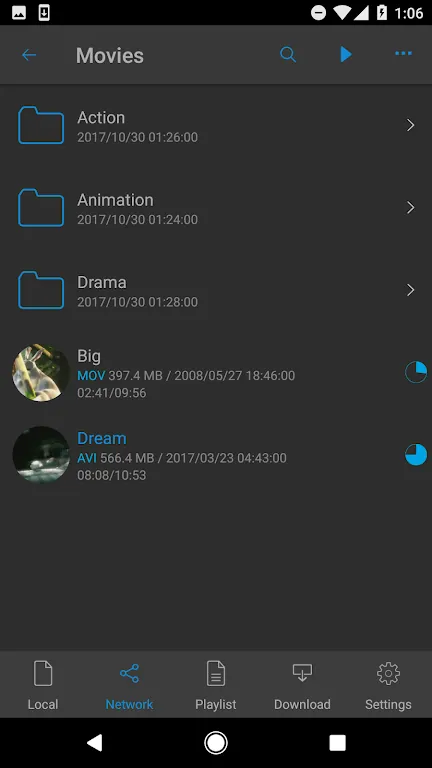
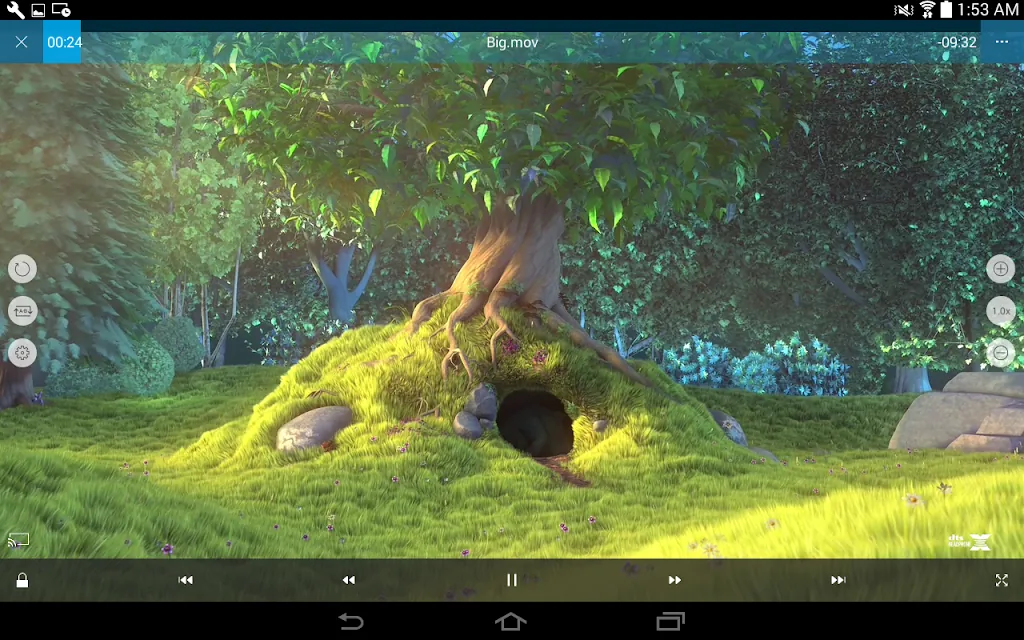
This version provides the Full Version of the application, enabling all premium functionalities that are typically restricted in the standard release. By utilizing nPlayer MOD APK, users gain access to the complete set of professional media tools and playback capabilities without additional requirements.
What’s Modified in nPlayer
- Unlocks the Full Version of the application to provide access to all professional features and capabilities.
This build is version 1.8.0.7_240308 with a file size of 50M and package name com.newin.nplayer.pro; as a re-signed file, it cannot be installed as an update over an existing version from the official store.
About nPlayer
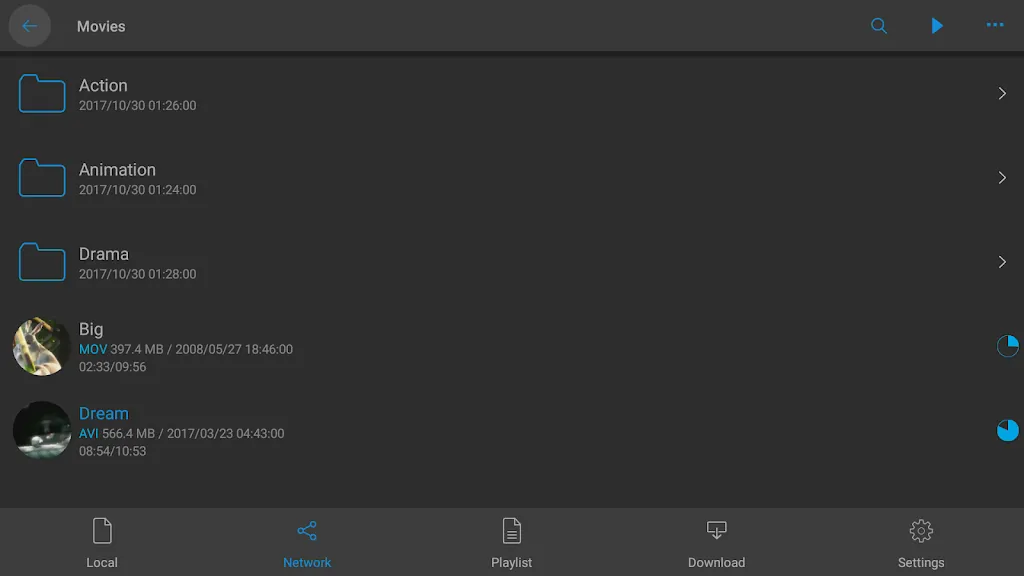
nPlayer is an advanced media player that allows users to play almost any video or audio format on their mobile device. The key function of this player is to remove the file conversion step which is usually required when dealing with incompatible codecs in conventional mobile software. nPlayer has a very broad format and container support including MKV, MP4, MOV, AVI, WMV, ASF, FLV, OGV, and RMVB. By having native support for these formats, the software allows the user to immediately view the high definition video files once transferred to the mobile device without the use of plug-ins and/or losing quality due to transcoding.
The application focuses on the audio performance of video and incorporates various licences for more advanced sound technologies. It includes official Dolby support for AC3 and E-AC3 as well as licences for DTS and DTS-HD. Being a licenced player for these technologies, the application provides users with high-definition multi-channel audio for a true theater like experience, especially for users with high end headphones or external speakers, as the audio is processed without the errors, downsampling, and other issues typically found in other players.
The application supports several subtitle formats like SMI, SRT, SSA, IDX, and SubStation Alpha. The application does more than just play back subtitles. With this application users can control virtually all aspects of how text is overlaid on video including font, size, color, position, opacity, and more. The player includes a real time synchronization tool to help adjust subtitle timings to help correct minor discrepancies in the subtitle timings compared to the audio.
The player enables access to remote media stored on different servers with SMB, FTP, SFTP, and WebDAV protocols. The player can connect to home media servers via DLNA and UPnP and access media stored on NAS devices. As for cloud storage, the player works with Dropbox, Google Drive, OneDrive, and Box. Users can maintain their collection on cloud or a remote network and stream it to the player. All of the storage options allow users to stream media without having to use the device’s internal storage.
The app uses hardware acceleration for H.264 and HEVC to smooth out the playback of high bitrate videos. Hardware acceleration uses a device’s graphics card to process video, which makes HEVC and other high bitrate videos playable on the app. Hardware acceleration improves battery life, and, along with the processors dedicated to video playback, reduces stuttering and frame drops. Long movies benefit the most from this feature.
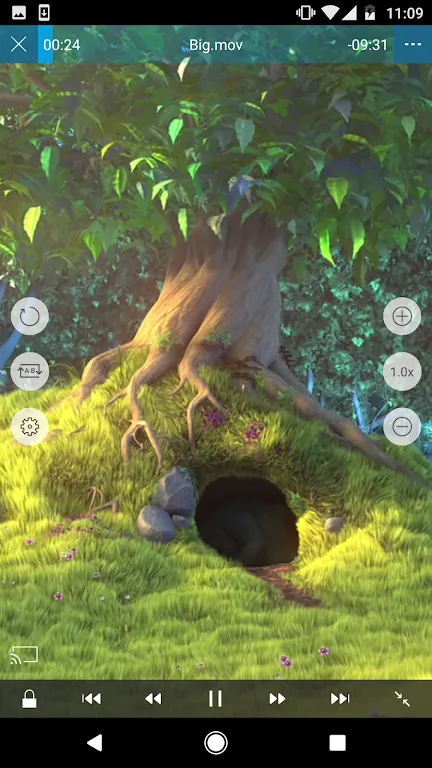
The app uses a gesture-based user interface, designed to give the user as much control over the videos as possible. The user can swipe left to right on the screen to adjust brightness and volume and swipe right to left on the screen to adjust the video timeline. A two finger pinch gestures allows the user to zoom in to a particular area of the video. The app uses a file management system to allow the user to organize their files into folders and move their files to their local storage or the cloud. The app uses security features such as encryption and password protection to help the user protect their private files.
Key features
- Universal format support including MKV, MP4, MOV, AVI, WMV, ASF, FLV, OGV, and RMVB
- Official licensed support for Dolby AC3, E-AC3, and DTS-HD audio codecs
- Advanced subtitle engine supporting SMI, SRT, SSA, IDX, and SubStation Alpha
- Network streaming via SMB, FTP, SFTP, WebDAV, and DLNA/UPnP protocols
- Cloud service integration with Dropbox, Google Drive, OneDrive, and Box
- H.264 and HEVC hardware acceleration for efficient 4K video playback
- Video casting capabilities for Smart TVs and Chromecast-enabled devices
- Gesture-based controls for brightness, volume, seeking, and zooming
- File management system with folder organization and file transfer tools
- Privacy features including file encryption and secure password protection
Related MOD APKs
FAQ
What does nPlayer MOD APK unlock?
This nPlayer (1.8.0.7_240308) build provides the Full Version. It functions like the Newin Inc. release, with all modifications active immediately after you complete the installation.
What is the latest version of nPlayer MOD APK?
Build 1.8.0.7_240308 matches the Newin Inc. version from June 18, 2026. We don’t keep older versions here. Install this file over your current app to update. If you see a signature conflict, remove the old version before trying again.
Is nPlayer MOD APK safe to download?
This nPlayer 1.8.0.7_240308 release from Newin Inc. features the Full Version modification. 46 users gave it a 3.7 rating. It does not require root. Play Protect might show a warning, so always download from this page.
Can I use nPlayer MOD APK on PC or iPhone?
This Android file will not work on an iPhone. To use the 50M package on a computer, install an emulator like BlueStacks or LDPlayer, then drag the file into the software to begin.
nPlayer v1.8.0.7_240308 APK (Full Version)
Download (50M)You are now ready to download nPlayer for free. Here are some notes:
- Please read our MOD Info and installation instructions carefully for the game & app to work properly
- Downloading via 3rd party software like IDM, ADM (Direct link) is currently blocked for abuse reasons.
3.7/5 (46 votes)