Transform your UI with OneGlass 8 MOD APK – Icon Pack! Access 4300+ glass style icons, 430+ stunning HD wallpapers, and customizable for any launcher you want!
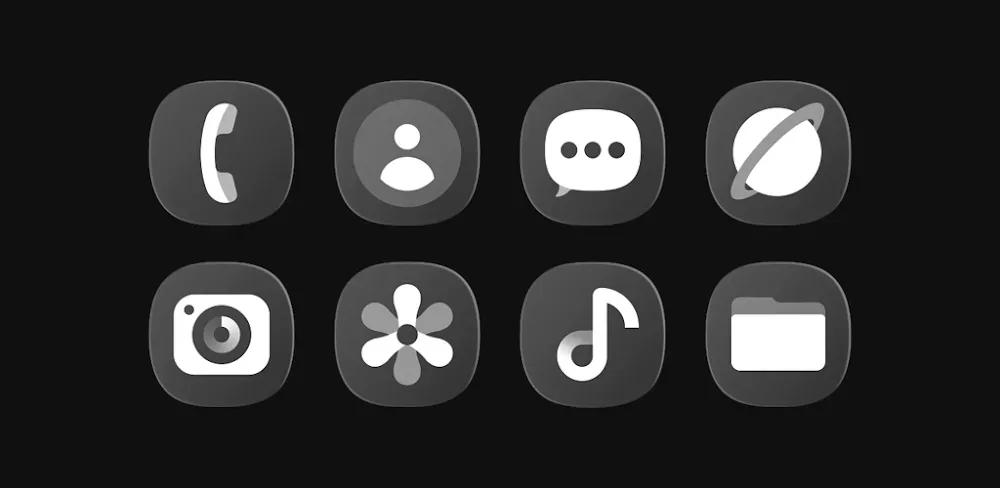

Transform your UI with OneGlass 8 MOD APK – Icon Pack! Access 4300+ glass style icons, 430+ stunning HD wallpapers, and customizable for any launcher you want!
| App Name | OneGlass 8 - Icon Pack |
|---|---|
| Publisher | Eatos |
| Genre | Personalization |
| Size | 50M |
| Latest Version | 1.3.5 |
| MOD Info | Full Version |
| Get it On |

|
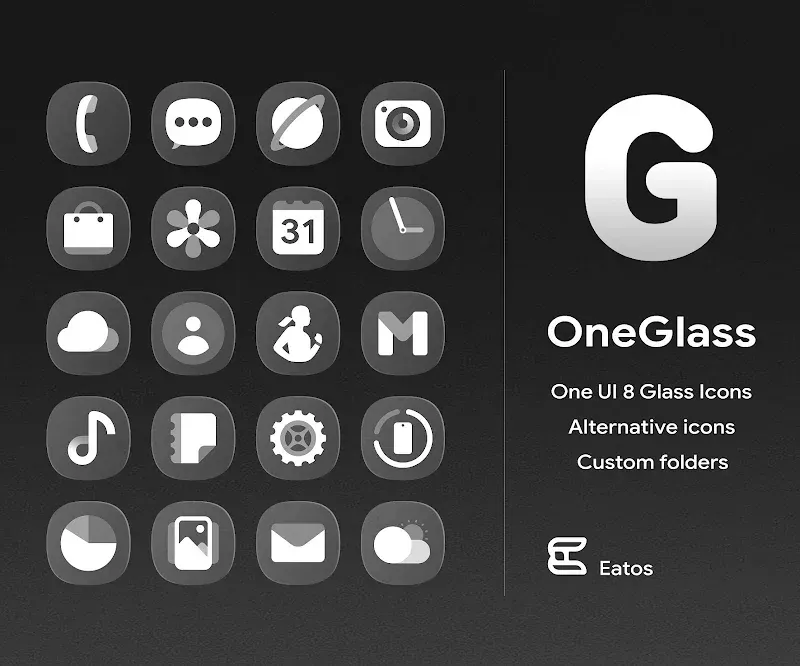
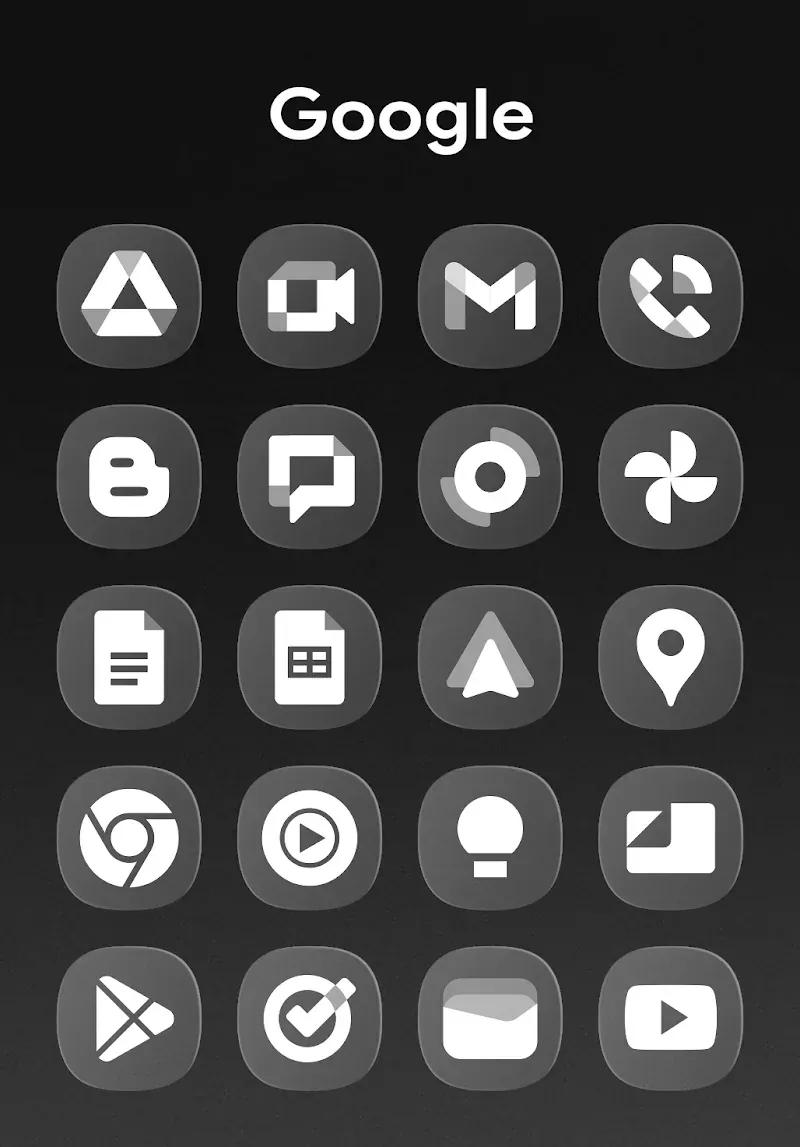
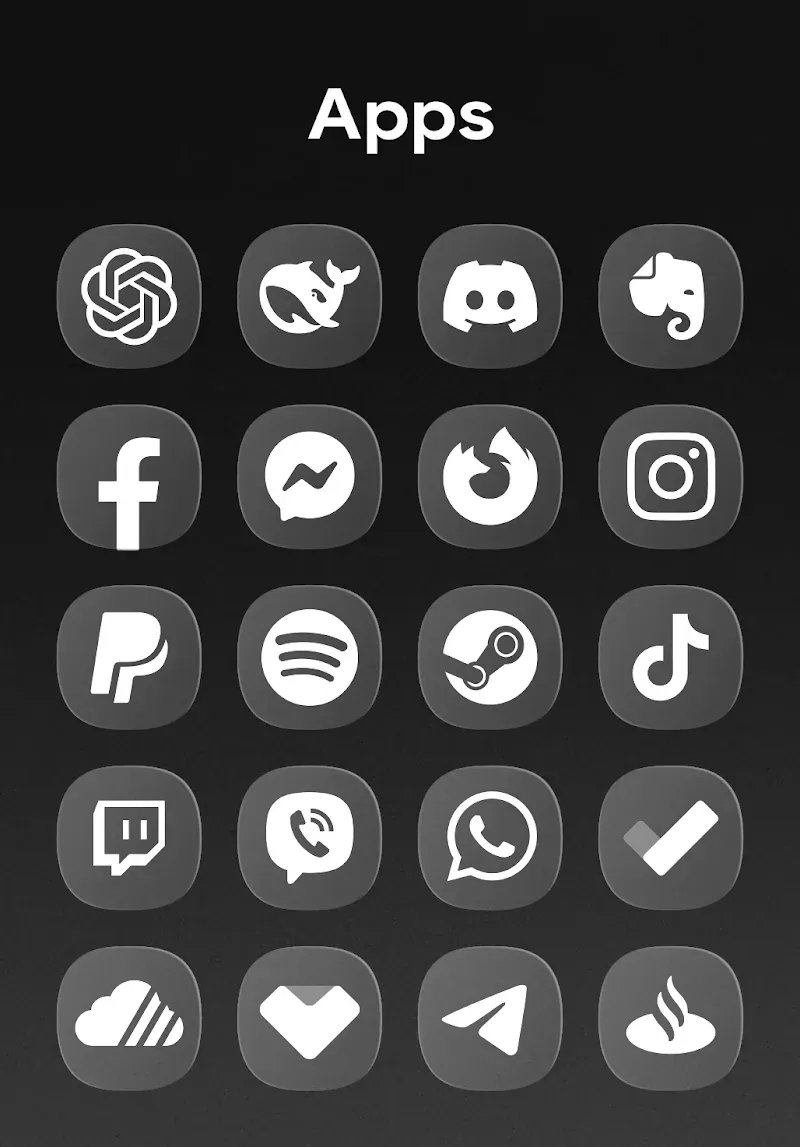
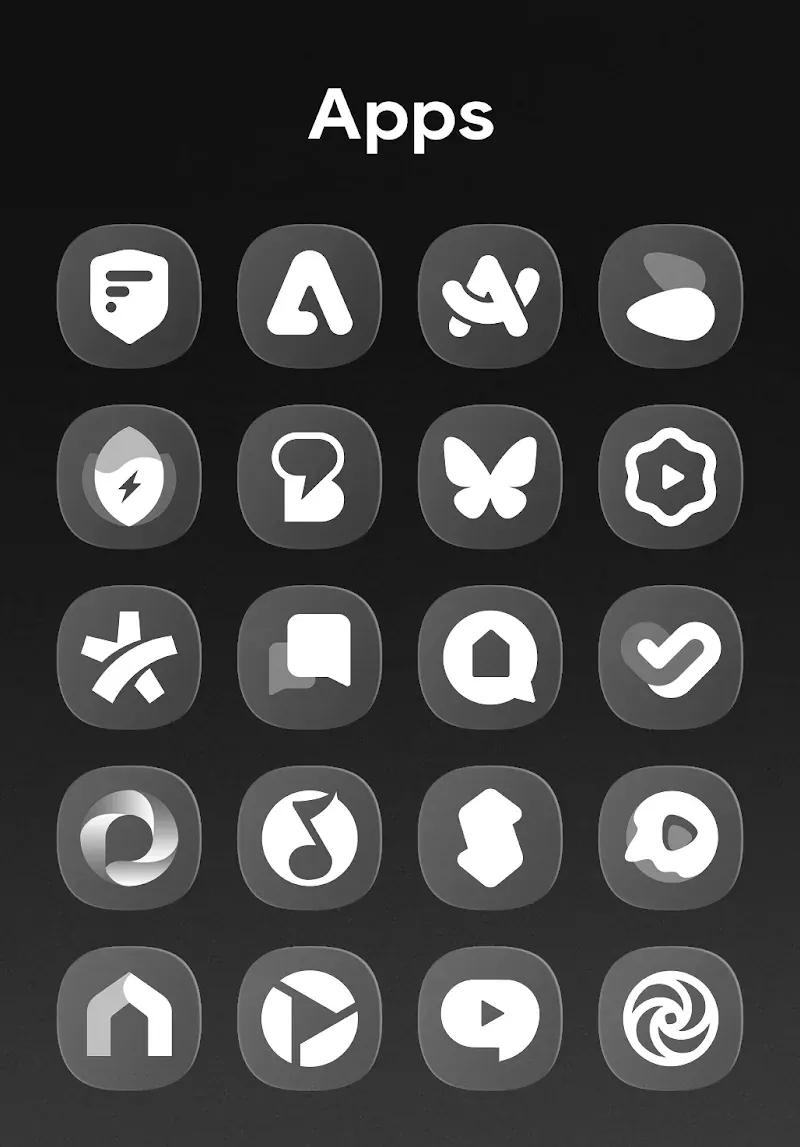
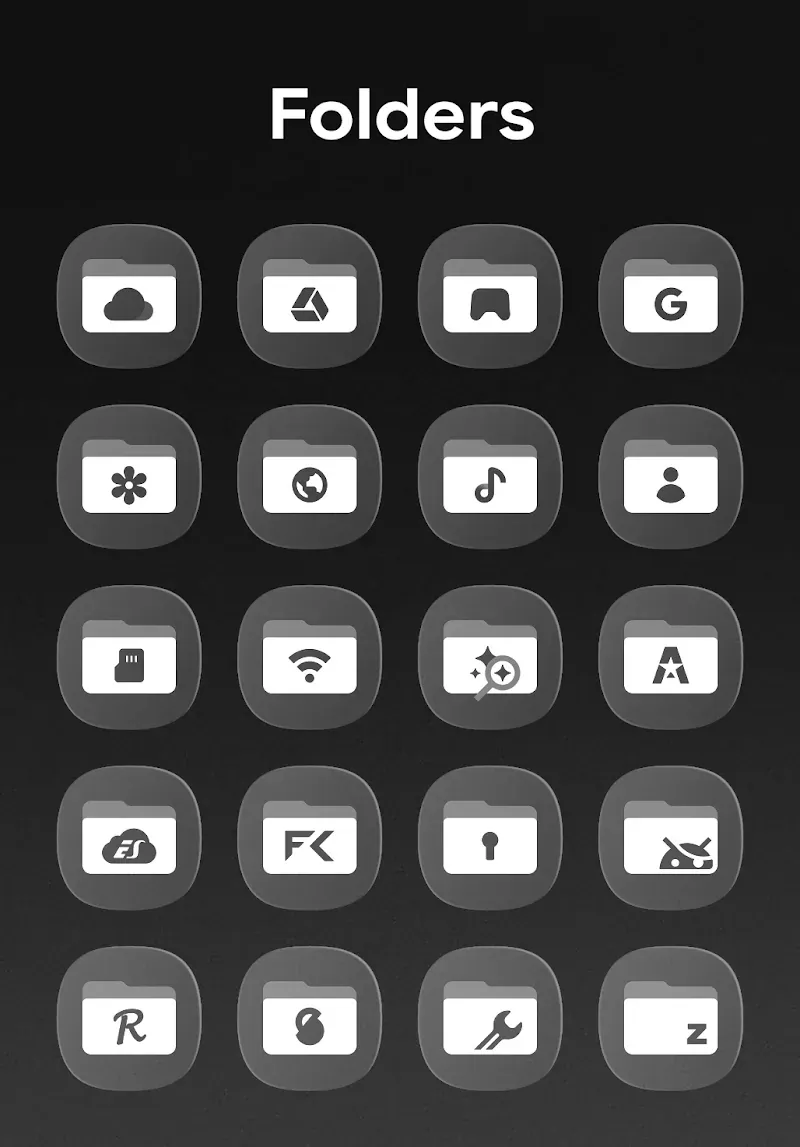
This version of the OneGlass 8 MOD APK provides the full version of the personalization suite, unlocking all premium features and assets. It allows users to access the entire library of icons and wallpapers without the restrictions found in the standard release.
This build is version 1.3.5 with a file size of 50M and the package name com.eatos.oneglass, and because it is a re-signed file, it cannot be installed over a copy downloaded from the official store.
OneGlass 8 is a personalization suite designed to change the visual interface of Android devices by replacing standard system icons with a glass-style aesthetic. The application aims to provide a digital makeover for users who find default system icons to be monotonous or unappealing. By focusing on high-definition visuals, the pack introduces a modern look characterized by transparency and sleek designs. This transformation is intended to make the home screen stand out through a cohesive set of visuals that cater to both minimalist preferences and those seeking a more sophisticated, polished appearance. The suite is built to breathe new life into the device’s user interface by ensuring that every time a user unlocks their smartphone, they are greeted by a consistent and professionally designed set of icons.
A major component of the OneGlass 8 MOD APK is its extensive library, which contains over 4300 high-definition icons. These icons are meticulously crafted to ensure they cover a wide range of applications, including both core system functions and popular third-party software. The high-definition nature of these assets ensures that they remain clear and sharp regardless of the screen resolution or the size of the icons on the home screen. By providing such a large number of icons, the application attempts to maintain visual consistency across the entire device, preventing the jarring contrast that occurs when only a few icons are themed while others remain in their default state. Each icon is designed to follow the glass-style theme, utilizing specific lighting and transparency effects to create a sense of depth.
In addition to the icon library, the application includes over 430 curated art wallpapers. These backgrounds are specifically selected to complement the unique visual properties of the glass-style icons, such as their transparency and glowing edges. The wallpapers are cloud-based, which allows the application to offer a large variety of high-resolution imagery without significantly increasing the local storage requirements of the initial installation. These wallpapers provide the necessary backdrop to make the glass aesthetic effective, as the transparency of the icons relies on the colors and shapes of the background to create a realistic glass effect. Users can browse through these curated selections to find a backdrop that matches their personal style while ensuring the icons remain legible and visually striking.
The application is designed for broad compatibility and functional utility. It supports dynamic calendar icons, which means the icon for the calendar app will automatically update to display the current date. This feature ensures that the home screen remains useful for quick information retrieval while still adhering to the chosen theme. To ensure that a wide variety of users can utilize the pack, it is built to be compatible with many popular third-party launchers. These include Nova, Apex, Action, Go, and ADW, among others. This level of compatibility allows users to integrate the glass-style icons into their existing home screen setups without needing to change their preferred navigation or layout tools. The application also includes professional editing tools that allow for further fine-tuning of the interface.
Navigating the extensive collection of assets is managed through a user-friendly dashboard. This interface is designed to be intuitive for both beginners and power users, providing a central location to browse the icon library and wallpaper collection. A built-in search tool is included to help users find specific icons instantly, which is particularly useful given the size of the library. Icons are also organized into categorized themes to help users maintain a consistent look across different types of applications. If a user finds that a specific app on their device is not yet covered by the icon pack, they can use the integrated icon request feature. This tool allows the user to notify the developer about missing icons, facilitating the growth of the pack through future updates.
Performance optimization is a key aspect of the application’s design. Despite the high-definition quality of the assets and the large number of icons and wallpapers available, the application is optimized to ensure the device remains fast and responsive. The goal is to provide a complete interface overhaul that feels like a natural part of the device’s operating system rather than an external skin that slows down performance. By combining massive libraries of icons and wallpapers with functional features like dynamic calendars and search tools, the suite offers a comprehensive solution for those looking to customize their mobile experience. The frequent updates mentioned in the description suggest a commitment to expanding the collection to cover new apps and trending visual styles, ensuring the pack remains relevant as the user’s app collection changes.
Related MOD APKs
What does OneGlass 8 – Icon Pack MOD APK unlock?
This 1.3.5 edition of OneGlass 8 – Icon Pack includes the Full Version. It functions just like the original Eatos app, and all modifications are active immediately after you install the file.
What is the latest version of OneGlass 8 – Icon Pack MOD APK?
Version 1.3.5 matches the Eatos release from June 12, 2026. We don’t keep older versions here. Update by installing this build over your existing one; if Android shows a signature conflict, uninstall the old version first.
Is OneGlass 8 – Icon Pack MOD APK safe to download?
This 1.3.5 version of OneGlass 8 – Icon Pack on MODYOLO is the Eatos app with the Full Version unlocked. 98 users rated it 3.5 here. It does not require root. If Play Protect warns you, always download from this page.
Can I use OneGlass 8 – Icon Pack MOD APK on PC or iPhone?
This Android package cannot be installed on an iPhone. On Windows or macOS, run the 50M APK in an emulator like BlueStacks or LDPlayer by dragging the file into the emulator window.
You are now ready to download OneGlass 8 - Icon Pack for free. Here are some notes: