Create stunning photo videos with music, effects, transitions, and filters. Turn your memories into beautiful slideshows in seconds!
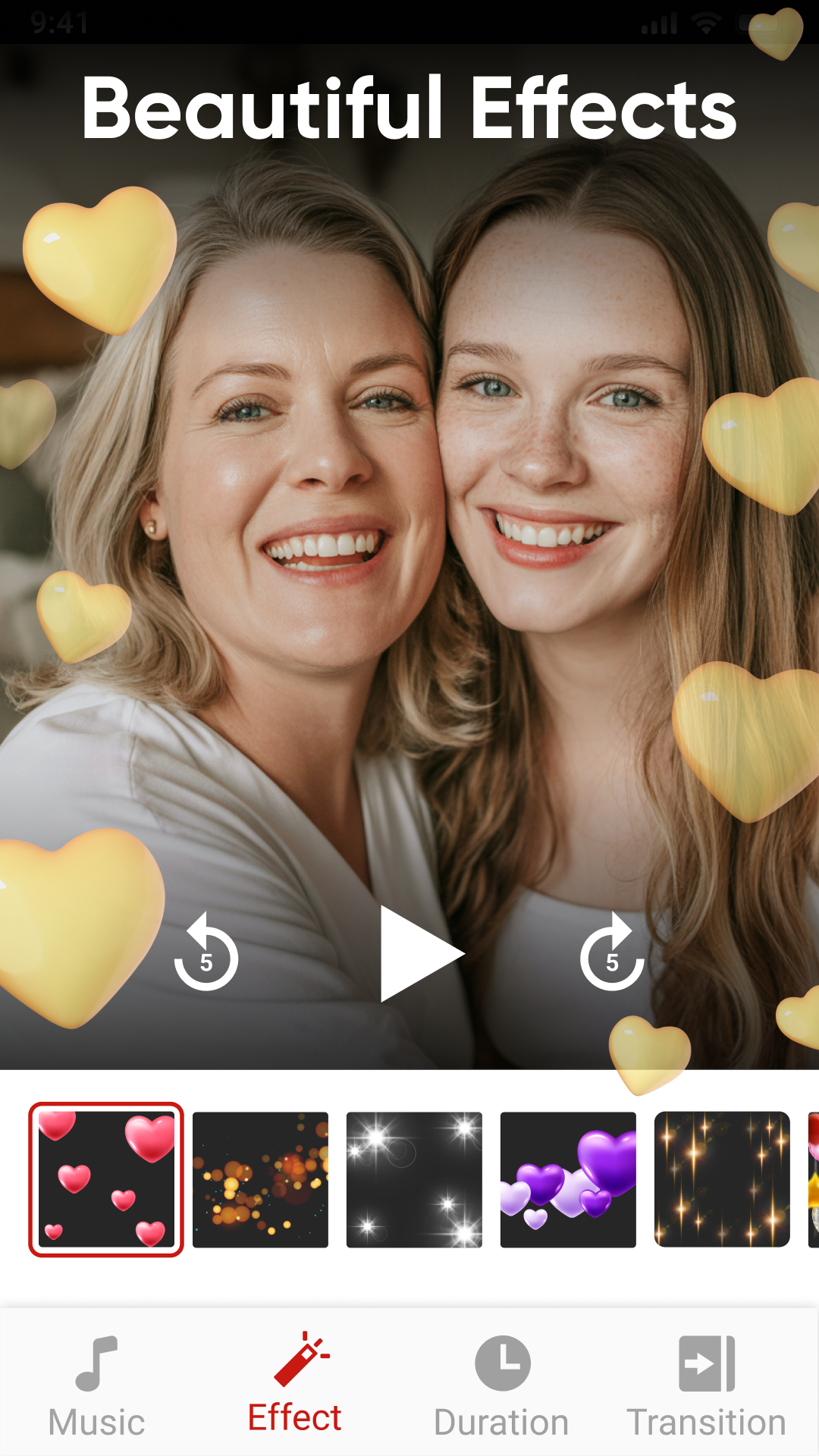
Photo Video Maker With Music MOD APK V2.6.78 (Premium Unlocked)
| App Name | Photo Video Maker With Music |
|---|---|
| Publisher | Eco Mobile Editor |
| Genre | Video Players & Editors |
| Size | 53 MB |
| Latest Version | 2.6.78 |
| MOD Info | Premium Unlocked |
| Get it On |

|
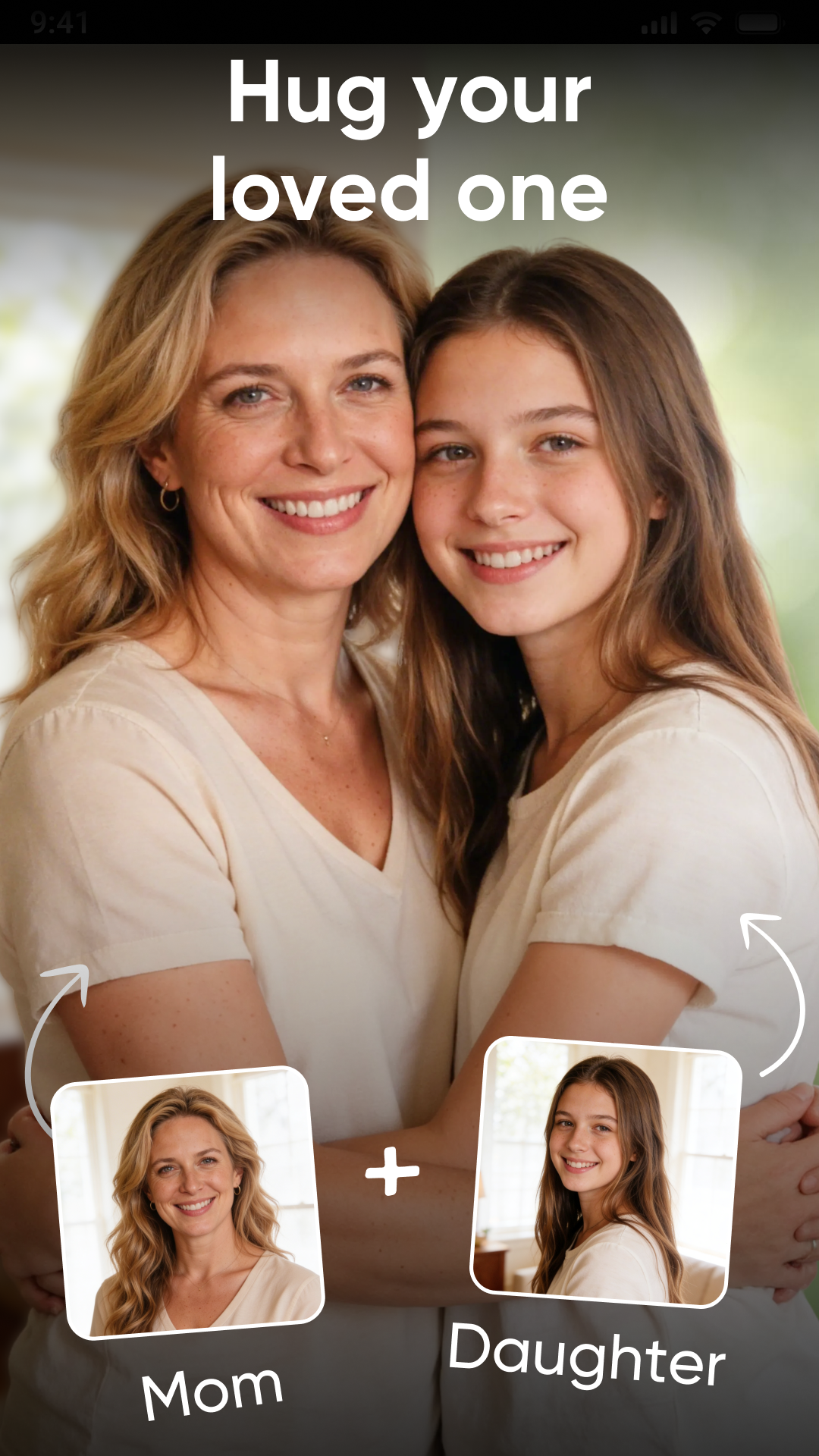
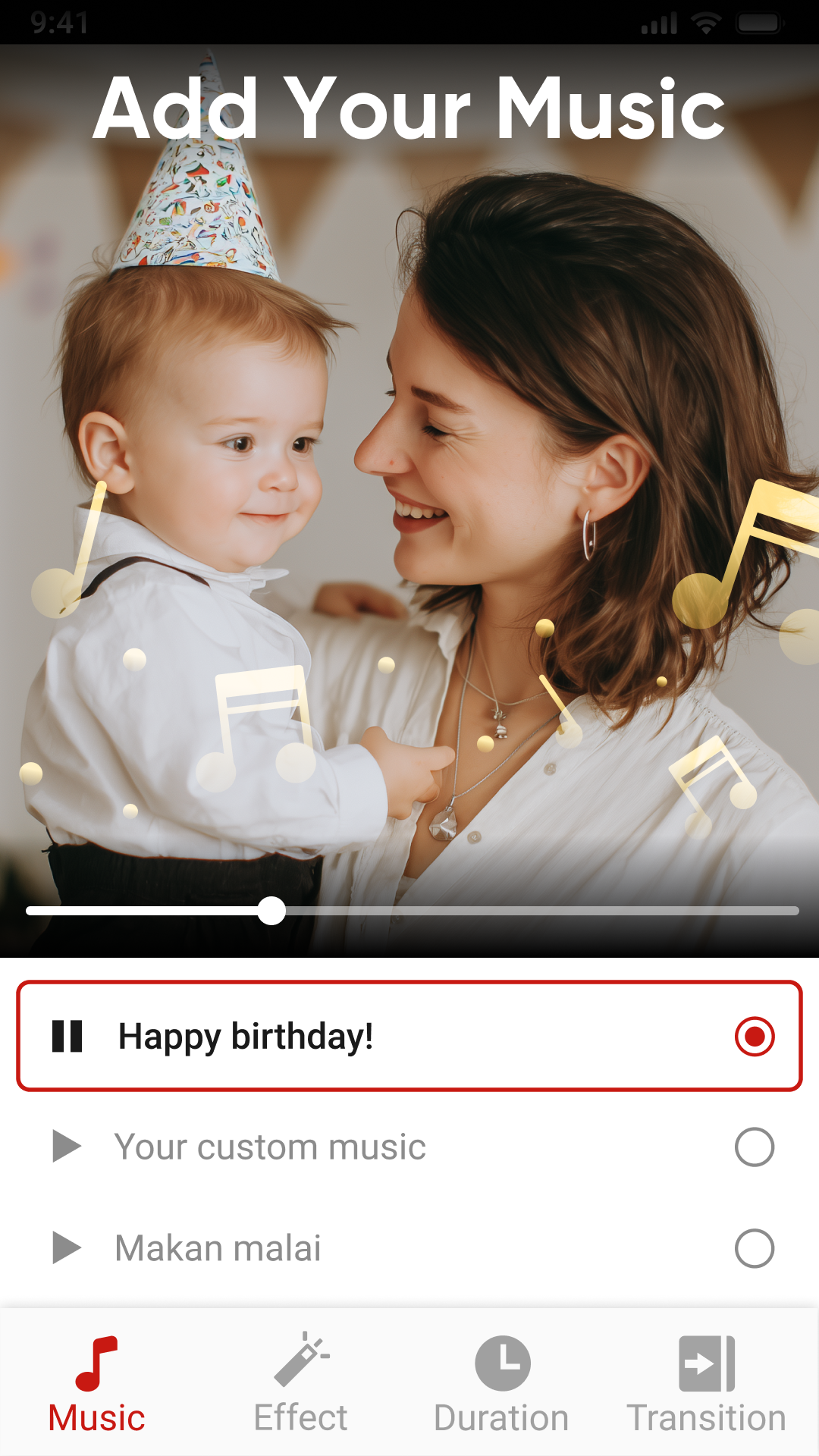
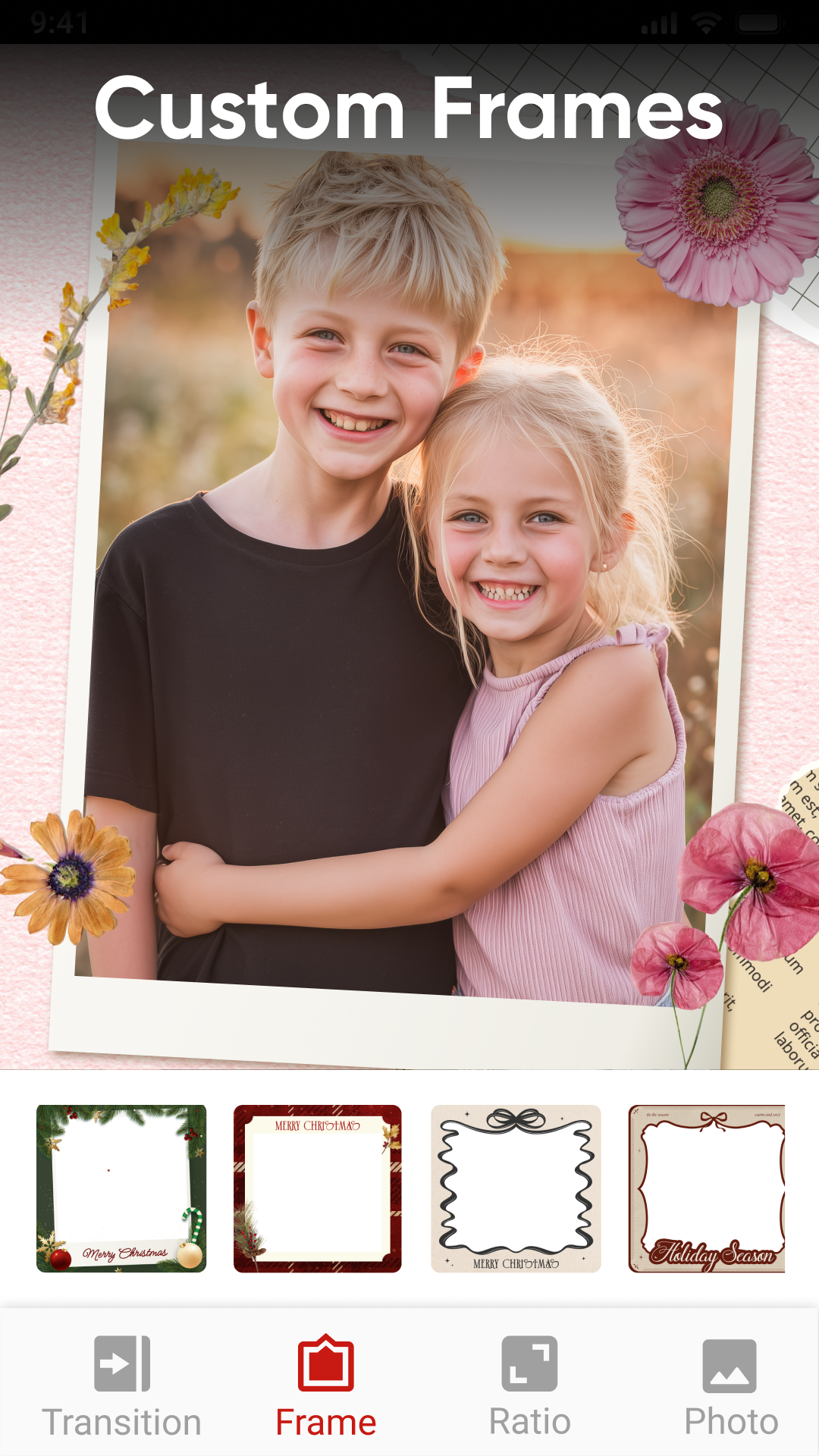
This version of Photo Video Maker With Music MOD APK provides access to premium features that are typically locked in the standard version. Users can utilize the full suite of tools and assets without needing to purchase an upgrade.
What’s Modified in Photo Video Maker With Music
- The premium features of the application are unlocked for use.
This build is version 2.5.78, has a file size of 53 MB, uses the package name com.vtool.photovideomaker.slideshow.videoeditor, and is re-signed, meaning it cannot be installed over an existing version from the official store.
About Photo Video Maker With Music
Photo Video Maker With Music lets users create video presentations from their images. Users choose images on their device, put them in a specific order, add music and transitions, and render their presentation. Users create videos documenting and celebrating special occasions (birthdays, weddings, anniversaries, etc.) and recounting travel experiences. The interface enables users to manipulate the order of images to achieve the desired flow of the video. The software provides an instant preview of users’ creations, allowing them to make adjustments before finalizing the rendering. This instant feedback is an integral part of the user experience, and is intended to make the transition from still images to moving video as easy as possible. Users can put their images in any order, and ensure the progression of their video is in the order they want. Users can export video presentations of any size up to 10 minutes for free.
The audio integration of the application allows users a plethora of ways to integrate sound to their projects. Users can select from a built in music library that consists of various genres and moods or can use their own audio files, and integrate them to their projects. From there, users can create a particular atmosphere, whether it be an upbeat and energetic clip for use on social media, or an ambient and emotional background for a personal memory. The application allows users to arrange the transition of their photos in alignment to the music, to achieve a more seamless and fluid video. Once achieved, the visual elements need to alter in alignment to the audio track, to be effective. The application allows the integration of emotional background music, or more upbeat music to be utilized for social media, to provide that extra edge to the video, in sync with the visual elements. The application allows the managing of the volume levels for the integrated audio, to ensure that they are maintained at a level to compliment the visuals, and not overpower them.
The application provides a range of tools to improve the appearance of individual photos and the video as a whole. Users can work with brightness, contrast, and color filters to enhance the photos in the sequence. There are tools for cropping and rotating photos, which is useful to accounts for varying photo orientations and aspect ratios. Changes can be made at the global level as well. For instance, users can define the duration of each photo in the sequence. This duration can be adjusted based on the music, for instance, to ensure that more time is spent on a photo with less detail. Tools are also available for frame adjustments to ensure the content being shown fits within the output format, for instance, to frame the image to a page or to fit a title within the image. Overall, the software offers a range of tools to make global changes as well as offer minute adjustments to photos to allow the user full control over the data being presented.
The software helps the user transition from one image to the next by adding different types of effects. These images are provided by the user and can be static images or images in a video. The app provides its own collection of transitions and effects which range from fades, zooms, slides, and dissolves. With a tap of a finger, the user can apply one of the provided transitions to two photos in the project to create a seamless flow. The app provides a collection of filters which provide a particular mood to a project. These filters can make a project look old and worn like film from the 60’s, or enhance lighting to look like a blockbuster movie. The app makes color correcting and adjusting pictures easy. The user can adjust pictures to their liking by adding movie-like effects. The user can personalize pictures the way they envision, in the mood and style they want. This app is made for the novice user and requires no knowledge of color grading or video production.
Users can also add text and stickers to customize videos further. The app provides a range of features for working with text, including tools for customizing font size, style and color. Users can also add animations to text. Rendering text onto a video frame adds context or calls to action. Stickers can also be added to frame for a thematic or fun effect. The app can render videos very quickly for sharing. The target platform for the finished video includes Instagram, Facebook, TikTok, WhatsApp, YouTube and more. The developers have worked to make sure the videos can be shared and viewed with minimal quality loss.
The editing software is designed for beginners and advanced users. With this app, there’s no need for advanced skills in mobile editing. The app provides an easy way to turn photos into videos. The app offers user-friendly rendering and high performance, especially for users who like creating content on the go. The app combines the features of a video editor and a digital story editor. The user can perform basic edits on pictures, order and trim them, and create videos with a duration of less than 10 minutes using the various effects, visuals and audio available. Complex projects can be processed quickly, even those with several transitions and audio tracks. The main focus of this app is to create an easy and high performing app for users to create content on the fly for daily or special occasions. The app functions effectively on different types of mobile hardware.
Key features
- Photo trimming and ordering
- Video duration control
- Frame adjustments
- Brightness, contrast, and color filters
- Crop and rotate images
- Fade, zoom, slide, and dissolve transitions
- Vintage and modern cinematic filters
- Text and stickers with customizable font styles
- High quality video export
- Music library and custom song integration
Related MOD APKs
- Music Player – MP3 player
- Photo Editor & AI Video Maker
- Crop, Trim Video Editor
- Background Changer, Remove BG
FAQ
Is Premium unlocked in Photo Video Maker With Music MOD APK?
This 2.5.78 version of Photo Video Maker With Music provides Premium Unlocked. It functions like the Eco Mobile Editor original, and the modifications are active as soon as you finish the installation.
What is the latest version of Photo Video Maker With Music MOD APK?
Version 2.5.78 is the current Eco Mobile Editor release, updated April 15, 2026. We don’t keep older versions here. Install this new file over your current app to update. If a signature conflict occurs, you must uninstall the existing app first.
Is Photo Video Maker With Music MOD APK safe to download?
This 2.5.78 Photo Video Maker With Music file from Eco Mobile Editor has Premium Unlocked. It has a 4.6 rating from 22 users. It does not require root. Since Play Protect might flag it, always download from this page.
Does Photo Video Maker With Music MOD APK remove the watermark?
This version includes Premium Unlocked. Since Photo Video Maker With Music puts watermark-free exports in the Pro tier, check the export screen after you install the app to confirm.
Photo Video Maker With Music MOD APK V2.6.78 (Premium Unlocked)
Download (53 MB )You are now ready to download Photo Video Maker With Music for free. Here are some notes:
- Please read our MOD Info and installation instructions carefully for the game & app to work properly
- Downloading via 3rd party software like IDM, ADM (Direct link) is currently blocked for abuse reasons.
4.6/5 (22 votes)